
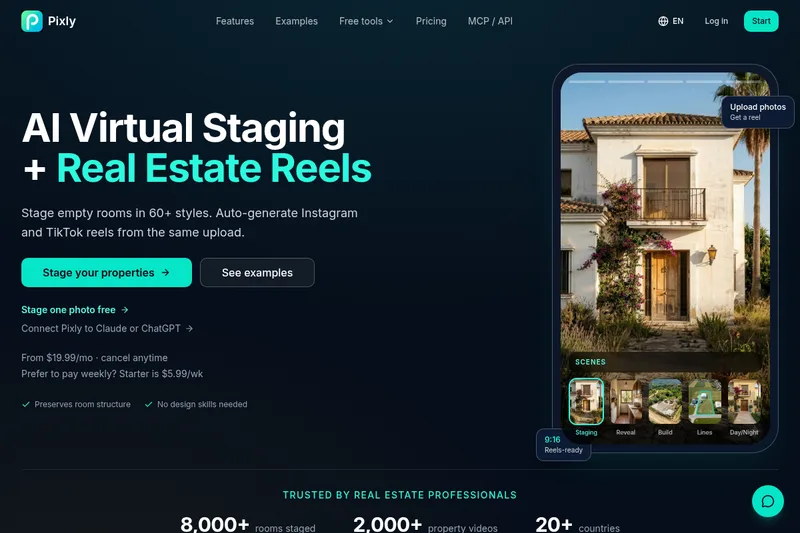
Pixly
Pixly is an AI-powered virtual staging and real estate marketing platform for agents and brokers that transforms property photos and drone footage into staged images, reels, 3D worlds, and annotated video (property lines) using credits-based subscriptions.
Pixly is image & design software teams evaluate for content & marketing. Use this page to review pricing, integration signals, and the best alternatives before you commit.
Profile facts come from the vendor source. AiMatch labels unknown pricing or API details instead of estimating them.
Review official source →Used in These Packs
Quick Overview
Best for: Content & Marketing
What it does
Image & Design software for decision-makers comparing workflow fit and alternatives.
Best fit
Content & Marketing
Pricing snapshot
Paid from $5.99/wk
Next step
Compare Pixly with similar tools before you shortlist it.
Compare this tool before you shortlist it
Review alternatives, pricing posture, and workflow fit side by side.
Pixly is an AI virtual staging and real estate marketing app designed for real estate agents and brokers. It stages empty rooms in 60+ styles, enhances photos, declutters, generates vertical reels for Instagram and TikTok, creates optional 3D walkthroughs, and can annotate drone footage with tracked property boundary lines. The product is delivered as a subscription with a credits system (1 credit = 1 AI-staged image) and offers weekly and monthly plans for individual agents, active agents, and teams.
Pixly is an AI-powered virtual staging and real estate marketing platform for agents and brokers that transforms property photos and drone footage into staged images, reels, 3D worlds, and annotated video (property lines) using credits-based subscriptions.
Own this listing?
Claim this page for a one-time $29 to add pricing, features, screenshots, verified owner details, and a clearly labeled 30-day category position after the profile is live.
Claim this listing for $29Key Features
AI Virtual Staging
Stage empty rooms in 60+ styles automatically from a single photo; preserves room structure and produces staged images quickly without rentals or photographers.
Real Estate Reels
Auto-generate Instagram and TikTok-ready vertical reels from uploaded property photos; every staged room comes with a vertical reel.
Credits-based system
1 credit = 1 AI-staged image; credits are included per plan and can be used for AI redesigns, real estate reels, or 3D worlds.
3D Worlds / Walkthroughs
Optional 3D walkthroughs available as part of the product offering (credits can be used to create 3D worlds).
Photo enhancement & declutter
One-tap tools to fix exposure, color, perspective and to remove clutter from photos to make them market-ready.
Staging reveal & cinematic before-and-after
Create cinematic reveal videos that transition from empty to staged for marketing and listing presentations.
Drone property lines (GPU CoTracker)
Track property boundaries through drone footage with editable keyframes, styling, labels and local video export.
Property Line & Boundary Tool
Draw lot lines on any photo with free PNG export and animated reveal for videos.
Just Listed & Sold Post Maker
Add 'Just Listed', 'Price Reduced' and 'Sold' badges to property photos with free PNG export and animated reveal for reels.
Free image utilities
Multiple free converters and tools (HEIC/JPG/PNG/WebP converters, image compressor/resizer, JPG to PDF, HEIC to PDF).
Pricing
Starter (weekly)
$5.99/wk- 20 credits per week
- Equivalent to 20 AI redesigns or 4 real estate reels
Agent
$19.99/mo- 100 credits per month
- Use credits for 100 AI redesigns or 20 real estate reels or 6 3D worlds
Pro Agent
$49.99/mo- 300 credits per month
- Use credits for 300 AI redesigns or 60 real estate reels or 20 3D worlds
Team
$149.99/mo- 1,000 credits per month
- Use credits for 1,000 AI redesigns or 200 real estate reels or 66 3D worlds
Use Cases
Listing Launches & Marketing
Create staged photos, reels and 3D walkthroughs to promote new property listings and attract buyers.
Vacant Property Staging
Virtually stage empty properties to help buyers visualize furnished spaces without on-site staging costs.
Price Reduction Relaunches
Refresh marketing with new staged images and reels to re-market listings after a price change.
Luxury Portfolio Marketing
Produce high-quality staged imagery and cinematic reels for luxury property marketing.
Construction Timelapse & Visualization
Show construction progress or finished vision through timelapse-style staging and reveal videos.
Drone Footage Boundary Visualization
Overlay and animate property boundary lines on drone video to make lot size and shape clear in aerial footage.
Integrations
iOS app
Pixly has an iOS app presence referenced on the site for mobile use.
Benefits
Limitations
No verified limitations are available.
Frequently Asked Questions
No verified FAQs are available.
Getting Started
- 1 Choose a paid plan or Starter weekly plan to get credits (plans: Starter, Agent, Pro, Team).
- 2 Upload property photos or drone footage to Pixly via the app or web interface.
- 3 Use credits to generate AI-staged images, reels, or 3D worlds and download/export the results for marketing.
Support
No verified support channels are available.
API
Compare Pixly with similar tools
See how it stacks up against alternatives
Related Tools
View all 375 →
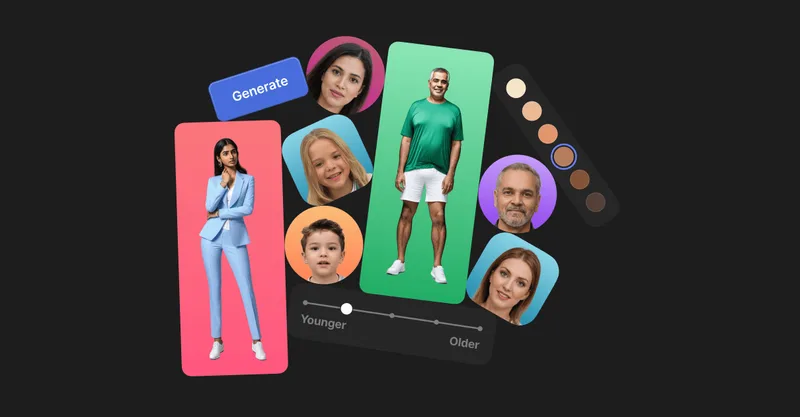
Generated Photos
Generated Photos provides AI-generated, photorealistic faces and full-body humans for creative and commercial projects, offering searchable galleries, real-time generators, datasets, and API/bulk options to scale usage.


Aiimageupscale
Adima (AIImageUpscale) is a Windows desktop AI-powered image upscaler (Adima AI Image Upscaler Pro, v1.2.0) that enlarges and enhances photos up to 16× and up to 16K/64K resolutions, offering offline processing, batch upscaling, denoising, and multiple export formats aimed at photographers, designers, and creators.
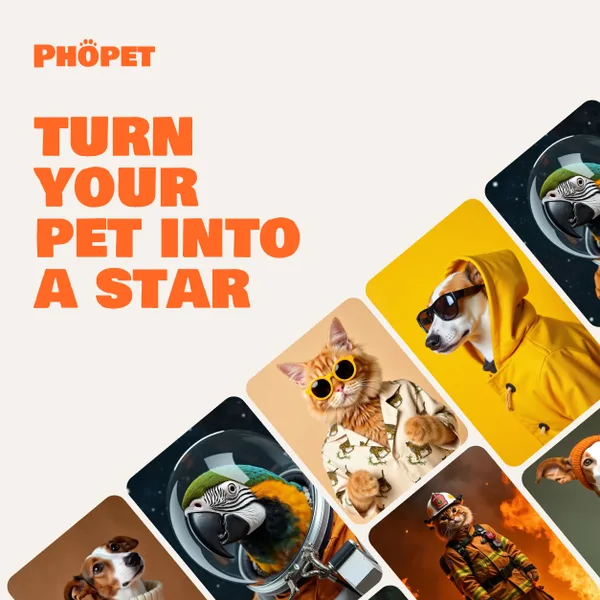
phopet
Phopet is a pet-focused image-generation service that trains a custom AI model from user-uploaded pet photos to produce themed, studio-quality images, upscaled prints, and merchandise-ready assets. It targets pet owners who want personalized photo packs and creative stories featuring their pets.
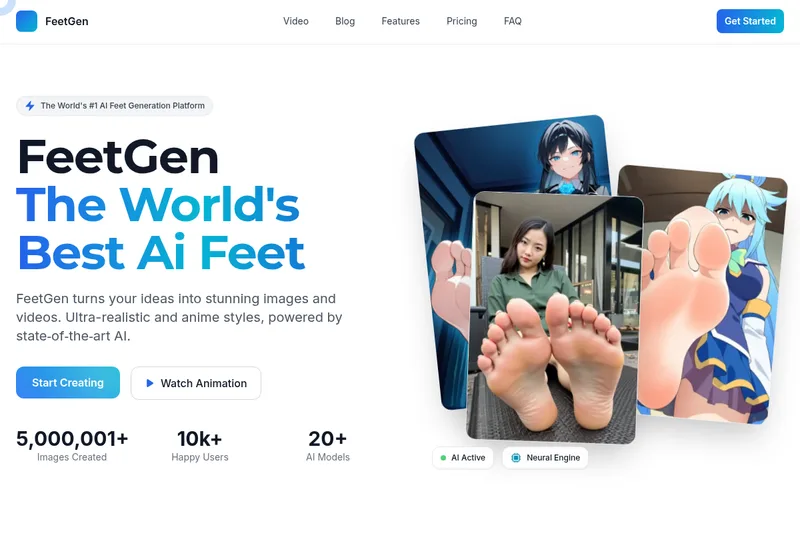


Unblurimg
Unblur Image is an online AI-powered tool for restoring and sharpening blurry photos and enhancing image quality. It offers fast, one-click unblurring, free daily credits without signup, cloud storage for generated images, and paid tiers for higher-volume or priority processing.
Budget-Friendly Alternatives


Wizart
Wizart is a B2B visual commerce platform that offers AI-powered product visualizers, APIs, plugins and a MaterialCloud to help manufacturers, retailers and e-commerce businesses let customers preview products (wallcoverings, flooring, tiles, rugs, etc.) in realistic, interactive visualizations and increase conversions.

Vividmanga
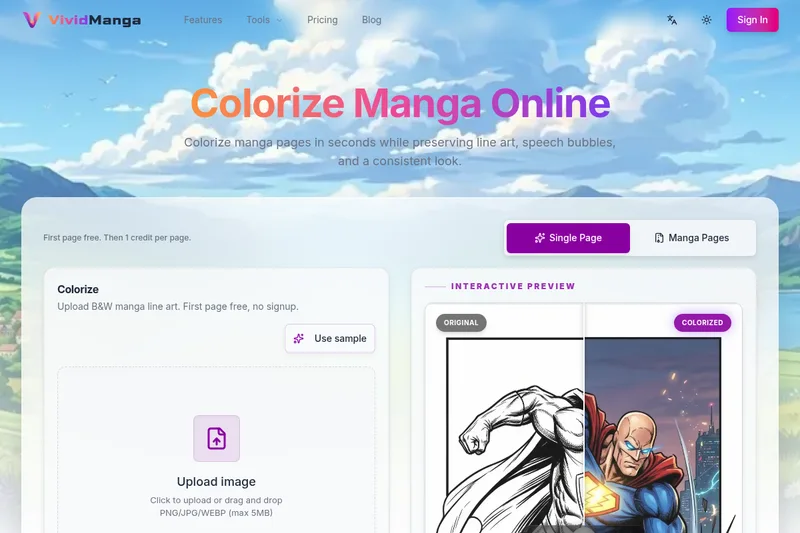
VividManga is a web-based AI manga colorizer that converts black-and-white manga pages, panels, and line art into color while preserving line art, speech bubbles, and character consistency. It supports single-page tests and batch workflows (ZIP/CBZ) for creators, archivists, and content producers.

Flux AI Pro (flux-pro.net)
Flux AI Pro (flux-pro.net) is a web-based suite of AI image and video generation tools offering text- and image-to-image generation, an image editor, multi-model options, and credit-based paid plans for commercial use and high-resolution outputs.

Aihairstyles
AIhairstyles provides a privacy-first AI virtual hairstyle try-on and hair colour changer that lets users and businesses visualise haircuts and colours on a single selfie in seconds; trusted by salons and barbers and available as an API for integrations.

Image2
Image2 is an AI image generator and editor that creates and refines visuals from text prompts and source images — suitable for product shots, ad creatives, posters, packaging mockups, and consistent branded assets. It is powered by GPT Image 2 and additional AI models and supports iterative generation plus image editing.