
chatchit-ai
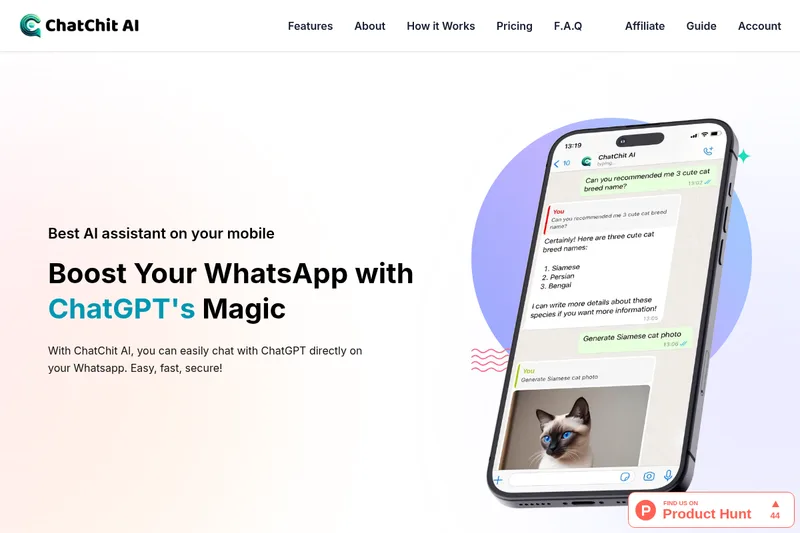
ChatChit AI puts a ChatGPT-based assistant and image generation in WhatsApp. Professionals and other WhatsApp users can message it for answers, supported-language conversations, and image requests.
One of 175 tools in Chatbots & Assistants
Who it's for
- Professionals who want to ask for information through WhatsApp while away from a computer.
- WhatsApp users who want an AI assistant that supports more than 100 languages.
- People who want to request AI-generated images from a WhatsApp chat.
How it fits your workflow
Create an account on the website, then use the Connect button to open WhatsApp and add the assistant to your chats.
Send the assistant messages or voice messages to ask questions and get information. For image generation, describe the image you want and use the /image command.
Pricing
Free: The page advertises a free way to get started, but does not specify the free plan's limits or terms.
Free
The page advertises getting started for free; specific terms are not stated.
- · Add ChatChit AI to WhatsApp
Monthly
Price not stated on the supplied page content.
Yearly
Price not stated; the page advertises a 20% discount for yearly billing.
Prices checked on Oct 8, 2026 from the vendor's site. They can change; confirm before you buy.
Key features
- AI assistant in WhatsApp
- Chat with an AI assistant directly in WhatsApp to ask questions and access information.
- Multilingual messaging
- The page says users can message the assistant in more than 100 supported languages.
- AI image generation
- Describe an image in a few words and generate it in WhatsApp. The page identifies /image as the command for image generation and mentions styles such as wallpaper, anime, and oil painting.
- Voice messages
- The page says users can send voice messages to ChatChit AI.
- Personalized conversations
- The page describes dynamic conversations that match users' interests.
Works with
- ChatGPT
Alternatives to consider
-
ChatGPT Buddy
Choose it if you need the WhatsApp-based assistant described as serving both individuals and businesses, with content generation and automation via the WhatsApp Business API.
Getting started
- Create an account using the sign-up option on the website.
- Select Connect to open WhatsApp and add the assistant to your chats.
- Start chatting; use /image to request an image.