
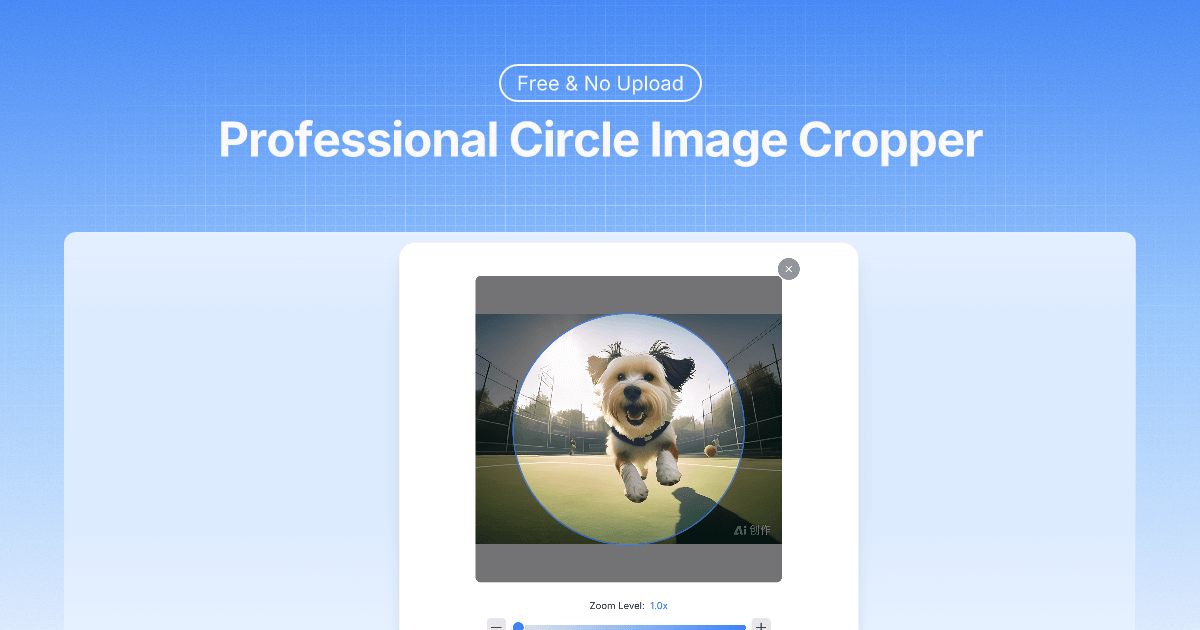
Circlecrop
Circlecrop is a free, browser-based tool that instantly crops images into perfect circles (PNG with transparent background) for avatars, logos, and social media. The tool processes images locally in your device, requires no signup, and supports common image formats.
Circlecrop is image & design software teams evaluate for content & marketing. Use this page to review pricing, integration signals, and the best alternatives before you commit.
Used in These Packs
Quick Overview
Best for: Content & Marketing
What it does
Image & Design software for decision-makers comparing workflow fit and alternatives.
Best fit
Content & Marketing
Pricing snapshot
Free from Free
Next step
Compare Circlecrop with similar tools before you shortlist it.
Compare this tool before you shortlist it
Review alternatives, pricing posture, and workflow fit side by side.
Circlecrop
Circlecrop is a free online tool that converts square or rectangular images into perfectly cropped circular PNGs with transparent backgrounds. It is designed for creating avatars, profile pictures, logos, app icons, and other design assets, and emphasizes privacy by processing images locally so they never leave the user’s device. The site advertises instant, high-quality results with real-time preview, zoom and positioning controls, and compatibility with major image formats and devices. The page mentions upload size limits inconsistently (showing both 20MB and 10MB in different places).
Circlecrop is a free, browser-based tool that instantly crops images into perfect circles (PNG with transparent background) for avatars, logos, and social media. The tool processes images locally in your device, requires no signup, and supports common image formats.
Own this listing?
Claim this page to add pricing, features, screenshots, and verified owner details.
Claim this listingKey Features
Local processing & privacy
Processes images locally in the browser so "images never leave your device," ensuring privacy and no server uploads.
Precise positioning and zoom
Drag to reposition and use a zoom slider or +/- controls to fit the subject exactly within the circular frame.
Real-time preview
Live preview updates instantly while adjusting position and zoom so you can see the final circular crop before downloading.
Transparent PNG output
Downloads results as PNG files with transparent backgrounds suitable for profiles, logos, and design projects.
High-quality results
Maintains original image resolution and sharpness to produce professional-grade circle crops with crisp edges.
Format & device compatibility
Supports JPG, JPEG, PNG, WebP, and GIF and works on desktop, tablet, and mobile browsers without installations.
Pricing
Completely free to use, no registration required, unlimited cropping.
Free
Free- No signup required
- Unlimited image crops
- Local processing (images never leave your device)
Use Cases
Profile pictures & social media avatars
Create perfectly centered circular profile images for social platforms and messaging apps.
Branding and logos
Produce circular logos and icons with transparent backgrounds for websites and marketing materials.
Team photos and directories
Crop headshots into uniform circular images for company team pages and organizational charts.
Interface and design assets
Generate app icons, testimonial images, and UI assets that require circular cropping with transparency.
Integrations
Claim this listing to add integrations.
Benefits
Limitations
Frequently Asked Questions
How do I adjust the image position in the circle?
Can I make the image bigger or smaller within the circle?
What image formats can I upload and download?
Will my cropped image have a transparent background?
Why does my image look blurry after cropping?
Does this work on mobile phones?
Is there a limit on how many images I can crop?
Do I need to sign up or create an account?
Can I undo changes while editing my circle crop?
What's the difference between this and other circle crop tools?
Getting Started
- 1 Step 1: Upload your image by drag-and-drop or click to select (page shows upload size guidance of 20MB in one place and 10MB in FAQ).
- 2 Step 2: Position and resize the image within the circular frame using drag controls and the zoom slider.
- 3 Step 3: Download the resulting circular PNG with a transparent background.
Support
Contact Us
Site includes a "Contact Us" link for reaching the team (Contact page on the website).
Feedback
Built-in feedback UI on the page to submit experience and suggestions.
API
Compare Circlecrop with similar tools
See how it stacks up against alternatives
Related Tools
View all 402 →
Aihaircolorchanger
AI Hair Color Changer is a web-based tool that uses artificial intelligence to apply photorealistic hair color changes to user photos or generated images, offering a wide palette of natural and fashion shades for virtual try-ons.

Spacely
Spacely AI is a web-based and SketchUp-integrated interior design tool that uses AI to generate photorealistic room renders, enable rapid edits (lighting, materials, furniture), and produce client-ready visuals in under a minute for designers, architects, realtors, and space owners.
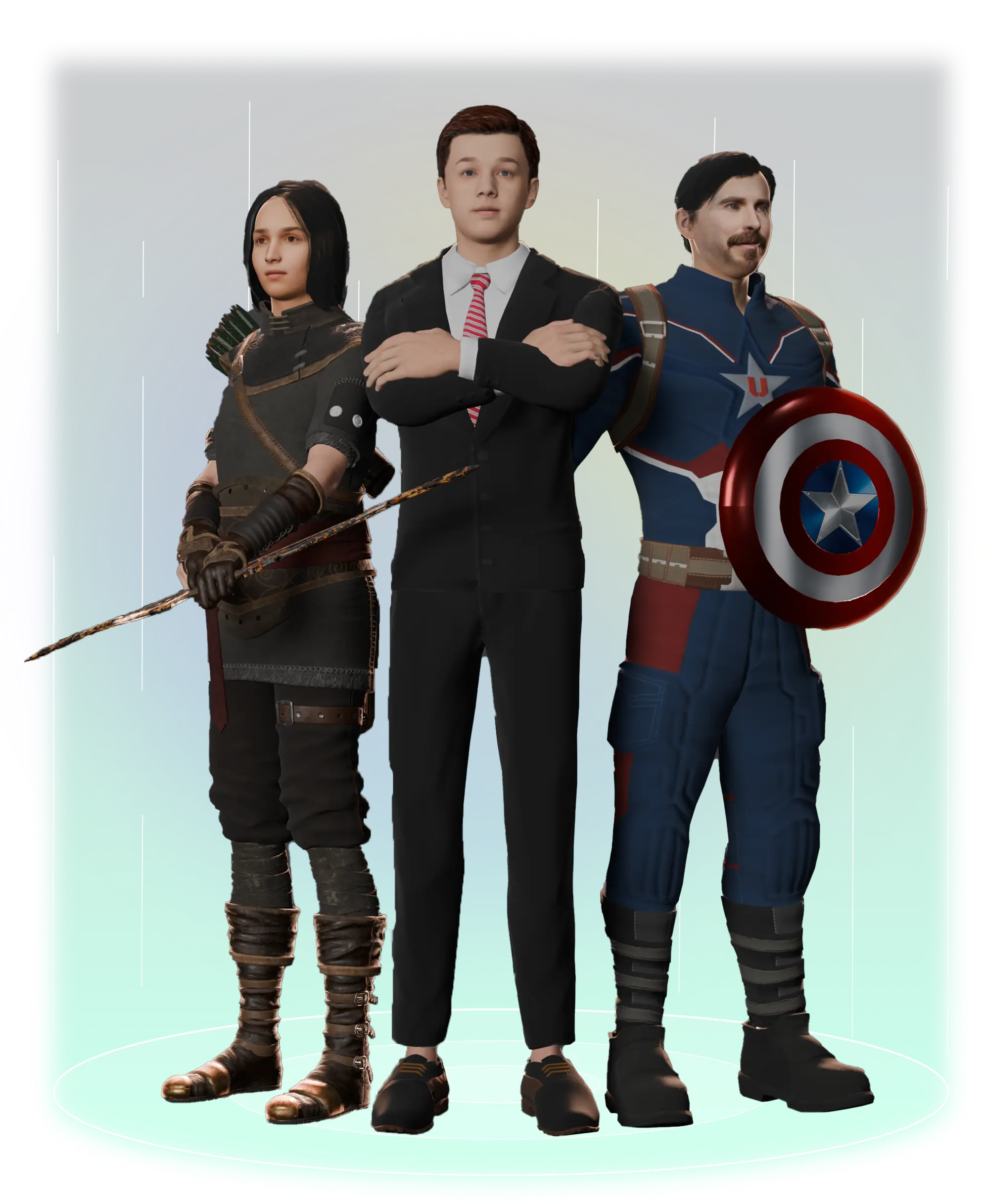

Aiheadshotmasters
AI Headshot Masters provides AI-generated, studio-quality professional headshots for individuals and teams, producing dozens of polished portraits from user-supplied selfies in minutes without a traditional photoshoot.

Imagetowhite
ImageToWhite is a free AI-powered web tool that automatically removes backgrounds and replaces them with a pure white (RGB 255,255,255) backdrop for e-commerce-ready product photos in seconds.
Premium Alternatives

Miro
Miro is a collaborative visual workspace and AI platform that integrates intelligent agents (Sidekicks), visual multi-step workflows (Flows), and connectors to bring team context and external data into a shared canvas to accelerate planning, design, and decision-making across organizations.



talkforce-ai
TalkForce AI provides AI-powered voice/call agents that automate customer service conversations—handling routine inquiries, bookings, cancellations, and outbound calls—while integrating with existing systems and handing off to humans when needed.


freeday-ai
Freeday provides an enterprise AI agent platform that deploys autonomous "digital employees" to automate end-to-end workflows (customer service, KYC, accounts payable, etc.), billed via outcome-based / pay-per-resolved-interaction pricing and positioned for regulated industries.
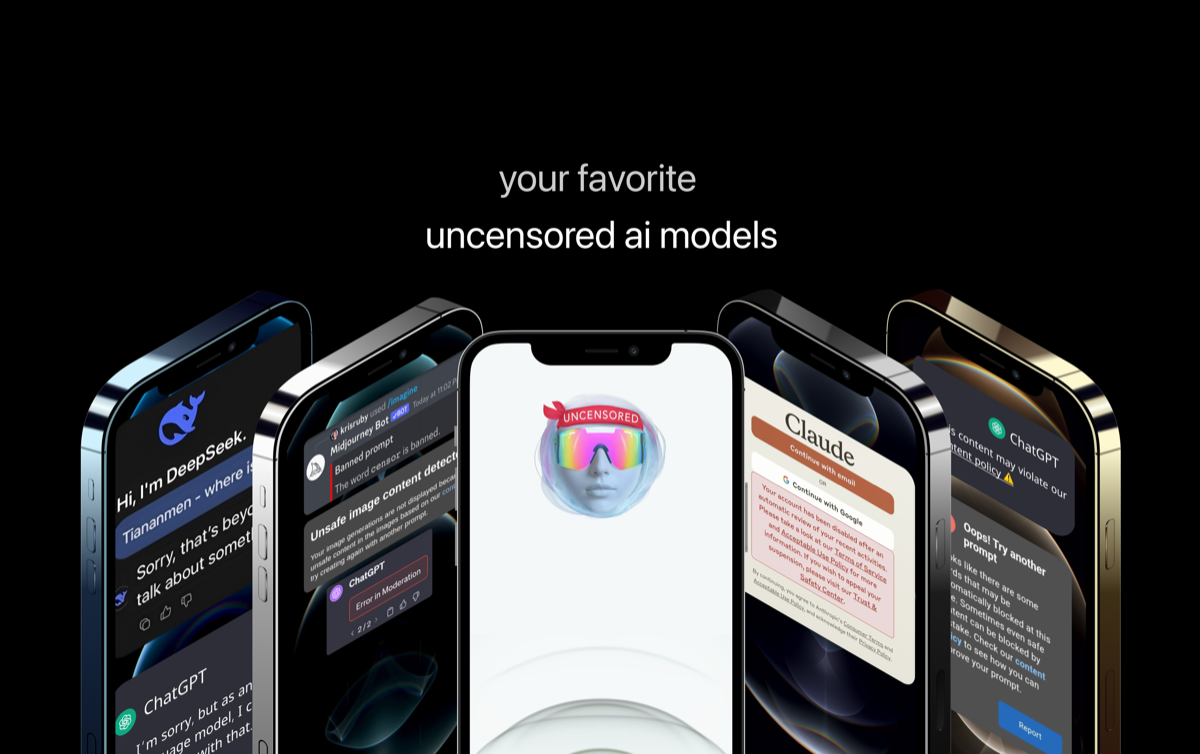
Uncensored
Uncensored AI is a chat and developer platform that provides access to a broad catalog of powerful, minimally filtered AI models for chat, voice, vision, code, and API access, with privacy features like auto-redaction and developer tooling.

teamstation-ai
TeamStation AI is a Distributed Engineering Operating System (DEOS) and executive control surface for CTOs and CIOs that unifies talent-graph signal processing, neuro-psychometric math (Axiom Cortex), DEOS orchestration, Nearshore Control Plane governance, and delivery telemetry to govern LATAM nearshore engineering teams.