
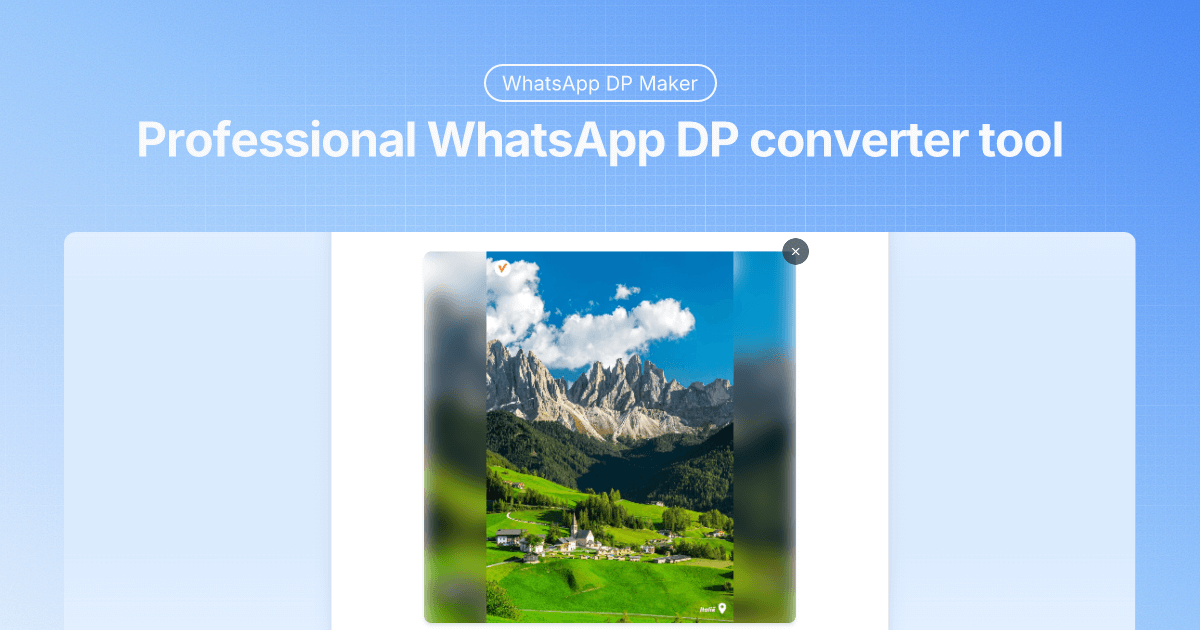
Whatscrop
Whats Crop (Whatscrop) is a free, in-browser WhatsApp DP maker and image resizer that creates perfectly sized profile pictures (including full DP with blurred backgrounds) while processing images locally for privacy.
Whatscrop is image & design software teams evaluate for software & gaming. Use this page to review pricing, integration signals, and the best alternatives before you commit.
Used in These Packs
Quick Overview
Best for: Software & Gaming
What it does
Image & Design software for decision-makers comparing workflow fit and alternatives.
Best fit
Software & Gaming
Pricing snapshot
Free from Free
Next step
Compare Whatscrop with similar tools before you shortlist it.
Compare this tool before you shortlist it
Review alternatives, pricing posture, and workflow fit side by side.
Whatscrop
Whats Crop is a web-based WhatsApp DP size maker and converter designed to create perfectly sized profile pictures and full-size WhatsApp DPs without uploads or accounts. It runs entirely in the browser (local processing), supports JPG/PNG/WebP/GIF up to 20MB, and offers both crop and "full DP with blur" modes so users can preserve entire images while fitting WhatsApp's square DP frame. The tool emphasizes privacy (images never leave the device), fast real-time preview, and no-registration, free usage. It is targeted at WhatsApp users who want precise control over their profile photos, as well as social-media users who need square-format conversions compatible across platforms.
Whats Crop (Whatscrop) is a free, in-browser WhatsApp DP maker and image resizer that creates perfectly sized profile pictures (including full DP with blurred backgrounds) while processing images locally for privacy.
Own this listing?
Claim this page to add pricing, features, screenshots, and verified owner details.
Claim this listingKey Features
WhatsApp DP Size Converter
Professional size and ratio control to generate profile pictures that display correctly across devices and WhatsApp versions.
Full DP with Blur
Creates a full-size DP by preserving the entire image and filling extra space with an intelligently blurred background to avoid cropping.
Crop Mode
Traditional square crop mode to focus on a specific area of the photo for a conventional WhatsApp DP.
Real-time Preview and Controls
Instant preview while adjusting position and zoom, plus drag-to-reposition and zoom level controls for precise composition.
High-Quality Output
Maintains original image resolution and minimizes compression artifacts by producing optimized DP images.
Local Browser Processing (Privacy)
All image processing happens locally in the browser — images never leave the device and no uploads or server storage are used.
Multi-format Support
Supports JPG, PNG, WebP and GIF formats, up to 20MB per image.
No Sign-up / Free
Fully free to use without registration, watermarks, or hidden fees.
Pricing
Completely free: unlimited use, no sign-up, no watermarks, all features available at no cost.
Free
Free- Unlimited DP creations
- No registration
- No watermarks
- All editing tools available
Use Cases
Create a Perfect WhatsApp Profile Picture
Generate a square DP with correct size and composition that displays consistently across devices and WhatsApp versions.
Create a Full DP Without Cropping
Use the full-DP blur mode to preserve entire photos (group shots, landscapes) while fitting the WhatsApp square frame.
Prepare Images for Other Social Platforms
Resize and convert rectangular photos into square formats suitable for Instagram, Facebook, Twitter, and other platforms.
Quick One-off Edits with Privacy
Users who prefer not to upload personal photos to servers can perform quick edits locally in the browser for sensitive content.
Integrations
Site toolset / related tools
Whatscrop lists and links to related image and utility tools on the same site (e.g., Bulk Image Resizer, Image DPI Converter, Instagram Grid Maker). These are internal tool pages rather than documented third‑party API integrations.
Third-party tool mentions
The site references or links to other products/tools (mentions include Gigapixel AI, Nano Banana, Toolpilot.ai, Code.market, Startupfa.me). These appear as external references or partner links rather than formal integrated APIs.
Benefits
Limitations
Frequently Asked Questions
How do I use the WhatsApp DP converter?
Will WhatsApp compress my DP images?
How do I make a WhatsApp full DP?
What image formats are supported?
Can I preview my WhatsApp DP before downloading?
Is the WhatsApp DP converter free?
Are my photos safe with this WhatsApp DP maker?
Getting Started
- 1 Step 1: Upload Your Photo — Drag & drop or click to select an image (supported formats: JPG, PNG, WebP, GIF; max 20MB).
- 2 Step 2: Adjust and Choose Method — Drag to reposition, use zoom to compose, then pick 'WhatsApp DP Crop' or 'Full DP with Blur' and set blur intensity/zoom as needed.
- 3 Step 3: Download Your DP — Preview instantly and download the final image using the provided download button in the chosen mode.
Support
Website / Contact
Company 'Contact Us' link available on the site (visit https://whatscrop.org).
Docs / FAQ
On-page FAQ and usage instructions detailing upload, adjust, and download steps are available directly on the tool page.
Feedback
A 'Share Your Feedback' option is provided on the site to send suggestions or report issues.
API
Compare Whatscrop with similar tools
See how it stacks up against alternatives
Related Tools
View all 399 →
Aicaricaturemaker
AI Caricature Maker is an online one-click caricature generator that converts a single photo into a high-quality, identity-preserving caricature suitable for profile, branding, and print use.

Aiyearbook
AI Yearbook Generator turns your photos into nostalgic yearbook-style portraits using AI (Stable Diffusion + face swapping). It offers multiple styles and free credits with optional paid credits for additional generations.

BabySea
BabySea is an AI-powered creative platform that enables users to create, edit, and design stunning visuals quickly and easily with no monthly fees. It offers high-quality image generation, smart editing, and design tools powered by top-tier AI models, suitable for individuals and teams.
extrapolate
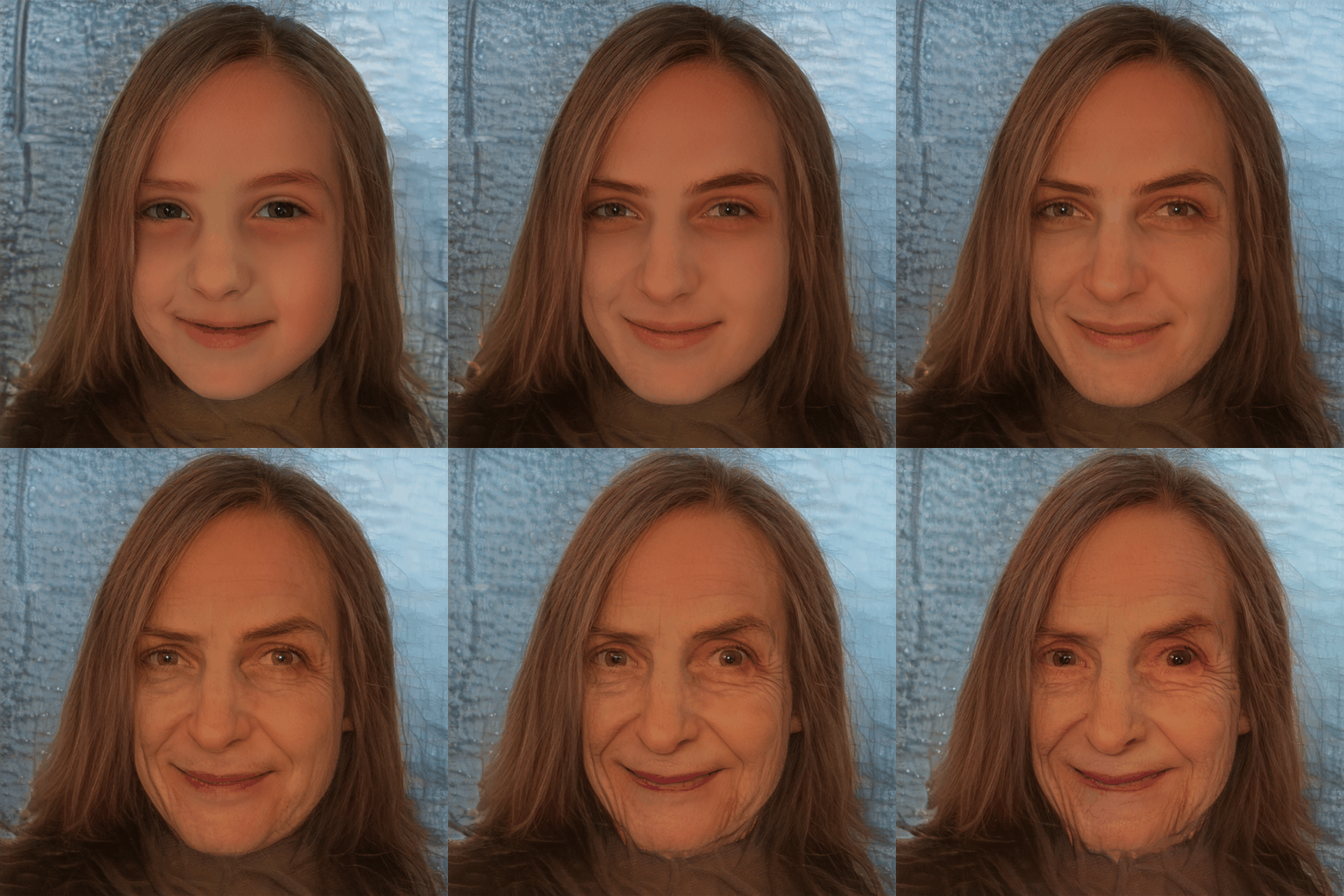
Extrapolate is an AI-powered tool that transforms your face to show how you might look as you age, allowing you to see yourself in 10, 20 years, or even at 90 years old by uploading a photo.
Faceonlive
FaceOnLive is a browser-based reverse face search engine that lets users upload a photo to find where that face appears online. It focuses on fast, privacy-first, face-centric matching and offers both free basic searches and paid premium/deep searches.

Premium Alternatives

analog-assistant
Analog AI offers self-learning, emotionally intelligent digital employees designed for virtual tours, short interviews, and customer service. These digital humans combine advanced emotional intelligence with common-sense reasoning to autonomously make decisions and escalate complex cases to human agents.

Aidancevideo
AI Dance Video is a web tool that turns any still photo (people, pets, or objects) into a short, shareable dancing video using motion-control AI models — aimed at social creators and casual users who want quick, humorous dance clips.

%22%2F%3E%20%3Ctext%20x%3D%2250%25%22%20y%3D%2250%25%22%20dominant-baseline%3D%22central%22%20text-anchor%3D%22middle%22%20font-family%3D%22system-ui%2C-apple-system%2Csans-serif%22%20font-weight%3D%22700%22%20font-size%3D%2250%22%20fill%3D%22white%22%3EK%3C%2Ftext%3E%20%3C%2Fsvg%3E)

seogeek
seoGEEK is an all-in-one SEO and digital marketing tool designed for web developers, SEO experts, and digital marketing agencies. It offers advanced AI-powered features for content creation, keyword analysis, project management, and advertising optimization to streamline workflows and grow businesses.
ai-experts-top
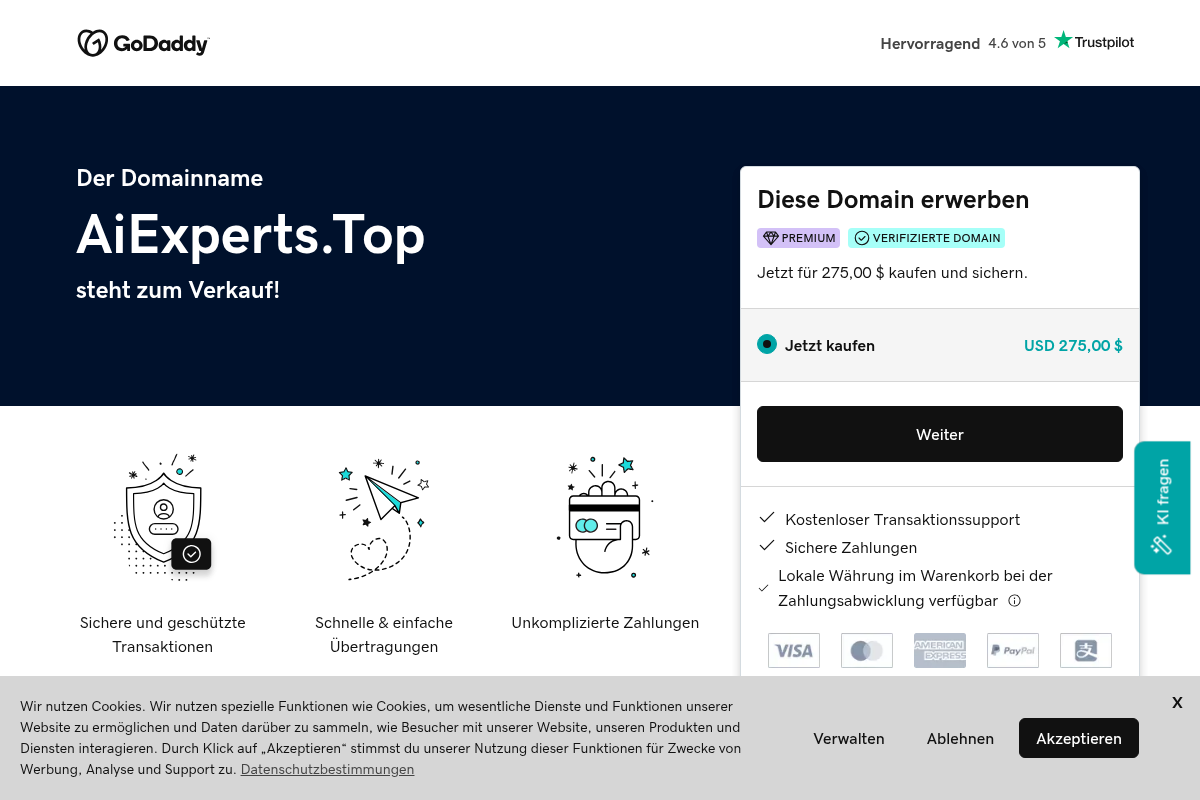
aiexperts.top is a premium domain name currently for sale, offering a simple and secure way to purchase or lease domain names through GoDaddy's platform.