
Gigapixelai
Gigapixel AI is a web-based, AI-powered image upscaler that enhances low-resolution photos up to 8x using deep learning models, offering batch processing, noise reduction, and face enhancement for photographers, designers, and restoration specialists.
Gigapixelai is image & design software teams evaluate for image & design. Use this page to review pricing, integration signals, and the best alternatives before you commit.
Used in These Packs
Quick Overview
Best for: Image & Design
What it does
Image & Design software for decision-makers comparing workflow fit and alternatives.
Best fit
Image & Design
Pricing snapshot
Freemium from Free
Next step
Compare Gigapixelai with similar tools before you shortlist it.
Compare this tool before you shortlist it
Review alternatives, pricing posture, and workflow fit side by side.
Gigapixelai
Gigapixel AI is a web-based image upscaler and enhancer that uses advanced deep learning neural networks to reconstruct and enhance image details and textures. It is designed for photographers, graphic designers, digital restoration specialists, social media creators, real estate photographers, and anyone who needs to increase image resolution while preserving natural-looking details. The service supports up to 8x enlargement, offers multiple export formats (JPEG, PNG, WebP, TIFF), and provides features such as batch processing, noise reduction, and face-specific enhancement. Gigapixel AI is accessible via a standard web browser with no downloads or installations required; a basic free tier is available and paid premium plans unlock higher usage limits and commercial rights.
Gigapixel AI is a web-based, AI-powered image upscaler that enhances low-resolution photos up to 8x using deep learning models, offering batch processing, noise reduction, and face enhancement for photographers, designers, and restoration specialists.
Own this listing?
Claim this page to add pricing, features, screenshots, and verified owner details.
Claim this listingKey Features
Advanced AI Upscaling
Proprietary deep learning models trained on millions of image pairs intelligently predict and reconstruct higher-resolution details rather than simply interpolating pixels.
Multiple Scaling Factors
Choose from 2x, 4x, 6x, or 8x enlargement to meet specific project needs, supporting large increases in resolution while aiming to preserve natural detail.
Instant Resolution Enhancement
Lightning-fast, web-based processing lets users upload photos and receive enhanced high-resolution results in seconds.
Batch Processing
Upload and process multiple images at once to save time on larger projects or workflows.
Noise Reduction & Artifact Removal
Automated reduction of noise and compression artifacts while preserving important textures and edges.
Face Enhancement
Specialized AI algorithms detect and precisely enhance facial features for portrait and headshot photos, producing natural-looking results.
Multiple Export Options
Save enhanced images in common formats (JPEG, PNG, TIFF, WebP) and select quality settings suitable for different use cases.
Before/After Comparison
A comparison feature allows users to see the dramatic improvements between original and upscaled images (mentioned in user testimonials).
Pricing
The basic Gigapixel AI version allows a limited number of free image enhancements per day for personal use.
Free (Basic)
Free- Limited number of images per day
- Access to core upscaling features
- Personal-use only (no commercial rights)
Premium
Price not specified on provided content- Higher resolution outputs and higher usage limits
- Additional features and priority processing (implied)
- Commercial rights for enhanced images
Use Cases
Photography Enlargement & Printing
Rescue low-resolution photos and produce large-format prints while preserving detail and sharpness for professional use.
Graphic & Visual Design
Enable designers to use lower-resolution stock or client images confidently by upscaling for high-quality layouts and print materials.
Digital Restoration
Restore and enlarge old or damaged family photos with improved detail preservation for archival and restoration services.
Social Media Content
Crop and enlarge portions of photos for social content without losing visible quality, increasing flexibility in composition.
Real Estate Marketing
Enhance property images for marketing materials, enabling detailed cropping and higher-quality presentations.
Commercial Production
Prepare images for commercial printing and advertising when paired with a premium plan that includes commercial rights.
Integrations
Claim this listing to add integrations.
Benefits
Limitations
Frequently Asked Questions
How does the Gigapixel AI upscaler work?
Is the Gigapixel AI upscaler really free to use?
What's the maximum resolution increase possible?
Do I need to download any software to use the Gigapixel AI?
What image formats are supported?
Can I use the enhanced images commercially?
What makes your Gigapixel AI better than others?
How accurate are the upscaled images?
Getting Started
- 1 Open the Gigapixel AI web app in a standard browser (no download or installation required).
- 2 Upload your photo(s) and choose scaling factor (2x, 4x, 6x, 8x) and optional settings such as noise reduction or face enhancement.
- 3 Process the image(s) and download the enhanced output in your preferred format (JPEG, PNG, TIFF, WebP).
Support
Contact page
Use the website's Contact Us page for direct inquiries (contact link present on site).
Docs / FAQ
Frequently Asked Questions are available on the site to answer common usage and technical questions.
Policies
Privacy Policy, Terms of Service, and Refund Policy pages are available on the website for legal and billing-related questions.
API
Compare Gigapixelai with similar tools
See how it stacks up against alternatives
Related Tools
View all 399 →
Gencoloring
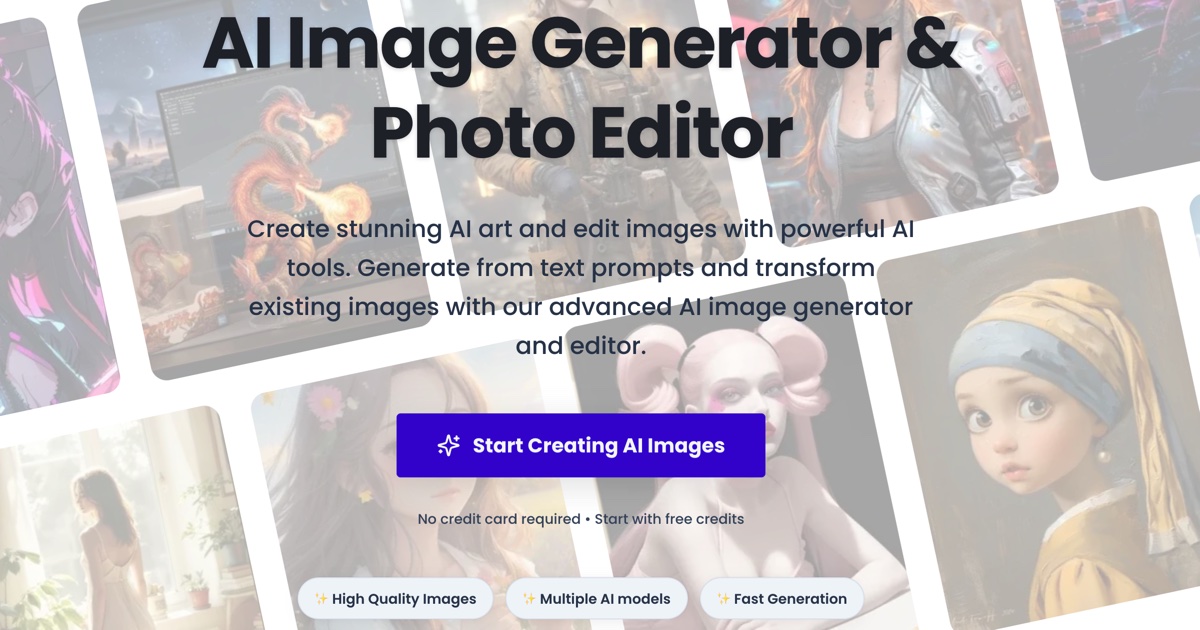
GenColoring.ai is an AI-powered tool that converts photos, names, or text prompts into printable line-art coloring pages and offers online editing, themed collections, and export options for A4/US Letter in PDF/PNG.

Imageprompt
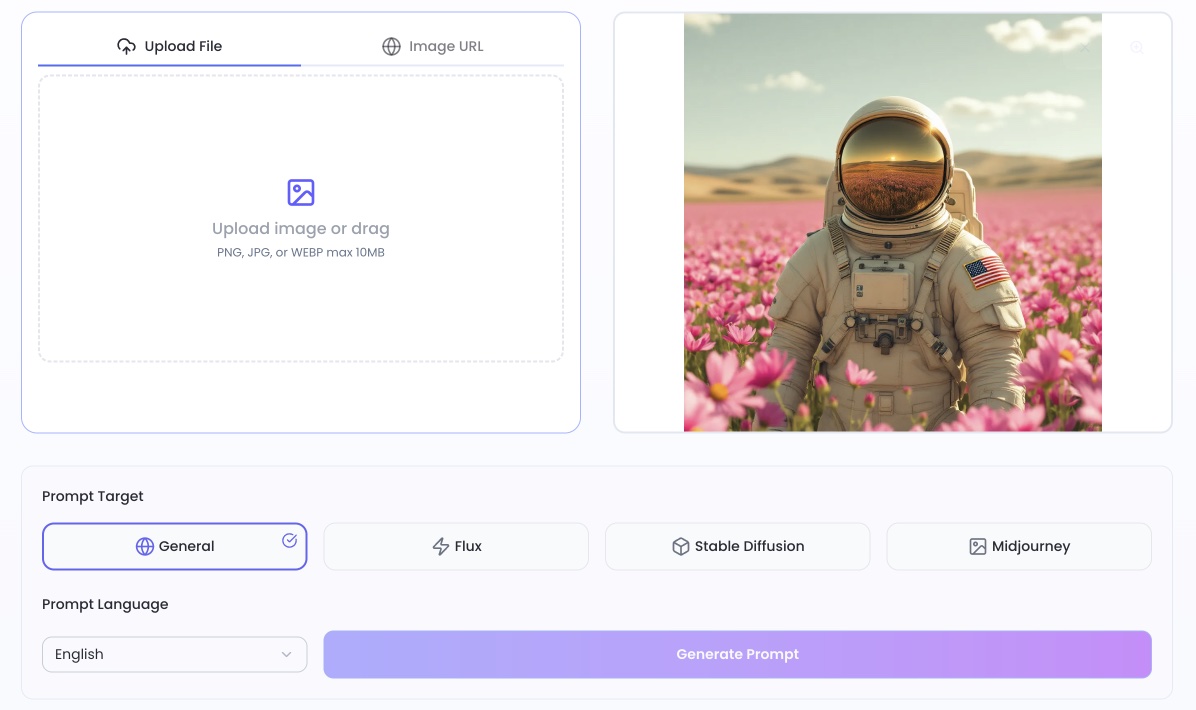
ImagePrompt is a web tool that converts images into detailed, model-optimized AI prompts (for Midjourney, Flux, Stable Diffusion, etc.) instantly, with batch processing and multilingual support to streamline AI image generation workflows.


PixiEditor
PixiEditor is a universal 2D graphics editor designed for pixel art, raster and vector editing, and frame-by-frame animations, offering a non-destructive node graph system and advanced palette management.

Redpandaai
Red Panda AI (Recraft V3) is a high-performance text-to-image generation model focused on speed, realism, and design controls, positioned for designers and creative professionals seeking precise, coherent visuals.
Premium Alternatives

Candlestick AI
Candlestick AI is an AI-powered investing platform that uses advanced models to analyze global business and financial news, helping regular investors customize portfolios and automate investing with transparency and ease.

Auralis
Auralis is an enterprise AI-powered customer support platform that deploys customizable AI agents to automate up to ~60% of support processes, accelerate resolution times, and improve CSAT while integrating with existing tools and maintaining enterprise-grade security.
claude-3
Claude-3 is an advanced AI assistant developed by Anthropic designed to help users tackle complex challenges through conversational interaction. It supports tasks such as coding, research, analysis, and creative brainstorming, providing expert-level collaboration and adaptive problem-solving capabilities.

actionize-ai
Actionize is a no-code platform that enables users to connect custom GPTs to thousands of apps via popular automation tools like Zapier and Make.com, simplifying the integration of external data and workflows into GPTs.


Sellinger AI
Sellinger AI is an autonomous AI-powered LinkedIn outreach tool that crafts human-quality conversations at scale, nurturing leads to booked calls, enabling users to focus on closing deals.