

Gromet
Gromet is a tool that transforms Python scripts into one-click desktop applications, enabling teams to run automations without installations or dependency issues. It is designed for developers, consultants, freelancers, and non-technical teams to easily share and run Python-powered automations securely and locally.
Gromet is engineering & development software teams evaluate for automation. Use this page to review pricing, integration signals, and the best alternatives before you commit.
Used in These Packs
Quick Overview
Best for: Automation
What it does
Engineering & Development software for decision-makers comparing workflow fit and alternatives.
Best fit
Automation
Pricing snapshot
Freemium from Free
Next step
Compare Gromet with similar tools before you shortlist it.
Compare this tool before you shortlist it
Review alternatives, pricing posture, and workflow fit side by side.
Gromet
Gromet allows users to write Python scripts once and package them as ready-to-use desktop applications that can be shared and run anywhere without setup or version conflicts. It is ideal for automating tasks such as data cleanup, reporting, and workflows. The tool supports complex dependencies like Selenium and TensorFlow automatically, providing a no-code UI generated from YAML input definitions for ease of use by non-technical users. Gromet runs fully locally on the desktop, ensuring security and no cloud costs. It is built for developers, consultants, freelancers, and non-technical teams who want to ship and run automations effortlessly.
Gromet lets you turn Python scripts into one-click automations your team can run instantly with no installs, dependencies, or terminal. Write once, share with a Vault key, and teammates can run it in seconds.
Own this listing?
Claim this page to add pricing, features, screenshots, and verified owner details.
Claim this listingKey Features
One-Click Sharing with Gromet Vault
Share scripts easily via a Vault key that teammates can paste to run automations instantly.
No-Code UI
Define script inputs in YAML to automatically generate a user-friendly interface for non-technical users.
Local & Secure Execution
Runs fully on the desktop without relying on cloud services, ensuring data privacy and no cloud costs.
Automatic Dependency Handling
Supports complex Python dependencies like Selenium and TensorFlow with automatic setup and management.
AI Assist (Team Plan)
Generate scripts and YAML input forms from plain English descriptions to speed up automation creation.
Workspaces and Role-Based Access Control (Team Plan)
Organize automations and control access within teams.
Versioning and Autosave (Team Plan)
Track changes, roll back versions, and automatically save inputs and outputs.
Slack Sharing (Team Plan)
Send automation results to Slack channels with one click.
Pricing
Starter Free plan offers local script running, automatic dependency handling, UI generation from YAML, and one-click sharing with Gromet Vault.
Starter Free
Free- Run locally
- Automatic dependency handling
- Auto-generate UI from YAML
- One-click script sharing via Gromet Vault
Team
$49 per user- Everything in Starter
- AI Assist for scripts and YAML from plain English
- Workspaces and role-based access control
- Versioning and rollback
Use Cases
Internal Tool Deployment
Developers can ship internal automation tools to teammates without requiring them to install dependencies or understand code.
Consultant and Freelancer Deliverables
Consultants and freelancers can deliver Python-powered solutions as polished, one-click applications to clients.
Non-Technical Team Automation
Non-technical users can run powerful automations through a simple UI without needing to write or understand code.
Data Reporting and Workflow Automation
Automate repetitive tasks such as data scraping, cleaning, and report generation to save time.
Integrations
Slack
Send automation results directly to Slack channels with one-click sharing (available in Team plan).
Benefits
Limitations
Frequently Asked Questions
Can I run Gromet automations offline?
Do I need to install Python or dependencies to run scripts?
Is Gromet suitable for non-technical users?
What platforms does Gromet support?
Getting Started
- 1 Write your Python script to automate your desired task.
- 2 Define the script inputs using YAML to create a user-friendly form.
- 3 Share the automation using a Gromet Vault key for teammates to run instantly.
Support
Documentation
Comprehensive docs available at https://gromet.gitbook.io/docs
Contact support via email through the website's protected email link.
API
Related Tools
View all 146 →
v7-lab
V7 Go is an AI agent platform designed to automate complex, document-intensive workflows in finance, legal, insurance, and related industries. It enables businesses to build intelligent AI workflows that extract, analyze, and process data from diverse document types with high accuracy and enterprise-grade security.

spine
Spine AI is a visual workspace that integrates over 300 AI models into a single interface, enabling users to create text, images, code, slides, memos, and more without switching tools. It is designed to streamline workflows by connecting ideas and AI models seamlessly for faster creation.


cradl-ai
Cradl AI automates internal document workflows using advanced AI models, providing highly accurate data extraction and a dedicated error-handling interface. It is designed for businesses seeking to streamline document processing with customizable AI, human-in-the-loop validation, and no-code workflow automation.

obviously-ai
Zams is an AI command center designed for B2B sales teams to automate tasks across over 100 tools like HubSpot, Slack, and Apollo, helping sales reps save time and close more revenue with simple plain English commands.


Premium Alternatives

GLM-4.6
GLM-4.6 is an advanced large language model featuring an extended 200K token context window, superior coding and reasoning capabilities, and enhanced agentic performance. It is designed for developers and researchers seeking powerful AI for coding, reasoning, and agent-based applications.

Usesaaskit
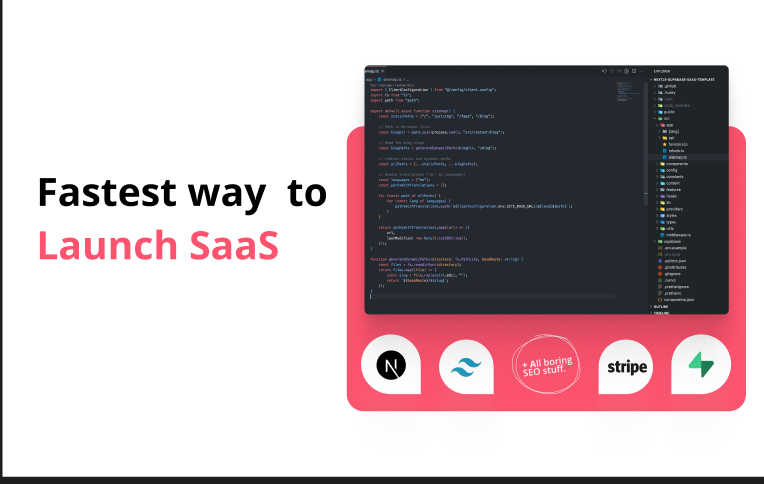
useSAASkit is a Next.js and React Native AI-focused SaaS boilerplate that provides authentication, multi-organization support, admin tools, billing, marketing pages, analytics, and built-in AI integrations to help makers launch AI apps quickly.
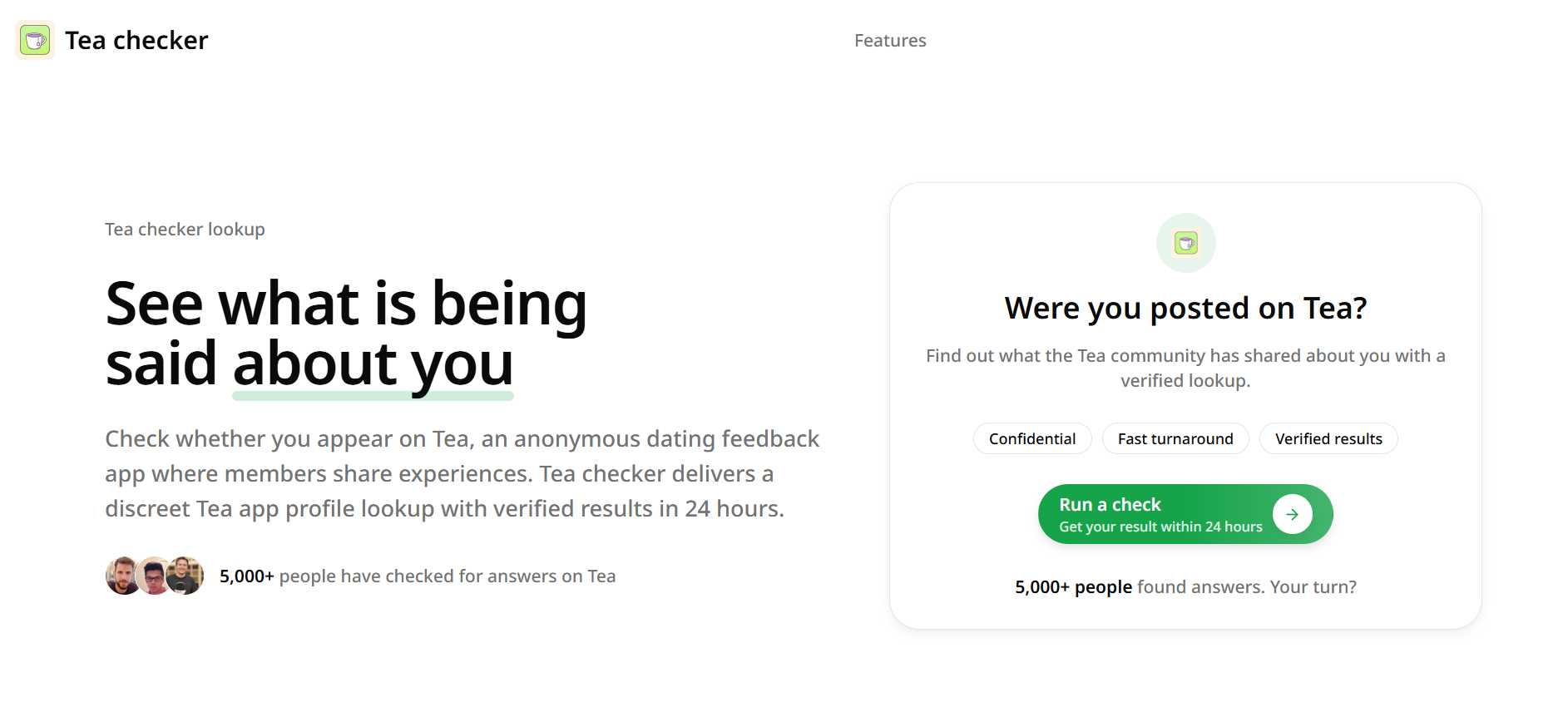
Teachecker
Tea checker is an independent, discreet lookup service that verifies whether you appear on the anonymous dating feedback app Tea and returns a verified result (Found, Not Found, or Possible Match) within 24 hours for a one-time fee.

freeday-ai
Freeday AI offers AI-powered digital employees that automate workflows in customer service, KYC verification, and accounts payable, helping businesses improve efficiency, reduce errors, and cut operational costs.

codiumai
Qodo is an AI-powered code review platform designed to provide enterprise-grade, context-aware code quality checks across the software development lifecycle (SDLC), supporting multi-repo environments and enforcing coding standards, security, and compliance automatically.