
Heickit
HeicKit is a free, browser-based HEIC to PDF converter that processes files locally on your device, enabling fast, private conversions of iPhone HEIC/HEIF photos into single or multi-page PDF documents.
Heickit is image & design software teams evaluate for image & design. Use this page to review pricing, integration signals, and the best alternatives before you commit.
Used in These Packs
Quick Overview
Best for: Image & Design
What it does
Image & Design software for decision-makers comparing workflow fit and alternatives.
Best fit
Image & Design
Pricing snapshot
Free from Free
Next step
Compare Heickit with similar tools before you shortlist it.
Compare this tool before you shortlist it
Review alternatives, pricing posture, and workflow fit side by side.
Heickit
HeicKit provides a simple online HEIC to PDF conversion tool designed for privacy-conscious users who want to convert iPhone photos into widely compatible PDF documents. All processing takes place locally in the user's browser so files never leave the device. The tool targets anyone who needs to share or archive HEIC/HEIF images—individuals, students, professionals—without requiring software installs or sign-ups.
The interface is built for speed and ease: users upload HEIC/HEIF images (up to 50MB per file), reorder pages, customize page size, margins and orientation, preview the result, and export a single merged or separate PDF. HeicKit emphasizes quality preservation, unlimited free use, and cross-device compatibility (works on iPhone, Mac, Windows, Android via browser).
HeicKit is a free, browser-based HEIC to PDF converter that processes files locally on your device, enabling fast, private conversions of iPhone HEIC/HEIF photos into single or multi-page PDF documents.
Own this listing?
Claim this page to add pricing, features, screenshots, and verified owner details.
Claim this listingKey Features
Local / Private Processing
All conversions happen locally in the browser. Files are not uploaded to HeicKit's servers, ensuring user photos remain private.
Supports HEIC & HEIF
Accepts .heic and .heif image files (up to 50MB per file) commonly produced by iPhones.
No Registration or Installation
Use the converter instantly in a web browser without creating an account or installing software.
Batch Processing & Merge
Convert many HEIC images at once and merge them into a single PDF document for albums, reports, or portfolios.
Reorder Pages
Drag-and-drop reordering of uploaded images to set the page order before generating the PDF.
Customization Options
Choose paper size, margins, orientation, and output format before converting to tailor the PDF layout.
Preview Before Export
Preview the PDF output to confirm layout and ordering before final conversion and download.
Quality Preservation
Conversion keeps image quality and color fidelity without compressing or degrading photos.
Mobile & Cross-Platform
Works directly in mobile browsers (e.g., iPhone Safari) as well as desktop browsers across platforms.
Truly Free
HeicKit advertises unlimited free conversions without hidden fees or paywalls.
Pricing
HeicKit is free forever—unlimited HEIC to PDF conversions with no hidden fees or paywalls.
Free
Free- Unlimited conversions
- Local processing (no uploads)
- Batch merging and reordering
- No registration or installation
Use Cases
Sharing Photos with Non-HEIC Devices
Convert HEIC images to PDF so recipients on older Android phones, Windows PCs, or other devices can view them without compatibility issues.
Creating Photo Albums and Portfolios
Merge multiple HEIC images into a single PDF to produce an album, presentation, or portfolio that’s easy to distribute or print.
School and Work Documents
Compile screenshots, scanned images, or project photos into a single PDF for assignments, reports, or submissions.
On-the-go Mobile Conversion
Convert HEIC images directly on an iPhone without transferring files to a computer, then share PDFs via email or messaging apps.
Integrations
Claim this listing to add integrations.
Benefits
Limitations
Frequently Asked Questions
What is a HEIC file and why convert HEIC to PDF?
Can I convert HEIC to PDF on my iPhone?
Is it safe to convert HEIC to PDF online with this converter?
Can I combine multiple HEIC files when I convert to PDF?
How many HEIC files can I convert to PDF?
Do I need to download software to convert HEIC to PDF?
Will converting HEIC to PDF reduce quality?
Can I use this HEIC to PDF converter on Mac and Windows?
Getting Started
- 1 Step 1: Upload — Drag and drop or click to select .heic/.heif files (max 50MB per file).
- 2 Step 2: Arrange — Reorder uploaded images to set the desired PDF page order.
- 3 Step 3: Customize — Choose paper size, margins, orientation, and output options.
- 4 Step 4: Preview — Use the Show Preview button to verify layout and order.
- 5 Step 5: Convert — Click Convert to generate the PDF and save it to your device.
Support
Docs
Site includes a FAQ and informational pages (Help/FAQ accessible on the website).
Contact
No direct contact email or support form was provided on the referenced content.
API
Compare Heickit with similar tools
See how it stacks up against alternatives
Related Tools
View all 419 →

Pixexact
PixExact is an AI image generator that creates images at exact pixel dimensions (up to 4096×4096) so you can produce production-ready visuals without cropping or manual resizing. It supports multi-size generation from a single prompt and both text-to-image and image-to-image modes.


Image-to-prompt
Image to Prompt converts any reference image into optimized, model-specific text prompts to recreate similar visuals with AI image generators. It’s aimed at creators, designers, photographers and teams who want fast, accurate prompts and one-click generation across multiple models.


Deepmode
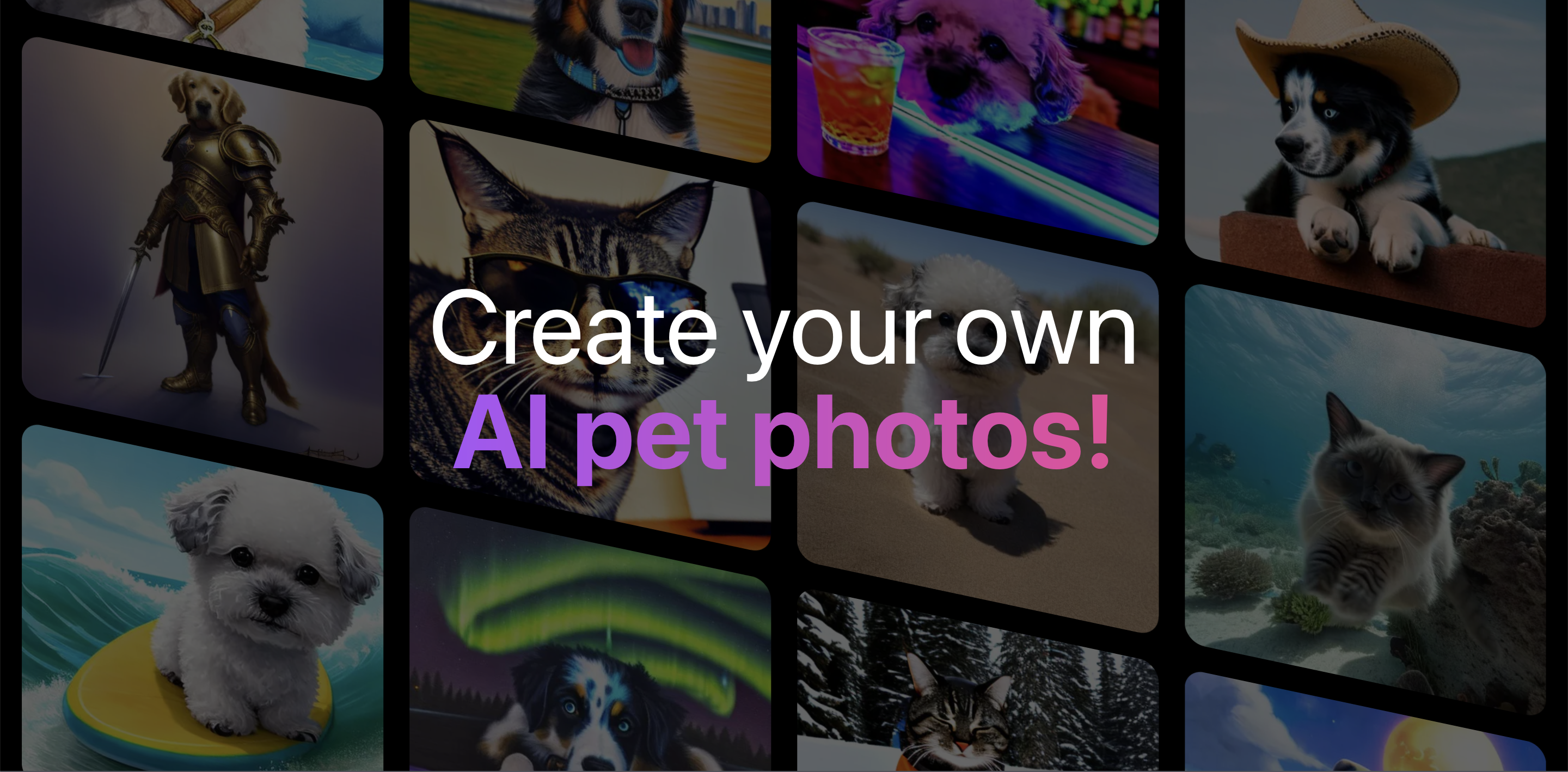
DeepMode is an AI character creation and art generator that lets users create private, photorealistic or stylized AI images and characters from text prompts or uploaded references. It includes tools to change facial expressions and apply art styles via a ‘Remix’ feature.

Imagedescribe
ImageDescribe.net is an AI image analysis workspace that converts images into descriptions, captions, OCR text, prompts, and enables follow-up image-based questions for creators, marketers, SEO editors, e-commerce teams, and researchers.
Premium Alternatives


Spencer for Mac
Spencer is a macOS window manager that saves and restores the layout of all open windows across Spaces and multiple displays, letting users create profiles for different tasks and quickly switch between them.
influensly
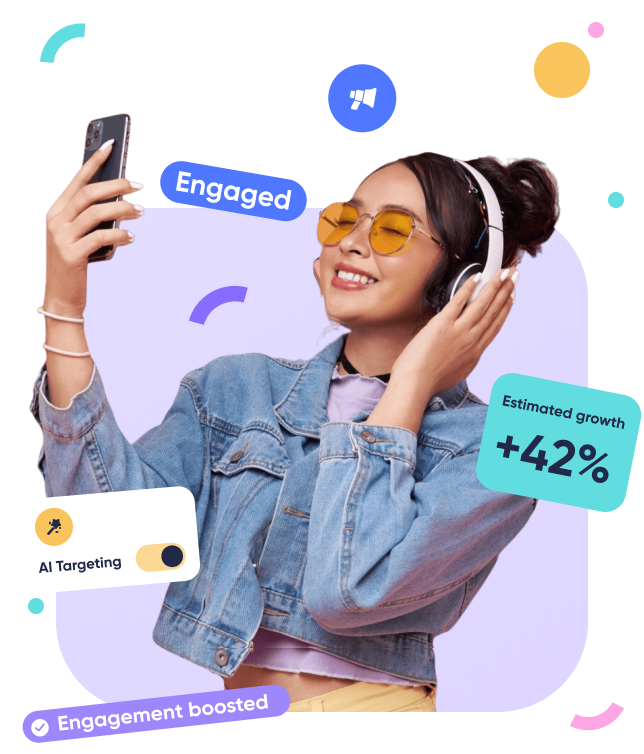
Influensly is a subscription-based TikTok growth service that uses programmatic advertising and AI-driven targeting to drive organic, real-user followers, views, and engagement for influencers, brands, and businesses.

actionize-ai
Actionize is a no-code platform that enables users to connect custom GPTs to thousands of apps via popular automation tools like Zapier and Make.com, simplifying the integration of external data and workflows into GPTs.


22analytics
22analytics.com is an available .com domain listed for sale on HugeDomains, offered with purchase and financing options, a 30-day money-back guarantee, and domain delivery through the NameBright registrar.