

Spencer for Mac
Spencer is a macOS window manager that saves and restores the layout of all open windows across Spaces and multiple displays, letting users create profiles for different tasks and quickly switch between them.
Spencer for Mac is productivity software teams evaluate for business operations. Use this page to review pricing, integration signals, and the best alternatives before you commit.
Used in These Packs
Quick Overview
Best for: Business Operations
What it does
Productivity software for decision-makers comparing workflow fit and alternatives.
Best fit
Business Operations
Pricing snapshot
Paid from $19.99
Next step
Compare Spencer for Mac with similar tools before you shortlist it.
Compare this tool before you shortlist it
Review alternatives, pricing posture, and workflow fit side by side.
Spencer for Mac
Spencer is a unique window manager for macOS that saves the layout of all open windows and restores them on demand across Spaces and multiple displays. It is designed for people who use multiple desktops and display configurations and want to switch instantly between task-specific setups without losing work. Spencer creates profiles that capture window positions, sizes, visible apps, and the number of Spaces per profile, and can launch or hide apps as needed. The product is Apple-notarized, requires macOS 13 Ventura or later, is sold for $19.99 with a 14-day money-back guarantee, and a single license can be activated on up to three Macs.
A macOS app that saves and restores your entire workspace layout across multiple Spaces and Displays, allowing you to create reusable profiles for different workflows and easily switch between tasks with one click.
Own this listing?
Claim this page to add pricing, features, screenshots, and verified owner details.
Claim this listingKey Features
Save and restore layouts
Save the layout of all open windows and restore them later, including positions and sizes across multiple Spaces.
Multiple Spaces support
Save and restore layouts for every Space, not just the active one; each profile can have its own number of Spaces.
Multi-display compatibility
Works with various configurations of multiple displays and adjusts window sizes to match the stored layout.
Launch and hide apps
Saved apps are launched if needed; open but unsaved apps are hidden rather than closed to prevent loss of work.
Flexible window arrangement
Supports any window size and position, including overlapping windows; not a snapping tool but a layout restorer.
Profiles for workflows
Create profiles to focus on specific tasks (e.g., Work, Meetings, Relax) and switch between them without closing apps (they are hidden in the Dock).
Single-key shortcut for actions
Provides a combined shortcut (example shown: ⌘ + H) to restore position, switch Space, hide or minimize in one action.
Apple-notarized
Notarized by Apple and marked as 'safe and trusted' for macOS.
Compatibility with other window managers
Listed full compatibility with Moom, Rectangle, and Magnet; Yabai and Aerospace are noted as not yet compatible.
Pricing
Standard License
$19.99- One license works on up to 3 Macs
- Apple-notarized application
- 14-day money-back guarantee
Use Cases
Work / Productivity
Save and restore complex multi-app, multi-Space layouts to instantly return to a focused work environment.
Meetings / Presentations
Switch to a meeting profile to hide unrelated windows and avoid sharing sensitive content by mistake.
Context switching / Breaks
Create a relaxed layout to step away from work and return later with windows restored to their previous state.
Multi-display workflows
Manage different layouts for single, dual, or ultrawide monitors and switch between setups without manual rearrangement.
Integrations
Moom
Listed as fully compatible with Spencer; allows users to use Moom alongside Spencer.
Rectangle
Listed as fully compatible with Spencer; compatible window manager for macOS.
Magnet
Listed as fully compatible with Spencer; compatible window manager for macOS.
Yabai
Not yet compatible (coming soon), noted on the product page.
Aerospace
Not yet compatible, noted on the product page.
Lemon Squeezy (purchase/delivery)
Downloads and license confirmation are delivered via Lemon Squeezy purchase confirmation email/page.
Benefits
Limitations
Frequently Asked Questions
Can I use my license on several devices?
How can I get a refund?
Where can I download the app or previous versions?
Getting Started
- 1 Purchase a license (Buy Now for $19.99) and receive a Lemon Squeezy confirmation email with download links.
- 2 Download the latest .dmg from https://get.macspencer.app/Spencer.dmg and install on a Mac running macOS 13 Ventura or later.
- 3 Create a profile, arrange windows and Spaces as desired, then save the layout; switch between profiles to restore layouts and hide unused windows.
Support
Primary support contact via contact[at]macspencer.app (used for refund requests and license transfers).
download
Direct downloads provided at https://get.macspencer.app/Spencer.dmg and previous versions links; license delivery via Lemon Squeezy confirmation.
survey/newsletter
Product page offers a one-question survey to prioritize features and a newsletter signup for updates and offers.
API
Compare Spencer for Mac with similar tools
See how it stacks up against alternatives
Related Tools
View all 153 →
Autoslide AI PowerPoint Add In
Autoslide is a Windows-only PowerPoint add-in that integrates advanced AI models to generate slide content, design layouts, and visuals directly inside PowerPoint to help professionals create presentation slides faster.


Productivitytool
Productivity Tool (by MonitUp) is a free, no-login time- and screen-tracking web app for Windows/PC that uses AI to generate personalized productivity suggestions and weekly tips for individuals and teams.

Pdfconvertlabs
A free, browser-based suite of PDF utilities that lets users merge, split, convert and compress PDF files online without installing software.


Todo2
Todo2 is an AI-powered project management tool integrated directly within the Cursor development environment, designed to transform developers into superhuman project managers by enabling research, planning, and execution of entire projects without leaving the IDE.

Budget-Friendly Alternatives
Skygen AI
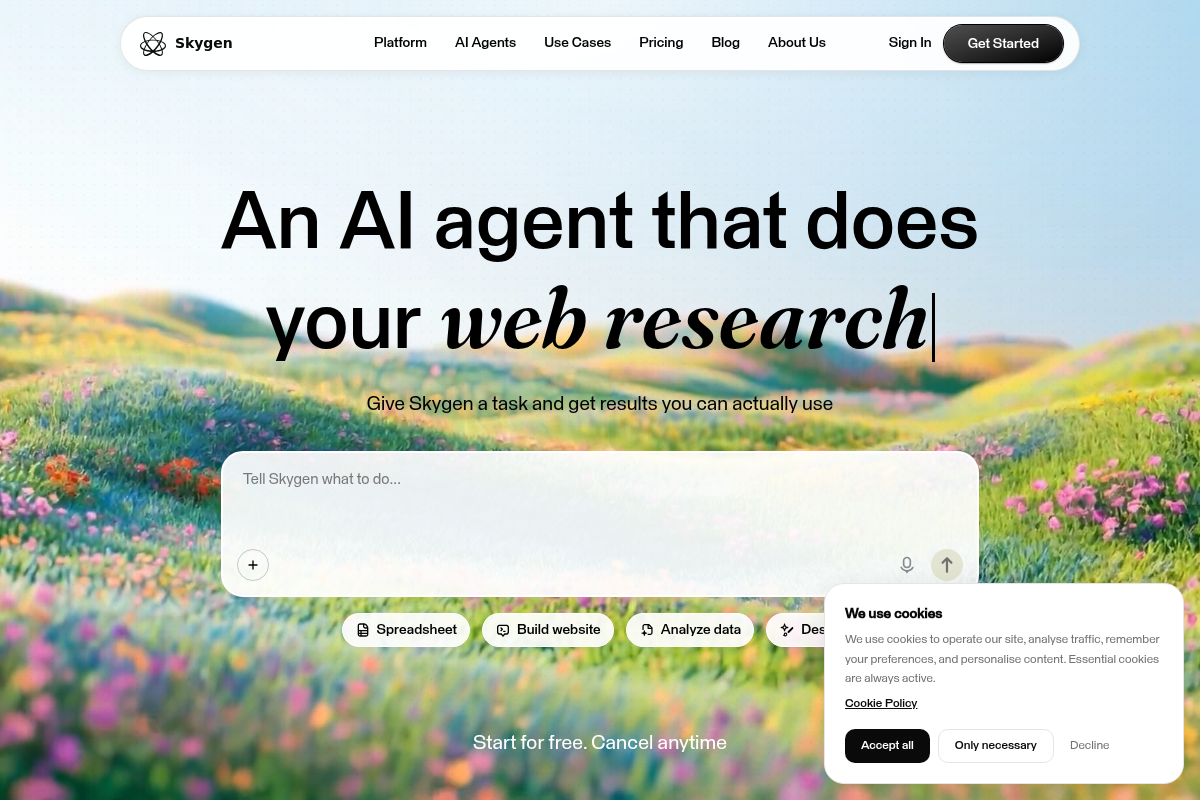
Skygen is an AI agent platform that runs autonomous, end-to-end agents to complete tasks (web browsing, form-filling, app interactions) with real-time visibility. It provides a desktop app for macOS and Windows, 1,000+ connectors, and isolated cloud computers to automate workflows for individuals and teams.
MachineTranslation.com
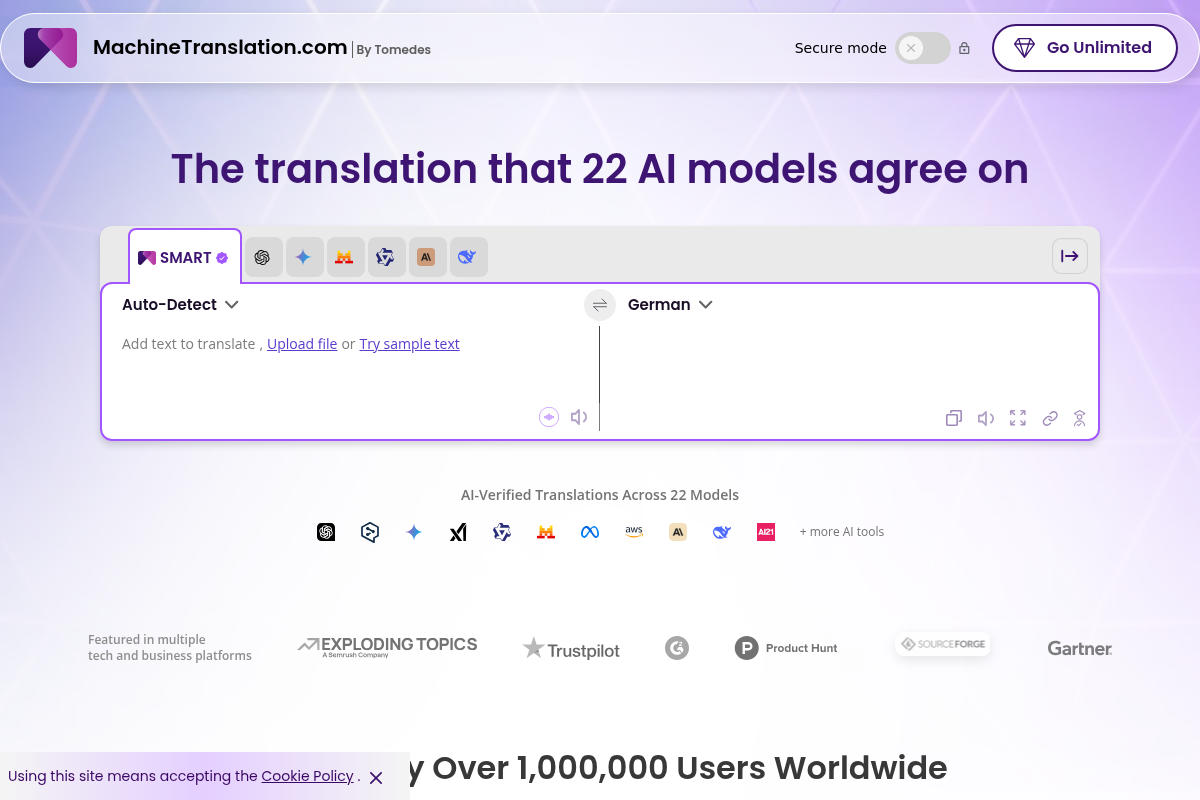
MachineTranslation.com is an AI-powered translation platform by Tomedes that compares outputs from 22 AI models to produce a consensus translation (SMART), supports 270+ languages and multiple file types, and offers optional human review and enterprise-grade privacy features.


Jobcopy
JobCopy is an AI-powered job-application assistant that combines resume and cover letter generation, ATS resume checking, salary research, job matching, hiring manager contact discovery, one-click applications via a Chrome extension, and a suite of career planning and interview-prep tools under a single subscription.
Shortsrobot.com
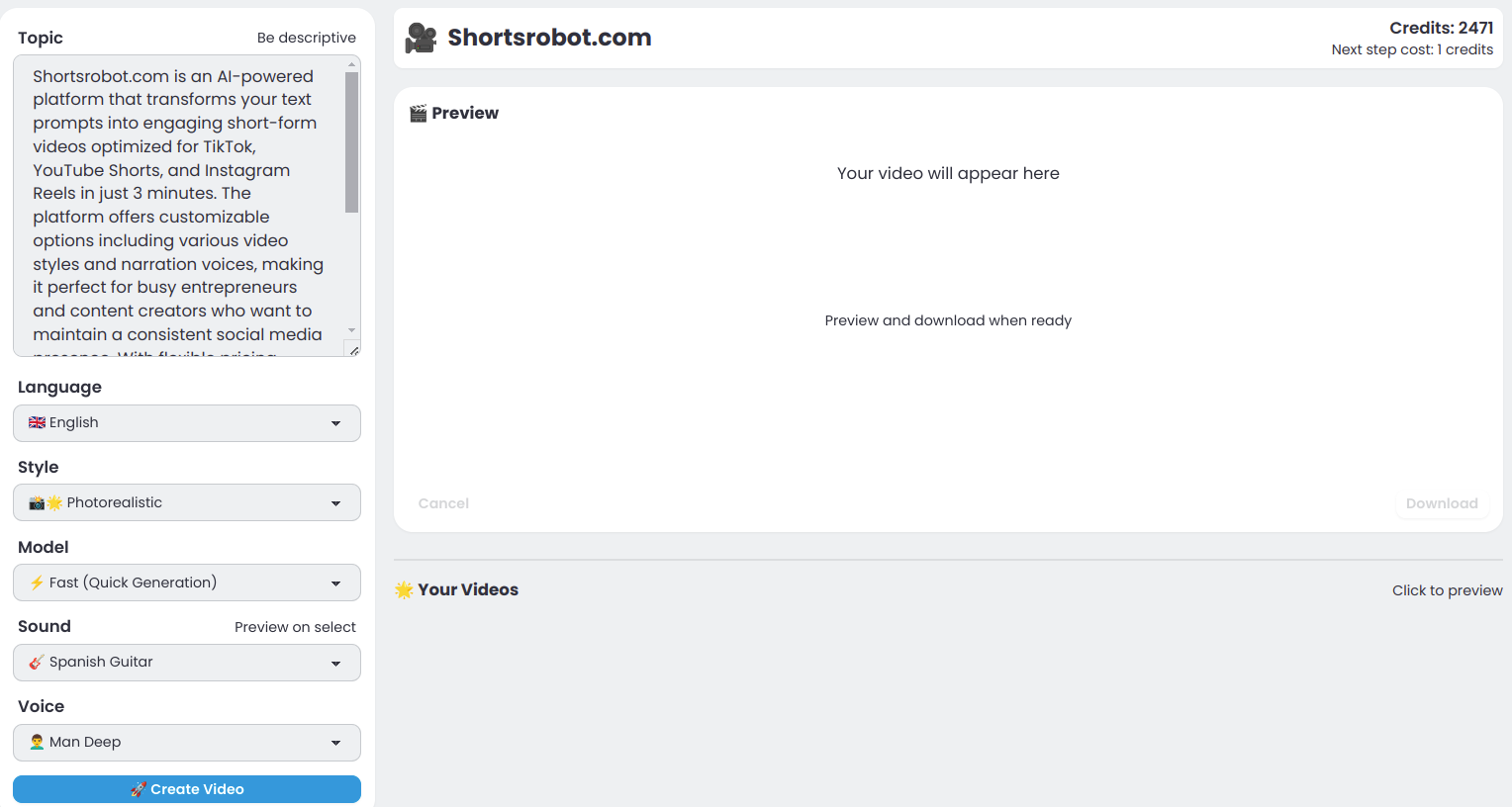
ShortsRobot is an AI-powered video generator that turns a single text prompt into a polished, ready-to-post vertical short (9:16) for TikTok, YouTube Shorts, and Instagram Reels, automating script, voiceover, images, captions and more in about 90 seconds.

ClipNow.ai
ClipNow.ai is an AI-powered tool that transforms long-form videos into engaging short clips optimized for platforms like TikTok, Instagram Reels, YouTube Shorts, and more with just one click.
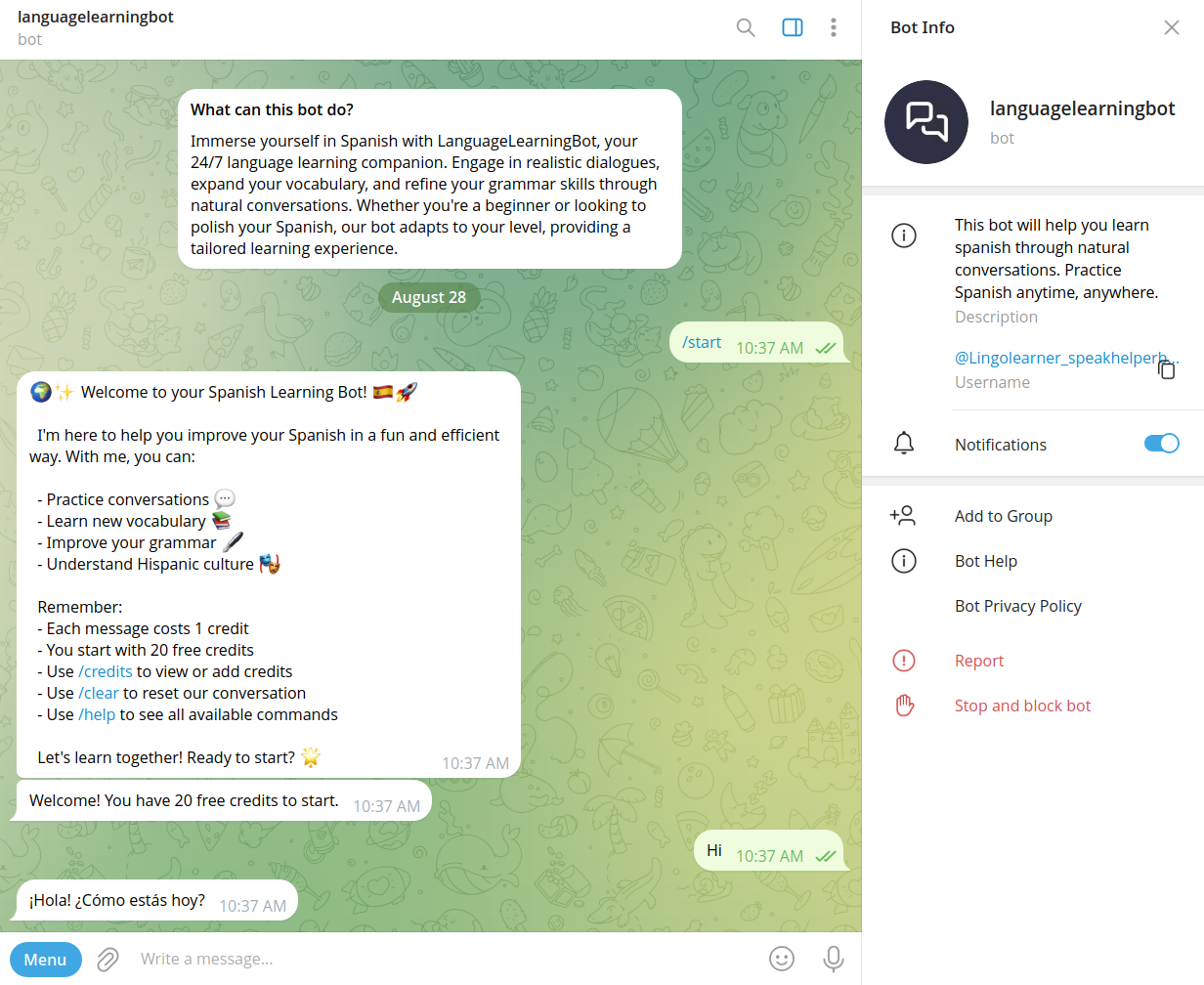
Speakhelper
Speakhelper is an AI-powered Spanish learning chatbot that provides natural conversational practice, instant grammar corrections, vocabulary expansion, and progress tracking through a credit-based chat interface.

Questgen
Questgen is an AI-powered quiz and question generator that creates multiple question types (MCQs, True/False, Fill-in-the-blanks, Higher-Order Questions, matching, etc.) from text, documents, images, video and web pages, and lets users edit and export quizzes in multiple formats.