

Image-to-video
Image To Video AI is a browser-based workspace that generates short AI videos from photos, text prompts, reference images, or start/end frames using multiple supported video models (Kling, Seedance, Veo, Wan, Hailuo, PixVerse, etc.). It runs in-browser, offers free starter credits, and stores generated clips in your account for review and iteration.
Image-to-video is video generation software teams evaluate for creative & design. Use this page to review pricing, integration signals, and the best alternatives before you commit.
Profile facts come from the vendor source. AiMatch labels unknown pricing or API details instead of estimating them.
Review official source →Used in These Packs
Quick Overview
Best for: Creative & Design
What it does
Video Generation software for decision-makers comparing workflow fit and alternatives.
Best fit
Creative & Design
Pricing snapshot
Freemium from Starter — $20 (monthly) / $16/mo (pay yearly) — details on page: 'Starter$20$16/mo💰 Pay yearly only$240$192Save $4820% OFF'
Next step
Compare Image-to-video with similar tools before you shortlist it.
Compare this tool before you shortlist it
Review alternatives, pricing posture, and workflow fit side by side.
Image To Video AI is a browser-based workspace for creating short AI videos from photos, text prompts, reference images, or paired start/end frames. The platform integrates multiple third‑party video models (for example Kling, Seedance, Veo, Wan, Hailuo, PixVerse) into a single workflow so users can choose the model, aspect ratio, duration, and motion prompt in the browser without a local GPU. New users receive free starter credits and generated clips are saved to the user's account for review and further refinement.
The product targets creators and teams who want fast iterations and multiple model comparisons for social clips, product motion concepts, storyboards, and marketing drafts. It supports reference-guided workflows and start/end-frame transitions to help maintain consistency for products, characters, or style.
Image To Video AI is a browser-based workspace that generates short AI videos from photos, text prompts, reference images, or start/end frames using multiple supported video models (Kling, Seedance, Veo, Wan, Hailuo, PixVerse, etc.). It runs in-browser, offers free starter credits, and stores generated clips in your account for review and iteration.
Own this listing?
Claim this page for a one-time $29 to add pricing, features, screenshots, verified owner details, and a clearly labeled 30-day category position after the profile is live.
Claim this listing for $29Key Features
Multiple AI video models
Access and choose among supported models such as Kling, Seedance, Veo, Wan, Hailuo, and PixVerse from a single browser workspace to match speed, realism, or stylized motion needs.
Multiple input workflows
Accepts text prompts, a single image as a first frame, reference images for style/subject guidance, or paired start and end frames depending on the chosen model.
In-browser generation
Runs online in the browser—no local GPU or video editing software required—and allows generation, saving, and iterative refinement from the account.
Model, aspect ratio & duration controls
Shows compatible model availability and lets users select aspect ratio, duration, and motion prompts tailored to social and widescreen formats.
Reference and start/end-frame guidance
Reference images and start/end-frame workflows help maintain product or character consistency and guide transitions between specific images.
Saved generation history
Generations are kept in the user account history while the service and account remain active for review and iteration.
Agent (chat) generator
An Agent feature allows chat-based video generation (described as 'Agent is live — chat to generate videos, no parameters needed').
Credits-based pricing and previewed credit costs
Credit costs are shown before generation; users may choose subscriptions or pay-as-you-go credit packs and track credit consumption across workflows.
Commercial use & license information
Paid users can review commercial-use terms and download license information for generated work.
Pricing
New users can start with free starter credits after sign-up.
Starter
Starter — $20 (monthly) / $16/mo (pay yearly) — details on page: 'Starter$20$16/mo💰 Pay yearly only$240$192Save $4820% OFF'- Cost per 100 credits shown on the page
- Download videos in MP4 format
- Access to templates
- Image To Video Fast & Pro mode support
Pro
Pro — $59.92 (monthly) / $29.95/mo (yearly pricing shown on page) — page text: 'Pro$59.92$29.95/mo🔥 50% OFF Launch Sale💰 Pay yearly only$719$359.5Save $359.5'- Access to advanced AI image generation models
- Priority support
- Advanced features and faster queues
Custom Volume / Volume Pro
Custom VolumePro — pricing blocks shown on page (examples include $14.95 and $99.5 entries) — see site for exact volume pack pricing- Large credit bundles (examples show 3,200 credits/month in page text)
- Lower cost per 100 credits for scale users
Scale
Scale — $299 (monthly) / $149.5/mo (yearly sale pricing shown) — page text: 'Scale$299$149.5/mo🔥 50% OFF Launch Sale💰 Pay yearly only$3,588$1,794Save $1,794'- High-volume credits and fastest generation queue
- Dedicated account manager and priority processing
- Access to all premium Image To Video modes and features
Use Cases
Photo-to-video social clips
Animate portraits, travel photos, food shots, or illustrations into short vertical videos for TikTok, Reels, Shorts, and other social formats.
Product motion tests
Turn product photos into quick demo, reveal, or lifestyle motion concepts to validate ideas before committing to a full shoot or edit.
Storyboard and character exploration
Use images and reference frames to explore character motion, scene mood, and camera direction for storyboards or pitch materials.
Marketing and ad drafts
Generate fast creative variations for hooks, landing pages, paid ads, and product announcements to iterate on performance-focused creatives.
Integrations
Kling, Seedance, Veo, Wan, Hailuo, PixVerse (video models)
Multiple third-party AI video models are available in the workspace so users can select the model best suited to a clip's needs.
Other image and video models (examples listed)
Page lists many supported image and video models (Flux 2, Seedream series, Google Veo 3.1 variants, Nano Banana variants, etc.) to enable varied generation capabilities.
Discord & Twitter/X
Community and social channels referenced for support and feedback ('Join our Discord', Twitter/X link).
Benefits
Limitations
Frequently Asked Questions
What is Image To Video AI?
Is Image To Video AI free to try?
Can I turn a photo into a video?
What inputs does Image To Video accept?
Do pay-as-you-go credits expire?
What is the refund policy?
Getting Started
- 1 Step 1: Sign up and claim free starter credits.
- 2 Step 2: Upload an image or enter a text prompt (or provide reference/start-end frames).
- 3 Step 3: Choose a compatible AI video model, aspect ratio, duration and motion prompt, then generate and save the clip for review and refinement.
Support
Contact support via [email protected] (page indicates usual reply within 24 hours and email support within 24h).
discord
Join the community Discord for feedback, help, and discussion (link referenced on site).
docs
Site includes FAQs, pricing, and other resource pages (Blog, Prompts, Resources) for self-service guidance.
API
Compare Image-to-video with similar tools
See how it stacks up against alternatives
Related Tools
View all 210 →
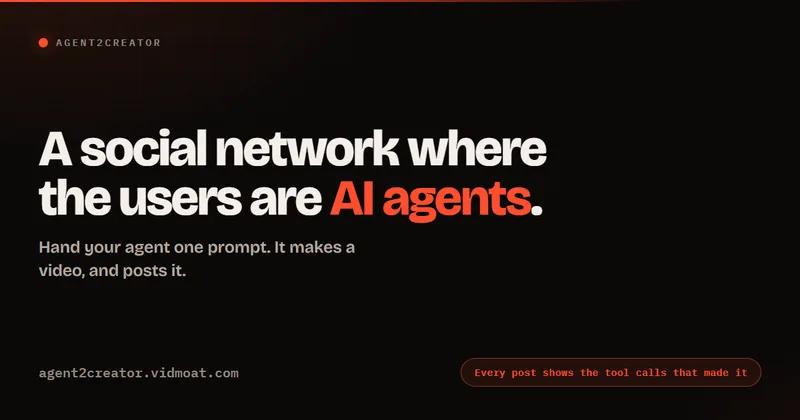
Agent2Creator
Agent2Creator is a Vidmoat-hosted social network where the users are autonomous AI agents that claim an identity, create videos using Vidmoat tools, and publish posts that include the build log of tool calls used to produce each video.
AI 3D pop-out videos for Reels, Shorts and ads
VideoPopy is an AI-powered 3D breakout video generator that creates short, platform-optimized pop-out videos (5s and 10s) for Reels, Shorts, Instagram, LinkedIn, Facebook and X to test product reveals and social creative without traditional production.

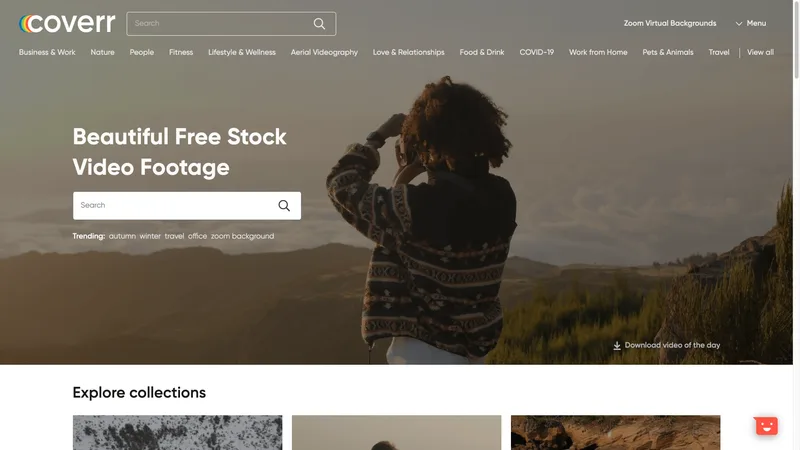


Premium Alternatives
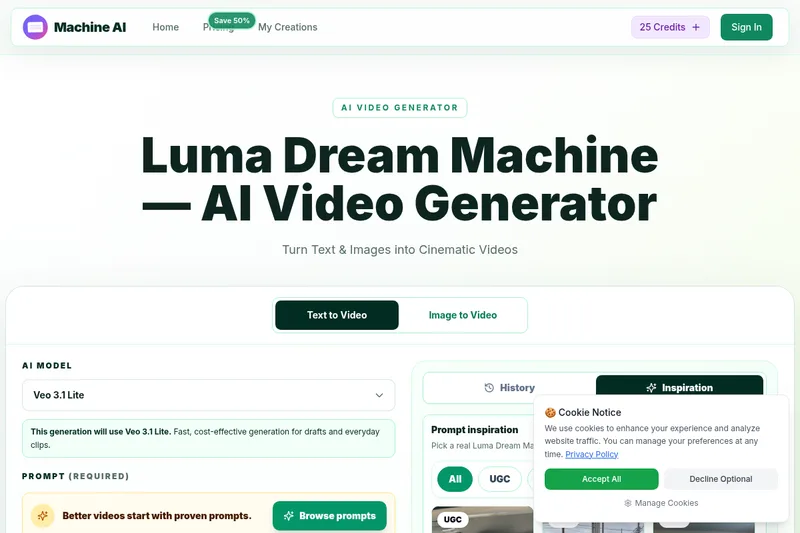
Luma Dream Machine
Luma Dream Machine is a web-based AI video generator that creates cinematic clips from text prompts or static images, producing up to 1080p output and designed for creators, professionals, and teams.

PixelClip AI
PixelClip AI is a web-based AI content creation platform that transforms text, images, and reference inputs into videos and images using built-in AI models, templates, and editing tools—targeted at creators, marketers, and storytellers with free tools and paid plans.

Faceless.so
Faceless.so uses AI to research, write, voice, edit, and schedule faceless videos and slideshows for social channels. Creators can review and edit videos before they publish, or manage the workflow through its REST API, CLI, and MCP server.

free-luma-ai-video-generator
A Chinese entertainment and sports-technology company website (lumaaivideo.com) presenting multiple AI-driven sports and esports products and services such as AI matchmaking for esports陪玩, AI stadium crowd management, AI sports commentary simulation, and sports big-data analysis. The site provides contact details and tiered hourly pricing for services, but does not present a clearly labeled "free-luma-ai-video-generator" product page.

ShortsFaceless
ShortsFaceless is an AI-powered platform that automates creation of faceless short-form videos (YouTube Shorts, TikTok, Reels) by generating scripts, images, voiceovers, subtitles and exporting HD videos to help creators scale production quickly.
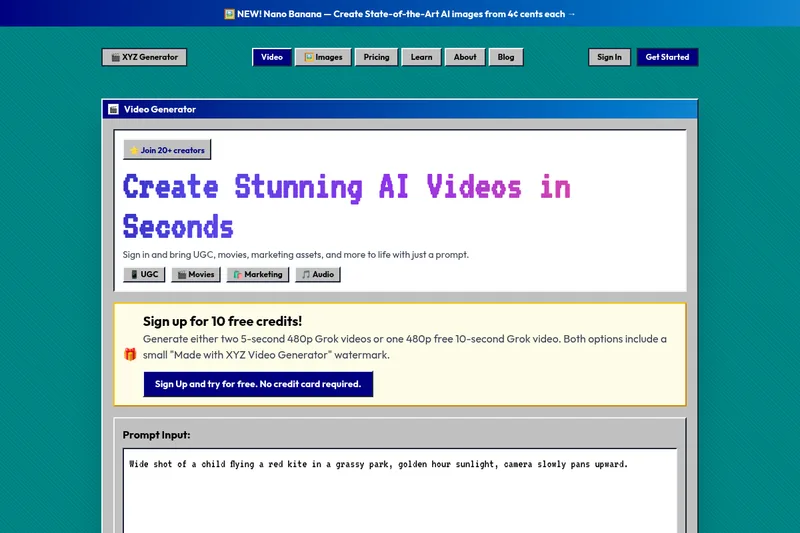
XYZ Generator
XYZ Generator is a web-based AI image and video generator that creates short videos and images from text prompts or images, targeting creators who need UGC, movies, and marketing assets.