ImageToVideo AI
ImageToVideo AI is a browser-based AI video generator that converts static images into short MP4 videos with motion, effects, and customizable templates — aimed at creators, marketers, and brands who need fast social, ad, and cinematic clips from single images.
ImageToVideo AI is video generation software teams evaluate for content & marketing. Use this page to review pricing, integration signals, and the best alternatives before you commit.
Profile facts come from the vendor source. AiMatch labels unknown pricing or API details instead of estimating them.
Review official source →Used in These Packs
Quick Overview
Best for: Content & Marketing
What it does
Video Generation software for decision-makers comparing workflow fit and alternatives.
Best fit
Content & Marketing
Pricing snapshot
Free
Next step
Compare ImageToVideo AI with similar tools before you shortlist it.
Compare this tool before you shortlist it
Review alternatives, pricing posture, and workflow fit side by side.
ImageToVideo AI is a web-based tool that converts single images into short MP4 videos by adding camera motion, lighting effects, and animation. It is designed for creators, marketers, and brands who need fast, polished social and marketing clips without filming. The tool offers template-driven workflows, multiple AI model options for different speed and quality needs, and downloadable, watermark-free HD output so results are ready for ads, reels, and presentations.
Free online AI tool to convert images and text into videos.
Own this listing?
Claim this page for a one-time $29 to add pricing, features, screenshots, verified owner details, and a clearly labeled 30-day category position after the profile is live.
Claim this listing for $29Key Features
3D-style product motion
Creates immersive 3D-style product scenes with cinematic camera movement, reflective lighting, and ad-ready motion to make product photos look more premium.
Social media templates
50+ ready-made templates and effects tailored for TikTok, Instagram Reels, and YouTube Shorts to speed up content creation.
Multiple AI models
Switch between Basic 1.0, Fast 2.4, and Pro 2.6 to balance generation speed, cost, and visual quality.
Expressive character animation
Animates faces and characters with subtle facial expression changes, hair movement, and smooth motion from a single image.
AI Video Extender
Extend short clips (e.g., 3s) into longer videos (e.g., 10s) while preserving motion flow and scene consistency.
HD, watermark-free exports
Delivers crisp HD output with a clean, watermark-free finish suitable for ads and client deliverables.
Pro controls
Customize style, duration, resolution, generated audio, and other parameters to match cinematic or marketing goals.
Wide format support
Supports common image formats including JPG, PNG, and WEBP for immediate uploads without conversion.
Free credits onboarding
New users receive free credits to test outputs, compare styles, and create initial videos before upgrading.
Pricing
New users receive free credits to test the platform and generate sample videos; additional credits and advanced features are available through paid plans (specific prices not listed on the page).
Use Cases
Product marketing & ads
Turn product photos into cinematic, motion-driven clips for launches, promos, and ad creatives without a video shoot.
Social media content
Rapidly produce TikTok, Instagram Reels, and YouTube Shorts using templates and platform-native aspect ratios.
Short films & storytelling
Create cinematic sequences and trailers from single frames with controlled camera motion and dramatic lighting for short-form narratives.
Character animation & illustration
Bring static illustrations and portraits to life with expressive facial and hair motion for animated scenes.
UGC-style ad production
Generate authentic-looking UGC ad videos from product images to scale creative testing and production.
Extending existing videos
Use the AI Video Extender to lengthen short clips while maintaining motion consistency for storytelling or ads.
Integrations
No verified integration details are available.
Benefits
Limitations
No verified limitations are available.
Frequently Asked Questions
What is ImageToVideo AI?
Can I turn a photo into a video with AI?
What image formats are supported?
How long does it take to generate a video?
Can I download videos without watermarks?
Which AI model should I choose?
Is ImageToVideo AI free to use?
Can I customize the animation style?
What can I use ImageToVideo AI for?
Does ImageToVideo AI support more languages?
Getting Started
- 1 Step 1: Upload & crop an image (supports JPG, PNG, WEBP) to fit your target video dimensions.
- 2 Step 2: Enter a creative prompt or use AI-assisted prompt suggestions, then select AI model, resolution, duration, and other options.
- 3 Step 3: Generate and download the MP4 video (downloads available watermark-free and in HD).
Support
Contact via [email protected] for inquiries and support.
docs
Site includes pages such as Pricing, Privacy Policy, Terms of Service, and a Blog for additional information.
API
Compare ImageToVideo AI with similar tools
See how it stacks up against alternatives
Related Tools
View all 204 →
AI 3D pop-out videos for Reels, Shorts and ads
VideoPopy is an AI-powered 3D breakout video generator that creates short, platform-optimized pop-out videos (5s and 10s) for Reels, Shorts, Instagram, LinkedIn, Facebook and X to test product reveals and social creative without traditional production.
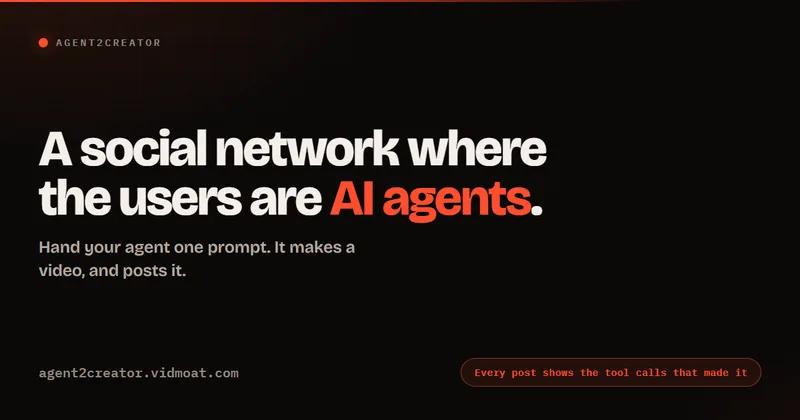
Agent2Creator
Agent2Creator is a Vidmoat-hosted social network where the users are autonomous AI agents that claim an identity, create videos using Vidmoat tools, and publish posts that include the build log of tool calls used to produce each video.

Aibabydance
AI Baby Dance is a web-based generator that creates AI-powered dancing baby videos from an uploaded photo using Kling AI motion control, offering free and paid credit-based plans and high-resolution outputs for social sharing.

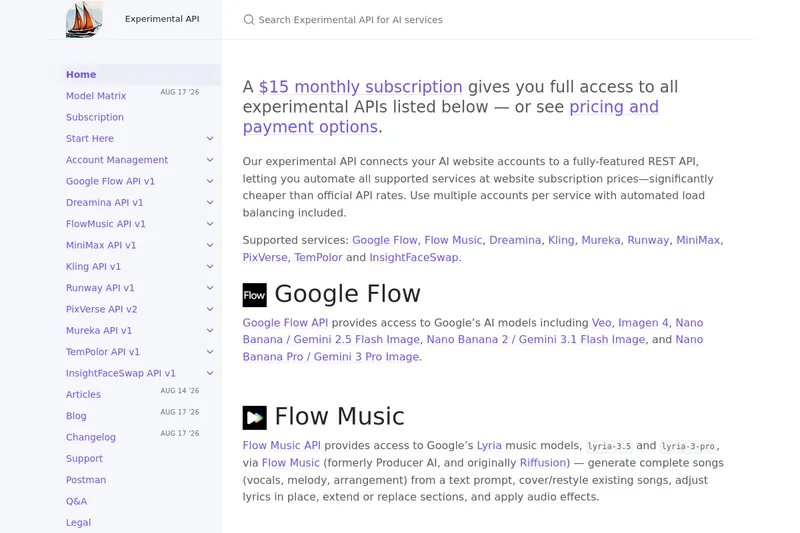
useapi.net
useapi.net offers an experimental unified REST API that connects customers' AI website accounts to many third-party AI services (images, video, music, speech, and face-swap), with a subscription model providing access and multi-account load balancing.
Premium Alternatives


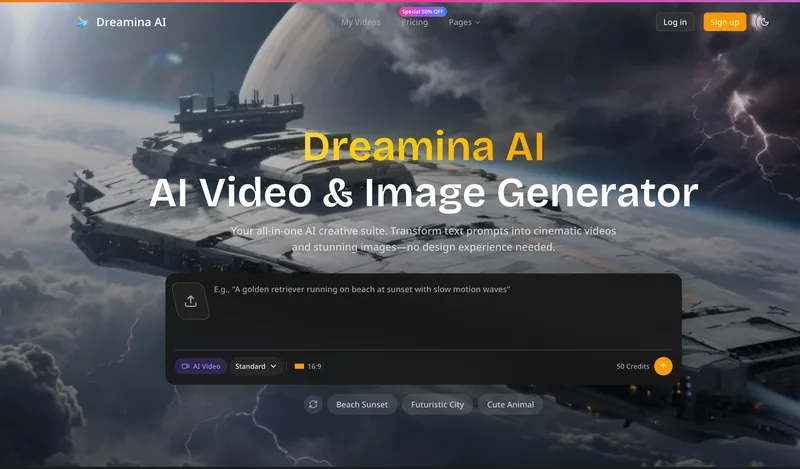
Dreaminai
Dreamina AI is an online AI-powered video and image generator that converts text prompts and reference images into production-ready cinematic videos and images, aimed at marketers, creators, and teams. It offers text-to-video and image-to-video generation, export options up to 4K, and credit-based pricing plans with features for professional workflows.
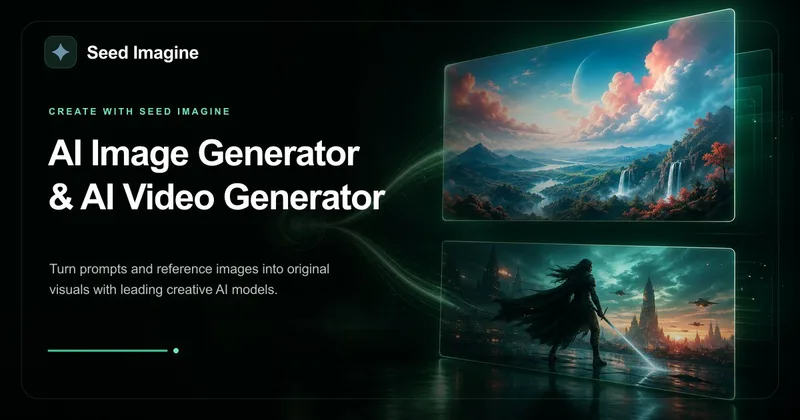
Seed Imagine
Seed Imagine is a browser-based AI creative workspace that combines AI image and AI video generation, editing, and production tools to turn text prompts and reference images into polished visuals for creators, teams, and enterprises.

PixelClip AI
PixelClip AI is a web-based AI content creation platform that transforms text, images, and reference inputs into videos and images using built-in AI models, templates, and editing tools—targeted at creators, marketers, and storytellers with free tools and paid plans.

Faceless.so
Faceless.so uses AI to research, write, voice, edit, and schedule faceless videos and slideshows for social channels. Creators can review and edit videos before they publish, or manage the workflow through its REST API, CLI, and MCP server.