
inbox-zero-ai-smartest-email-ai
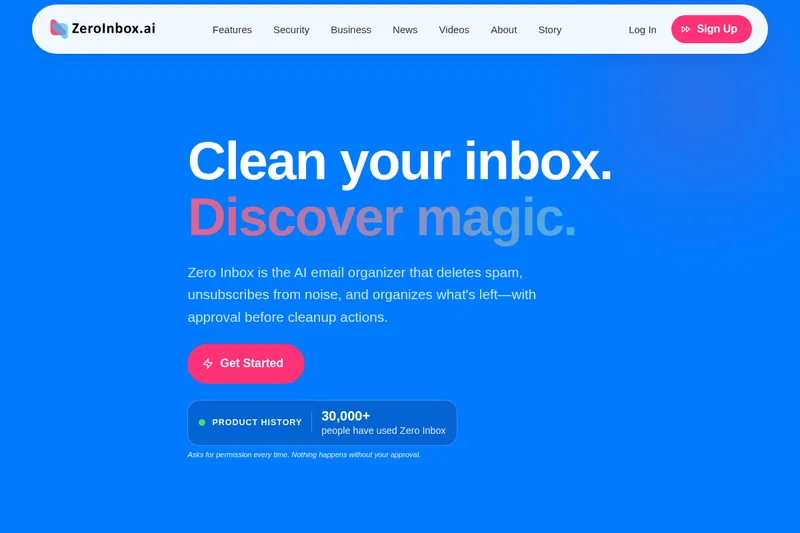
Zero Inbox categorizes email and prepares reviewable cleanup suggestions so users can bulk-delete messages or unsubscribe from senders. It is for people and teams managing cluttered Gmail, Google Workspace, Outlook, or Hotmail inboxes.
Who it's for
- Business professionals who want to review and clean up clutter while keeping important email visible.
- Freelancers and creators who need to separate client email from promotional noise.
- Teams evaluating an email cleanup workflow through a bounded paid proof with one authorized source and a named operator.
How it fits your workflow
Sign in with Google or Microsoft and authorize a connected inbox. Zero Inbox scans it and groups messages into categories such as spam, promotions, newsletters, and important.
Review the suggested groups and decide what to keep, delete, or unsubscribe from. Message-changing actions wait for approval; scan and review time depends on mailbox size and provider.
Pricing
Business proof
Paid; price not stated
- · Start with one authorized source and one measurable email problem.
- · Use a named operator and document approvals, responses, and gaps.
- · Decide whether to expand after a written closeout.
Prices checked on Nov 12, 2026 from the vendor's site. They can change; confirm before you buy.
Key features
- AI email categorization
- Scans a connected inbox and groups messages into categories including spam, promotions, newsletters, and important.
- Review-before-action cleanup
- Shows proposed inbox actions for review. Users can leave suggested groups unchanged and must approve changes before they run.
- Bulk deletion
- Lets users clean up large groups of messages with one click, including thousands of emails.
- Unsubscribe and sender blocking
- Lets users review recurring newsletters and promotions, choose senders to unsubscribe from, and permanently block unwanted newsletters.
- Inbox insights
- Shows how many emails were cleaned, the categories they fell into, and inbox health information.
- Privacy controls
- Users connect through Google or Microsoft sign-in rather than providing their provider password, and can revoke provider access through Google or Microsoft.
Works with
- Microsoft
Limitations to know
- Scan and review time depends on mailbox size and the connected provider.
Alternatives to consider
-
PureBox.ai
Choose it if you want Gmail-history triage organized into Attention, Archive, and Trash tracks with reversible bulk actions.
-
TriageBox
Choose it if you want Gmail triage through a Chrome extension or Android app, with processing in the browser.
Getting started
A Google or Microsoft account to authorize a connected Gmail, Google Workspace, Outlook, or Hotmail inbox.
- Create an account and sign in through Google or Microsoft.
- Authorize the connected email workflow.
- Let Zero AI scan the inbox and prepare suggested groups.
- Review the suggestions and approve the cleanup actions you want.
Frequently asked questions
Does Zero Inbox delete emails automatically?
No. Zero AI categorizes and recommends what to clean, but asks for approval before making changes. Users choose what to delete, unsubscribe from, or keep.
Which email accounts does Zero Inbox support?
The page says Zero Inbox supports Gmail, Google Workspace, Outlook, and Hotmail accounts, connected through a Google or Microsoft account.
How does Zero Inbox clean email?
It scans the inbox, categorizes email into spam, promotions, newsletters, and important, and presents the results for review. Users can then bulk-delete, unsubscribe, or keep messages.
How long does an inbox scan take?
Scan and review timing depends on mailbox size and the connected provider.
Can Zero Inbox be used for business?
Yes. The page describes starting with a bounded paid proof: one authorized source, one measurable problem, and one named operator. It directs business inquiries to [email protected].