
Inlinehelp
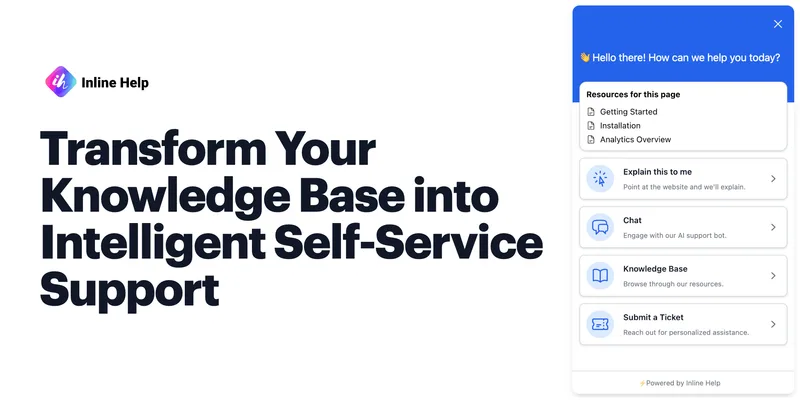
Inlinehelp is a no-code, AI-powered in-app support platform that turns a product's knowledge base into proactive contextual assistance via features like Explain This, AI Chatbot, tooltips, and a unified support widget.
Inlinehelp is nocode / lowcode software teams evaluate for nocode / lowcode. Use this page to review pricing, integration signals, and the best alternatives before you commit.
Profile facts come from the vendor source. AiMatch labels unknown pricing or API details instead of estimating them.
Review official source →Used in These Packs
Quick Overview
Best for: NoCode / LowCode
What it does
NoCode / LowCode software for decision-makers comparing workflow fit and alternatives.
Best fit
NoCode / LowCode
Pricing snapshot
Free
Next step
Compare Inlinehelp with similar tools before you shortlist it.
Compare this tool before you shortlist it
Review alternatives, pricing posture, and workflow fit side by side.
Inlinehelp provides no-code, AI-powered in-app support that converts your knowledge base into proactive contextual assistance. It offers tools such as Explain This (in-app contextual insights), AI Chatbot (real-time responses), and AI-driven tooltips delivered through a unified widget to help users and reduce support tickets. The product is positioned for companies looking to improve product adoption and self-service support and is presented with enterprise-focused messaging such as 'trusted by 500+ companies' and a security emphasis. A 14-day free trial is available with no credit card required.
Inlinehelp is a no-code, AI-powered in-app support platform that turns a product's knowledge base into proactive contextual assistance via features like Explain This, AI Chatbot, tooltips, and a unified support widget.
Own this listing?
Claim this page for a one-time $29 to add pricing, features, screenshots, verified owner details, and a clearly labeled 30-day category position after the profile is live.
Claim this listing for $29Key Features
Explain This
In-app contextual mastery that lets users tap any part of a website to instantly receive AI-generated insights, removing the need for manual tooltip creation.
Tooltips
No-code, AI-powered tooltips that provide on-spot insights within the app for immediate user guidance.
Chatbot
An AI chatbot that delivers real-time intelligent responses using the customer's knowledge base to answer user queries instantly.
Widget
A unified help hub that aggregates support tools—from Explain This to ticket submission—into one interface inside the app.
Knowledge Base Integration
Brings an organization's knowledge repository into users' contextual workflows so support content is available where and when it's needed.
Ticket Form
Built-in ticket submission inside the app to allow users to report issues without leaving their workflow.
Multilingual Support
Support in seven languages: English, German, French, Spanish, Italian, Portuguese, and Japanese.
Pricing
14-day free trial with no credit card required.
Use Cases
Reduce support tickets
Provide proactive in-app answers so users resolve issues themselves rather than submitting support requests.
Improve product adoption and onboarding
Deliver contextual guidance and tooltips to help new users understand features and workflows faster.
In-app troubleshooting
Enable users to tap any part of the interface to receive AI-generated explanations and solutions without leaving the product.
Centralized support hub
Offer a single widget that consolidates help tools and ticket submission to streamline user support.
Integrations
No verified integration details are available.
Benefits
Limitations
No verified limitations are available.
Frequently Asked Questions
No verified FAQs are available.
Getting Started
- 1 Step 1: Start a free 14-day trial from the homepage ('Start free trial' – no credit card needed).
- 2 Step 2: Connect or bring your knowledge base into Inlinehelp so AI can surface relevant content.
- 3 Step 3: Install the Inlinehelp widget/tooltips in your app (no-code integration) and enable features like Explain This and Chatbot.
- 4 Step 4: Configure ticket submission and language settings, then go live to begin assisting users in-app.
Support
Contact
Contact page available via the site's 'Contact' link for sales or support inquiries.
Demo
View a demo using the 'View demo' call-to-action on the homepage to see product capabilities.
Documentation / Links
Footer contains links such as Security, Privacy policy, and Terms of service for additional information.
API
Compare Inlinehelp with similar tools
See how it stacks up against alternatives
Related Tools
View all 78 →
Thunkable
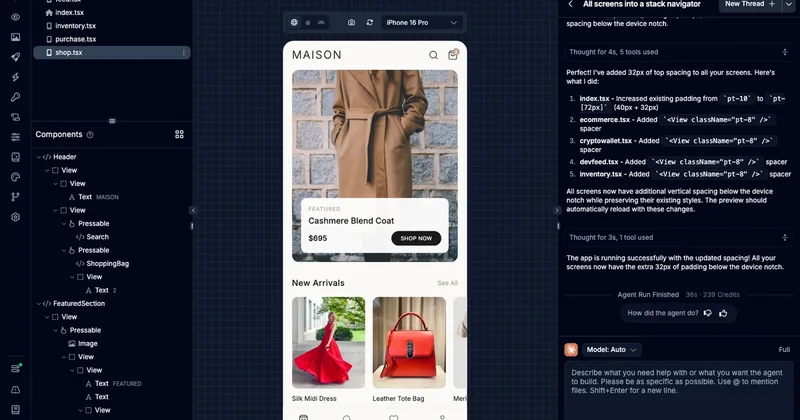
Thunkable is a no-code/low-code platform for building and publishing native iOS and Android apps, featuring an AI Builder for generating projects from simple prompts, visual design tools, direct app store publishing, and collaborative workflows for founders, designers, teams, and educators.


Phonesites
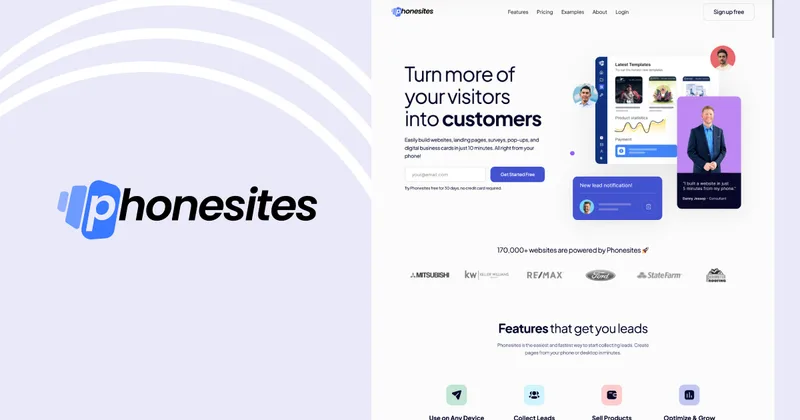
Phonesites is a no-code landing page and website builder that helps businesses create mobile-responsive pages, surveys, pop-ups, and digital business cards quickly—claiming you can build pages in minutes from your phone or desktop.

NextBrain AI
NextBrain AI is an enterprise-focused AI platform combining no-code machine learning, knowledge retrieval, document extraction and comparison, and visual workflow automation. It helps teams put predictive models and AI-powered operational processes into production.

Premium Alternatives

softgen
Softgen is an AI-powered web app builder that turns plain-English app descriptions into deployed, production-ready Next.js apps with managed Supabase, GitHub export, one-click Vercel deploy, and selectable AI models—designed for founders, makers, and teams to build MVPs and SaaS fast.
Appy Pie
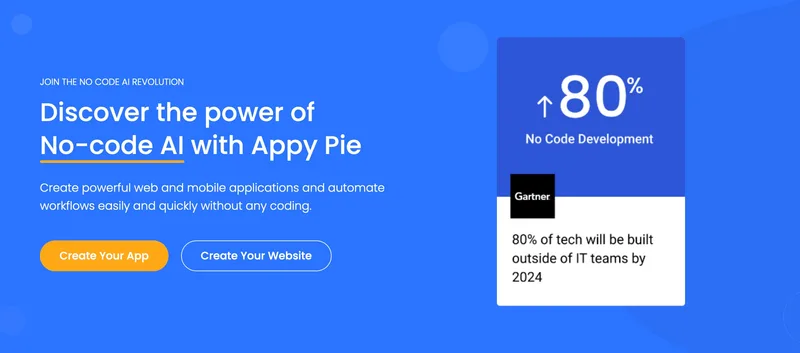
Appy Pie is an AI-powered no-code app builder that converts plain-English prompts into working native Android and iOS apps with backend, hosting, and store-publishing support. It targets founders and businesses who want to ship production mobile apps quickly without writing code.

Kivicube
Kivicube is a web-based, no-code AR creation and publishing platform that lets individuals and enterprises build, preview and publish interactive AR experiences (WebAR, WeChat Mini Program, Vision Pro, etc.) using visual editing and AI-powered tools such as 3D model and video generation.

SunSed
SunSed is an AI app builder for creating and running business applications from descriptions, using tested building blocks and a built-in programming language. Hosting, databases, logins, email, file storage, payments, and other app services are included in its paid plans.


-Bh91Hz9I.png)