
Invideo
invideo AI is a web-based AI video generator that turns text prompts into finished videos by generating scripts, selecting stock footage from a 16M+ media library, adding voiceovers, subtitles, music and transitions, with an intuitive editor for edits and prompt-driven changes.
Invideo is text-to-video software teams evaluate for content & marketing. Use this page to review pricing, integration signals, and the best alternatives before you commit.
Used in These Packs
Quick Overview
Best for: Content & Marketing
What it does
Text-to-Video software for decision-makers comparing workflow fit and alternatives.
Best fit
Content & Marketing
Pricing snapshot
Freemium from $0
Next step
Compare Invideo with similar tools before you shortlist it.
Compare this tool before you shortlist it
Review alternatives, pricing posture, and workflow fit side by side.
Invideo
invideo AI is a fully web-based AI video generation platform designed to let users create publish-ready videos from simple text prompts. The tool generates scripts, selects relevant footage from a 16 million+ stock library, produces human-sounding AI voiceovers, adds background music, subtitles and transitions, and exposes an editor for final touches. It targets content creators, social media marketers, businesses and teams that need to create video at scale without a steep learning curve.
The product emphasizes speed and ease-of-use: users can prompt an idea, pick audience and platform settings to tune tone and style, then let the AI assemble a first cut which can be refined using natural-language prompts. Invideo reports large adoption (25M customers across 190 countries) and positions the platform as a solution for frequent video publishing, script generation, and affordable voiceover alternatives.
invideo AI is a web-based AI video generator that turns text prompts into finished videos by generating scripts, selecting stock footage from a 16M+ media library, adding voiceovers, subtitles, music and transitions, with an intuitive editor for edits and prompt-driven changes.
Own this listing?
Claim this page to add pricing, features, screenshots, and verified owner details.
Claim this listingKey Features
Text-to-Video Generation
Generate complete video drafts from a simple text prompt — invideo AI creates the script, selects stock footage, and composes scenes automatically.
AI Script Generator
Built-in AI YouTube/script generator that produces engaging, tailored scripts for any topic to save time on writing.
Large Stock Media Library
Access to a 16 million+ library of stock photos and videos which the AI searches to match scenes and visual context.
Human-Sounding Voiceovers
AI voiceover generator that offers male/female voices, multiple languages and accents, and emotional nuance to bring scripts to life.
Prompt-Based Editing ('Magic Box')
Edit your video by typing natural-language prompts (e.g., delete scene, replace stock, change accent), enabling non-technical iterative edits.
Editor: Subtitles, Transitions, Music
Intuitive editor to adjust text, media clips, transitions, subtitles and background music for final polishing.
Real-time Collaboration (coming soon)
Multiplayer editing for team collaboration is listed as an upcoming capability.
No Software Downloads
Web-based tool that runs in popular browsers across desktop and mobile — no downloads required.
Pricing
Free plan includes 2 video minutes and 1 AI credit per week, 1 Express avatar, 4 exports per week with an invideo watermark; some generative features are restricted on the free tier.
Free
$0- 2 video minutes and 1 AI credit per week
- 1 Express avatar
- 4 exports per week with invideo watermark
- Limited or no access to some generative features
Monthly / Yearly (paid plans)
Not specified on the page (monthly and yearly billing options available; yearly offers up to 20% off)- Paid plan features and quotas not detailed on the provided content
Enterprise
Custom- Custom solutions for large organizations
- Advanced security and flexible pricing based on needs
- Contact sales for details
Use Cases
Social Media Content
Rapidly produce short-form videos and platform-tailored cuts for Instagram, TikTok, Facebook and other social channels with tuned tone and formats.
YouTube & Long-Form Scripts
Use the AI script generator to create structured YouTube scripts and first cuts that can be refined into final uploads.
Ad & Marketing Creatives
Create UGC-style ads, promotional videos and marketing templates using AI-generated scenes, voiceovers and stock assets.
Enterprise & Scaled Video Production
Scale video output for teams and organizations that need to publish frequently, with enterprise options for advanced security and custom pricing.
Voiceover Replacement & Localization
Generate affordable, human-sounding voiceovers in multiple languages and accents for localization or to replace costly voice artists.
Integrations
Eleven Labs
Listed as an audio & music model partner — used for high-quality voice/audio models.
Minimax
Audio & music model mentioned on the platform as part of available audio models.
Google Veo
Listed among available video models for AI processing.
Sora 2
A named video model available in the platform's video models list.
Pixverse AI
Listed as an image/video model option in the tools section.
Hailuo AI
Another video/image model referenced in the platform tools.
Benefits
Limitations
Frequently Asked Questions
How does invideo AI generate videos automatically?
Which is the best AI-powered video generator?
What kind of voices does the AI video generator provide?
Do I need to download any software to use invideo AI?
Getting Started
- 1 Prompt your idea: choose a workflow and describe your video concept in the prompt box.
- 2 Select your audience and platform: set the target audience, platform and appearance so AI can tune tone, script and assets.
- 3 Edit script & media: review and modify the generated script; replace or upload stock media as needed.
- 4 Refine with prompts: use the 'magic box' to instruct edits (e.g., delete scene, change voice accent, replace footage) and finalize the video.
Support
Live chat
Live chat support available 24/7 via the invideo website.
Email support available through the 'Email Us' option on the site.
Documentation / Tutorials
Tutorials, blogs and help resources available on the website to guide users.
Community
Community resources and an affiliate program are listed for broader engagement and support.
YouTube
Official YouTube channel with tutorials and inspiration.
API
Compare Invideo with similar tools
See how it stacks up against alternatives
Related Tools
View all 72 →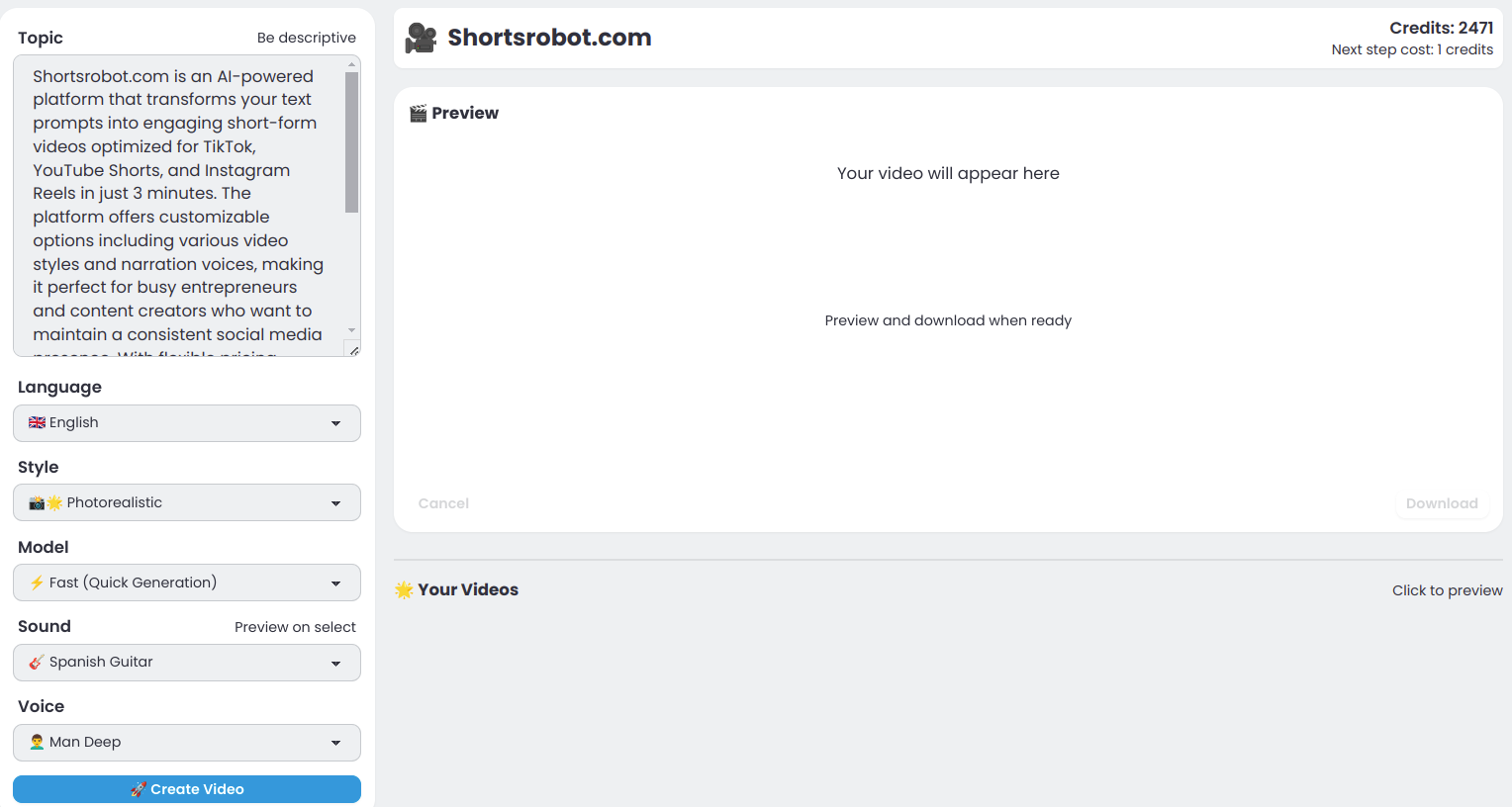
Shortsrobot.com
ShortsRobot is an AI-powered video shorts generator that transforms user prompts into engaging, ready-to-post short-form videos optimized for TikTok, YouTube Shorts, and Instagram Reels, enabling effortless automated content creation.

Hippovideo
Hippo Video is an agentic AI-powered platform for automated, scalable video creation, personalization and distribution—featuring text-to-video, AI avatars, multilingual voiceovers and campaign automation for sales, marketing, support and training teams.
Aiphototalk
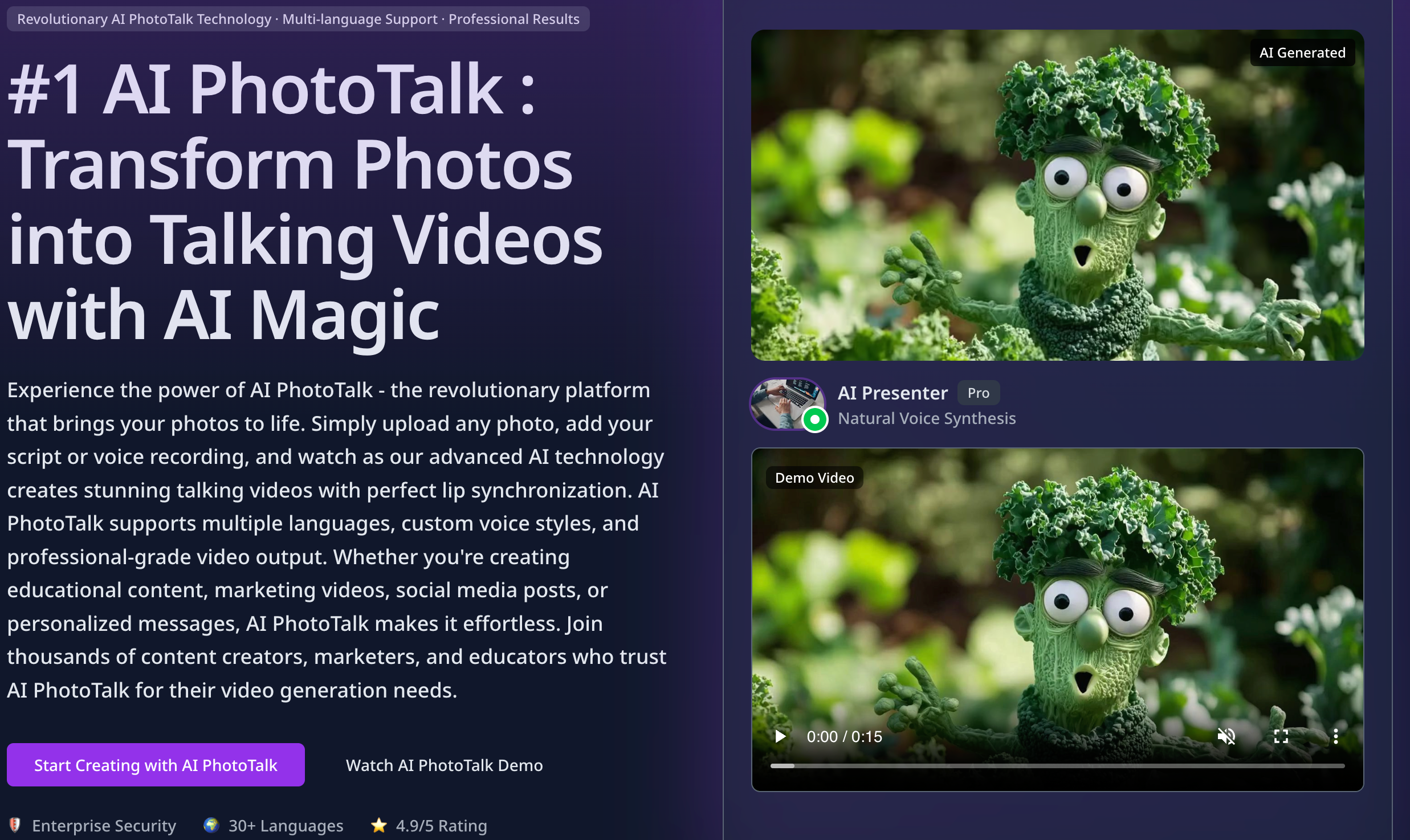
AI PhotoTalk transforms static photos into realistic talking videos using advanced AI for professional lip sync, multi-language voice synthesis (30+ languages), and up to 4K output — optimized for education, marketing, business presentations, and content creators.


Seedanceai
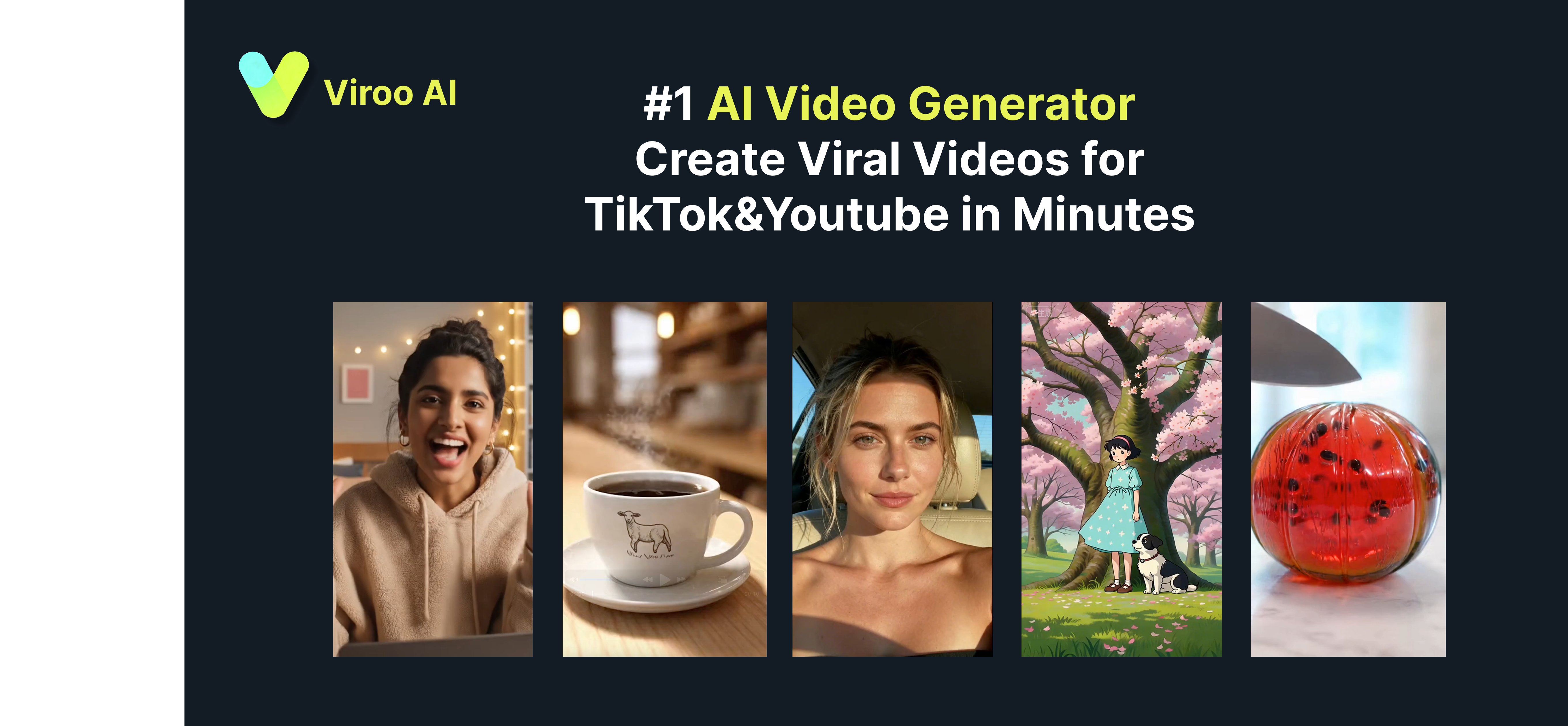
Seedance AI is an all-in-one web platform that generates multi-shot, production-ready videos and high-resolution images from text prompts or input images using selectable AI video and image models.


Premium Alternatives

Praneetbrar
Praneet Brar is a web developer and research engineer who designs and builds custom web applications, AI-powered apps, launch/discovery platforms, and productized templates for startups, makers, and businesses.

Ultrafaceswap
The available site content describes Pixora, a text-to-image AI generator that creates original images from text prompts and explicitly states it does not support face-swapping or file uploads. No specific product details for "Ultrafaceswap" are provided on the page.

Indexrusher
IndexRusher is a service that automates submitting and monitoring website pages for indexing across search engines (Google, Bing) and LLM/chatbot indexes (e.g., ChatGPT), helping sites get indexed faster and driving more SEO traffic.

Aiportraitgen
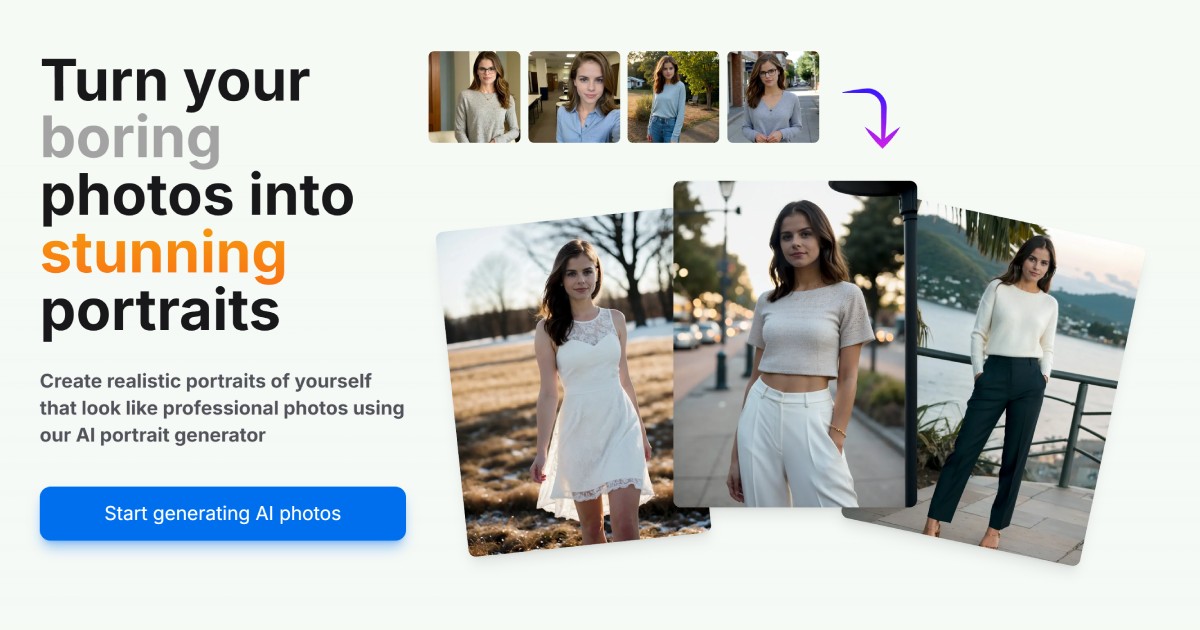
AI Portrait Gen is a web-based generator that creates realistic, high-quality AI portrait photos from a few user-supplied images. Users pick outfits, locations and styles, pay per-use with credits, and receive professional-looking portraits for profiles, social, or personal use.

Surgegraph
SurgeGraph Vertex is an AI-driven content platform that automates competitor research, topic discovery, and high-quality content generation to help agencies, solopreneurs, and businesses grow organic traffic and outrank competitors.
