
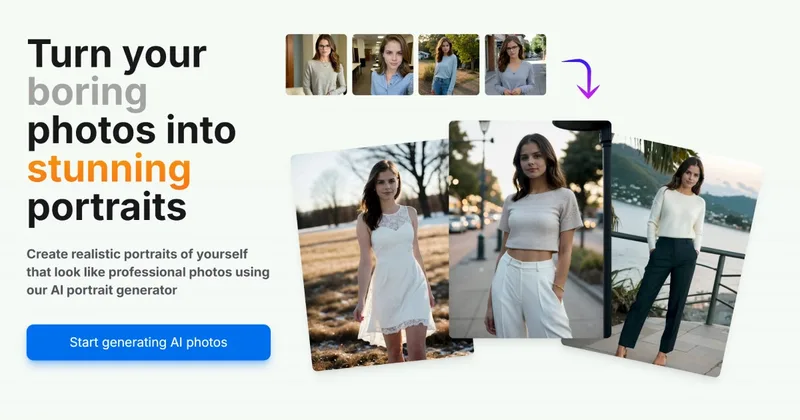
Aiportraitgen
AI Portrait Gen is an online AI portrait generator that creates realistic, high-quality portrait photos from a few user-supplied photos. It offers customizable locations, outfits and styles, pay-as-you-go credits (no subscription), and privacy protections for uploaded images.
Aiportraitgen is image & design software teams evaluate for image & design. Use this page to review pricing, integration signals, and the best alternatives before you commit.
Profile facts come from the vendor source. AiMatch labels unknown pricing or API details instead of estimating them.
Review official source →Used in These Packs
Quick Overview
Best for: Image & Design
What it does
Image & Design software for decision-makers comparing workflow fit and alternatives.
Best fit
Image & Design
Pricing snapshot
Paid from Purchase credits; no subscription (exact credit pricing not listed on the provided page)
Next step
Compare Aiportraitgen with similar tools before you shortlist it.
Compare this tool before you shortlist it
Review alternatives, pricing posture, and workflow fit side by side.
AI Portrait Gen is a web-based service that converts ordinary user photos into realistic portrait photos using artificial intelligence. Users create a model profile by providing a few photos (phone-camera images are acceptable), optionally edit and crop them, and run a model preparation (training) step so the system can learn the subject's features. After the model is prepared, users create photoshoots, select locations, outfits and styles (or use a simple/randomized mode), and generate new portrait images which can be viewed online or downloaded. The service is positioned for both professional use (corporate headshots, LinkedIn) and casual/social uses, with a pay-as-you-go credits model and privacy promises regarding user data.
AI Portrait Gen is an online AI portrait generator that creates realistic, high-quality portrait photos from a few user-supplied photos. It offers customizable locations, outfits and styles, pay-as-you-go credits (no subscription), and privacy protections for uploaded images.
Own this listing?
Claim this page for a one-time $29 to add pricing, features, screenshots, verified owner details, and a clearly labeled 30-day category position after the profile is live.
Claim this listing for $29Key Features
AI-based portrait generation
Generates ultra realistic portrait photos from a small set of user-supplied photos using an AI model trained on the provided images.
Model creation & training
Create multiple model profiles, upload photos, use an editing menu to crop/rotate and balance shot types, then run a model preparation (training) step.
Simple and creative modes
Simple mode offers handpicked settings (locations, outfits) and randomized selection; creative mode accepts user text prompts and negative prompts for finer control.
Pay-as-you-go credits (no subscription)
No subscriptions: purchase credits and use them when needed to generate portraits.
Fast turnaround
Model preparation typically takes about 20 minutes, and generating each photo takes about 30 seconds.
Customizable outputs
Choose outfit, location, style, photo count, size, and orientation; more options are stated as coming soon.
Privacy assurances
The site states that personal information and photos are kept private and are neither sold nor used to train other AI systems.
Pricing
Pay-as-you-go
Purchase credits; no subscription (exact credit pricing not listed on the provided page)- Buy credits and use them when needed
- No subscription required
Use Cases
Professional headshots
Generate corporate-style headshots suitable for LinkedIn and other professional profiles.
Social media profile pictures
Create stylized or realistic portraits for Instagram, Twitter/X or other social platforms.
Personal creative portraits
Produce stylized or themed portrait photos for sharing with friends or for personal use.
Integrations
No verified integration details are available.
Benefits
Limitations
No verified limitations are available.
Frequently Asked Questions
No verified FAQs are available.
Getting Started
- 1 Step 1: Create a model profile — provide a name and basic info (age, gender) and upload a few photos.
- 2 Step 2: Use the editing menu to crop, rotate and select shot types to balance the photo set.
- 3 Step 3: Start the model preparation (training) so the AI learns the model's features.
- 4 Step 4: Create a photoshoot, pick simple mode or creative mode, choose outfits/locations or write prompts, then generate photos.
- 5 Step 5: Download or view the generated AI portrait photos when ready.
Support
Contact page
Footer lists a 'Contact' link for user inquiries (contact access referenced in footer).
Footer references 'Email' as a contact method.
Social
Footer lists Instagram and Twitter / X as social channels.
Legal / policy
Footer includes links to Privacy and Terms of service.
API
Compare Aiportraitgen with similar tools
See how it stacks up against alternatives
Related Tools
View all 378 →
Mycolorelf
MyColorElf is an AI-powered web app that generates custom, high-resolution coloring pages from text prompts in seconds for parents, teachers, artists, and businesses.
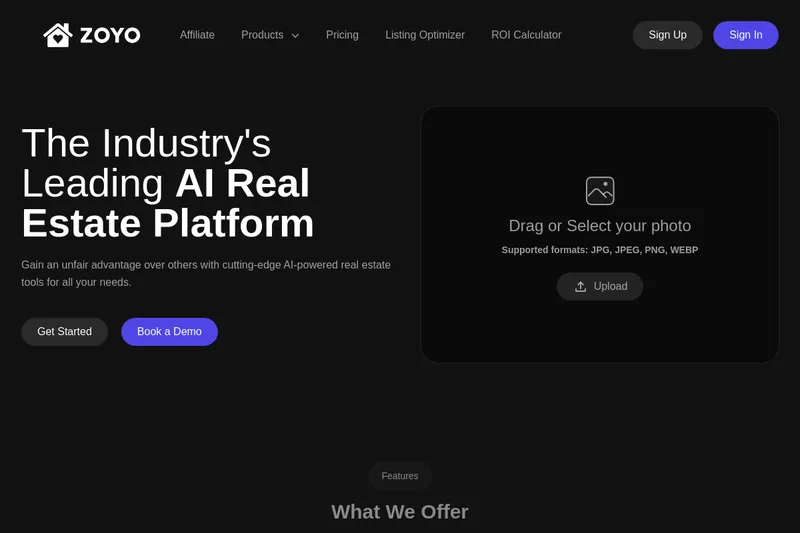
Zoyo
ZOYO is an AI-powered real estate platform offering a suite of image and design tools (interior/exterior makeovers, virtual staging, upscaling, image enhancement and more) aimed at realtors, brokerages, and property sellers to optimize listings and generate ultra-realistic renders quickly.
Niji7
Niji V7 on Niji7.art is an online AI-powered anime and illustration generator offering the Niji V7 model (and multiple other models) for text-to-image, image-to-image and video generation, aimed at creators who need professional-grade anime-style artwork with improved coherency, eye detail and line work.
imaginebuddy
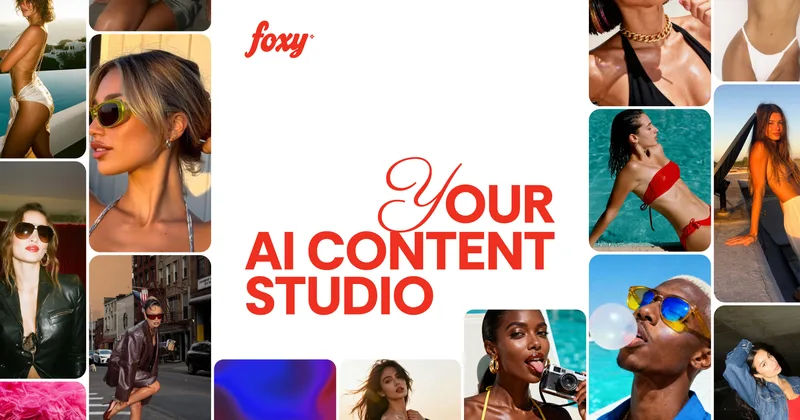
Imagine Buddy is a web-based library of professionally crafted AI product photoshoot prompts that helps creators and brands generate campaign-ready product imagery using AI image generators like Gemini, ChatGPT/DALL·E, Midjourney, and Stable Diffusion.
mimicphoto
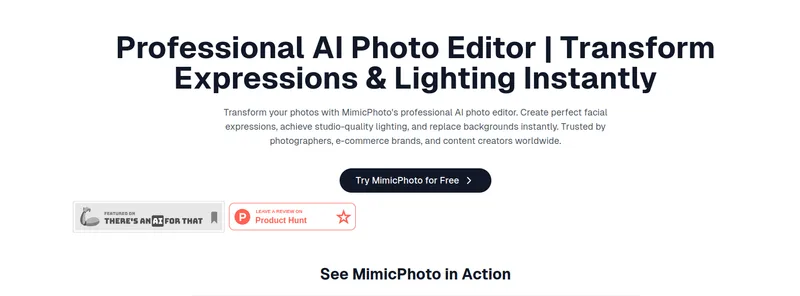
MimicPhoto is an AI-powered photo and video editing platform offering 30+ specialized tools—from facial expression editing and virtual try-on to video generation—designed for creators and professional workflows with real-time, studio-quality results.
Budget-Friendly Alternatives
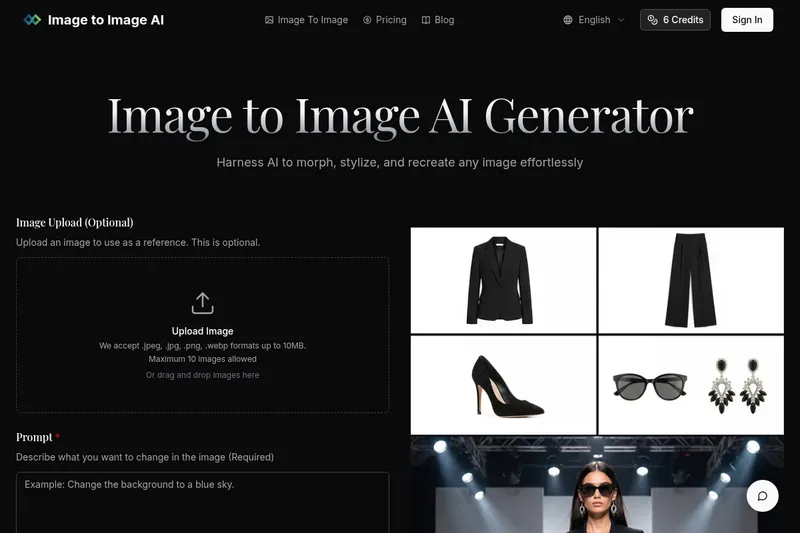
Imagetoimageai
Image to Image AI is a free online image-to-image generator that lets users upload photos and transform, stylize, or recreate them using selectable AI models and adjustable settings.
fluxpicture
FluxPicture (Flux AI) is an AI image-generation product by FLUXPicture Labs / Black Forest Labs that turns text prompts into high-resolution images using transformer-based flow models, offering multiple model variants, API access, and subscription credit plans.
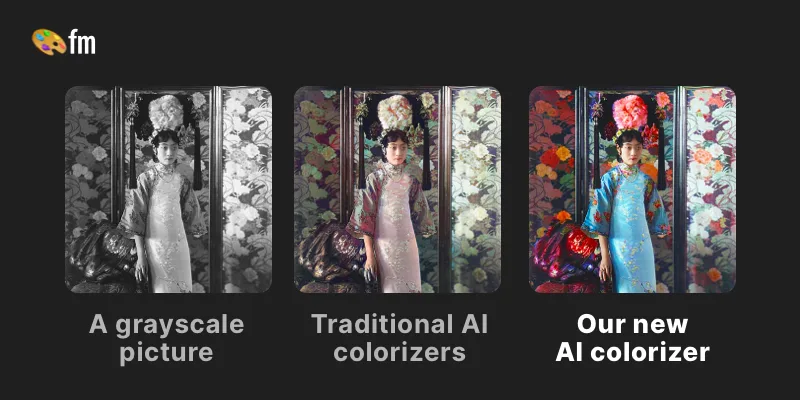
Palette
Palette is a web service that uses AI-driven colorization to convert black & white or faded photos into realistic, high-resolution color images using selectable color filters, adjustable keywords, and batch uploads. It targets photographers, creators, and production workflows with free previews, paid credits, and subscription or one-time purchase options.
ImagePipeline
ImagePipeline is a developer-first image AI API for product and fashion commerce that generates studio-quality product shots, model swaps, and virtual try-on at scale, backed by SDKs, webhooks, and production-grade controls.

Gptimagen
Gpt Image 2 is a web-based AI image generator and editor that produces high-quality images from text prompts or reference images, emphasizing accurate text rendering, precise prompt control, and consistent character/product visuals for creators, marketers, and professionals.