
Jeeliz
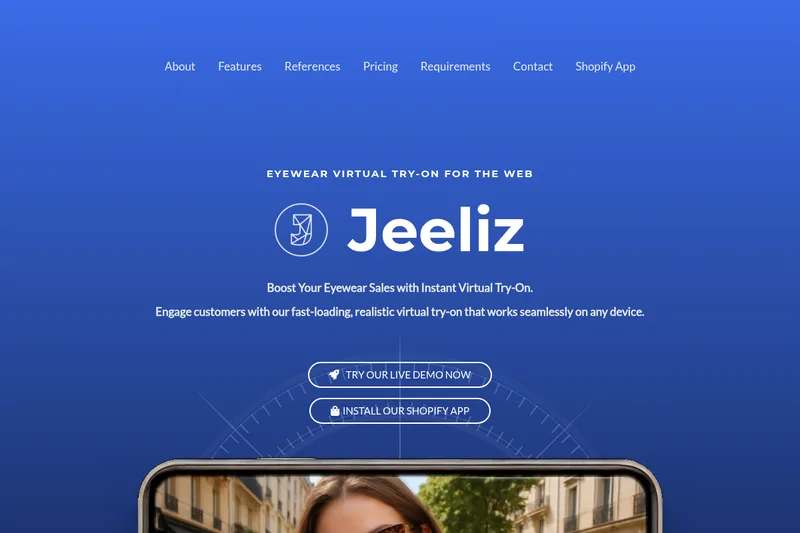
Jeeliz adds AI-generated eyewear models and web-based virtual try-on to e-commerce product pages. Eyewear retailers use it to let shoppers preview glasses online before buying.
One of 379 tools in Image & Design
Who it's for
- Eyewear e-commerce teams that want virtual try-on on product pages and can provide the required glasses photos.
- Shopify eyewear merchants looking to add a web-based try-on experience through the Jeeliz app.
- Web and AR agencies serving eyewear retailers that want a customizable try-on offering; the page mentions special reseller offers.
Not the right fit if…
- Teams whose e-commerce site is not deployed or requires a login: Jeeliz requires the site to be deployed and accessible without one.
- Retailers who cannot provide the specified glasses imagery: each product needs front-and-side photos or one three-quarter profile image with the temples extended.
How it fits your workflow
The retailer provides product-page pictures of each pair of glasses. Jeeliz says its generative AI uses those pictures to automatically create a detailed 3D model.
The retailer adds the experience to its website with a code snippet or uses the Shopify app. Jeeliz says the try-on runs on the web across devices and can work with single-page JavaScript sites.
Shoppers open a product page and use its virtual try-on control to preview the eyewear. Retailers can customize the experience to match their site.
Pricing
Free: 1 month free trial available (Starter: 50 products, Advanced: 100 products; also offered for established brands)
STARTER
299 $ / month
- · 150 active products
- · 10,000 monthly Virtual Try-On sessions
- · Integration support
- · Backoffice access
ADVANCED
499 $ / month
- · 500 active products
- · 100,000 monthly Virtual Try-On sessions
- · Integration support
- · Backoffice access
Business
Get a quote
- · Unlimited number of products (managed)
- · Custom turnaround times
- · Special offers for resellers
Prices checked on Jul 15, 2026 from the vendor's site. They can change; confirm before you buy.
Key features
- Hassle-free integration
- Add the virtual try-on with a simple code snippet copy-paste or via the Shopify app to save development time and resources.
- Web-based, cross-device
- Works everywhere in the browser without installation, delivering a seamless experience across all devices.
- Exceptional rendering quality
- Lifelike 3D models with the same lighting applied to glasses as to the face to improve realism and buyer confidence.
- Fully customizable
- The virtual try-on experience can be customized to match the merchant's website; no mandatory credit or "powered by" mention.
- Lightning-fast loading
- Claimed to be three times lighter and faster to load than competitors, reducing lag and friction.
- Generative AI model creation
- Uses generative artificial intelligence to automatically create detailed 3D models of glasses from product pictures.
Works with
- Shopify
- Code snippet / web integration
Limitations to know
- The e-commerce website must be deployed and accessible without requiring a login.
- Product imagery must include a front and side view of the glasses, or a single three-quarter profile view with the temples extended.
- The Starter plan includes up to 150 active products and 10,000 monthly virtual try-on sessions; the Advanced plan includes up to 500 active products and 100,000 monthly sessions.
Alternatives to consider
-
Zolak
Choose it if you need a broader 3D product visualization platform with interactive viewers and configurators in addition to AR product try-on.
Getting started
The e-commerce website must be deployed and accessible without a login. Product images must show the glasses from the front and side, or provide one three-quarter profile view with the temples extended.
- Make sure the e-commerce site is deployed and accessible without a login.
- Prepare the required front-and-side product photos, or a three-quarter profile image with extended temples.
- Add Jeeliz with the Shopify app or a code snippet.
- Contact Jeeliz about a plan and integration support.