
LetsEnhance
LetsEnhance is a web-based AI image enhancement platform that upscales, sharpens, restores, and improves image quality for print, web, AI art, and product photography using machine learning models and business APIs.
LetsEnhance is image & design software teams evaluate for image & design. Use this page to review pricing, integration signals, and the best alternatives before you commit.
Profile facts come from the vendor source. AiMatch labels unknown pricing or API details instead of estimating them.
Review official source →Used in These Packs
Quick Overview
Best for: Image & Design
What it does
Image & Design software for decision-makers comparing workflow fit and alternatives.
Best fit
Image & Design
Pricing snapshot
Pricing available on request
Next step
Compare LetsEnhance with similar tools before you shortlist it.
Compare this tool before you shortlist it
Review alternatives, pricing posture, and workflow fit side by side.
LetsEnhance is an online AI image app for enhancing, upscaling, sharpening, and restoring photos and images. The service focuses on producing natural, professionally shot-looking results rather than over-processed outputs, and supports restoration of old or damaged photos, noise reduction, exposure correction, and detail recovery. It targets photographers, artists, eCommerce teams, and print workflows, and offers both a web interface (upload, select enhancement type, download) and business-facing APIs (Enhancer API, Upscaler API).
AI image enhancer and upscaler to increase image resolution without quality loss.
Own this listing?
Claim this page for a one-time $29 to add pricing, features, screenshots, verified owner details, and a clearly labeled 30-day category position after the profile is live.
Claim this listing for $29Key Features
AI Enhancement (Enhancer)
Recover detail and correct color naturally, adaptively improving portraits, products, textures and more ('Improve photo quality, recover detail, and fix color').
Upscaler
Increase image resolution up to 16x and up to 512 megapixels for print and web, enabling 300 DPI output for large prints and posters.
Restoration (Restorer)
Repair old photos and scans, fix damage, and restore lost detail ('Old Photo mode' for repair).
Sharpener / Unblur
Sharpen edges, reduce noise, fix soft focus and compression damage to recover clarity.
Background Removal
Background removal listed among solutions for isolating subjects (menu item present).
Image to Video & Video Upscaler
Animate images with Image to Video and increase resolution for videos (separate tools referenced: Image to Video, Video Upscaler).
Batch processing
Edit multiple images at once ('Edit 20 at once' is mentioned).
APIs for Business
Business APIs available (Enhancer API, Upscaler API) to automate enhancement workflows at scale.
AI Art Upscaler & Cleanup
Specialized processing for AI-generated art to remove artifacts, enhance soft areas, and upscale for commercial use.
Format support
Supports common formats for upload including JPG, PNG, and WebP.
Pricing
Start free (site shows 'Start free' call-to-action). No specific plan prices are provided on the supplied page.
Use Cases
Ecommerce product photography
Automate image enhancement, background processing, and catalog consistency for product and fashion photos ('Automate image enhancement for your product catalog').
Print and large-format output
Upscale low-resolution images to print-ready sizes (posters, canvas, merchandise) keeping 300 DPI and sharp detail at scale.
AI art polishing
Clean up Midjourney/Stable Diffusion/DALL·E outputs, remove artifacts, enhance details and upscale for commercial or print use.
Photo restoration and recovery
Restore old scanned photos, recover details from soft focus or compression damage, and repair exposure or color issues.
Video enhancement
Use Image to Video and Video Upscaler tools to animate images or enhance video resolution.
Integrations
Enhancer API & Upscaler API
APIs for businesses to integrate LetsEnhance functionality into automated pipelines and product catalogs (page references 'Enhancer API' and 'Upscaler API').
Benefits
Limitations
Frequently Asked Questions
No verified FAQs are available.
Getting Started
- 1 Step 1: Upload your image by drag-and-drop or selecting a file (supports JPG, PNG, WebP).
- 2 Step 2: Choose enhancement type—options include Upscale, Enhance, Sharpen; 'Prime' is the default and 'Gentle' or 'Old Photo' modes are available for specific needs.
- 3 Step 3: Download the improved full-resolution image; paid plans remove watermarks and further edits can be made in Chat Editor or animated with Image to Video.
Support
[email protected] (primary contact shown on the site).
docs
Help Center and Changelog links are present on the site for documentation and release notes.
community
Social and community channels referenced (Facebook, LinkedIn, Twitter, YouTube) for announcements and community engagement.
API
API for Business and named APIs (Enhancer API, Upscaler API) are referenced on the site; specific documentation URL not provided on the supplied page.
Compare LetsEnhance with similar tools
See how it stacks up against alternatives
Related Tools
View all 386 →
Imgunblur
ImgUnblur is a browser-based AI image unblur and enhancement tool that restores clarity to blurry photos using deep learning. It offers instant processing, batch unblur for up to 30 images, privacy protections, and a free-to-start experience with optional paid credits.
Redpandaai
Red Panda AI (Recraft V3) is a text-to-image generation model positioned for designers and creative professionals, claiming fast median generation (~7s), high visual/textual coherence, and advanced controls for style and brand-aware outputs.

Fotographer AI
Fotographer AI provides an API-first generative imaging platform for production-grade product photography: non-destructive inpainting, scene generation, and background generation that preserves product pixels, geometry, and brand identity for large-scale e-commerce and marketing workflows.

Aux Machina
Aux Machina is an AI-powered image creation platform that generates custom, royalty-free visuals and offers upcoming AI-assisted image-editing tools, aimed at creators, marketers, and teams who need quick, high-quality images.
Premium Alternatives


RoomAI
RoomAI is a web-based AI room-design tool that restyles real room photos while preserving the room geometry (walls, windows, openings, ceiling height and camera angle). It offers 300+ styles, 20+ room presets, virtual staging and decluttering with fast, full-resolution results for property listings, designers, photographers and homeowners.
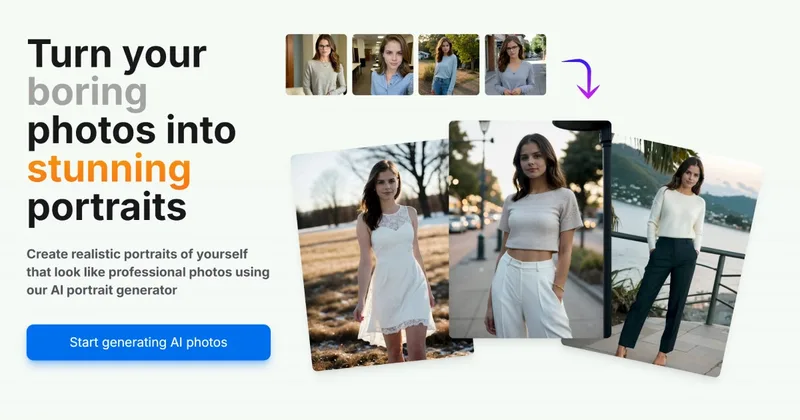
Aiportraitgen
AI Portrait Gen is an online AI portrait generator that creates realistic, high-quality portrait photos from a few user-supplied photos. It offers customizable locations, outfits and styles, pay-as-you-go credits (no subscription), and privacy protections for uploaded images.
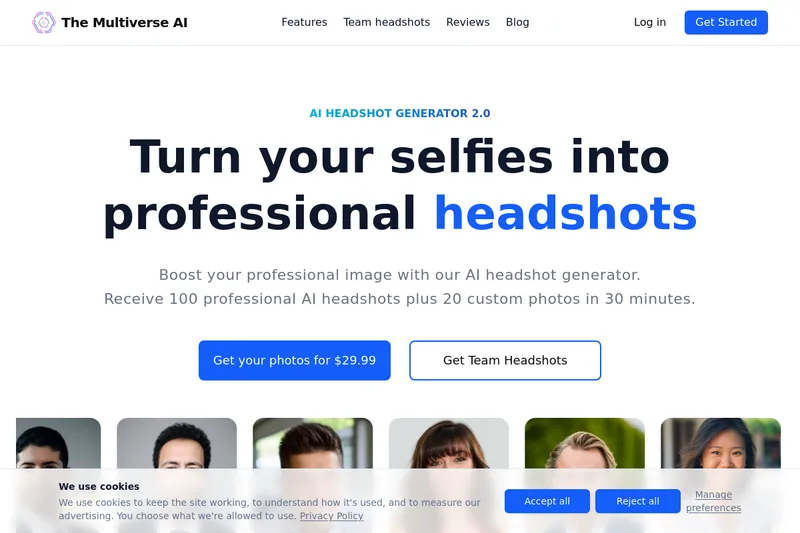
Themultiverse
The Multiverse AI is a commercial AI headshot generator that turns user selfies into professional-quality headshots and team portraits, offering a 30-minute turnaround and an editable set of generated images for individual professionals and corporate teams.
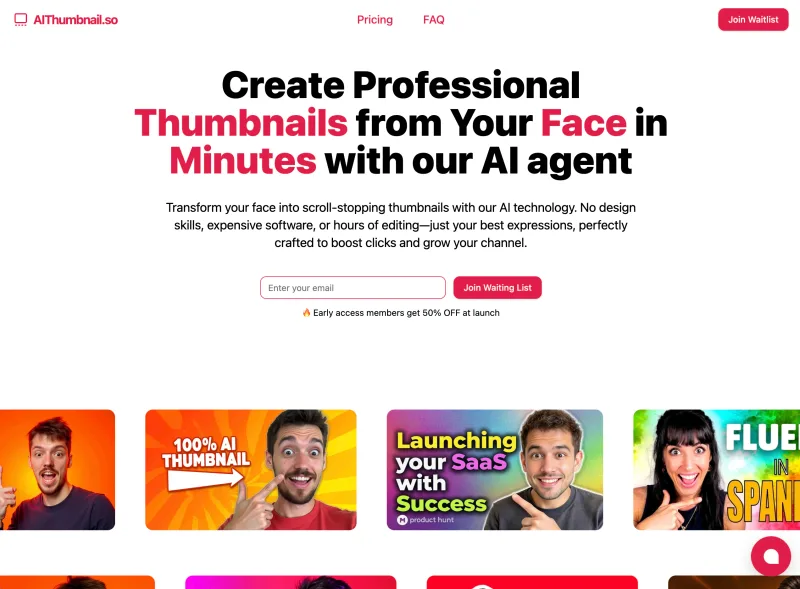
Aithumbnail
AIThumbnail.so is an AI-powered thumbnail maker for YouTube and creators that generates high-converting thumbnails in under a minute, offering features like Replica Mode, one-photo face integration, and AI smart suggestions to boost CTR and views.

imaginebuddy
Imagine Buddy is a web-based library of professionally crafted AI product photoshoot prompts that helps creators and brands generate campaign-ready product imagery using AI image generators like Gemini, ChatGPT/DALL·E, Midjourney, and Stable Diffusion.