
Cartoonize
Cartoonize (by Colorcinch) is a one-click online photo-to-cartoon and photo editor that uses AI-powered effects and specialty filters to convert photos into cartoons, sketches, paintings, avatars and other stylized artwork.
Cartoonize is image & design software teams evaluate for creative & design. Use this page to review pricing, integration signals, and the best alternatives before you commit.
Profile facts come from the vendor source. AiMatch labels unknown pricing or API details instead of estimating them.
Review official source →Used in These Packs
Quick Overview
Best for: Creative & Design
What it does
Image & Design software for decision-makers comparing workflow fit and alternatives.
Best fit
Creative & Design
Pricing snapshot
Free
Next step
Compare Cartoonize with similar tools before you shortlist it.
Compare this tool before you shortlist it
Review alternatives, pricing posture, and workflow fit side by side.
Cartoonize (by Colorcinch) is an online and mobile photo editor that converts photos into cartoons, sketches, paintings and avatars with one click. The product emphasizes an intuitive interface and AI-powered editing to deliver filters and effects such as a cartoonizer and sketcher, plus a wide selection of specialty filters. Cartoonize targets both casual users (instant cartoonizing, avatars) and professionals (print export up to 400 DPI, layered projects, collages and advanced editing tools), and is available online and via mobile apps for iOS and Android.
Cartoonize (by Colorcinch) is a one-click online photo-to-cartoon and photo editor that uses AI-powered effects and specialty filters to convert photos into cartoons, sketches, paintings, avatars and other stylized artwork.
Own this listing?
Claim this page for a one-time $29 to add pricing, features, screenshots, verified owner details, and a clearly labeled 30-day category position after the profile is live.
Claim this listing for $29Key Features
One-click Cartoonizer & Filters
Turn photos into cartoons, sketches, paintings and stylized art in one click using the cartoonizer, sketcher and hundreds of specialty filters.
AI-powered Background Removal
Remove backgrounds with AI precision in a single click.
Face Restore & Upscale
Mobile app and editor capabilities include face restoration, upscaling and image enhancement ("restore, and enhance" and "fix faces").
Overlays, Masks & Effects
Add scenes and overlays such as falling rain, snow, flares and bokeh; apply artistic masks and embed photos into text and shapes.
Layered Editing & Export
Create and organize project elements with a layers panel and export for print up to 400 DPI.
Basic Photo Editing Tools
Crop, resize, color adjustments (brightness, contrast, hue), clarity/sharpness controls, vignette and color replacement tools.
File Conversion & Compression
Compress and convert images to/from JPG and PNG and export to PDF.
Mobile Apps
iOS and Android apps provide access to cartoonize, background removal, upscaling and face-fix features on mobile devices.
Large Asset Library
Access to over 4 million photos, graphics and icons for use in projects.
Pricing
Free tier available: upload and cartoonize photos at no cost; mobile apps available free for iOS and Android. (Page states "Upload photo – it's free!" and mobile apps are "Available free for iOS & Android.")
Use Cases
Create avatars and character art
Convert photos into cartoon avatars and stylized characters quickly for personal profiles or branding (page title: create avatar characters).
Social media profile and banner creation
Design profile pictures, Twitch banners and social assets using filters, overlays and templates.
Print-ready artwork
Produce high-resolution images suitable for print using export up to 400 DPI and layered project organization.
Collages, marketing images and NFTs
Combine photos into collages, add effects and prepare creative images for NFT or marketing use.
Photo restoration and enhancement
Restore faces, upscale images and enhance photos using AI-powered restoration features available in the app/editor.
Integrations
No verified integration details are available.
Benefits
Limitations
No verified limitations are available.
Frequently Asked Questions
No verified FAQs are available.
Getting Started
- 1 Step 1: Open the Cartoonize web editor or install the Colorcinch/Cartoonize mobile app (iOS/Android).
- 2 Step 2: Upload your photo ("Upload photo – it's free!").
- 3 Step 3: Apply the Cartoonizer or other AI-powered effects, adjust settings (crop, color, overlays) and export or save your image.
Support
docs
Site includes Help/FAQ and blog links ("FAQ", "Blog") for guidance and examples.
support
Support link is listed in the site footer ("Support", "Contact us").
newsletter
Option to subscribe to the site newsletter for updates.
API
Compare Cartoonize with similar tools
See how it stacks up against alternatives
Related Tools
View all 386 →
Generated Photos
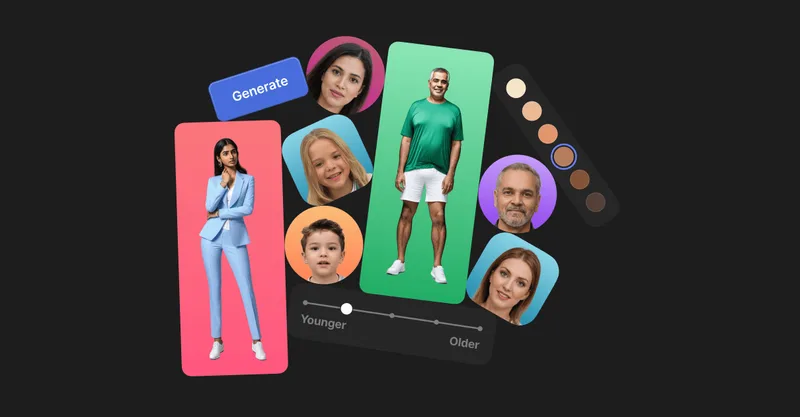
Generated Photos provides AI-generated, photorealistic faces and full-body humans for creative and commercial projects, offering searchable galleries, real-time generators, datasets, and API/bulk options to scale usage.
photofairy
PhotoFairy is an AI-powered photo-to-art app and creative canvas for turning photos into stylized artwork and performing image editing and design tasks, aimed at photo editing and graphic design workflows.

beautiai
BeautiAI is a web-based AI photo editor that transforms user photos into stylized AI art using a gallery of 64+ styles and multiple advanced image-generation models. It targets creators and social-media users with quick, credit-based image generations and live previews.

FluxAI.art
FluxAI.art is a web-based AI image generation and editing platform offering free, fast creation with multiple models (Nano Banana, Flux Kontext, ChatGPT-4o image) for text-to-image, image-to-image, and advanced edits aimed at creators, designers, and developers.
Bestfaceswap
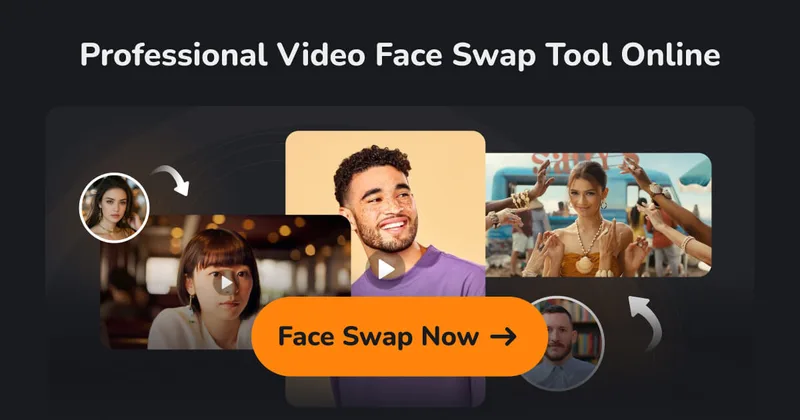
BestFaceSwap is a web-based AI face swapping service for photos and videos that creates realistic, high-quality face swaps using facial landmark detection, 3D reconstruction, and depth maps — aimed at creators and filmmakers.
Premium Alternatives

PreCheck
PreCheck is an AI-powered facial recognition and face-search platform that lets users upload a single photo to find where that face appears across the web, and also provides reverse phone and email lookups for identity, reputation management, and fraud prevention.


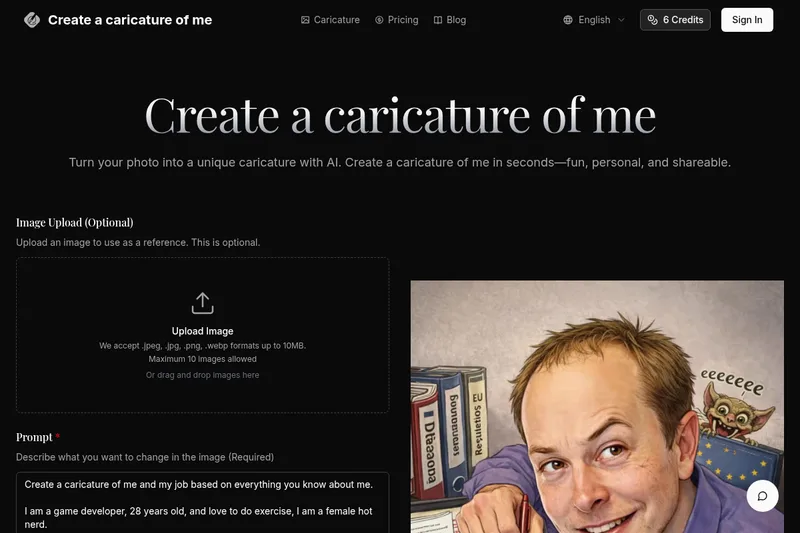
Createacaricatureofme
Create a Caricature of Me is a web-based AI image tool that turns user photos into personalized caricatures in seconds. Users can upload images, provide a prompt, choose AI models and output formats, then generate and download stylized caricatures for social, personal, or light professional use.
imakeit.ai
imakeit.ai is a browser-based AI image generator and editor powered by GPT Image 2. It creates and edits visuals from text prompts and reference images, with adjustable quality, 1K–4K output, and upfront credit costs.
Photostudio
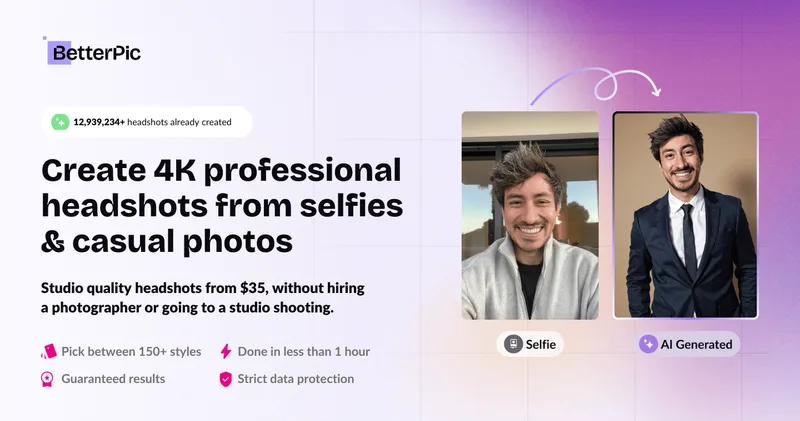
Blockode AI Photo Studio is an AI-powered photoshoot generator that trains a custom model from your uploaded selfies to produce stylized, high-resolution AI photoshoots. It targets users who want custom-generated portraits with options for commercial use.