
Mini Course Generator
Mini Course Generator helps course creators and training teams turn topics or existing materials into editable, interactive courses. They can publish and share courses by link, embed, or SCORM export.
One of 124 tools in Education
Who it's for
- Corporate trainers creating employee or compliance training from internal expertise or training materials.
- Customer education and customer success teams building academies or in-app training for an online product.
- Course creators, consultants, and instructional designers who want to draft and publish courses for learners or clients.
How it fits your workflow
Provide a topic, learning objective, or document and specify the audience and intended learning. The AI drafts an editable course outline for review.
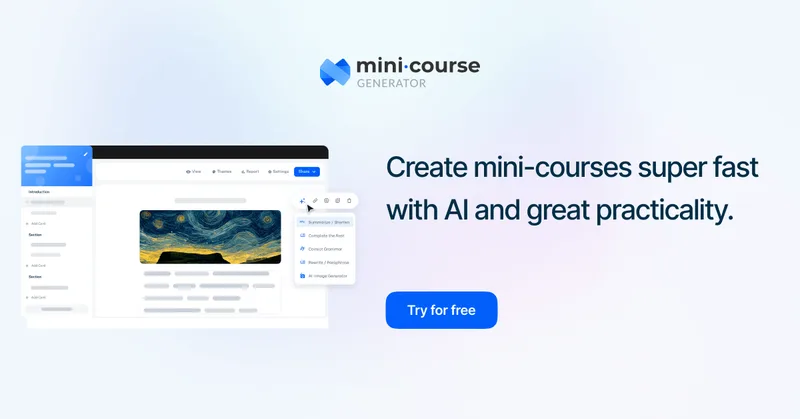
Confirm the outline, generate lesson drafts and supporting material, and refine the course in the drag-and-drop editor. The page describes adding quizzes, images, and interactive elements.
Publish the finished course and share it by link, embed it on a website, configure learner access, or export it as SCORM or PDF.
Pricing
Free: A free start is offered, and the page says no credit card is required. Free-plan features and limits are not specified.
The vendor doesn't publish prices. Check with Mini Course Generator directly.
Prices checked on Oct 2, 2026 from the vendor's site. They can change; confirm before you buy.
Key features
- AI Course Creator
- Generate an editable course outline and lesson drafts from a topic, learning objective, or uploaded document. The page also describes AI-generated supporting images and quiz questions.
- AI Interaction Builder
- Turn course content into interactive elements such as flashcards, tabs, and tables.
- Drag-and-drop course editor
- Arrange and customize course pages with a block editor and a range of content elements.
- Course publishing and sharing
- Share courses by link, embed them on webpages, offer public access, grant access to specific learners, or provide in-app access through SSO.
- Course exports
- Export courses as SCORM packages or PDFs. The page specifies support for SCORM 1.2 and SCORM 2004.
- Course presentation options
- Choose from four learner interface layouts and create landing pages with a drag-and-drop builder.
Works with
- Zapier
- Make
- Pabbly
- Claude and ChatGPT
- ThingLink, Spotify, NotebookLM, Gamma, Synthesia, and Canva
- Learning management systems
Alternatives to consider
-
Coursebox
Choose it if you want an AI-first course creator and LMS that the description explicitly says supports branding, delivery, and selling courses.
Getting started
- Start for free; the page says no credit card is required.
- Enter a course topic or learning objective, or upload an existing document, and specify the target audience.
- Review and edit the generated course outline.
- Generate and customize the course content, then publish, share, embed, or export it.
Frequently asked questions
What can the AI Course Creator use as input?
The page says you can provide a topic, a learning objective, or an existing document such as a PDF or training manual.
Can I edit the content generated by AI?
Yes. The page says the generated outline is editable and that users retain control over course content in the editor.
Do I need prior course creation experience?
The page says no prior experience is required and describes the drag-and-drop editor and AI assistant as tools that guide course creation.
Can I export a course to another LMS?
Yes. The page says courses can be exported as SCORM 1.2 or SCORM 2004 packages. It also describes sharing by link and embedding on a website.
Are mini-courses limited in length?
The page says there is no restriction on the overall course length; users can create longer training programs using the platform's focused course structure.