

Mobirise
Mobirise is a free, no-code website builder available as a desktop app (Windows/Mac/Linux) and an online AI-powered site generator. It provides a drag-and-drop block editor, templates, extensions (e.g., e‑commerce, social feeds, code editor), offline editing and full export of HTML/CSS/JS so you can publish anywhere.
Mobirise is nocode / lowcode software teams evaluate for content & marketing. Use this page to review pricing, integration signals, and the best alternatives before you commit.
Profile facts come from the vendor source. AiMatch labels unknown pricing or API details instead of estimating them.
Review official source →Used in These Packs
Quick Overview
Best for: Content & Marketing
What it does
NoCode / LowCode software for decision-makers comparing workflow fit and alternatives.
Best fit
Content & Marketing
Pricing snapshot
Freemium from Free
Next step
Compare Mobirise with similar tools before you shortlist it.
Compare this tool before you shortlist it
Review alternatives, pricing posture, and workflow fit side by side.
Mobirise is a no-code website builder distributed as a downloadable desktop application (Windows, Mac, Linux) and an online AI-driven website generator (Mobirise AI). The desktop app provides a drag-and-drop block editor with a large library of pre-made blocks and templates, enabling users to build mobile-friendly, responsive sites without coding and to export full HTML/CSS/JS files for hosting anywhere. Mobirise AI is a distinct, fully online product that can generate complete websites from a simple text prompt, including layouts, content, images and hosting options; generated sites can be edited in the desktop app or exported for independent hosting.
Mobirise is a free, no-code website builder available as a desktop app (Windows/Mac/Linux) and an online AI-powered site generator. It provides a drag-and-drop block editor, templates, extensions (e.g., e‑commerce, social feeds, code editor), offline editing and full export of HTML/CSS/JS so you can publish anywhere.
Own this listing?
Claim this page for a one-time $29 to add pricing, features, screenshots, verified owner details, and a clearly labeled 30-day category position after the profile is live.
Claim this listing for $29Key Features
AI website generation
Mobirise AI generates multiple design layouts, content, images and videos from a simple text prompt and provides hosting or export options (online product at ai.mobirise.com).
Drag-and-drop block editor
Visual block-based editor lets you drag pre-made blocks (menus, galleries, sliders, forms, shop blocks) to build pages and edit content inline like a text editor.
Offline desktop app
Desktop app for Windows, Mac and Linux that works offline for creating and editing sites; you can save projects locally and publish later.
Export full source code
You can publish locally and export all site files (standard HTML, CSS, JS) to host anywhere, giving full control over the source code.
Publish anywhere
Publish to local drive, FTP, free *.mobirisesite.com subdomain or connect a custom domain.
Templates and blocks library
Large collection of pre-made themes and over 10,000 blocks in free and premium themes for various fields and designs.
E-commerce (Smart Cart / PayPal / Stripe)
Smart Cart extension integrates e-commerce capabilities with PayPal and Stripe; PayPal Shopping Cart extension supported.
Social feed and media integrations
Extensions to embed Instagram, Facebook, TikTok and YouTube feeds and showcase social content on sites.
Code Editor extension
Code Editor extension allows manual editing of HTML/CSS, adding external plugins and creating custom HTML blocks.
Mobile-first and Bootstrap 5
Templates are mobile-friendly by default and based on Bootstrap 5, making sites responsive across devices.
Form builder and popup/chat features
Form builder for contact forms and popup/chat extensions to receive messages via Telegram, WhatsApp, Viber, Messenger, Discord, Signal.
Image editor and galleries
Built-in image editor and gallery/slider blocks for portfolios, with a free image library and editing tools.
Pricing
Mobirise desktop app is free for personal and commercial use; includes two free themes with 200+ blocks. Premium themes and extensions are available for purchase.
Free
Free- Desktop app download
- Two free themes with 200+ blocks
- Publish to local drive or free *.mobirisesite.com subdomain
Premium themes & extensions
Varies (premium themes and paid extensions)- Additional templates, premium blocks and paid extensions such as advanced features and possibly Code Editor or premium themes
Use Cases
Landing pages and marketing sites
Quickly generate and customize landing pages or marketing microsites using pre-made blocks or AI-generated designs.
Portfolios and photographer sites
Create image-focused galleries and portfolios with responsive galleries and sliders to showcase work.
Small business and e-commerce
Build small online stores using shop blocks and Smart Cart integration with PayPal/Stripe to accept payments.
Blogs and content sites
Use pre-made blog blocks for posts, latest articles and content layouts to publish blogs.
Freelancers and agencies
Freelancers can build client sites fast, export source code, and publish to client hosting — useful for commercial projects.
Offline site building and export
Design and edit sites offline with the desktop app and export standard HTML/CSS/JS for flexible hosting.
Integrations
PayPal / Stripe
E-commerce payment integrations via Smart Cart and PayPal Shopping Cart extension to accept payments.
WhatsApp / Telegram / Viber / Messenger / Discord / Signal
Popup chat and messaging extensions allow receiving customer messages through these messaging apps.
Instagram / Facebook / TikTok / YouTube
Social feed extensions to display posts and video content from major social platforms.
FTP / Custom hosting
Publish sites via FTP or export code to host on any provider; option for free *.mobirisesite.com subdomain.
Bootstrap 5
Templates are based on Bootstrap 5 (mobile-first framework) for responsive layouts.
Benefits
Limitations
Frequently Asked Questions
How to make a website?
How do I publish a site online?
Can I download a website made in Mobirise?
Is Mobirise free?
Can I edit my existing site in Mobirise?
Is Mobirise easy if I don't know how to code?
Can I use Mobirise offline without internet?
Can I create and edit websites online without downloading the app?
What is Mobirise AI?
How to generate websites with Mobirise AI?
Can I export the code of a website?
Getting Started
- 1 Step 1: Download and install Mobirise from the website (Windows, Mac, Linux) or open ai.mobirise.com for the online AI generator.
- 2 Step 2: Launch the app or AI site, choose a template or enter a text prompt to generate a site with Mobirise AI.
- 3 Step 3: Customize blocks and content in the editor, preview mobile view, then click Publish and choose local, FTP, Mobirise subdomain or custom domain.
Support
Help Center / Docs
Access the Mobirise Help Center and online documentation from the website for guides and tutorials.
Contact support at [email protected] for assistance.
Forums
Community forums and Flight Forum address listed on site for discussion and support.
API
Compare Mobirise with similar tools
See how it stacks up against alternatives
Related Tools
View all 78 →

Inlinehelp
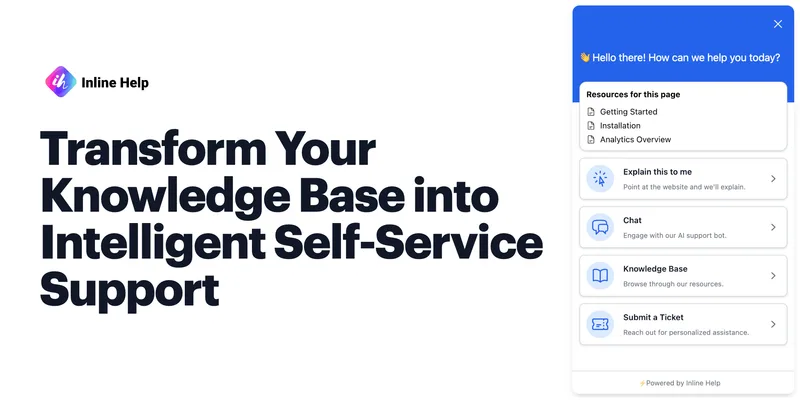
Inlinehelp is a no-code, AI-powered in-app support platform that turns a product's knowledge base into proactive contextual assistance via features like Explain This, AI Chatbot, tooltips, and a unified support widget.


Docparser
Docparser is a cloud-based document parsing and smart data-extraction platform that converts PDFs, Word documents, images and other file types into structured data for Excel, Google Sheets, JSON, XML and many integrations. It provides visual/no-code rule creation, zonal OCR and an AI engine (DocparserAI) to automate extraction for business workflows.
buildship
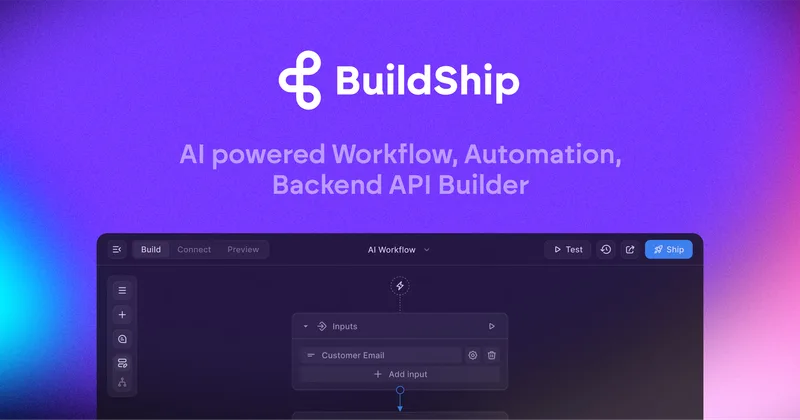
BuildShip is an AI-powered workflow and backend builder that converts natural-language prompts into production-ready, visual workflows, enabling teams to integrate AI models, data sources, and tools with no-code speed and full-code access for customization and self-hosting.

Premium Alternatives
Appy Pie
Appy Pie is an AI-powered no-code app builder that converts plain-English prompts into working native Android and iOS apps with backend, hosting, and store-publishing support. It targets founders and businesses who want to ship production mobile apps quickly without writing code.

softgen
Softgen is an AI-powered web app builder that turns plain-English app descriptions into deployed, production-ready Next.js apps with managed Supabase, GitHub export, one-click Vercel deploy, and selectable AI models—designed for founders, makers, and teams to build MVPs and SaaS fast.

Kivicube
Kivicube is a web-based, no-code AR creation and publishing platform that lets individuals and enterprises build, preview and publish interactive AR experiences (WebAR, WeChat Mini Program, Vision Pro, etc.) using visual editing and AI-powered tools such as 3D model and video generation.

SunSed
SunSed is an AI app builder for creating and running business applications from descriptions, using tested building blocks and a built-in programming language. Hosting, databases, logins, email, file storage, payments, and other app services are included in its paid plans.

-Bh91Hz9I.png)
