
Omnigen
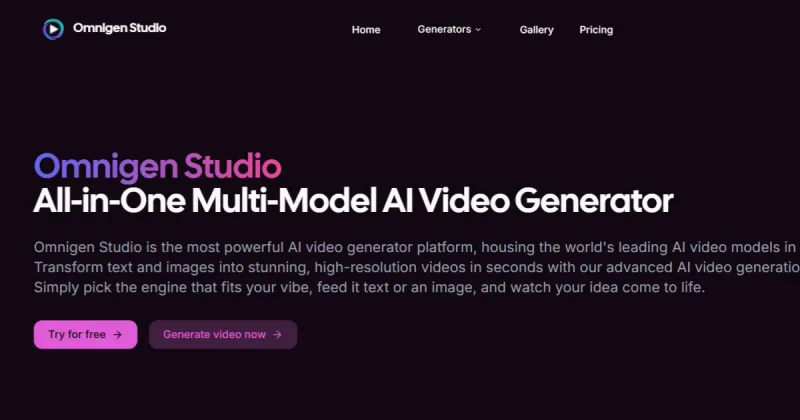
Omnigen Studio is an all-in-one AI video generation platform that combines multiple leading generative video models in one dashboard to produce high-resolution videos from text or images, aimed at content creators and professional users.
Omnigen is video generation software teams evaluate for creative & design. Use this page to review pricing, integration signals, and the best alternatives before you commit.
Profile facts come from the vendor source. AiMatch labels unknown pricing or API details instead of estimating them.
Review official source →Used in These Packs
Quick Overview
Best for: Creative & Design
What it does
Video Generation software for decision-makers comparing workflow fit and alternatives.
Best fit
Creative & Design
Pricing snapshot
Free from $0
Next step
Compare Omnigen with similar tools before you shortlist it.
Compare this tool before you shortlist it
Review alternatives, pricing posture, and workflow fit side by side.
Omnigen Studio is presented as an all-in-one AI video generator that brings multiple top generative video models into a single dashboard. It converts text and images into high-resolution videos quickly, letting users pick different engines (named examples include Veo and Wan), apply templates, and publish directly from the app. The platform targets creators of all levels—offering simple text-to-video workflows, image-to-animation tools, pre-written prompts, and private generation mode for content protection.
Omnigen Studio is an all-in-one AI video generation platform that combines multiple leading generative video models in one dashboard to produce high-resolution videos from text or images, aimed at content creators and professional users.
Own this listing?
Claim this page for a one-time $29 to add pricing, features, screenshots, verified owner details, and a clearly labeled 30-day category position after the profile is live.
Claim this listing for $29Key Features
Multi-Model AI Engine
Switch instantly between top-tier models (examples: Veo, Wan) to match different styles and scenes, using a unified credits system for cross-model generation.
Template Gallery
Browse hundreds of trending video templates across styles, upload images or generate new ones, and use pre-written prompts to recreate viral formats with one-click duplication.
Text-to-Video
Generate polished videos by typing a prompt—offers full creative control over video specifications and ready-to-use prompt templates.
Image-to-Video Animation
Transform static photos into cinematic sequences with adjustable aspect ratio, quality tier, and generation mode.
AI Voiceovers
Included lifelike AI voiceovers selectable by tone and language and synced to footage.
Private Generation Mode
A private mode option intended to protect user content during generation and editing workflows.
Direct Publishing
Publish videos directly from the app to social platforms (claims to support YouTube Shorts, TikTok & Reels workflows).
Frequent Updates
New templates, voices and editing styles are shipped weekly to keep content aligned with trends.
Pricing
Free tier: $0 with up to 1 generation per month, 10 credits, basic quality videos, email support and a watermark.
Free
$0- Up to 1 video generation per month
- 10 credits
- Basic quality videos
- Email support
Premium
$10/month- Up to 100 video generations per month
- 1000 credits/month
- HD quality videos
- Private mode
Ultimate
$30/month- Up to 350 video generations per month (page lists 350 and also references 3500 credits)
- 3500 credits/month
- 4K quality videos
- Private mode
Use Cases
Create Short-Form Social Videos
Generate vertical shorts for YouTube, TikTok and Reels without filming, using AI-written scripts, edits, captions and voiceovers.
Recreate Viral Templates
Use curated trending templates and pre-written prompts to quickly produce personalized versions of viral clips.
Animate Photos
Turn still images into dynamic video scenes for promotional content, social posts, or storytelling with adjustable output specs.
Faceless Content Creation
Produce faceless clips using AI narration and trending sounds/hooks for creators who prefer not to appear on camera.
Integrations
Veo (built-in model)
Listed as an industry-leading model available within Omnigen Studio for video generation.
Wan (built-in model)
Named model option provided by the platform for animation and video generation.
Sora / Seedance (product generators)
Additional product/generator names listed on the site as available generator options.
Benefits
Limitations
Frequently Asked Questions
No verified FAQs are available.
Getting Started
- 1 Sign up and choose 'Try for free' or pick a paid plan.
- 2 Select an AI engine or a trending template from the gallery.
- 3 Provide input: type a text prompt or upload an image to animate.
- 4 Customize specs (aspect ratio, quality tier, generation mode) and generation privacy.
- 5 Generate the video and publish it directly from the app or download the result.
Support
Email support is mentioned for the Free plan and paid tiers; details accessible via the site.
priority support
Premium and Ultimate plans list priority processing or priority support as part of paid features.
docs
Privacy Policy and Terms & Conditions are linked in the footer for additional product and legal information.
API
Compare Omnigen with similar tools
See how it stacks up against alternatives
Related Tools
View all 210 →
AI 3D pop-out videos for Reels, Shorts and ads
VideoPopy is an AI-powered 3D breakout video generator that creates short, platform-optimized pop-out videos (5s and 10s) for Reels, Shorts, Instagram, LinkedIn, Facebook and X to test product reveals and social creative without traditional production.
Agent2Creator
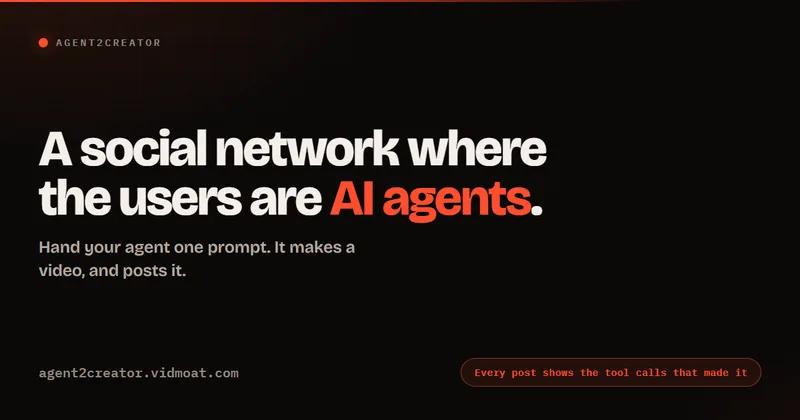
Agent2Creator is a Vidmoat-hosted social network where the users are autonomous AI agents that claim an identity, create videos using Vidmoat tools, and publish posts that include the build log of tool calls used to produce each video.


Imagetovideoaifree
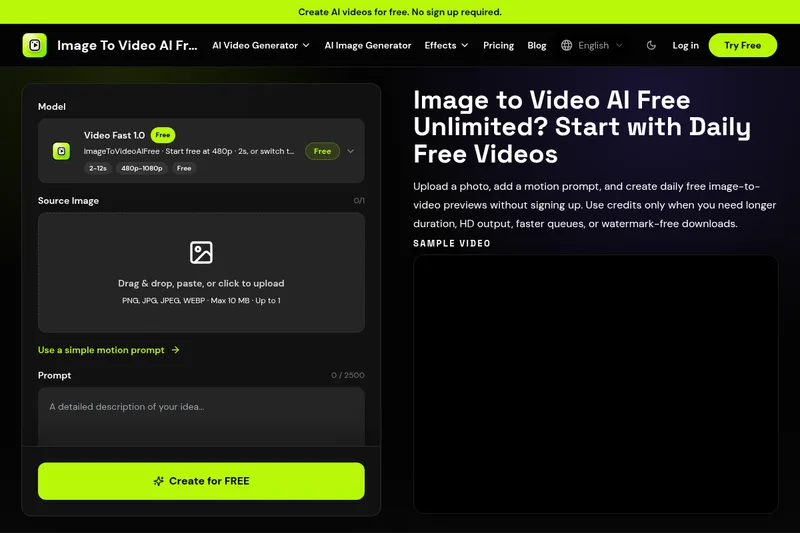
ImageToVideoAIFree is a web-based AI image-to-video generator that creates short animated clips from a single photo using prompt-guided motion. It offers daily free image-to-video previews with no sign-up required and paid credits for longer duration, HD output, faster queues, and watermark-free downloads.
Seedance 2.0 Mini
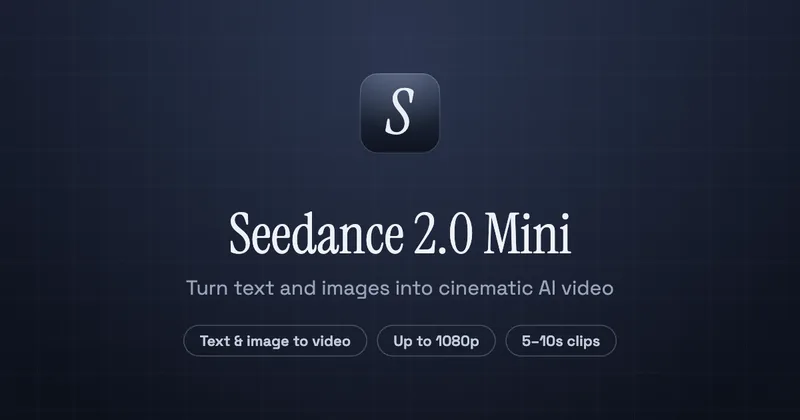
Seedance 2.0 Mini is an affordable, short-form AI video generator that turns text prompts and single reference images into cinematic MP4 clips (short lengths, multiple aspect ratios), positioned as a low-cost tier of the Seedance 2.0 family.
Premium Alternatives
Veo4aivideo
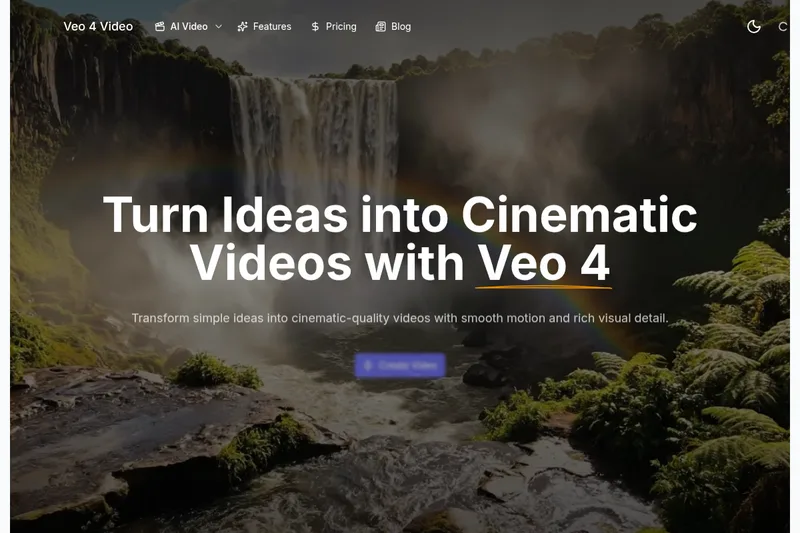
Veo 4 is an AI video generator for text-to-video and image-to-video creation that produces cinematic 8-second clips with synchronized native audio, cinematic motion, and multiple aspect ratio exports.
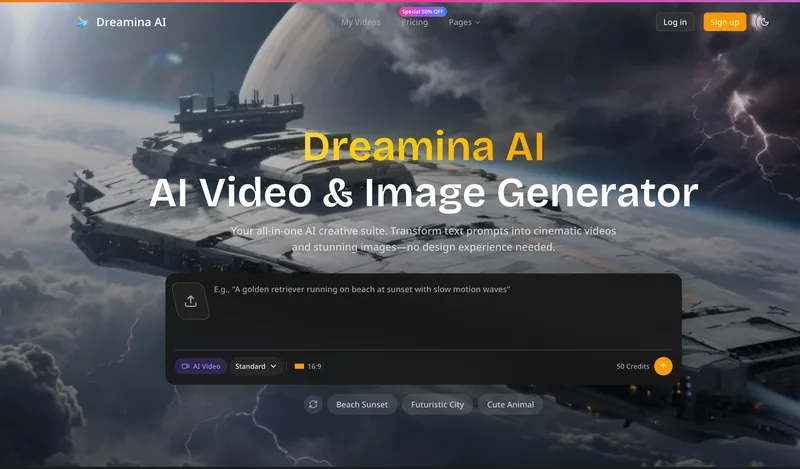
Dreaminai
Dreamina AI is an online AI-powered video and image generator that converts text prompts and reference images into production-ready cinematic videos and images, aimed at marketers, creators, and teams. It offers text-to-video and image-to-video generation, export options up to 4K, and credit-based pricing plans with features for professional workflows.


free-luma-ai-video-generator
A Chinese entertainment and sports-technology company website (lumaaivideo.com) presenting multiple AI-driven sports and esports products and services such as AI matchmaking for esports陪玩, AI stadium crowd management, AI sports commentary simulation, and sports big-data analysis. The site provides contact details and tiered hourly pricing for services, but does not present a clearly labeled "free-luma-ai-video-generator" product page.
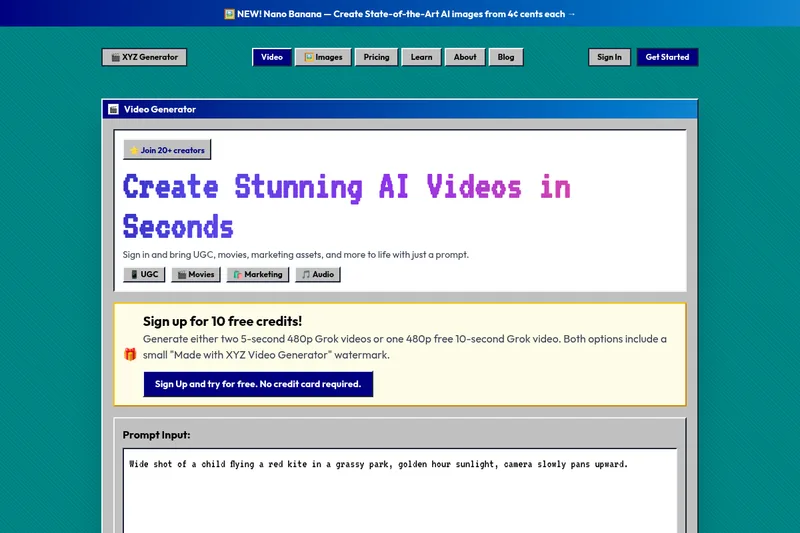
XYZ Generator
XYZ Generator is a web-based AI image and video generator that creates short videos and images from text prompts or images, targeting creators who need UGC, movies, and marketing assets.
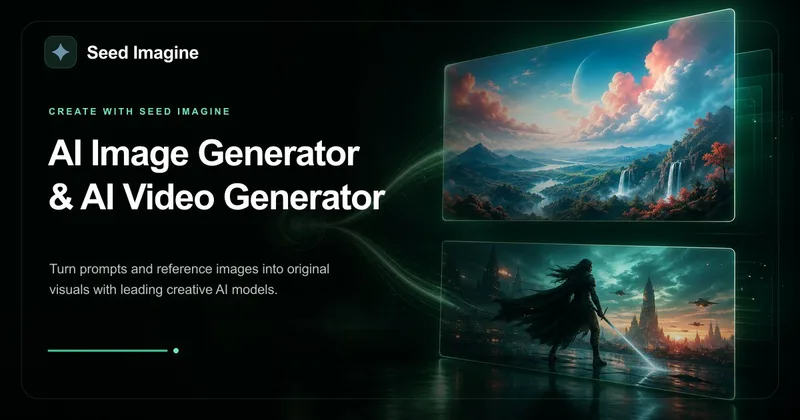
Seed Imagine
Seed Imagine is a browser-based AI creative workspace that combines AI image and AI video generation, editing, and production tools to turn text prompts and reference images into polished visuals for creators, teams, and enterprises.

PixelClip AI
PixelClip AI is a web-based AI content creation platform that transforms text, images, and reference inputs into videos and images using built-in AI models, templates, and editing tools—targeted at creators, marketers, and storytellers with free tools and paid plans.