
Onlook
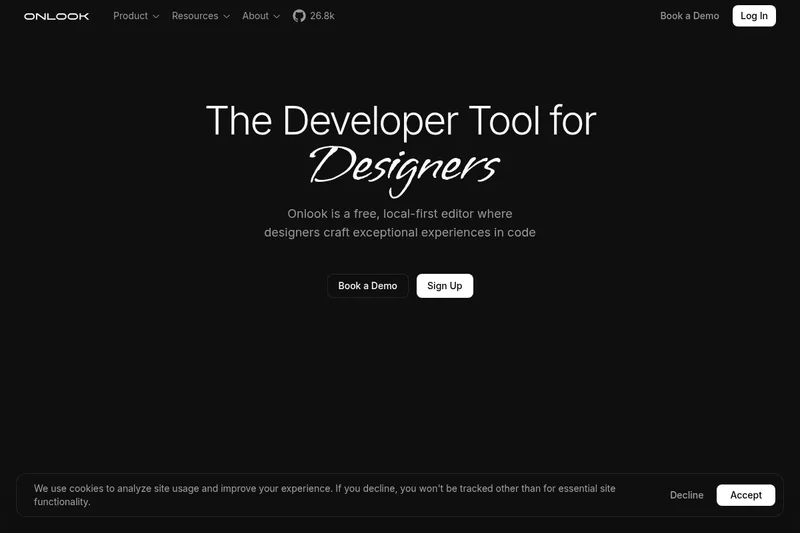
Onlook lets designers and developers visually edit websites with code as the source of truth, including projects built from an existing React codebase. Teams can use AI chat to refine designs, then export or publish their work.
One of 136 tools in Developer Tools
Who it's for
- Designers who want to prototype or create websites while editing the underlying code directly.
- Frontend developers working with React who want to import a codebase and make visual changes within it.
- Design and development teams that want to collaborate on designs and publish or share the resulting work.
How it fits your workflow
Start by importing an existing React codebase or creating a website from scratch. Use the visual editor to select and adjust elements, manage components and styles, and ask the AI chat for design help and feedback.
When the work is ready, export code locally, publish it to GitHub, or host and share it. Teams can share projects for real-time collaboration.
Pricing
Free: Self-hosting is free. Hosted or custom services have separate terms.
Free plan
$0
- · Self-hosting is free. Hosted or custom services have separate terms.
Paid plans
Price not published
- · See the provider pricing page for current rates, billing periods, and usage limits.
Prices checked on Sep 7, 2026 from the vendor's site. They can change; confirm before you buy.
Key features
- Design with AI
- AI-assisted prototyping and an AI chat provide instant design help, preview, and iteration inside the editor ('Design with AI on an infinite canvas', 'AI Chat').
- Direct editing in code
- Edit elements directly in the editor with drag-and-drop, rearrange, scale, and trace divs/text to create real code in real-time ('Direct editing', 'Draw-in Layers', 'Trace divs and text directly in your designs and create code in real-time').
- Import existing codebase
- Bring your existing React codebase into Onlook to build visually on top of actual project code ('Bring your existing React codebase and start building').
- Components & reusable elements
- Create and customize reusable components that can be swapped across websites to keep designs consistent ('Customize reusable components that you can swap-out across websites').
- Version history & revisions
- Automatic revision history allows teams to see changes and revert when needed ('Revision history - Never lose your progress – revert when you need to').
- Collaboration & sharing
- Share projects with your team and collaborate on designs in real-time with built-in team workflows ('Collaborate with your team', 'Share your project with your team and collaborate on designs in real-time').
Works with
- React / Next.js / Vite
- Storybook
- shadcn/ui
- GitHub
Limitations to know
- The page specifically describes importing an existing React codebase; it does not specify support for importing other kinds of codebases.
Alternatives to consider
-
Alloy
Choose it if you want to capture a real web app or connect a codebase, make UI changes by chat or voice, and push changes as pull requests.
-
Builder.io
Choose it if you need a collaborative low-code platform and headless CMS for building, previewing, and publishing production-ready web apps and content.
-
Lovable
Choose it if you want to generate working app and website prototypes from natural-language prompts and uploaded assets.
Getting started
- Choose the free self-hosted version on GitHub or sign up for the hosted cloud version.
- Import an existing React codebase or begin a website from scratch.
- Use the visual editor and AI chat to work on the design.
- Export, publish, or host and share the completed work.
Frequently asked questions
What kinds of things can I design with Onlook?
You can prototype, ideate, and create websites from scratch; it can also be used for presentations and mockups.
Why would I use Onlook?
Onlook lets you design in the real product using code as the source of truth so designs directly reflect the application rather than a separate mockup.
Who owns the code that I write with Onlook?
The code you make with Onlook is yours — you can export it locally, publish it to GitHub, or host it at a link.
What is the difference between Onlook and other design tools?
Onlook is a visual editor for code: it uses code as the source of truth and lets you create and style with real code rather than producing only static designs.
Why is Onlook open-source?
Onlook is open-source to give developers transparency and flexibility, and to bridge the divide between designers and developers so developers are first-class citizens in the design process.