Palette
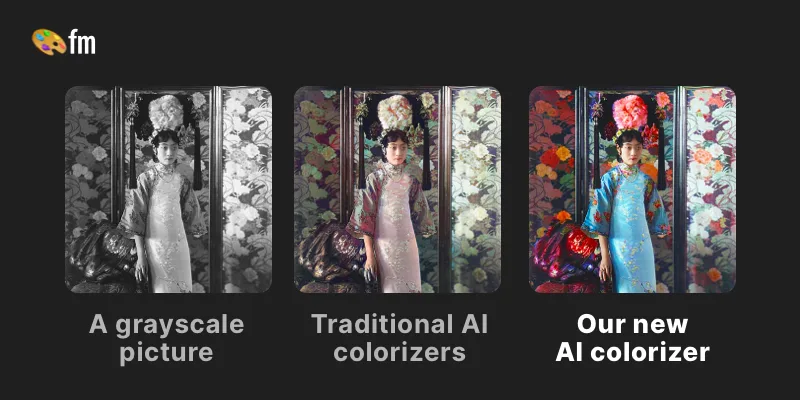
Palette is a web service that uses AI-driven colorization to convert black & white or faded photos into realistic, high-resolution color images using selectable color filters, adjustable keywords, and batch uploads. It targets photographers, creators, and production workflows with free previews, paid credits, and subscription or one-time purchase options.
Palette is image & design software teams evaluate for image & design. Use this page to review pricing, integration signals, and the best alternatives before you commit.
Profile facts come from the vendor source. AiMatch labels unknown pricing or API details instead of estimating them.
Review official source →Used in These Packs
Quick Overview
Best for: Image & Design
What it does
Image & Design software for decision-makers comparing workflow fit and alternatives.
Best fit
Image & Design
Pricing snapshot
Freemium from $0
Next step
Compare Palette with similar tools before you shortlist it.
Compare this tool before you shortlist it
Review alternatives, pricing posture, and workflow fit side by side.
Palette is an online AI colorization service that converts black-and-white or faded photos into realistic, vibrant color images using a selection of color filters and keyword-driven adjustments. The product emphasizes accurate, lifelike colors, attention to fine details (skin, hands, lips), and natural lighting. Palette is positioned for both casual users and professionals: it offers free, watermarked previews and paid, watermark-free, high-resolution colorizations via a credit system, plus subscription and one-time purchase options.
The site highlights fast workflows (batch uploads and automatic filter loading), pro features such as pinning and organizing filters, and claims broad adoption with millions of users and tens of millions of photos colorized. Palette also references an API and tutorial video resources to support deeper workflows.
Palette is a web service that uses AI-driven colorization to convert black & white or faded photos into realistic, high-resolution color images using selectable color filters, adjustable keywords, and batch uploads. It targets photographers, creators, and production workflows with free previews, paid credits, and subscription or one-time purchase options.
Own this listing?
Claim this page for a one-time $29 to add pricing, features, screenshots, verified owner details, and a clearly labeled 30-day category position after the profile is live.
Claim this listing for $29Key Features
AI colorization
AI-driven colorization that produces accurate, realistic colors and preserves fine details (claims of 'remarkably accurate' and 'lively and natural light').
Color filters
Over 21+ color filters to choose from and apply instantly to images, with the ability to customize and fine-tune colors.
Adjustable keywords
After picking a filter, users can further customize colors by adjusting key words to refine colorization results.
Full-resolution, watermark-free outputs (paid)
Paid credits produce logo-free, high-resolution colorizations up to 5000x5000 pixels.
Free previews
Unlimited color previews are available for free but are resized to a maximum of 500x500 pixels and include a Palette logo watermark.
Batch uploads
Users can upload multiple images at once for colorization workflows.
Pro workflow tools
Features for pro users include filters that load automatically, pinning favorites, organizing filters, and making copies for efficient editing.
Credit-based pricing
One photo colorization per credit; credits can be purchased one-time or via subscription, with rollover rules for subscriptions.
Pricing
Free plan with unlimited color previews (resized to 500x500 pixels) and Palette logo watermark; 1 free trial credit for a full-resolution, logo-free colorization.
Free
$0- 1 free trial credit (sign up)
- Unlimited color previews (images resized to max 500x500 px)
- Previews carry the Palette logo watermark
Subscribe (most popular)
$72 / year (listed as $6/month)- Subscription credits (example listing shows 480 credits per year)
- Credits refresh automatically and unused credits roll over up to five times the monthly plan amount
- Watermark-free, full-resolution colorizations
- Pro features, no ads
Pay once (one-time credit packs)
Example shown: $49 one-time (price per credit varies by pack)- One-time credit packs (examples listed: 1, 10, 75, 200, 500 credits)
- Credits purchased as one-off allow logo-free, full-resolution colorizations
- One-time credits are available for 2 years (as listed for some packs)
Use Cases
Restoring historical or family photos
Colorize black-and-white or faded family and historical photos into realistic color images for archiving, printing, or sharing.
Production and professional workflows
Used in productions and by photographers and creators who need high-resolution, logo-free colorizations and batch processing.
Creative experimentation and previews
Free unlimited previews let creators try multiple color palettes and adjustments before committing credits for full-resolution results.
Integrations
API
The site lists 'API' (header/footer), indicating programmatic access for colorization workflows is available.
Social links (GitHub, Twitter, YouTube)
Social and code links are provided in the footer (GitHub, Twitter, YouTube) for community and resources.
Benefits
Limitations
Frequently Asked Questions
No verified FAQs are available.
Getting Started
- 1 Step 1: Upload your photo using the 'Upload image' button or drag and drop multiple images.
- 2 Step 2: Pick a filter from the available color filters and optionally click the adjust icon to fine-tune colors using keywords.
- 3 Step 3: Click 'Colorize', then download the colorized photo or further edit; use credits to obtain watermark-free, full-resolution results.
Support
Contact
Contact link available via the site footer ('Contact Us') — access through the main site.
Video
A 7-minute video walkthrough is provided ('Everything you need to know A 7-min video from first colorization to pro workflows').
Docs / FAQ
FAQ and help content are listed on the site (FAQ link in header/footer).
API
Compare Palette with similar tools
See how it stacks up against alternatives
Related Tools
View all 386 →

Image to 3D AI
Image to 3D AI is a browser-based platform that converts images or text prompts into editable 3D models (exportable as GLB), offering textured or geometry-only outputs and tools like auto-retopology and online preview for game, 3D printing, design, and educational workflows.


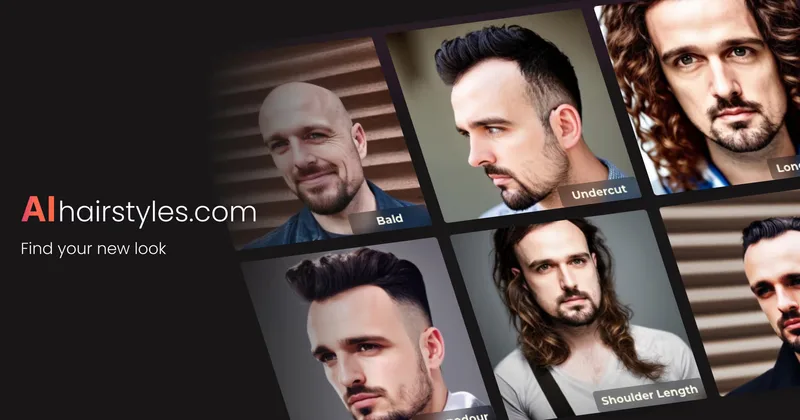
Aihairstyles
AIhairstyles provides a privacy-first AI virtual hairstyle try-on and hair colour changer that lets users and businesses visualise haircuts and colours on a single selfie in seconds; trusted by salons and barbers and available as an API for integrations.

Premium Alternatives

GPT Image 2.5
GPT Image 2.5 is a prompt-based image generation and editing workspace offering two model modes—Flare for fast creative exploration and Sunburst for detail-focused edits—designed for product visuals, portraits, campaigns, and other content creation workflows.
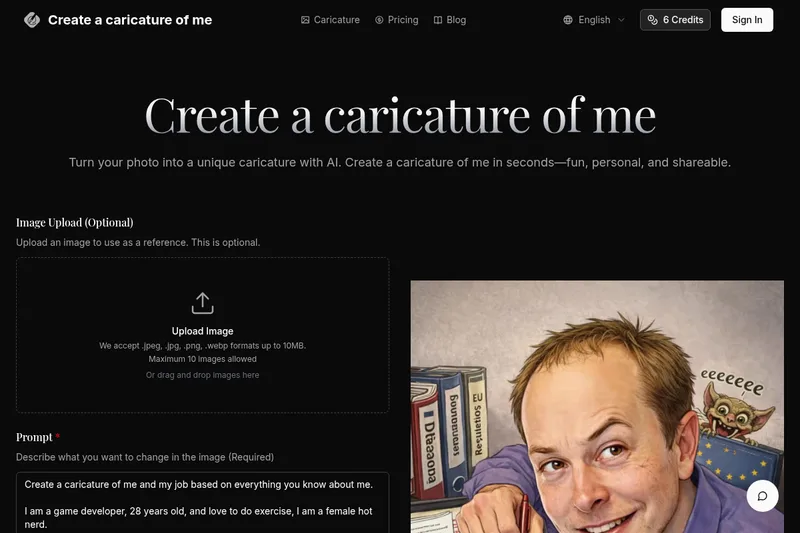
Createacaricatureofme
Create a Caricature of Me is a web-based AI image tool that turns user photos into personalized caricatures in seconds. Users can upload images, provide a prompt, choose AI models and output formats, then generate and download stylized caricatures for social, personal, or light professional use.
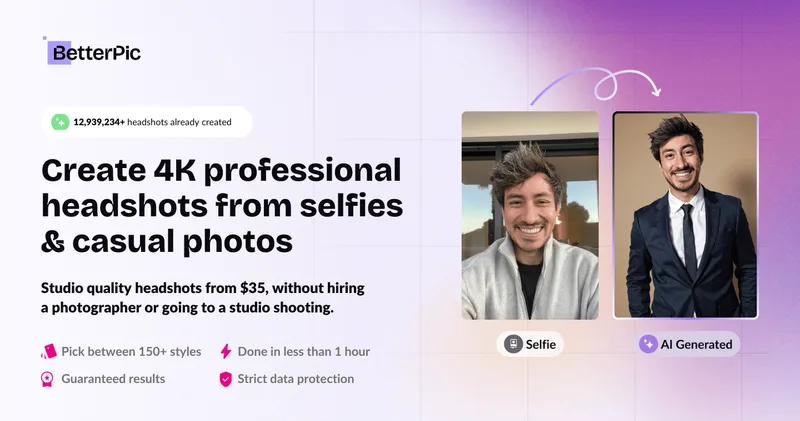
Photostudio
Blockode AI Photo Studio is an AI-powered photoshoot generator that trains a custom model from your uploaded selfies to produce stylized, high-resolution AI photoshoots. It targets users who want custom-generated portraits with options for commercial use.


PreCheck
PreCheck is an AI-powered facial recognition and face-search platform that lets users upload a single photo to find where that face appears across the web, and also provides reverse phone and email lookups for identity, reputation management, and fraud prevention.