

Parachute Backup
Parachute Backup is a seamless, set-and-forget backup tool for iCloud Photos and iCloud Drive that automatically syncs your data to your own storage or other cloud providers, ensuring your digital memories and documents are safely backed up without subscriptions or lock-in.
Parachute Backup is productivity software teams evaluate for productivity. Use this page to review pricing, integration signals, and the best alternatives before you commit.
Used in These Packs
Quick Overview
Best for: Productivity
What it does
Productivity software for decision-makers comparing workflow fit and alternatives.
Best fit
Productivity
Pricing snapshot
Paid from One-time payment (exact price available on Mac App Store)
Next step
Compare Parachute Backup with similar tools before you shortlist it.
Compare this tool before you shortlist it
Review alternatives, pricing posture, and workflow fit side by side.
Parachute Backup
Parachute Backup is designed to protect your iCloud Photos and iCloud Drive data by automatically syncing it to your preferred storage location, such as external drives, NAS, or other cloud services like Google Drive, Dropbox, and OneDrive. It provides peace of mind by safeguarding your digital memories and important documents from accidental deletion, sync errors, or service failures. The tool is available on the Mac App Store and offers a one-time purchase model without subscriptions or lock-in, making it easy and cost-effective for users who want full control over their backups.
Parachute Backup is a seamless backup utility for iCloud Photos and iCloud Drive that automatically mirrors your data to your own storage such as external drives, NAS, or other cloud services, giving you full ownership of your data without requiring a subscription.
Own this listing?
Claim this page to add pricing, features, screenshots, and verified owner details.
Claim this listingKey Features
Full Backup of iCloud Photos and iCloud Drive
Back up your entire iCloud Photos library and iCloud Drive data to your chosen storage.
Manual or Scheduled Runs
Choose to run backups manually or schedule them for automatic syncing.
Full or Smart Incremental Backups
Perform complete backups or use smart incremental backups to save time and storage.
Supports Multiple Storage Options
Works with external drives, NAS devices, or other cloud providers like Google Drive, Dropbox, and OneDrive.
Smart Offloading
Avoid filling up your Mac's hard drive by offloading data efficiently.
One-Time Purchase
No subscriptions or lock-in; pay once and use indefinitely.
Pricing
One-Time Purchase
One-time payment (exact price available on Mac App Store)- Full access to all features
- No subscription fees
- Lifetime usage
Use Cases
Protecting Precious Memories
Automatically back up your iCloud Photos to ensure your photos and videos are safe from accidental deletion or service issues.
Securing Important Documents
Back up your iCloud Drive documents to external or cloud storage to prevent data loss.
Avoiding Cloud Service Lock-In
Store your backups on your preferred storage solution, giving you full control over your data.
Efficient Backup Management
Use smart incremental backups and scheduled runs to maintain up-to-date backups without manual effort.
Integrations
Google Drive
Backup your iCloud data to Google Drive cloud storage.
Dropbox
Sync your iCloud backups to Dropbox for additional cloud storage.
OneDrive
Use OneDrive as a destination for your iCloud backups.
External Drives and NAS
Backup directly to external hard drives or network-attached storage devices.
Benefits
Limitations
Frequently Asked Questions
Does Parachute Backup require a subscription?
Can I schedule automatic backups?
What storage options are supported?
Does it save space on my Mac?
Getting Started
- 1 Download Parachute Backup from the Mac App Store.
- 2 Install and launch the application on your Mac.
- 3 Configure your backup preferences including storage destination and schedule.
- 4 Run your first backup manually or wait for the scheduled backup to start.
Support
Website Contact
Contact support via the website contact page at https://www.parachutebackup.com/contact
Documentation
Basic usage information available on the website.
API
Compare Parachute Backup with similar tools
See how it stacks up against alternatives
Related Tools
View all 182 →
Autoslide AI PowerPoint Add In
Autoslide AI PowerPoint Add-In is a productivity tool designed to help professionals create and format PowerPoint presentations faster using AI-driven slide formatting, content generation, and a rich resource library.

Momentum for iOS
Momentum is a photo habit tracker app for iOS that helps users build and maintain habits by snapping photos as visual proof, turning progress into beautiful visual journals and shareable videos.





Mealpractice
MealPractice is an AI-powered meal planning tool that generates personalized recipes, helps organize weekly meal plans, and creates automated shopping lists with one-time credit-based purchases rather than subscriptions.

Budget-Friendly Alternatives

SellerPic
SellerPic is an AI-powered platform that transforms ordinary product photos into stunning, high-converting visuals and videos, boosting e-commerce sales by up to 20%. It offers tools for creating model-on-image shots, multi-angle views, and promotional content without traditional photoshoots.
Speakhelper
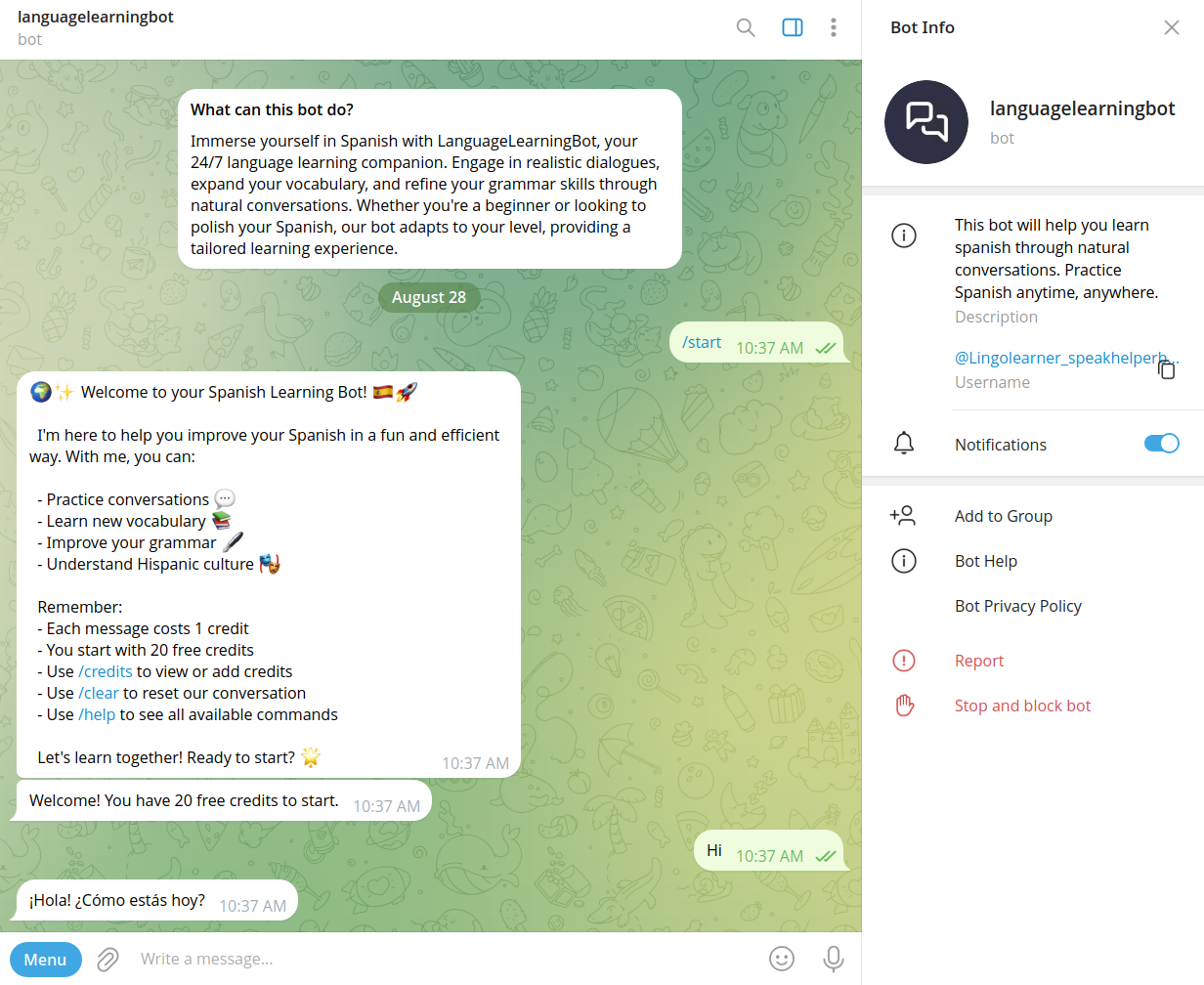
Speakhelper is a personal Spanish tutor chatbot that helps users improve their Spanish through natural conversations, vocabulary expansion, and grammar corrections, all integrated into daily life without the need for textbooks or memorization.

Questgen
Questgen is an AI-powered quiz generator that creates various types of assessments such as MCQs, True/False, Fill-in-the-blanks, and more from text, PDFs, videos, and other formats instantly. It is designed for educators, students, HR teams, and edtech companies to save time and enhance learning and assessment processes.
AIuse.blog
AIuse.blog is a website dedicated to showcasing practical examples of how artificial intelligence can simplify everyday life, education, business, and travel. It offers insights, tutorials, and AI tool recommendations to help users integrate AI into their daily routines.
BypassEngine
Bypass Engine is an AI humanizer and detection engine that rewrites AI-generated text into natural, human-like writing designed to evade leading AI detectors and improve readability. It targets students, marketers, researchers, and content creators who need undetectable, plagiarism-free output in multiple languages.
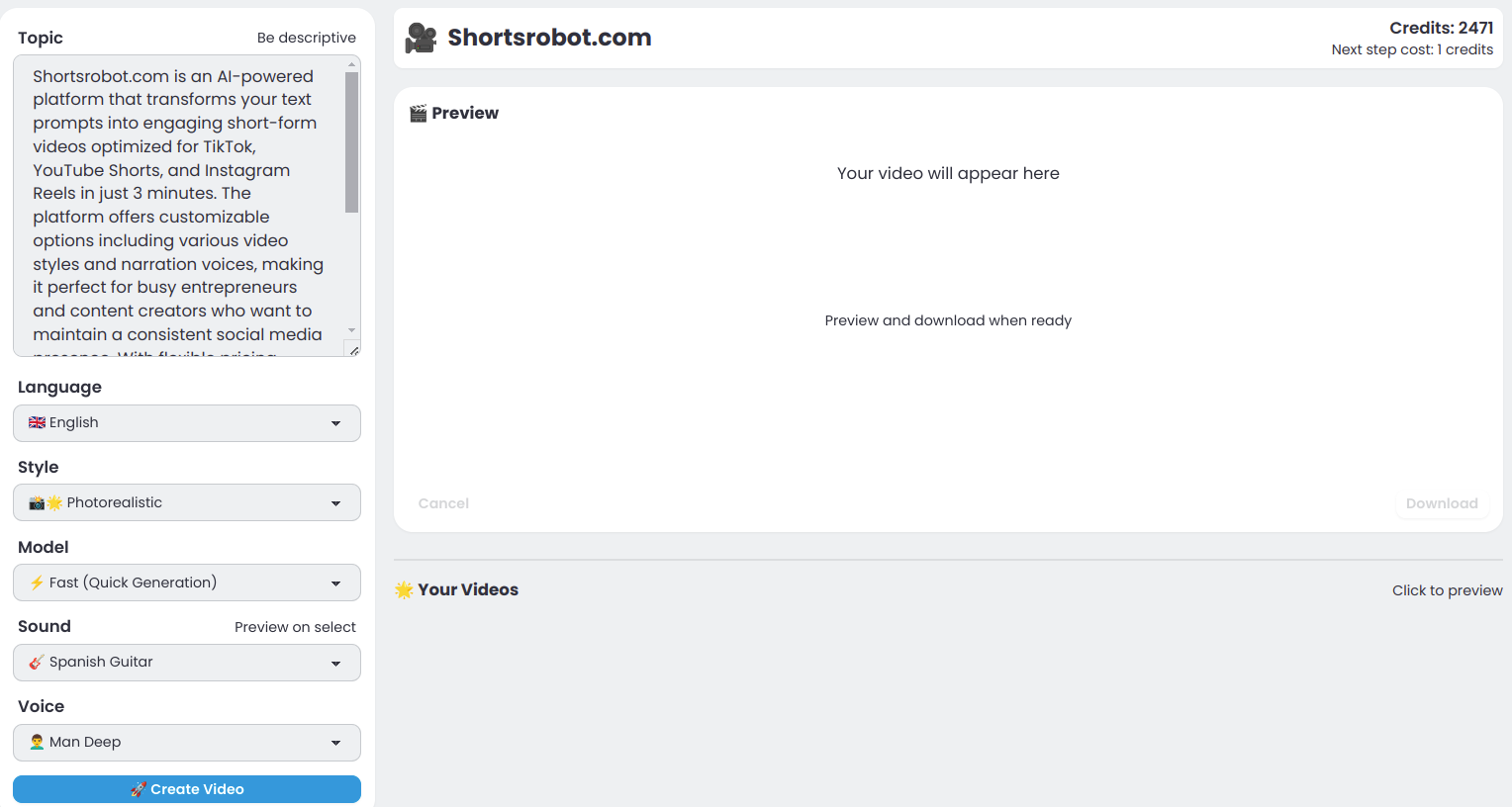
Shortsrobot.com
ShortsRobot is an AI-powered video shorts generator that transforms user prompts into engaging, ready-to-post short-form videos optimized for TikTok, YouTube Shorts, and Instagram Reels, enabling effortless automated content creation.