Rewrait
Rewrait is a native desktop writing layer that rewrites selected or dictated drafts in-place across apps using team-tuned styles and approved sources, designed for teams (support, sales, success, product) to produce on-brand, compliant writing.
Rewrait is writing assistants software teams evaluate for business operations. Use this page to review pricing, integration signals, and the best alternatives before you commit.
Profile facts come from the vendor source. AiMatch labels unknown pricing or API details instead of estimating them.
Review official source →Used in These Packs
Quick Overview
Best for: Business Operations
What it does
Writing assistants software for decision-makers comparing workflow fit and alternatives.
Best fit
Business Operations
Pricing snapshot
Free from $20 per seat/month billed annually or $25 per seat/month billed monthly
Next step
Compare Rewrait with similar tools before you shortlist it.
Compare this tool before you shortlist it
Review alternatives, pricing posture, and workflow fit side by side.
Rewrait is a native desktop app (Mac and Windows) that acts as a writing layer for every app: users select text or dictate a rough draft, run a shortcut, and Rewrait returns an improved version in place. It reads approved team sources (Notion, Confluence, Google Docs) and applies reusable team 'styles' — rewrite instructions, approved sources, and output shapes — so replies and drafts match company voice and policy. Rewrait is built for teams (support, sales, customer success, product, and operations) who need consistent, on-brand writing directly inside the apps they already use.
Rewrait is a native Mac and Windows app that lets you instantly rewrite any selected text using AI, improving clarity, tone, and style without switching tabs or copy-pasting.
Own this listing?
Claim this page for a one-time $29 to add pricing, features, screenshots, verified owner details, and a clearly labeled 30-day category position after the profile is live.
Claim this listing for $29Key Features
Native desktop layer
Runs as a native Mac and Windows app and rewrites text in-place inside other apps rather than opening a separate editor.
Select or dictate input
Users can select existing text or dictate a rough version (supported languages: English, Spanish, Portuguese, French, German) and run a shortcut to get the rewrite.
Team styles and shortcut recipes
Create reusable shortcuts (styles) that combine rewrite instructions, approved sources, and output shapes for common work types (support replies, sales follow-ups, escalation summaries, etc.).
Reads approved sources
Shortcuts can read approved pages from Notion, Confluence, and Google Docs to keep rewrites aligned with company voice guides, playbooks, and messaging docs.
Works in many apps
Designed to work where teams write: Slack, Gmail, Outlook, Zendesk, Intercom, Linear, HubSpot, VS Code, browser fields, and docs.
Privacy and data controls
Submitted text is processed only to return the rewrite, is not used to train Rewrait or third‑party models, history is off by default, integration tokens are encrypted, and connected sources use read-only scopes.
Team administration
Team plan adds shared workspace styles and workflows, owner-managed seats and billing, and a written no-training guarantee.
Shortcut preview and in-place replace
Keyboard shortcut (Cmd+Shift+P / Ctrl+Shift+P) opens live preview and can replace the selected draft directly where the user is writing.
Pricing
Free plan with 30 rewrites per month; all new accounts start with a free 14-day Team trial (no card required) and revert to Free if not upgraded.
Team
$20 per seat/month billed annually or $25 per seat/month billed monthly- Shared workspace styles and workflows
- Company context from Notion, Confluence, Google Docs
- Owner-managed seats and billing
- No-training guarantee
Free
Free- 30 rewrites per month
- Access to the desktop app
Use Cases
Customer support replies
Rewrite rushed responses to follow support playbooks, maintain policy language, and provide next-update formats without manual editing.
Sales follow-ups
Turn rough follow-ups into approved positioning that avoids unsupported claims by reading the team's sales messaging guide.
Customer success communications
Convert account notes into customer updates using the right tone for renewals, risk, and adoption.
Product and Ops notes
Turn raw bullets into launch notes, incident updates, and decision summaries that match internal rules and release templates.
Paraphrasing and dictation for writers
Writers and copy teams can dictate rough drafts or select text and get versions that match brand voice and style rules.
Integrations
Notion
Read approved pages (voice guides, playbooks) to inform rewrites (read-only scopes).
Confluence
Read team playbooks and rules to keep rewrites compliant with company policy.
Google Docs
Use approved documentation hosted in Google Docs as a source of truth for shortcuts.
Slack, Gmail, Outlook, Zendesk, Intercom, Linear, HubSpot, VS Code, browser fields
Run Rewrait shortcuts directly inside these apps to rewrite selected or dictated drafts in place.
Benefits
Limitations
Frequently Asked Questions
Does Rewrait work in the apps my team already uses?
Do you train AI models on our text?
Can a shortcut use our Notion style guide?
Can I use Rewrait without selecting text?
Does Rewrait replace our existing tools?
What does Rewrait cost for a team?
Getting Started
- 1 Download the Rewrait desktop app for Mac or Windows.
- 2 Create an account and start a free 14-day Team trial (no card required) or use the Free plan.
- 3 Connect approved sources (Notion, Confluence, Google Docs) and create your first custom style or shortcut.
- 4 Select text or dictate a draft in any supported app and run the shortcut (Cmd+Shift+P / Ctrl+Shift+P) to replace the draft in place.
Support
Download
Download the Rewrait desktop app for Mac or Windows from the website.
Demo / Sales
Book a team demo to pilot Rewrait with your workspace and team styles.
Docs / Resource Library
Resource Library, Support policy, and playbooks available on the site to guide setup and usage.
Contact via the email address shown on the site.
API
Compare Rewrait with similar tools
See how it stacks up against alternatives
Related Tools
View all 41 →

Gomoonbeam
Moonbeam (gomoonbeam.com) is a web-based AI writing assistant focused on long-form content creation — essays, articles, blogs, guides and templates — powered by an AI called Luna and integrated GPT-4 features to help users draft, edit, and organize content faster.
Ailettergenerator
AI Letter Generator is a web-based tool that uses AI to create professional letters (cover letters, business letters, personal letters, thank-you notes, recommendations, and more) with multi-language support, professional formatting, and privacy-focused processing. Core features are offered for free with optional paid credits for a Text-to-Image function.

Prompt AI Tools
Prompt AI Tools is a website offering free AI writing and assistant tools alongside utilities for conversions, calculations, and internet lookups. Its tools support tasks such as generating content, checking grammar, answering questions, and finding IP or website location information.

ai-story-generator-free-unlimited
Story321.org's AI Story Generator (branded as 'AI story generator free unlimited') is a web-based tool that uses artificial intelligence to generate full stories in seconds across multiple genres, with no registration required and a stated daily public usage limit.
FablePilot
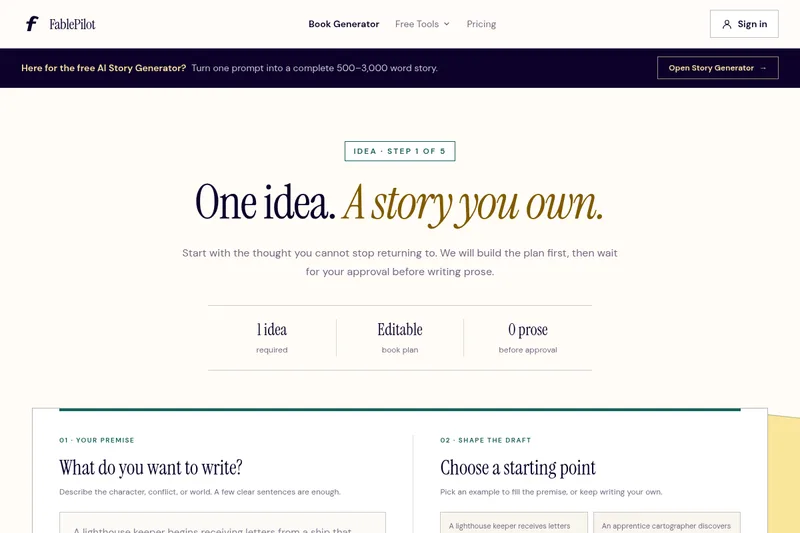
FablePilot is an AI-first writing platform that helps authors plan, write, edit, design covers, and export Kindle-ready books using an approval-first, chapter-by-chapter workflow powered by credit-based AI generation.
Promptmatic
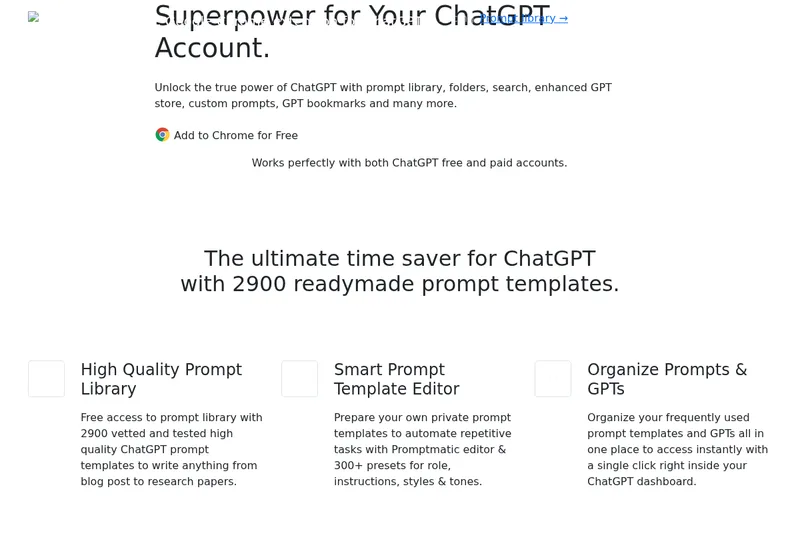
Promptmatic is a Chrome extension for ChatGPT that provides a library of 2,900 ready-made prompts, tools for creating reusable prompt templates, and bookmarks and folders for organizing prompts and GPTs. It works with ChatGPT Free, Plus, and Team accounts.
Premium Alternatives

Webnovelai
WebNovel AI is a web-novel planning and drafting tool that guides authors through an 8-step workflow to turn a hook into a chapter-by-chapter outline and first-draft chapters, with features for worldbuilding, character sheets, pacing, and export to TXT/Markdown.