

Seedance
Seedance is an AI-powered video generator (Seedance 1.0 Lite and Pro) that converts text prompts or images into short cinematic videos (5s or 10s) with optional AI-generated audio, supporting up to 1080p output.
Seedance is text-to-video software teams evaluate for text-to-video. Use this page to review pricing, integration signals, and the best alternatives before you commit.
Used in These Packs
Quick Overview
Best for: Text-to-Video
What it does
Text-to-Video software for decision-makers comparing workflow fit and alternatives.
Best fit
Text-to-Video
Pricing snapshot
Freemium from Free (signup bonus credits)
Next step
Compare Seedance with similar tools before you shortlist it.
Compare this tool before you shortlist it
Review alternatives, pricing posture, and workflow fit side by side.
Seedance
Seedance is an AI video generation platform showcasing ByteDance's Seedance 1.0 models (Lite and Pro) and operated independently at seedance.run. It supports both text-to-video and image-to-video workflows, producing short-form cinematic clips (5 or 10 seconds) at 480p, 720p, or 1080p (24 fps) with optional AI-generated audio. The Lite model emphasizes speed and efficiency while the Pro model provides multi-shot narrative capabilities and enhanced semantic understanding. Seedance is aimed at content creators, marketers, educators, designers, game developers, and businesses seeking fast, high-quality video outputs without traditional production workflows.
Seedance is an AI-powered video generator (Seedance 1.0 Lite and Pro) that converts text prompts or images into short cinematic videos (5s or 10s) with optional AI-generated audio, supporting up to 1080p output.
Own this listing?
Claim this page to add pricing, features, screenshots, and verified owner details.
Claim this listingKey Features
Dual Mode Video Generation
Supports both text-to-video and image-to-video modes so users can create videos from descriptive prompts or animate uploaded images.
Two Model Variants (Lite & Pro)
Seedance 1.0 Lite focuses on speed and efficiency; Seedance 1.0 Pro offers higher-fidelity cinematic output and multi-shot narrative control.
Multiple Resolutions & Aspect Ratios
Output resolutions include 480p, 720p, and 1080p with common aspect ratios (16:9, 9:16, 1:1) to fit different social platforms.
AI-Generated Sound
Optional 'Add Sound' feature lets the platform generate audio for videos automatically.
Professional Camera Controls
Offers cinematic camera movements such as orbit, aerial shots, zoom, pan, follow, and handheld styles.
Detailed Physical & Motion Realism
Generates detailed textures, lighting, natural motion physics, smooth facial expressions, and stable motion across frames.
Multi-Character Scene Generation
Capable of rendering scenes with multiple characters interacting with distinct behaviors and expressions.
Style Flexibility
Can produce a wide range of visual styles from photorealistic to artistic (anime, watercolor, vintage, etc.) with precise prompt control.
Seed/Parameter Controls
Supports seed parameters and prompt-based controls for maintaining visual consistency or precise character/style specifications.
Pricing
Free users receive 15 signup credits, but resulting videos include a watermark and free-generated videos are stored only for 1 hour. (Additional paid credits/plans are referenced on the site; exact subscription or credit pack pricing is not fully detailed.)
Free
Free (signup bonus credits)- Signup grants 15 free credits
- Outputs include watermark
- Free users' generated videos are saved for 1 hour
Seedance 1.0 Lite (credit-based)
Listed on site (examples show '12' adjacent to the Lite model — likely a credits cost per generation)- Faster generation
- Supports 480p/720p resolutions
- Efficient for quick iterations
Seedance 1.0 Pro (credit-based)
Listed on site (examples show '16' adjacent to the Pro model — likely a credits cost per generation)- Multi-shot narrative capability
- Supports up to 1080p
- Higher-fidelity cinematic output
Use Cases
Social & Short-Form Content
Create TikTok, Instagram Stories, and YouTube Shorts with cinematic visuals and native aspect ratios quickly for viral content.
Marketing & Brand Videos
Generate promotional clips, product demos, and ad creatives without expensive production—use for cross-platform campaigns and brand storytelling.
Educational & E-learning Content
Convert lessons and concepts into short explainer videos or animated demonstrations to increase engagement in training and online courses.
Art & Design Iteration
Animate artwork, test aesthetic variations, and produce animated storyboards or concept visuals for portfolios and projects.
Game Prototyping & Cinematics
Prototype narrative cutscenes, visualize game environments and characters, and iterate on world-building concepts quickly.
Business & Internal Communication
Produce training videos, product walkthroughs, and internal promos without a video production team.
Integrations
Image Upload (PNG/JPG/JPEG/WEBP)
Direct upload support for common image formats up to 10MB for Image-to-Video workflows.
Social Media Sharing / Showcase
Seedance highlights examples and creator posts on social platforms; users can download and share generated videos to social channels.
Third-party model & platform references
The site lists and references other video models (Wan, Veo, Hailuo, Kling) and mentions community/tool integrations (e.g., Higgsfield integration of Seedance Pro) — indicating ecosystem compatibility or cross-listing, though direct API/plugin integrations are not detailed.
Benefits
Limitations
Frequently Asked Questions
What is Seedance AI Video Generator?
What types of videos can I create with Seedance?
Do I need video editing experience to use Seedance?
Can I control the style and look of my videos?
What video quality does Seedance produce?
What aspect ratios are supported?
How long does it take to generate a video?
Can I use Seedance for commercial projects?
How do I get support or ask additional questions?
Getting Started
- 1 Step 1: Choose mode — select Text-to-Video or Image-to-Video.
- 2 Step 2: Input content — type a descriptive prompt or upload an image (PNG/JPG/JPEG/WEBP up to 10MB).
- 3 Step 3: Select model & settings — pick Seedance 1.0 Lite or Pro, resolution (480p/720p/1080p), duration (5s or 10s), and optionally enable Add Sound.
- 4 Step 4: Generate — click 'Generate Video' and wait for processing (typically a few minutes).
- 5 Step 5: Download & iterate — preview and download the result; adjust prompt/settings and regenerate as needed.
Support
Primary contact: [email protected] for questions and support.
Documentation
Privacy Policy and Terms of Service are available on the site for legal and usage details.
Account Portal
Signed-in users can access 'My Videos' to view previous generations. Free users are advised to download outputs within the available retention window.
API
Compare Seedance with similar tools
See how it stacks up against alternatives
Related Tools
View all 72 →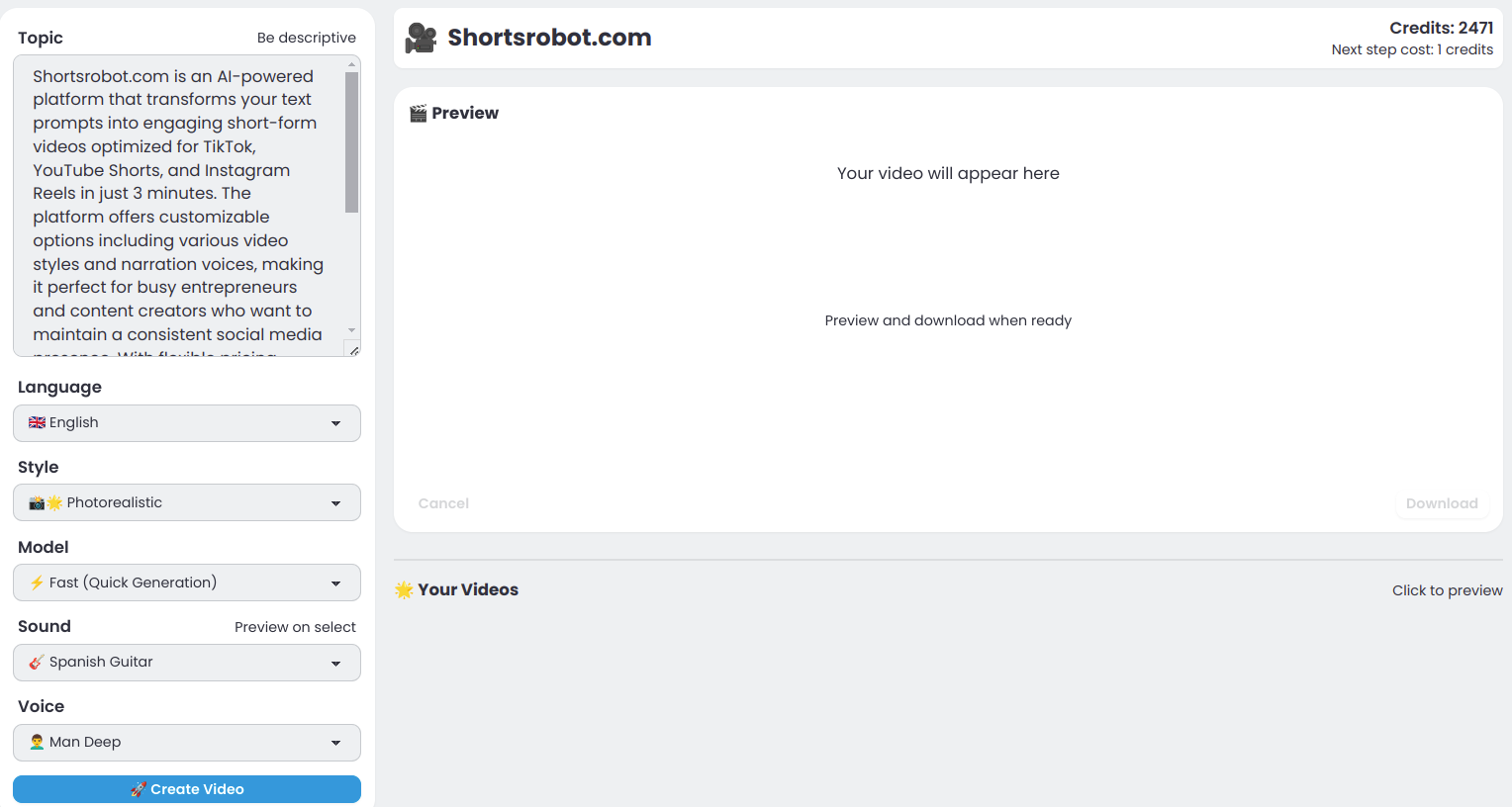
Shortsrobot.com
ShortsRobot is an AI-powered video shorts generator that transforms user prompts into engaging, ready-to-post short-form videos optimized for TikTok, YouTube Shorts, and Instagram Reels, enabling effortless automated content creation.


Uni
UniVideo is a unified AI platform for video understanding, generation, and editing that combines Multimodal Large Language Models (MLLM) with Multimodal Diffusion Transformers (MMDiT) to enable high-fidelity text-to-video, image-to-video, and complex in-context video edits with precise semantic control.

MindVideo AI
MindVideo AI is a free online AI video generator that transforms text and images into high-quality videos using a variety of cutting-edge AI models and trending video effects, suitable for creators of all skill levels.
movmi-ai-powered-motion-capture
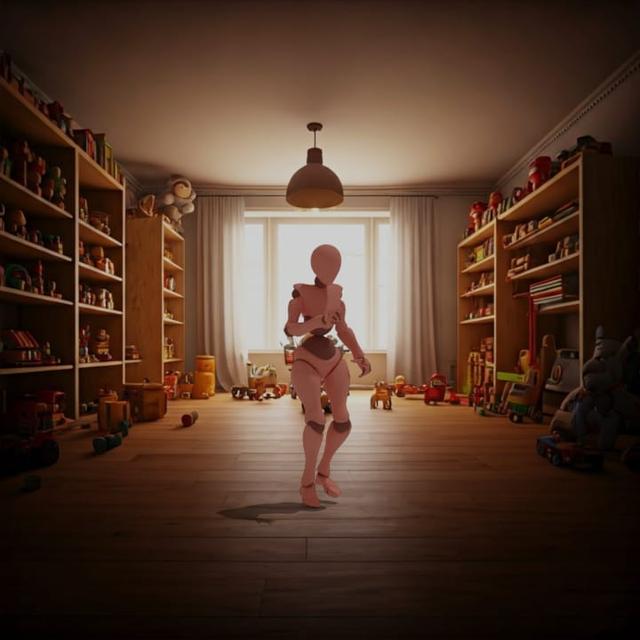
Movmi is an AI-powered human motion capture software designed for 3D animators, enabling the transformation of text descriptions into 3D poses and the creation of videos with AI-generated backgrounds. It supports multiple human characters and integrates with popular 3D environments.



Premium Alternatives

Videofaceswap
Face Swap AI (VideoFaceSwap.ai) is a web-based tool that creates high-quality, AI-powered face swap videos anonymously. Users can upload local videos or paste YouTube/TikTok/X links to generate deepfake-style swaps, GIFs, and professional headshots for social and commercial use.

Yourstruly
YoursTruly lets you create, customize, and mail real, handwritten greeting cards and postcards to U.S. addresses quickly — using artist-designed templates or your own photos, with optional AI help to write the message.

Vectormagic
Vector Magic is an automatic full-color bitmap-to-vector conversion tool (online and desktop) that converts JPG, PNG, BMP, and GIF files into true vector formats (SVG, EPS, PDF, and desktop-only AI/DXF) for printing, cutting, embroidery, and design workflows.

Ultrafaceswap
The available site content describes Pixora, a text-to-image AI generator that creates original images from text prompts and explicitly states it does not support face-swapping or file uploads. No specific product details for "Ultrafaceswap" are provided on the page.
imitate-ai
Imitate AI is a creative design tool that allows users to generate copyright-free images resembling their original reference pictures using AI technology, simplifying the process of sourcing unique visuals.

Retouchpro
Retouchpro (AI Photo Generator) is a web-based AI image generation and editing platform for creators, influencers, and agencies that produces photorealistic and stylized images in seconds using multiple top image models and community-driven templates.
