Vectormagic
Vector Magic is an automatic full-color bitmap-to-vector conversion tool (online and desktop) that converts JPG, PNG, BMP, and GIF files into true vector formats (SVG, EPS, PDF, and desktop-only AI/DXF) for printing, cutting, embroidery, and design workflows.
Vectormagic is image & design software teams evaluate for image & design. Use this page to review pricing, integration signals, and the best alternatives before you commit.
Used in These Packs
Quick Overview
Best for: Image & Design
What it does
Image & Design software for decision-makers comparing workflow fit and alternatives.
Best fit
Image & Design
Pricing snapshot
Paid from Not specified on provided page
Next step
Compare Vectormagic with similar tools before you shortlist it.
Compare this tool before you shortlist it
Review alternatives, pricing posture, and workflow fit side by side.
Vectormagic
Vector Magic is a specialized auto-tracer that converts bitmap images (JPG, PNG, BMP, GIF) into true vector formats (SVG, EPS, PDF online; AI and DXF in the Desktop Edition). It is aimed at graphic designers, print prepress operators, sign/cutter/embroider specialists, and anyone who needs crisp, scalable artwork from raster sources. The product is available as an Online Edition for immediate web-based conversion and a Desktop Edition for higher-resolution files, full transparency support, and AI/DXF output for integration with professional illustration and CAD tools.
Vector Magic is an automatic full-color bitmap-to-vector conversion tool (online and desktop) that converts JPG, PNG, BMP, and GIF files into true vector formats (SVG, EPS, PDF, and desktop-only AI/DXF) for printing, cutting, embroidery, and design workflows.
Own this listing?
Claim this page to add pricing, features, screenshots, and verified owner details.
Claim this listingKey Features
Automatic full-color tracing
Vector Magic automatically analyzes an uploaded bitmap and selects appropriate settings to trace underlying shapes in full color, producing true vector shapes rather than embedding raster pixels.
Multiple export formats
Online Edition exports SVG, EPS, and PDF. Desktop Edition additionally supports AI (Adobe Illustrator) and DXF (CAD) output.
Editable results
Built-in editor (pixel-style) lets you review and manually correct segmentation and vectorization problems: remove unwanted shapes, connect or separate segments, zap/merge regions, and preview bitmap/segmentation/vector views.
Sub-pixel precision & smart node placement
Traces edges with sub-pixel precision and intelligently selects a low, appropriate number of nodes to keep output accurate, compact, and easier to edit.
Color handling and palettes
Options include unlimited colors for gradients or custom palettes to limit the number of colors used, helping to reduce errors from noise or blurriness.
Pre-crop and size handling
Pre-Crop allows cropping large images to maximize effective resolution within the online size limit; the Desktop Edition supports larger/higher-resolution images.
Background removal (Desktop)
Assisted background removal is available in the Desktop Edition; online users can also remove backgrounds after downloading in a vector editor.
Quality/detail controls
Controls for detail level (High/Medium/Low) and image quality handling (sensitive to noise, smoothing options) let users balance fidelity versus complexity and file size.
Pricing
Online Edition
Not specified on provided page- Web-based conversion to SVG/EPS/PDF
- Automatic settings and online editor
Desktop Edition
Not specified on provided page- Offline application
- Supports AI and DXF output
- Full transparency support and higher-resolution images
Use Cases
Logo conversion and brand assets
Convert PNG/JPG logos to vector formats so they scale crisply across web, print, banners, and merchandise without re-drawing.
Print prepress and production
Create EPS/PDF/SVG artwork ready for printing, cutting, and embroidery workflows to speed turnaround and reduce pre-print issues.
Graphic design and composition
Quickly bring bitmap source material into vector compositions or convert scanned sketches for refinement and reuse.
Stylized photo/vector art
Vectorize photos to produce stylized, artistic results useful as backgrounds or design elements.
Vectorize scans and create fonts
Turn scanned artwork into editable vectors or use scanned typography to build new TrueType fonts (workflow tutorial provided).
CAD and cutting workflows (Desktop)
Export DXF for CAD workflows and AI for Illustrator-based workflows used in sign making, laser cutting, and CNC/engraving processes.
Integrations
Adobe Illustrator (AI)
Desktop Edition produces AI output and works seamlessly with Illustrator for further editing and production.
CorelDRAW
Desktop Edition integrates with Corel products for import/export and further vector editing.
Inkscape
SVG export is compatible with Inkscape; the site notes Inkscape can export EPS and read/write SVG.
Ghostview / PDF tools
PDF and EPS outputs are compatible with tools such as Ghostview; PDF is widely supported for platform-independent exchange.
Benefits
Limitations
Frequently Asked Questions
What input file formats does Vector Magic accept?
What output formats can I get?
How large can my image be?
Can I edit the vectorized result?
Does Vector Magic simply embed pixels or produce real vectors?
Getting Started
- 1 Step 1: Upload a bitmap image (JPG, PNG, BMP, GIF). The Online Edition automatically analyzes and traces it.
- 2 Step 2: Review and edit the traced result in the built-in editor; adjust detail, color handling, and segmentation if needed.
- 3 Step 3: Download the vector result (SVG, EPS, PDF online; AI/DXF available from Desktop Edition).
Support
Documentation
Tutorials, examples, tips and tricks, and a Frequently Asked Questions section are available on the Vector Magic website.
Contact / Support
A Contact Support page is available (link provided on the site) for product support and inquiries.
Tutorials / Videos
How-to guides, examples, and videos (Vectorize Artwork, Trace Photos, Vectorize Scans, Create a New Font) are provided to help users learn workflows.
API
Compare Vectormagic with similar tools
See how it stacks up against alternatives
Related Tools
View all 400 →
Mojave Paint
Mojave Paint is a macOS image editor built for Apple Silicon with a retro aesthetic, familiar key bindings, and deterministic (non-AI) image operations. The app is a free download with most features enabled; Export is unlocked with a one-time $9.99 purchase.

Fluxaiart
FLUX AI by Fluxaiart (Black Forest Labs) is a text-to-image and image-editing platform that generates high-quality visuals using multiple FLUX AI models and includes complementary tools like prompt optimization, background removal, and image restoration. It offers a free tier, paid subscription plans, and cloud storage for generated images.

Aiimageupscale
Adima (AIImageUpscale) is a Windows desktop AI image upscaler (Adima Pro V1.2.0) that enlarges and enhances photos up to 16× and true 16K (and advertised up to 64K) resolutions using offline AI models, optimized for both CPU and GPU.
Magicstudio
Magic Studio is a web and mobile AI-powered image editor and generator for creating and editing photos, product images, ads and social content quickly without design skills.

Aiheadshotgenerator
AI Headshot Generator is a web-based tool that creates professional, realistic high-definition headshots from uploaded photos or text descriptions—100% free and requiring no signup.

Nudiva
Nudiva.fun is a web and mobile service that uses deep-learning AI to generate realistic 'undress' or nude images and short videos from clothed photos. It targets adult users who want to create custom adult content, offering pose and body-shape customization, multi-upload processing, mobile apps and a Telegram bot.
Virtualstagingai
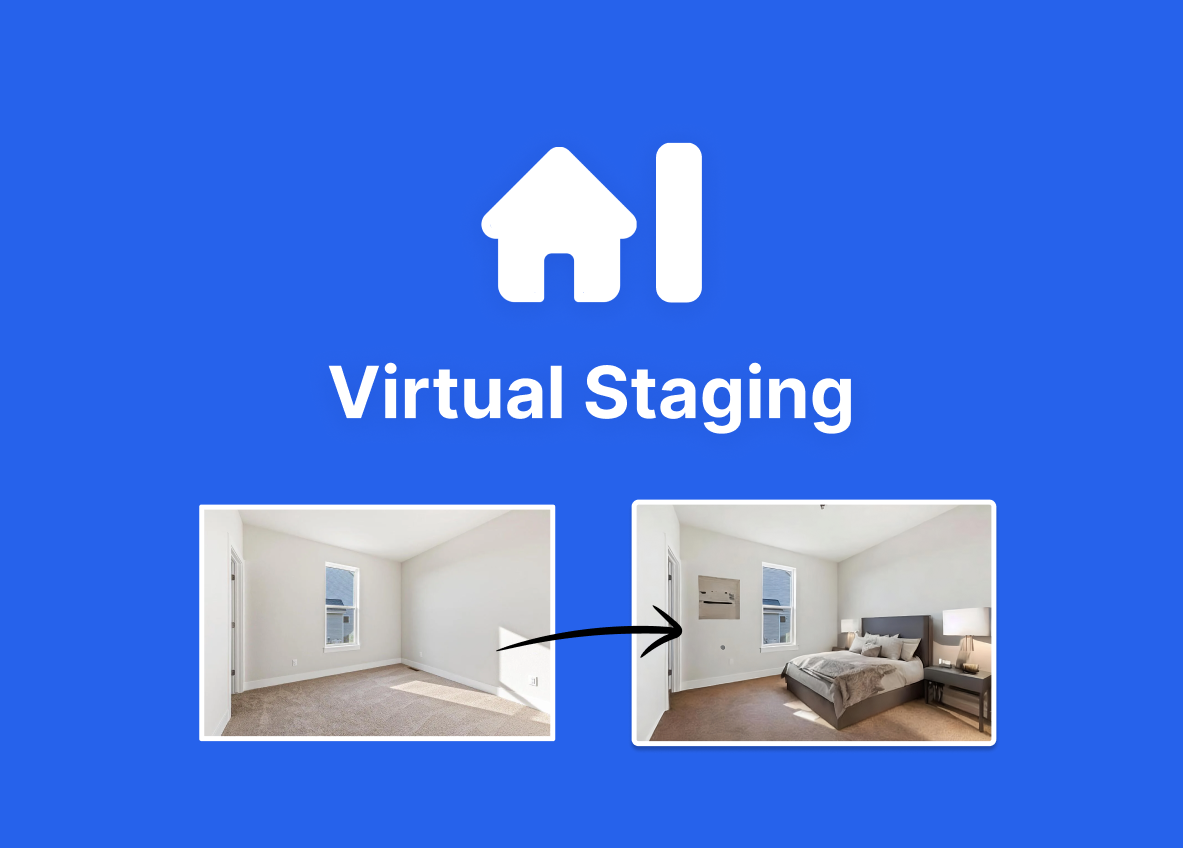
Virtual Staging AI is a web app that automatically adds or replaces furniture in property photos using AI, producing listing-ready images in about 15 seconds with no sign-up required for trial uploads.
Budget-Friendly Alternatives

ClipNow.ai
ClipNow.ai is an AI-powered tool that transforms long-form videos into engaging short clips optimized for platforms like TikTok, Instagram Reels, YouTube Shorts, and more with just one click.

SellerPic
SellerPic is an AI-powered platform that transforms ordinary product photos into stunning, high-converting visuals and videos, boosting e-commerce sales by up to 20%. It offers tools for creating model-on-image shots, multi-angle views, and promotional content without traditional photoshoots.

Questgen
Questgen is an AI-powered quiz generator that creates various types of assessments such as MCQs, True/False, Fill-in-the-blanks, and more from text, PDFs, videos, and other formats instantly. It is designed for educators, students, HR teams, and edtech companies to save time and enhance learning and assessment processes.

MachineTranslation.com
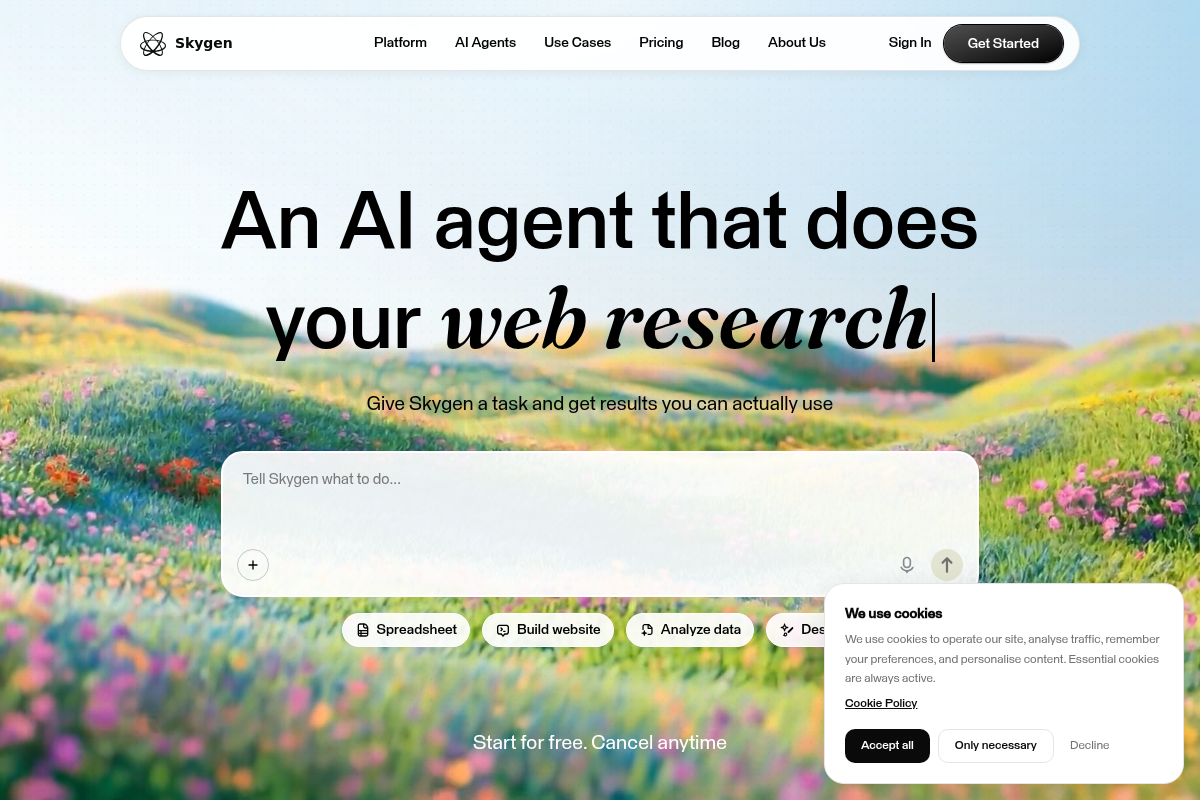
MachineTranslation.com is a leading AI translation platform offering highly accurate translations in over 330+ languages, supporting large file uploads and preserving original formatting. It serves businesses, professionals, and individuals with AI-powered and human-reviewed translations.

Autoslide AI PowerPoint Add In
Autoslide AI PowerPoint Add-In is a productivity tool designed to help professionals create and format PowerPoint presentations faster using AI-driven slide formatting, content generation, and a rich resource library.
AIuse.blog
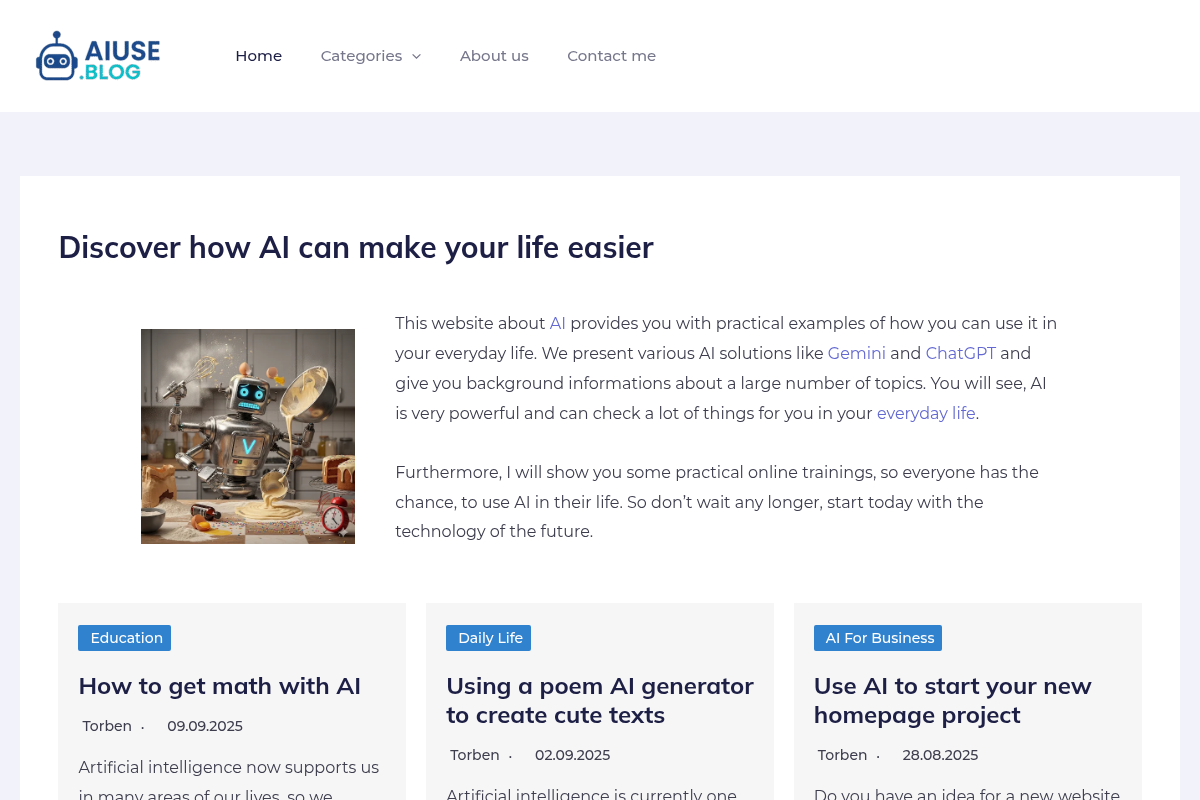
AIuse.blog is a website dedicated to showcasing practical examples of how artificial intelligence can simplify everyday life, education, business, and travel. It offers insights, tutorials, and AI tool recommendations to help users integrate AI into their daily routines.