Slidesai
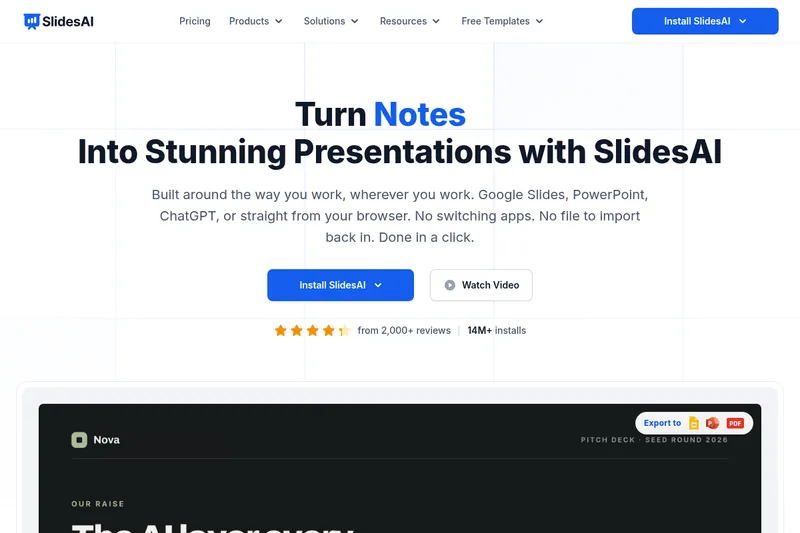
SlidesAI is an AI-powered presentation maker that converts text or ChatGPT prompts into fully formatted Google Slides or PowerPoint decks, offering templates, image generation, and direct add-ins for both platforms.
Slidesai is education software teams evaluate for education. Use this page to review pricing, integration signals, and the best alternatives before you commit.
Profile facts come from the vendor source. AiMatch labels unknown pricing or API details instead of estimating them.
Review official source →Used in These Packs
Quick Overview
Best for: Education
What it does
Education software for decision-makers comparing workflow fit and alternatives.
Best fit
Education
Pricing snapshot
Free from $0/month
Next step
Compare Slidesai with similar tools before you shortlist it.
Compare this tool before you shortlist it
Review alternatives, pricing posture, and workflow fit side by side.
SlidesAI is an AI presentation maker that converts text, notes, or ChatGPT prompts into complete slide decks for Google Slides and Microsoft PowerPoint. It integrates as an add-on for Google Slides and a PowerPoint add-in so users can create and edit presentations directly within their existing editor. The product targets educators, professionals, and students and emphasizes speed and ease of use—claiming the ability to launch a complete presentation from a single prompt, refine tone and layout, and export in PPTX format.
SlidesAI includes built-in templates and themes, supports 100+ languages, and offers features such as AI-generated visuals or stock image insertion, slide rephrasing and shortening, and a ChatGPT-driven workflow (SlidesAI GPT) to turn conversational inputs into polished slides. The site also lists usage metrics (14M+ downloads/installs) and pricing tiers for individual, team, and institutional users.
SlidesAI is an AI-powered presentation maker that converts text or ChatGPT prompts into fully formatted Google Slides or PowerPoint decks, offering templates, image generation, and direct add-ins for both platforms.
Own this listing?
Claim this page for a one-time $29 to add pricing, features, screenshots, verified owner details, and a clearly labeled 30-day category position after the profile is live.
Claim this listing for $29Key Features
Text-to-Slides (AI)
Launch a complete presentation from a single prompt: AI organizes sections, writes content, and builds professional slides instantly.
SlidesAI GPT (ChatGPT integration)
Custom ChatGPT integration to turn ideas or ChatGPT conversations into polished decks saved directly to Google Slides.
Native Google Slides & PowerPoint integrations
Available as a Google Slides extension and PowerPoint add-in so presentations are created and edited in the user's preferred platform.
Templates & Themes
150+ professional templates and built-in themes and layouts that are easy to customize.
Image generation and stock images
Add stunning images instantly by generating visuals with AI or inserting royalty-free stock images without leaving the editor.
Refine, Rephrase, Translate
Adjust tone, depth, clarity, shorten text, rephrase slides, translate content, and preview outlines directly from the SlidesAI panel.
Export & Compatibility
Export presentations in PPTX format compatible with both Google Slides and PowerPoint for sharing and presenting.
Multilingual Support
Supports 100+ languages and the app is translated into major languages including English, Spanish, French, Italian, Japanese and Russian.
Pricing
Free plan: Basic tier with 12 presentations/year, limited character input per presentation and limited AI credits.
Basic
$0/month- 12 Presentations / year
- 2500 Character Input / Presentation
- 120 AI Credits / year
Pro
$10.00/month (Billed at $120/year)- 120 Presentations / year
- 6000 Character Input / Presentation
- 600 AI Credits / year
- Document Upload
Premium
$20.83/month (Billed at $250/year)- Unlimited Presentations
- 12000 Character Input / Presentation
- 1200 AI Credits / year
- Document Upload
Use Cases
Educators
Convert lecture notes, lesson plans, or ideas into clean, engaging slide decks quickly to save prep time and improve student engagement.
Professionals & Teams
Generate business presentations, reports, or proposals faster using AI to structure content, apply consistent design, and export PPTX files for stakeholders.
Students
Create assignment or classroom presentations from a topic prompt or notes, using templates and AI to accelerate slide creation and improve formatting.
ChatGPT-to-Presentation Workflows
Turn ChatGPT prompts or conversations into fully designed slides via the SlidesAI GPT integration for faster ideation-to-delivery.
Integrations
Google Slides (Add-on)
Installable Google Slides extension to generate and edit presentations directly in Google Slides.
Microsoft PowerPoint (Add-in)
Native PowerPoint integration available in the Add-ins store for web and desktop.
SlidesAI GPT / ChatGPT
Custom ChatGPT integration to convert prompts or ChatGPT conversations into slide decks.
PPTX Export
Export capability to save decks as PPTX files compatible with Google Slides and PowerPoint.
Benefits
Limitations
Frequently Asked Questions
Do I need to have a Google Workspace Account to use SlidesAI?
How do I run it from Google Slides?
How can I cancel my subscription?
Do I need to create an account?
Is the ChatGPT integration available to free users?
Can I upload my own images in the presentation?
Do we need to give credits for images used in presentations?
Getting Started
- 1 Install SlidesAI from the Google Workspace Marketplace or PowerPoint Add-ins Store.
- 2 Open or start a presentation in Google Slides or PowerPoint and launch the SlidesAI extension/add-in.
- 3 Enter a topic or paste your notes (or connect SlidesAI GPT/ChatGPT) and choose tone, template, and layout preferences.
- 4 Preview the generated outline, refine text and visuals, then generate slides.
- 5 Tweak wording, images, and layout as needed and export or share the PPTX/Google Slides file.
Support
Chat (on-site)
Message via the chat button on the bottom-left corner of the SlidesAI site for support.
Contact via [email protected] (listed in the site footer).
Docs / Help Guides
Help guides, blog posts, and resources linked from the site for onboarding and product usage.
API
Compare Slidesai with similar tools
See how it stacks up against alternatives
Related Tools
View all 124 →
Academa Studio
Academa Studio is an AI-native web editor for authoring Manim (mathematical animation) content, providing an integrated Python runtime, renderer preview, and AI-assisted chat prompts to generate and refine animations.

Language Model Builder
Language Model Builder is a free macOS app and interactive textbook that teaches how language models are built and lets you train small GPT-style models locally on Apple Silicon Macs.

Teacher Planner
Teacher Planner is an online planning tool for teachers to organize lessons by day, week, month, unit, or outline, import a timetable from a photo or PDF, and prepare classroom materials with AI tools. It includes free and paid plans with different planbook and printing features.
LongTerMemory
LongTerMemory is an AI study web application that turns learners’ documents, images, and web pages into quizzes, a personalized study plan, and spaced-repetition reviews. It also lets users chat with their imported study materials.

Audoir
Audoir is a small company producing AI-powered web and mobile applications and hands-on technical tutorials focused on AI agents, web development, DevOps, and system design. Their apps include Reflexion (AI journaling), Resunet (AI resume and cover letter generator), Youhan (personalized Chinese learning), and Vocali (AI conversation practice).

Augmental
Augmental provides AI-enabled learning management systems and digital transformation services for educational institutions, corporate training teams, and learning content creators. Its offerings include personalized learning paths, AI-assisted content creation, course design, and support for system integration.
wisdomplan
WisdomPlan is an AI-powered learning platform that creates personalized learning pathways for AI skills and career development. The site also promotes an AI tutor and a learner community.
LearnFast AI
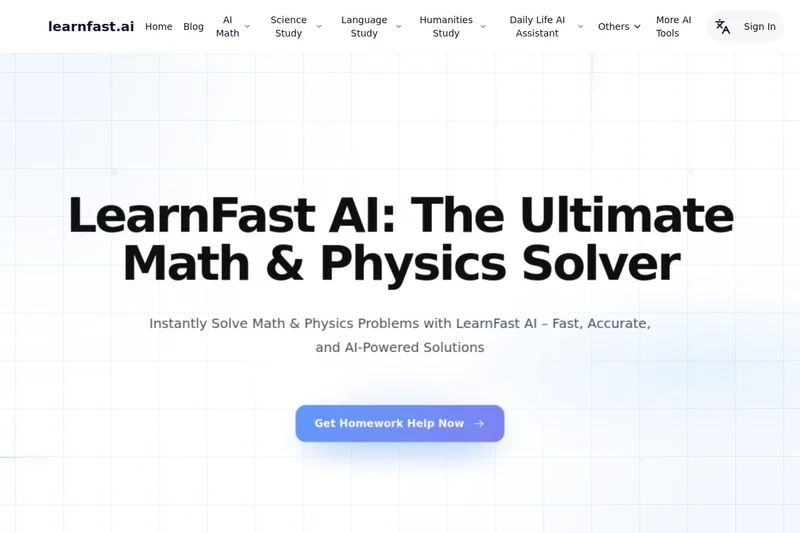
LearnFast AI is a free online, AI-powered math and physics solver that provides step-by-step solutions via text, image, or file input and is powered by the GPT-4o API.
Premium Alternatives
eSkilled AI Course Creator
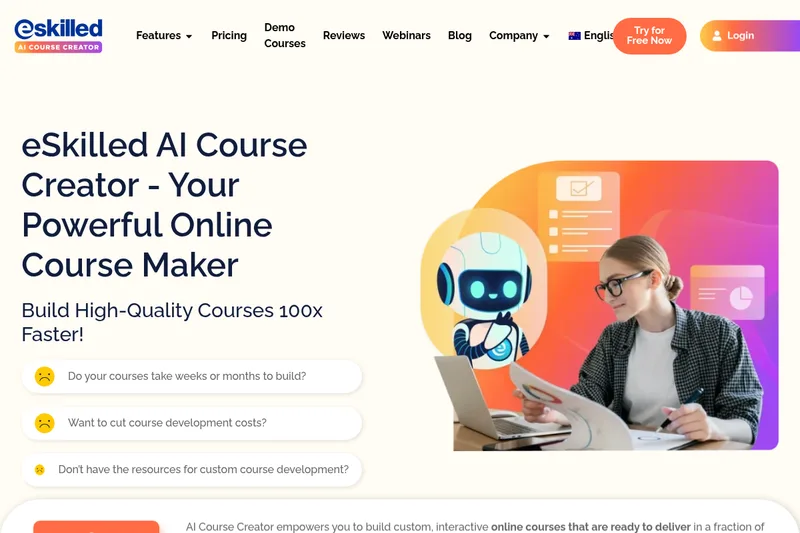
eSkilled AI Course Creator is a cloud-based course authoring platform that uses AI to turn ideas and existing training materials into editable online courses with lessons, quizzes, imagery, and interactive activities. Courses can be shared by URL, embedded, connected through LTI, or exported as SCORM.