

Vidine
Fast Video Cataloger (FVC) is a Windows-native, local video content management system for professional video creators that enables instant search, preview, tagging and scene discovery without cloud uploads.
Vidine is video software teams evaluate for creative & design. Use this page to review pricing, integration signals, and the best alternatives before you commit.
Used in These Packs
Quick Overview
Best for: Creative & Design
What it does
Video software for decision-makers comparing workflow fit and alternatives.
Best fit
Creative & Design
Pricing snapshot
Paid from Not available
Next step
Compare Vidine with similar tools before you shortlist it.
Compare this tool before you shortlist it
Review alternatives, pricing posture, and workflow fit side by side.
Vidine
Fast Video Cataloger is a fast, local video content management system built for Windows PCs and aimed at professional video creators. It provides instant access to video libraries by creating evenly spaced thumbnails, extracting metadata during indexing, and offering powerful keyword and metadata search so users can quickly find, preview and tag clips and scenes without uploading content to the cloud.
The application is optimized for performance (written in C++, optimized for 64-bit, multi-core and GPU use), supports a broad range of video formats, and emphasizes privacy and local processing—no cloud storage, no hidden transfer or compute fees. It includes extensibility through C# scripting and an API, catalog sharing options, customizable layouts, and features designed to improve video productivity and collaboration within local networks or teams.
Fast Video Cataloger (FVC) is a Windows-native, local video content management system for professional video creators that enables instant search, preview, tagging and scene discovery without cloud uploads.
Own this listing?
Claim this page to add pricing, features, screenshots, and verified owner details.
Claim this listingKey Features
Instant searchable catalog
Automatically indexes your video files and creates evenly spaced thumbnails for fast visual browsing and rapid scene discovery across large archives.
Advanced metadata & keyword search
Extracts metadata during indexing and lets you add custom metadata and keywords to videos and scenes for combined metadata searches.
Local-only processing and privacy
Runs entirely on your PC—no cloud uploads, no transfer or storage fees, and no privacy leaks from cloud-based processing.
High-performance engine
Core written in optimized C++ with 64-bit, multi-core and GPU support to scan and work with thousands of videos quickly.
Wide format support
Supports mpg, mpeg2, mpeg4, avi, mov, qt, rt, wmv, flv and other major formats, with support for DirectShow codecs.
Video scene playlists
Create playlists composed of segments from multiple clips and play them as a single sequence—useful for drafting ideas without video editing.
Customizable layouts and multi-monitor support
Create different workspace layouts for different tasks and use multiple screens to maximize productivity.
Scripting & API
Integrated C# scripting support with sample scripts and API documentation to automate tasks and integrate FVC with other tools and workflows.
Catalog sharing
Share catalogs over a local network or the internet so teams can move from local work to shared company-wide catalogs when ready.
Pricing
A downloadable full trial version is available to test the software; details on licensing and paid plans are not provided on the supplied content.
Not available
Not availableUse Cases
Professional video creators
Index, tag and quickly find footage across large local archives to accelerate production, logging and editorial workflows.
Archive searching and research
Rapidly scan thousands of clips visually using generated thumbnails and metadata search to locate desired scenes or shots.
Pre-editing and concept drafting
Build scene playlists from segments across clips to draft concepts and create review passages without exporting or editing in an NLE.
Team catalog sharing
Start building a catalog locally and then share it with collaborators on a network or over the internet for team access.
Integrations
DirectShow codecs
Enables support for additional video formats and codecs on Windows via the system's DirectShow framework.
Dropbox (file access)
Files on Dropbox are supported as a source for cataloged videos (ability to include external/cloud storage locations in the catalog).
Local network catalog sharing
Share catalogs over local networks or the internet to collaborate with colleagues and teams.
C# scripting / API
Integrate and automate Fast Video Cataloger workflows with other software using the built-in C# scripting support and API documentation.
Benefits
Limitations
Frequently Asked Questions
Is Fast Video Cataloger cloud-based?
What video formats are supported?
Can I automate or extend workflows?
Can I try it before buying?
Getting Started
- 1 Step 1: Download the full trial version from the Fast Video Cataloger website.
- 2 Step 2: Install the application on a Windows PC (64-bit recommended) and configure DirectShow codecs if needed.
- 3 Step 3: Add or point the application to your video folders/drives to index files and generate thumbnails; then start tagging and searching.
Support
Documentation
Documentation and developer resources are available from the website (includes API documentation and sample code).
YouTube
A YouTube channel is listed for tutorials, demos and product videos.
Blog & News
Blog and news pages provide updates, release notes and product information.
Developer resources / GitHub
Developer resources include API documentation and GitHub sample code for scripting and integration examples.
Order / Sales
An Order link is present on the site for purchasing; specific contact email or sales support details were not provided in the supplied content.
API
API documentation and developer resources are referenced on the site (specific URL not provided in the supplied content).
Not available
Compare Vidine with similar tools
See how it stacks up against alternatives
Related Tools
View all 85 →
Videotranslator
BlipCut (VideoTranslator) is a browser-based AI video and audio localization platform that translates, dubs, subtitles, and localizes videos into 140+ languages with voice cloning, lip-sync, and batch processing to speed global distribution.

Twittervideoindir
TwitterXVideo (Twittervideoindir) is a free browser-based tool to download Twitter/X videos, GIFs, audio, spaces and broadcasts as HD MP4 files without registration or installation.


Stablediffusionweb
Webex is an all-in-one collaboration platform for meetings, calling, messaging, and team collaboration, designed for hybrid work and organizations of all sizes.



Videofaceswap
Face Swap AI (VideoFaceSwap.ai) is a web-based tool that creates high-quality, AI-powered face swap videos anonymously. Users can upload local videos or paste YouTube/TikTok/X links to generate deepfake-style swaps, GIFs, and professional headshots for social and commercial use.

Shortscript
ShortScript is an AI-powered script generator focused on creating video scripts aimed at viral performance for platforms like TikTok, YouTube (including Shorts), and Instagram Reels.
Budget-Friendly Alternatives
BypassEngine
Bypass Engine is an AI humanizer and detection engine that rewrites AI-generated text into natural, human-like writing designed to evade leading AI detectors and improve readability. It targets students, marketers, researchers, and content creators who need undetectable, plagiarism-free output in multiple languages.

Autoslide AI PowerPoint Add In
Autoslide AI PowerPoint Add-In is a productivity tool designed to help professionals create and format PowerPoint presentations faster using AI-driven slide formatting, content generation, and a rich resource library.


MachineTranslation.com
MachineTranslation.com is a leading AI translation platform offering highly accurate translations in over 330+ languages, supporting large file uploads and preserving original formatting. It serves businesses, professionals, and individuals with AI-powered and human-reviewed translations.

Questgen
Questgen is an AI-powered quiz generator that creates various types of assessments such as MCQs, True/False, Fill-in-the-blanks, and more from text, PDFs, videos, and other formats instantly. It is designed for educators, students, HR teams, and edtech companies to save time and enhance learning and assessment processes.
Speakhelper
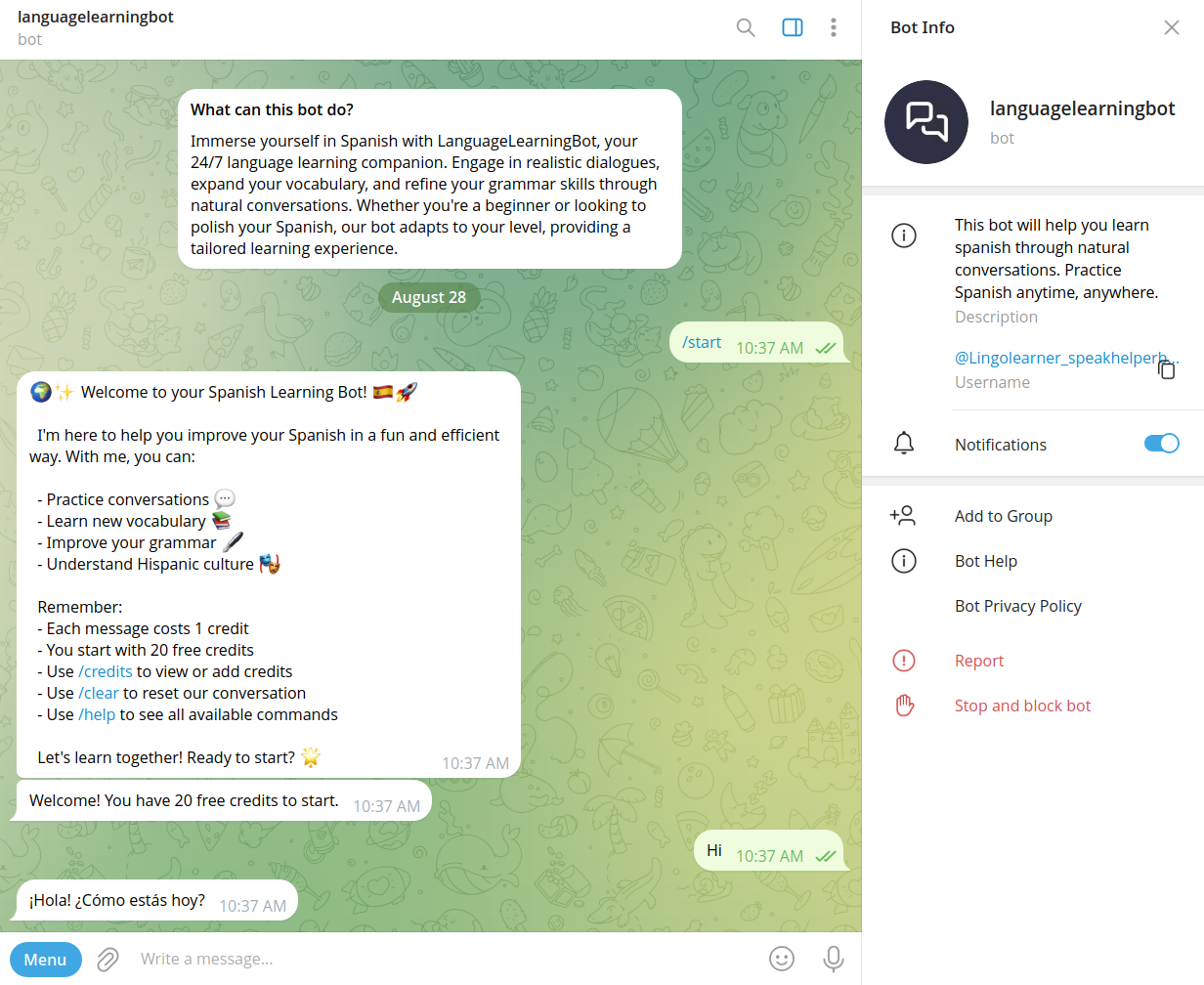
Speakhelper is a personal Spanish tutor chatbot that helps users improve their Spanish through natural conversations, vocabulary expansion, and grammar corrections, all integrated into daily life without the need for textbooks or memorization.


RecordsKeeper.AI
RecordsKeeper.AI is an AI-powered records management automation platform that transforms chaotic data into actionable strategic intelligence, offering secure, compliant, and intelligent document handling for enterprises and SMBs.