

Uxpilot
UX Pilot is an AI-powered UX/UI design platform that generates wireframes, high-fidelity screens, flowcharts and export-ready code quickly from sketches, prompts or PRD imports — aimed at product teams and designers to speed ideation, design and developer handoff.
Uxpilot is design generators software teams evaluate for design generators. Use this page to review pricing, integration signals, and the best alternatives before you commit.
Profile facts come from the vendor source. AiMatch labels unknown pricing or API details instead of estimating them.
Review official source →Used in These Packs
Quick Overview
Best for: Design Generators
What it does
Design Generators software for decision-makers comparing workflow fit and alternatives.
Best fit
Design Generators
Pricing snapshot
Free from Free
Next step
Compare Uxpilot with similar tools before you shortlist it.
Compare this tool before you shortlist it
Review alternatives, pricing posture, and workflow fit side by side.
UX Pilot is an AI-first UX/UI design platform that helps teams ideate, generate wireframes and produce high-fidelity screens and exportable code in seconds. The product advertises an AI-powered workflow that can turn sketches, thoughts or PRD imports into structured low- to high-fidelity layouts (claims of generating designs in ~12 seconds) and supports handoff by exporting to Figma or producing code synced to GitHub. It is positioned for product designers and product teams, with templates, community resources and built-in tutorials to accelerate design-to-prototype workflows.
UX Pilot is an AI-powered UX/UI design platform that generates wireframes, high-fidelity screens, flowcharts and export-ready code quickly from sketches, prompts or PRD imports — aimed at product teams and designers to speed ideation, design and developer handoff.
Own this listing?
Claim this page for a one-time $29 to add pricing, features, screenshots, verified owner details, and a clearly labeled 30-day category position after the profile is live.
Claim this listing for $29Key Features
AI-powered rapid ideation
Generate multiple design directions quickly — UX Pilot advertises ideation and visualization in 12 seconds and the ability to explore four looks at once.
Auto-generated wireframes
Auto-generates structured low- to high-fidelity wireframes using UX trends, removing manual block-drawing and repetitive clicks.
One-click hi-fi generation
Transform wireframes into polished, on-brand high-fidelity screens within the same tool.
Export to Figma
Pull UX Pilot designs into Figma for collaboration and prototype refinement.
Export-ready code and GitHub sync
Hand off clean, ready-to-build code and sync generated code with GitHub repositories automatically.
UX inputs & inspiration import
Upload sketches, PDFs or screenshots to convert messy inputs into structured, editable layouts.
Design system support
Import Figma components to create AI models and keep designs consistent (design system sync and style consistency check).
Flowchart generation
Generate clear, editable flowcharts that map user journeys and show connections between screens using simple prompts.
Templates and community resources
Production-ready web and mobile templates, tutorials, an AI handbook and a Slack community for learning and sharing.
Pricing
Free plan with 80 daily credits and no credit card required.
Free
Free- 80 daily credits
- No credit card required to start
Use Cases
Rapid ideation and concepting
Generate multiple UI directions from prompts, sketches or PRDs in seconds to quickly evaluate options and pick a direction.
Fast wireframing and prototyping
Auto-generate structured wireframes and convert them to hi-fi screens for quick prototypes and live-call demos.
Design system-driven production work
Import Figma components to maintain style and component consistency while generating designs with AI models.
Developer handoff
Export designs to Figma and produce ready-to-build code that can be synced to GitHub for implementation.
Mapping user journeys
Use AI to generate editable flowcharts and end-to-end UX journey flows for product planning and documentation.
Integrations
Figma
Two-way connection to pull UX Pilot designs into Figma, import Figma components to build AI models and keep designs consistent.
GitHub
Sync generated, ready-to-use code with GitHub repositories automatically for developer handoff.
Slack (Community)
Community access via Slack for learning, support and sharing with other product builders.
Benefits
Limitations
Frequently Asked Questions
No verified FAQs are available.
Getting Started
- 1 Step 1: Sign up for a free account (Start for free — no credit card needed).
- 2 Step 2: Upload references or import inputs (sketches, PDFs, screenshots or PRDs) or import Figma components to sync design systems.
- 3 Step 3: Generate designs or wireframes using AI, refine hi-fi screens, then export to Figma or sync code to GitHub for handoff.
Support
docs
Tutorials & Guides and an AI Handbook are provided as step-by-step resources and prompts guidance.
community
Slack community access for learning from other entrepreneurs and product builders.
contact
Contact-related links are listed on the site (e.g., 'Contact Us' in site navigation/footer).
API
Compare Uxpilot with similar tools
See how it stacks up against alternatives
Related Tools
View all 168 →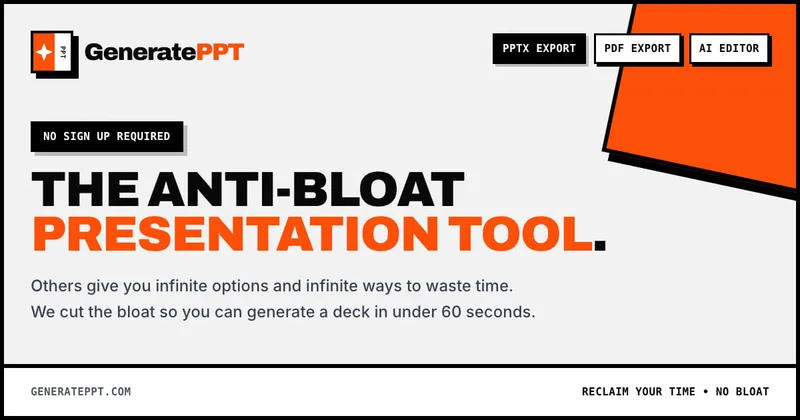
GeneratePPT
GeneratePPT is an AI-first presentation tool that converts topics, notes, URLs, PDFs, DOCX, and other inputs into clean, professional PowerPoint decks in under 60 seconds, with one-click styling, auto-sourced images, and an AI slide editor called AI Director.

Koboyo Icons
Koboyo Icons is a large library of 71,262 free hand-drawn SVG icons, organized into many thematic groups and categories and accessible via website browsing and an MCP/API integration for AI and editor workflows.




colorifyai
Colorify AI is an online AI-powered coloring page generator that transforms text, photos, sketches, or line art into high-quality printable coloring pages and colored artwork, with tools for manual digital coloring and a library of free templates.
Premium Alternatives
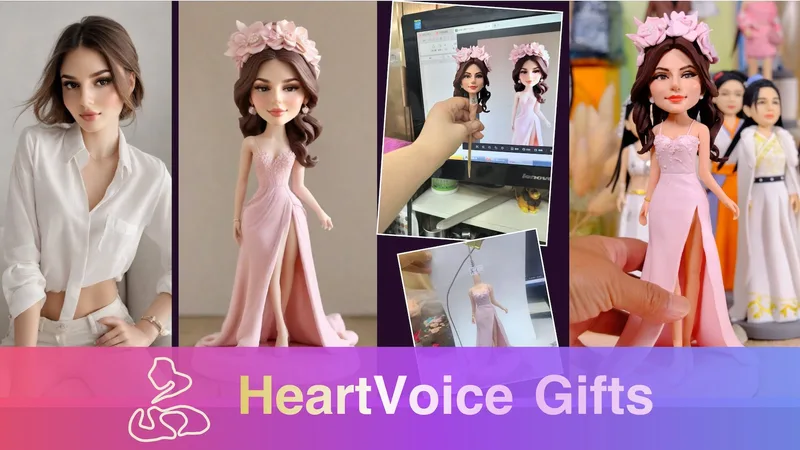
HeartVoice Gifts
HeartVoice Gifts is an e-commerce studio that combines an AI-powered bobblehead maker with artisan handcrafting to produce custom, photo-based bobblehead gifts for individuals and groups.
Aifiguregenerator
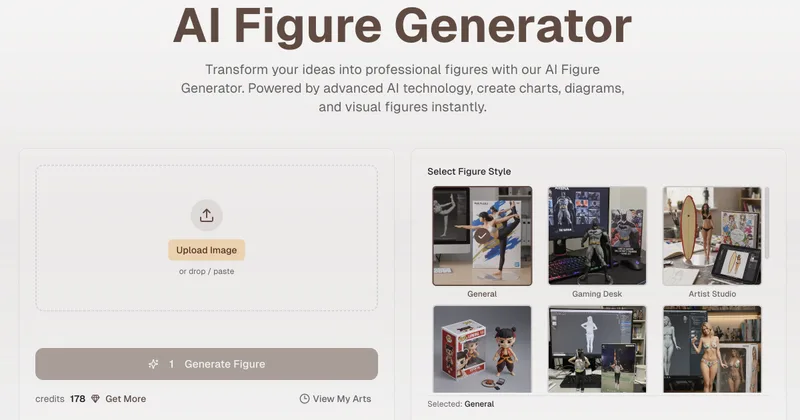
AI Figure Generator is a web tool that transforms photos into high-resolution figurine-style designs (anime, Funko Pop, action figures) using Nano Banana AI technology, aimed at creators, hobbyists, and studios.

Pineapple Builder
Pineapple Builder is an AI website builder for businesses that generates websites and helps owners update pages, create SEO content, and manage leads. The site says plans start at $16 per month and offers 100 free AI credits to try the product.


Stringartgenerator
String Art Generator is a web tool that transforms photos into printable string art patterns using an advanced algorithm, offering customizable complexity, high-resolution exports, and material calculations for hobbyists and professional artists.
AI QR Codes
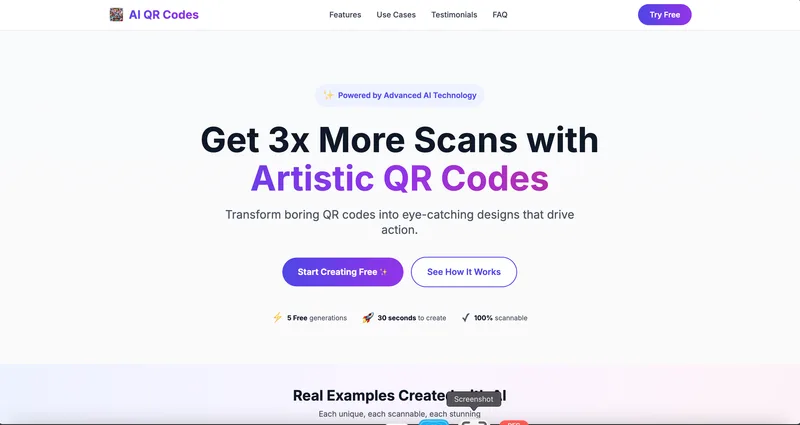
AI QR Codes is a web service that uses AI to generate artistic, brandable, and fully scannable QR codes for marketing, packaging, menus, business cards, events, education, and more.
AI App Icon Generator
AI App Icon Generator is an AI-powered web tool that creates high-quality app icons from text prompts, producing multiple variations per prompt and allowing downloads of generated images.