

Vanceai
VanceAI is a web and PC application suite of AI-powered image and video enhancement tools (upscaling, sharpening, denoising, colorization, restoration, background removal, and more) aimed at creators, photographers, e-commerce, and enterprise users.
Vanceai is image & design software teams evaluate for image & design. Use this page to review pricing, integration signals, and the best alternatives before you commit.
Profile facts come from the vendor source. AiMatch labels unknown pricing or API details instead of estimating them.
Review official source →Used in These Packs
Quick Overview
Best for: Image & Design
What it does
Image & Design software for decision-makers comparing workflow fit and alternatives.
Best fit
Image & Design
Pricing snapshot
Free
Next step
Compare Vanceai with similar tools before you shortlist it.
Compare this tool before you shortlist it
Review alternatives, pricing posture, and workflow fit side by side.
VanceAI is a suite of AI-driven image and video editing tools available online and via a downloadable PC app. The product offers multiple models—upscaling, sharpening, denoising, colorizing, restoration, background removal and more—to enhance photographs and video, targeting creators, photographers, e-commerce use, and enterprise customers. VanceAI emphasizes AI-native processing (models that analyze pixels by content), speed, and privacy (uploads encrypted in transit and deleted within 24 hours), and supports both online workflows and local batch processing via its PC application.
VanceAI is a web and PC application suite of AI-powered image and video enhancement tools (upscaling, sharpening, denoising, colorization, restoration, background removal, and more) aimed at creators, photographers, e-commerce, and enterprise users.
Own this listing?
Claim this page for a one-time $29 to add pricing, features, screenshots, verified owner details, and a clearly labeled 30-day category position after the profile is live.
Claim this listing for $29Key Features
Upscale with AI
Upscales images up to 40x with a model that intelligently fills in pixels and edge detail for prints, e-commerce shots, and large displays.
Sharpen with AI
Rescues blurry photos by eliminating motion blur, lens softness, and out-of-focus shots to make images crisp.
Cartoonize with AI
Transforms photos and selfies into cartoon or anime styles using a dedicated cartoonizer model.
Denoise with AI
Removes image noise and compression artifacts with a denoiser model.
Background Remover with AI
Automatically lifts subjects off any image to remove or replace backgrounds.
Restore with AI
Repairs scratches, faded color, and damaged detail to bring old photos back to life.
Video tools (SDR to HDR, Colorize, Upscale)
AI-powered video enhancement tools including SDR to HDR upconversion, colorization, and a video upscaler; several video features and translators are listed on the site.
Local batch processing (PC app)
Downloadable app for Windows that enables offline, batch processing of images and videos with included models.
Privacy & data handling
Uploads encrypted in transit and permanently deleted within 24 hours; private-by-default processing across models.
Pricing
Free trial included (the site states 'Free trial included' and 'No watermarks' during trial).
Use Cases
E-commerce and product photography
Enhance detail and resolution of product shots for online stores and large displays, improving visual quality for listings.
Photo restoration and archival
Restore old or damaged photos by repairing scratches, faded color, and other degradation.
Content creation and social media
Create stylized images (cartoonize, anime upscaling) and improve image quality for creators and marketers.
Video enhancement
Upscale and colorize video, and convert SDR to HDR for improved video quality (video toolset present on site; some video features listed as coming soon).
Offline/batch processing for enterprises
Use the PC app to process large batches of images and videos locally for privacy and speed, aimed at high-volume or enterprise workflows.
Integrations
No verified integration details are available.
Benefits
Limitations
Frequently Asked Questions
No verified FAQs are available.
Getting Started
- 1 Create an account or sign in on VanceAI (Start by creating an account / Sign in).
- 2 Try the free trial (Free trial included; no watermarks during trial).
- 3 Upload an image or video and choose the desired AI tool (upscale, sharpen, denoise, restore, etc.).
- 4 For large/batch or offline processing, download and install the VanceAI PC app and process locally.
Support
Help center / docs
Site includes a 'Help center' for documentation and support resources.
Contact page
A 'Contact us' link is provided for direct inquiries.
Blog
Blog and articles with tutorials and updates (e.g., how-to posts and product news).
API
Compare Vanceai with similar tools
See how it stacks up against alternatives
Related Tools
View all 386 →
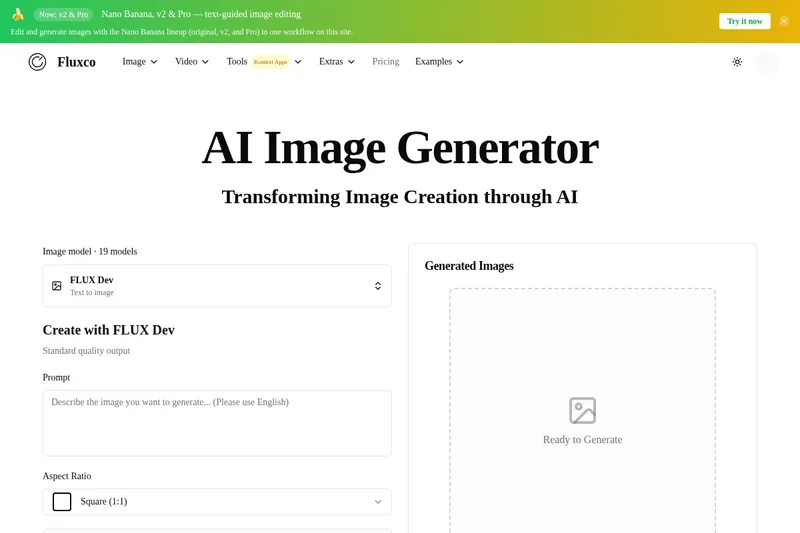
flux-1-pro
flux-1-pro is an independent web-based AI image workspace on flux-1.net that connects to multiple third-party text-to-image models (including FLUX-family and Nano Banana variants) to generate and edit images with safety screening, credit-based billing, and in-browser tools.
Aiphotoeditor
AI Photo Editor is a web-based AI image editing platform that lets users generate, edit, restore, and transform photos using models like Nano Banana and GPT Image 2 via natural language prompts, with options for image-to-video, canvas mode, and credit-based generation.
clipdrop
Clipdrop is a suite of AI-powered image tools and APIs for creating and editing visuals quickly — including background removal, inpainting/cleanup, upscaling, relighting, text-to-image generation, and format resizing — with options to use the web tools or embed capabilities via an API.

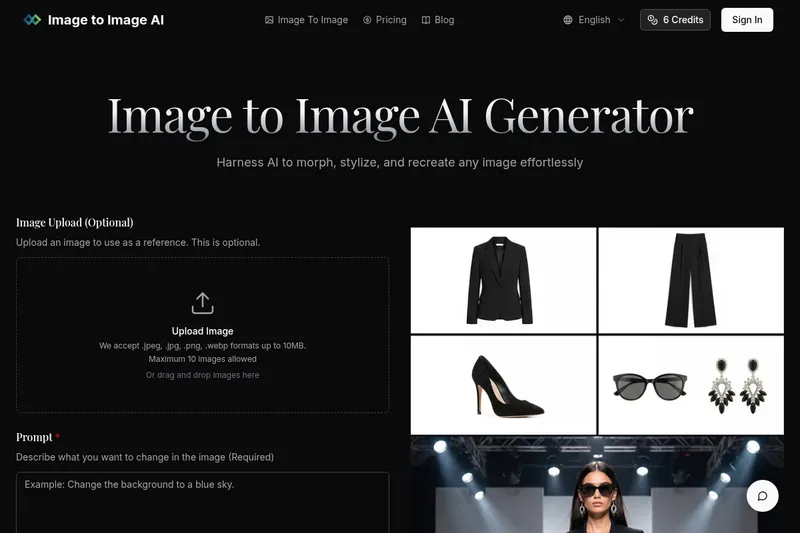
Imagetoimageai
Image to Image AI is a free online image-to-image generator that lets users upload photos and transform, stylize, or recreate them using selectable AI models and adjustable settings.


Premium Alternatives


Aux Machina
Aux Machina is an AI-powered image creation platform that generates custom, royalty-free visuals and offers upcoming AI-assisted image-editing tools, aimed at creators, marketers, and teams who need quick, high-quality images.
Illusion Diffusion
Illusion Diffusion is a web-based AI photo-to-art generator that transforms designs, text, or photos into illusion-style artwork using ControlNet, OpenPose, and Stable Diffusion models. It offers credit-based image generation, downloadable results, and presets for text-to-image and brand/logo reimagining.
phopet
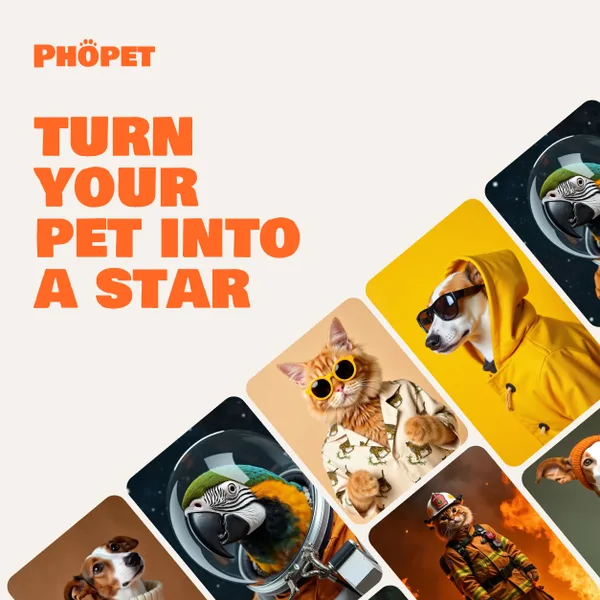
Phopet is a pet-focused image-generation service that trains a custom AI model from user-uploaded pet photos to produce themed, studio-quality images, upscaled prints, and merchandise-ready assets. It targets pet owners who want personalized photo packs and creative stories featuring their pets.
Prophotos
ProPhotos is a commercial AI-powered headshot generator that creates photorealistic, industry-specific professional headshots from user-uploaded photos, aimed at individuals and enterprises wanting quick, production-ready portraits for LinkedIn, resumes, and corporate use.

Image-AI.pro
Image-AI.pro is a professional AI image generation platform powered by the proprietary img-v2 Pro engine, offering studio-quality, multi-style image generation with instant, no-registration access and an optional VIP membership for faster, higher-resolution outputs.