
veivo ai
Veivo AI turns photos into themed, cinematic videos in a mobile app. Social media creators and other users can generate shareable clips using effects such as fantasy transformations, couple animations, and photo dances.
One of 210 tools in Video Generation
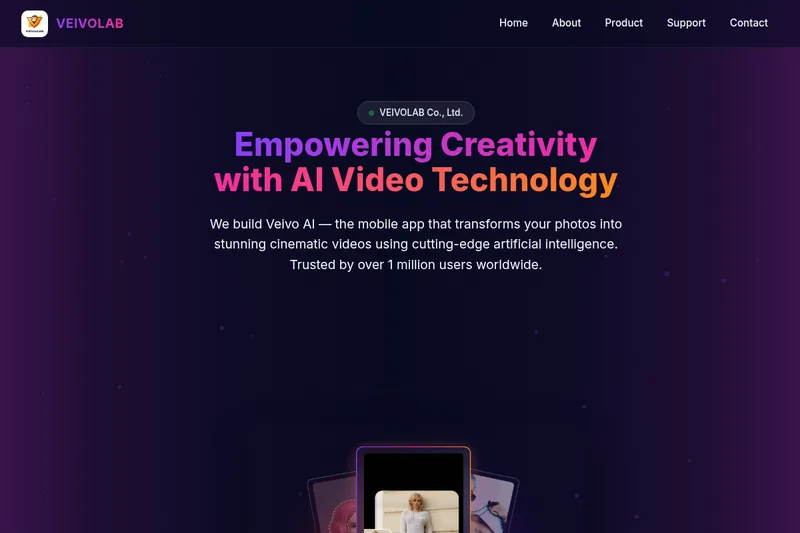
Who it's for
- Social media creators who want to turn photos into videos for TikTok, Reels, or Shorts.
- Couples and personal-content creators looking for romantic or seasonal photo animations.
- Creative professionals making themed video content from photos for social channels or personal projects.
How it fits your workflow
Open the mobile app, upload a photo, and choose an effect or theme, such as a fantasy transformation, couple animation, seasonal scene, or playful visual effect.
Generate the video and share it. The page also describes photo dance animations using trending TikTok sounds.
Pricing
The vendor doesn't publish prices. Check with veivo ai directly.
Prices checked on Sep 29, 2026 from the vendor's site. They can change; confirm before you buy.
Key features
- Epic Morphs
- Transforms photos into cinematic characters such as superheroes, anime legends, or fantasy warriors with Hollywood-style effects.
- Romantic & Couple Animations
- Creates love-story animations including hugs, kisses, proposals, and iconic poses suitable for couples.
- Festival & Seasonal Themes
- Provides themed animations for holidays and events like Christmas, Halloween, and New Year.
- Fun & Viral Effects
- Offers playful effects — e.g., turning into a pizza, ghostly dissolves, or digital glitches — designed for viral social media content.
- AI Photo Dance
- Makes photos 'dance' to trending sounds with styles such as Wop Wop and Indian Wave for TikTok-ready videos.
- Face Preservation & Motion Synthesis
- Proprietary deep learning for preserving users' real faces while synthesizing motion and cinematic output.
Alternatives to consider
-
Veggie AI
Choose it if you want a web-based tool with multiple stated creation modes, including animating character photos with action videos or text prompts, rather than Veivo AI's mobile photo-and-theme workflow.
Getting started
- Open the Veivo AI mobile app.
- Upload a photo.
- Choose a theme or effect.
- Generate and share the video.