
Veloce AI
VELOCE AI is a Windows download manager that adapts downloads to network conditions, searches for files, and organizes web media. It is for people who want a built-in browsing and downloading workflow, including users looking for developer binaries or public archives.
One of 41 tools in Other
Who it's for
- Windows users who want a download manager with parallel connections and automatic download tuning.
- Developers looking for binaries and files in public archives or repositories.
- People who browse for downloadable web video or audio and want to organize those files in the same app.
How it fits your workflow
Download the Windows app, then use its built-in Chromium browser to browse for files. The page says it can detect downloadable files while browsing, so users do not need to copy links manually.
Start a download with one click. VELOCE AI splits files into segments and downloads them in parallel, with up to 32 simultaneous connections, while adapting to network patterns.
Use the AI File Finder to search public archives, repositories, and indexed web repositories for files such as developer binaries and legacy archives.
Pricing
Free: The Windows product has a three-day free trial. The page also describes VELOCE AI as free on Google Play but gives no further details about that offering.
Free trial
Free for 3 days
- · Trial access to VELOCE AI
Lifetime license
$5 one-time
- · Lifetime license
- · All future updates included
- · No subscription or ads
Prices checked on Sep 30, 2026 from the vendor's site. They can change; confirm before you buy.
Key features
- AI-accelerated downloads
- The product says it adapts to network patterns in real time to optimize download speed without manual tuning.
- Multi-connection engine
- Splits files into segments and downloads them in parallel, with up to 32 simultaneous connections.
- Built-in browser
- A Chromium-based browser lets users browse, find files, and download them within the app, without browser extensions or switching applications.
- Media manager
- Finds downloadable web video and audio as users browse and provides tools to download and organize media without manually copying links.
- AI File Finder
- Searches public archives, repositories, and indexed web repositories for items including legacy archives, developer binaries, and public data repositories.
- One-click downloads
- Starts downloads with one click and uses multi-threaded file management and parallel chunk assembly.
Limitations to know
- The listed Windows system support is Windows 10 and Windows 11.
Getting started
Windows 10 or Windows 11.
- Download the Windows installer from the VELOCE AI page.
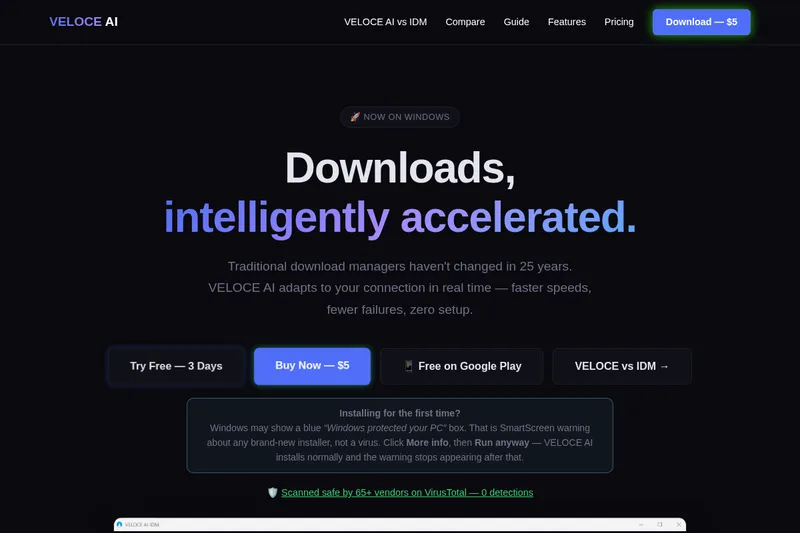
- If Windows SmartScreen appears, click More info and then Run anyway, as the page instructs.
- Open the app and browse for files or media, or use the AI File Finder to search public sources.