
Itextmaster
iTextMaster provides a browser-first suite of private PDF tools plus a Credits-based PDF API for automation—offering merge, compress, convert, OCR, encrypt, sign, and other PDF workflows that run locally in the browser or via server-side/API processing when required.
Itextmaster is other software teams evaluate for other. Use this page to review pricing, integration signals, and the best alternatives before you commit.
Profile facts come from the vendor source. AiMatch labels unknown pricing or API details instead of estimating them.
Review official source →Quick Overview
Best for: Other
What it does
Other software for decision-makers comparing workflow fit and alternatives.
Best fit
Other
Pricing snapshot
Free from 1,000 Credits = $1; basic PDF API operations start at 1 Credit
Next step
Compare Itextmaster with similar tools before you shortlist it.
Compare this tool before you shortlist it
Review alternatives, pricing posture, and workflow fit side by side.
iTextMaster is a browser-first PDF toolset and Credits-based PDF API that offers local-first file processing for common PDF tasks (merge, compress, convert, OCR, encrypt, sign, and organize) while also providing clearly labeled server-side tools and an API for automation. Most website tools process files locally in the browser so users can perform common PDF work without uploading documents; server-side tools and API workflows disclose their processing path before submission. The product targets both end users needing quick, private browser tools and developers/teams requiring backend automation via API Credits.
iTextMaster provides a browser-first suite of private PDF tools plus a Credits-based PDF API for automation—offering merge, compress, convert, OCR, encrypt, sign, and other PDF workflows that run locally in the browser or via server-side/API processing when required.
Own this listing?
Claim this page for a one-time $29 to add pricing, features, screenshots, verified owner details, and a clearly labeled 30-day category position after the profile is live.
Claim this listing for $29Key Features
Browser-local PDF tools
Most file tools run directly in the browser so common PDF work does not require uploading documents to the server.
Merge, split, and organize
Merge PDFs (including alternate and grid-combine), split/extract page ranges, package PDFs into ZIP archives, and reorder pages with drag-and-drop.
Compression and optimization
Compress PDF file size while maintaining quality, linearize PDFs for fast web viewing, and remove metadata.
Convert and extract
Convert between PDF and Word or image formats (PDF↔DOCX, JPG↔PDF), extract tables, and convert PDF to Markdown.
OCR and text extraction
OCR scanned PDFs to make them searchable and extract text from images and scanned documents; available as a website tool and API.
Security and redaction
Encrypt/password-protect PDF files, set permissions, redact text across pages, flatten forms and annotations, and strip metadata.
PDF API & automation
Credits-based PDF API for backend jobs and integrations, with endpoints like Merge PDF API, HTML to PDF API, Webpage to PDF API, Invoice Generator API, and OCR API.
Clear server disclosure & privacy
Tools that require server-side rendering, URL fetching, or API processing explicitly disclose that processing path before submission.
Built with open-source libraries
Core browser workflows use open-source libraries such as PDF.js and pdf-lib (and WebAssembly where appropriate).
Pricing
Browser-local PDF tools are free to use on the website; signed-in users receive 100 free API Credits each month.
API Credits
1,000 Credits = $1; basic PDF API operations start at 1 Credit- Credits-based billing for API automation
- Failed processing attempts are refunded automatically
Use Cases
Local merging and reordering
Combine contracts, invoice packets, school forms, and internal reports locally in the browser without uploading sensitive documents.
Backend PDF automation
Use the PDF API (Credits) for backend jobs like generating invoices from JSON, rendering HTML to PDF for receipts and reports, or batch merging/splitting documents.
Preparing scanned documents
Apply OCR to scanned PDFs before converting to Word or extracting editable content to ensure text recognition and layout quality.
Reduce file size for sharing
Compress and clean PDFs to meet email, portal, or chat attachment size limits while preserving readability and scan clarity.
Privacy-conscious document handling
Remove metadata, redact sensitive information, or use browser-local tools when documents must remain on the user's device.
Integrations
PDF.js
Core browser workflows use PDF.js as a proven open-source library for PDF rendering.
pdf-lib
Core browser workflows use pdf-lib for PDF manipulation in the browser.
Benefits
Limitations
Frequently Asked Questions
Are my PDF files uploaded?
Is iTextMaster free?
Do website tools use API Credits?
Which tools are processed server-side?
Can I use iTextMaster for confidential documents?
Getting Started
- 1 Choose your intent or task on the website (e.g., Merge PDF, Compress PDF, OCR PDF) and open the appropriate tool.
- 2 Use the browser-local tool to process files locally without uploading, or if you need automation/batch processing, sign in to use API Credits.
- 3 For automation, view the API docs on the site, obtain an API key, and use API Credits (each signed-in user receives 100 free API Credits monthly).
Support
docs
API documentation accessible via the 'View API docs' link on the website.
faq
Full FAQ page available on the site for common questions and guidance.
contact
Contact link on the site ('Contact us' / 'Contact') for additional inquiries.
API
API documentation and examples are available via the 'View API docs' link on the website.
Compare Itextmaster with similar tools
See how it stacks up against alternatives
Related Tools
View all 40 →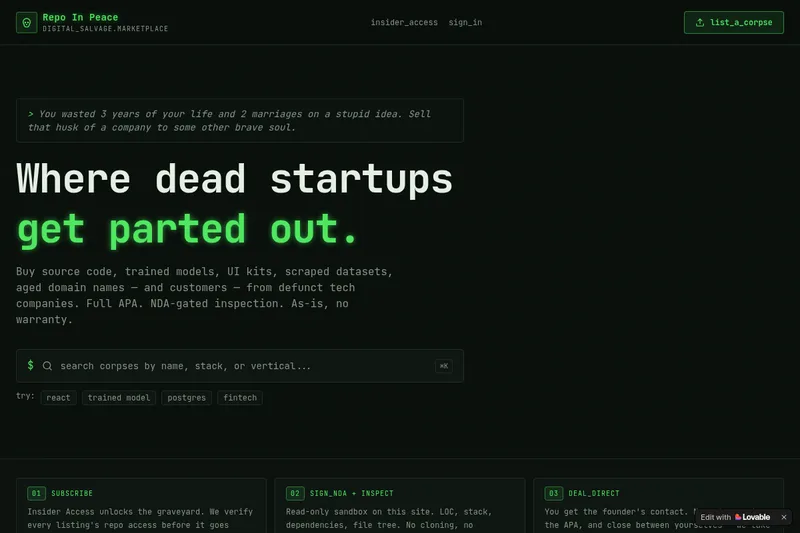
RepoInPeace
Repo In Peace is a digital salvage marketplace for buying and selling assets from defunct tech startups — source code, trained models, UI kits, scraped datasets, aged domains and customers — sold as-is under a full APA with NDA-gated inspection.
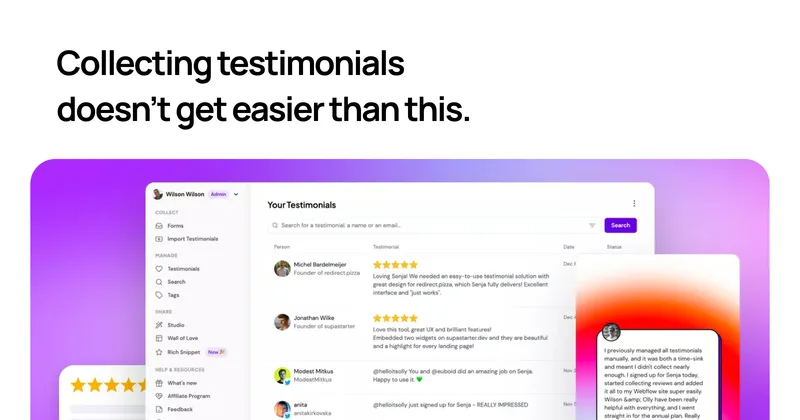

Captureapp
Capture is a blockchain licensing framework that combines C2PA content credentials, ERC-7053 on-chain registration, and x402 HTTP-native AI-agent micropayments to provide tamper-evident provenance, EU AI Act Article 50 compliance, and per-fetch monetization for creators and publishers.
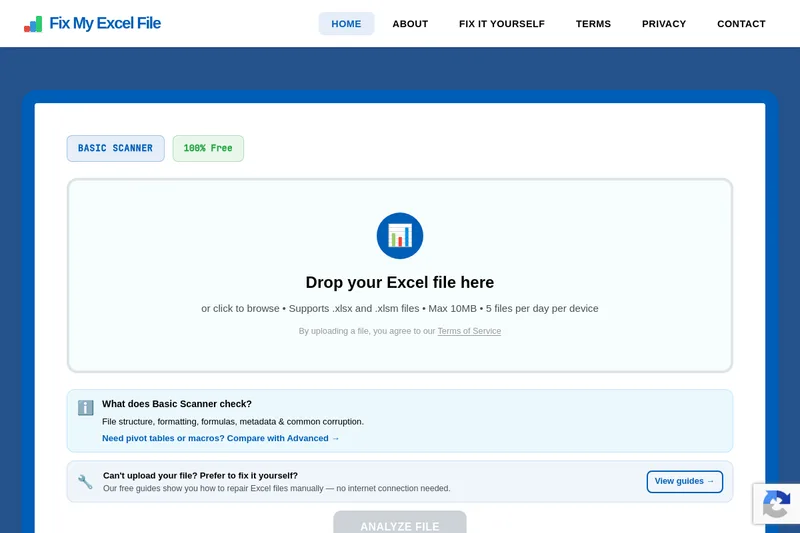
Fixmyexcelfile
Fix My Excel File is a free online tool that analyzes and repairs corrupted .xlsx and .xlsm files using an AI-powered scanner. It offers a Basic free scanner for common corruption and a planned Advanced Scanner (waitlist) for deep repairs like pivot tables and macros.


nebius
Nebius is an enterprise AI cloud platform that provides end-to-end infrastructure and tooling for training, inference, simulation and physical AI — offering custom hardware (non-virtualized GPUs & InfiniBand), built-in MLOps, serverless and managed inference, and expert support for production AI workloads.

Tryonhaul
TryOnHaul AI is a web-based fashion discovery platform that uses AI-powered search and virtual try-on to surface popular try-on haul videos, aggregate product reviews, and let users virtually try clothing by uploading a photo. It targets shoppers, content creators, and e-commerce professionals.
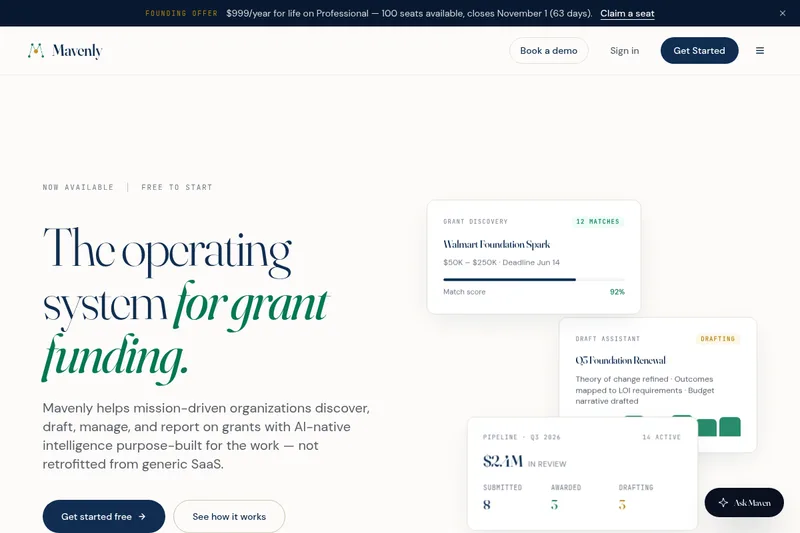
mavenly
Mavenly is an AI-native grant management platform that helps mission-driven organizations discover funding opportunities, draft funder-specific proposals, manage pipelines and deadlines, and automate compliance reporting — offered in separate editions for grantseekers and grantmakers.