
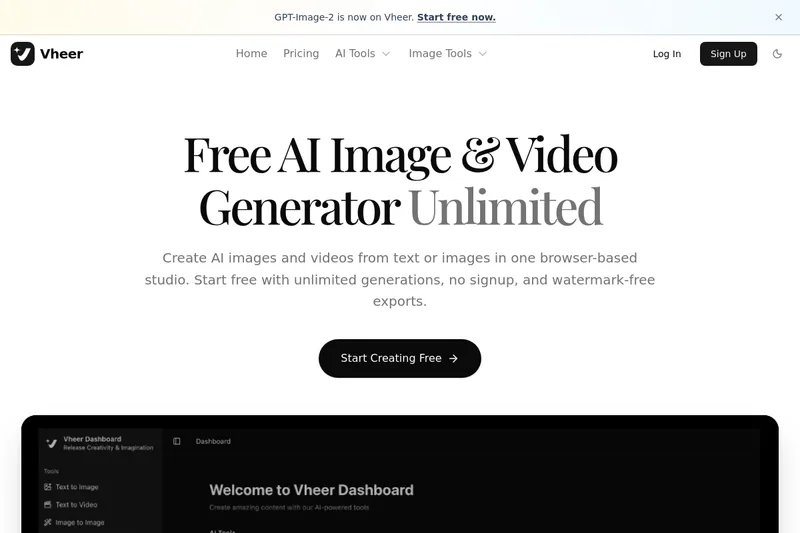
Vheer
Vheer is a browser-based AI studio for creating and editing images and videos from text or images, offering unlimited generations with no signup and watermark-free exports.
Vheer is image & design software teams evaluate for creative & design. Use this page to review pricing, integration signals, and the best alternatives before you commit.
Profile facts come from the vendor source. AiMatch labels unknown pricing or API details instead of estimating them.
Review official source →Used in These Packs
Quick Overview
Best for: Creative & Design
What it does
Image & Design software for decision-makers comparing workflow fit and alternatives.
Best fit
Creative & Design
Pricing snapshot
Free
Next step
Compare Vheer with similar tools before you shortlist it.
Compare this tool before you shortlist it
Review alternatives, pricing posture, and workflow fit side by side.
Vheer is a browser-based AI creative studio for generating and editing images and videos from text or images. The site lists a broad set of AI tools — including Text to Image, Text to Video, Image to Image, Image to Video, Image to Prompt, and OCR-style Image to Text — plus numerous image utility tools. Vheer advertises unlimited, watermark-free generations with no signup required and provides access to multiple AI models such as Dream V4 and GPT-Image-2.
Vheer is a browser-based AI studio for creating and editing images and videos from text or images, offering unlimited generations with no signup and watermark-free exports.
Own this listing?
Claim this page for a one-time $29 to add pricing, features, screenshots, verified owner details, and a clearly labeled 30-day category position after the profile is live.
Claim this listing for $29Key Features
Text to Image
Generate images from text descriptions using AI.
Text to Video
Create videos from text descriptions using AI.
Image to Image
Transform and edit existing images with AI assistance.
Multi Images to Image
Edit using one primary image plus multiple reference images.
Image to Video
Animate images and create videos from still images.
Image to Prompt
Extract high-quality prompts from existing images.
Image to Text (OCR)
Extract text content from images using OCR.
Background Remover
Remove image backgrounds instantly.
Image Utility Tools
Browser tools for invert, grayscale, resize, blur, face blur, color palette extraction, outline generation, splitting, combining, and more.
Model Catalog
Multiple AI models listed (e.g., Dream V4, Vheer Quality, Flux, Klein, Minimax Image 01, Nano Banana variants, etc.).
Pricing
Start free with unlimited generations, no signup, and watermark-free exports.
Use Cases
Creative image generation
Create original images from text prompts for art, concepting, or social content using Text to Image models.
Video generation and animation
Produce short videos from text or animate existing images via Image to Video and Text to Video tools.
Image editing and compositing
Edit and transform images, remove backgrounds, combine images, and apply effects in-browser with Image to Image and Image Tools.
Extracting prompts and text
Generate high-quality prompts from example images and extract OCR text from images for reuse.
Rapid prototyping without signup
Quickly experiment with AI generations and exports without creating an account, useful for testing and iterative creative workflows.
Integrations
No verified integration details are available.
Benefits
Limitations
No verified limitations are available.
Frequently Asked Questions
No verified FAQs are available.
Getting Started
- 1 Open the Vheer website (https://vheer.com/).
- 2 Choose an AI tool (e.g., Text to Image, Text to Video, Image to Image) from the AI Tools menu.
- 3 Start creating — the site advertises free, unlimited generations with no signup; export results watermark-free.
Support
Contact support via [email protected] (email listed in site footer).
docs
Access site resources via footer links: Blog, Privacy Policy, Cookies Policy, Terms of Service.
API
Compare Vheer with similar tools
See how it stacks up against alternatives
Related Tools
View all 386 →
Arting
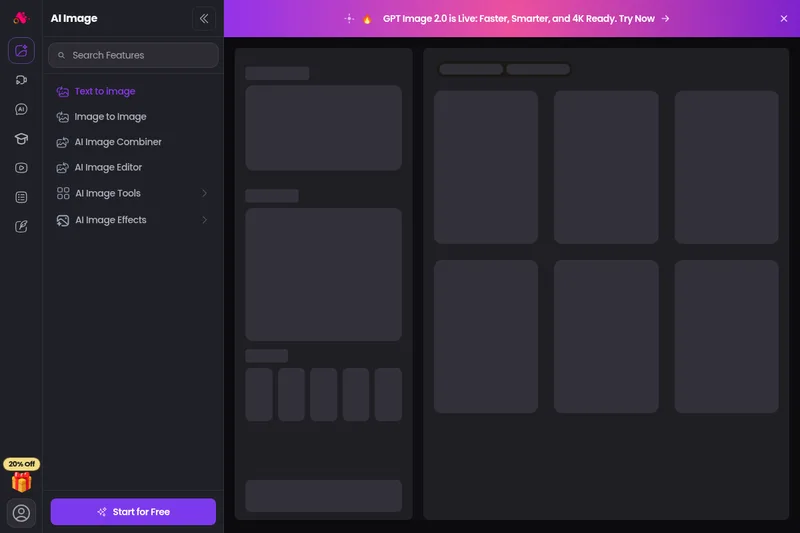
Arting AI is a free, web-based AI image generator and creative suite that converts text and images into high-quality artwork using multiple advanced models (e.g., GPT Image 2.0, Stable Diffusion, Lora). It offers tools for text-to-image, image-to-image, enhancement, watermark removal, video tools, and a smart prompt system with sample galleries.

Imageprompt
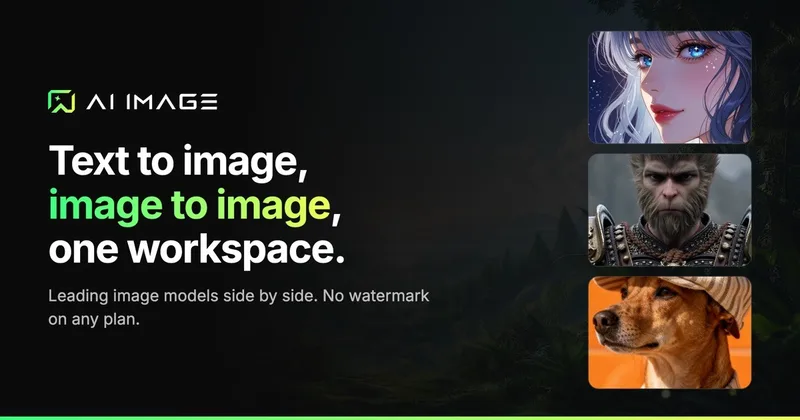
ImagePrompt.org is a web-based suite of AI-powered tools for creating, enhancing, and analyzing image prompts and generating AI artwork; it helps users convert images to prompts, improve prompt detail, describe images, and produce images from prompts.

Cozaiphoto
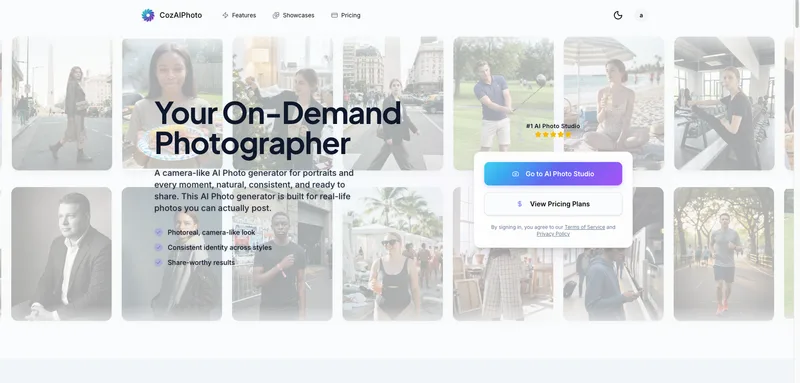
CozAIPhoto is an on-demand AI Photo Studio that generates photoreal, camera-like portrait and lifestyle images (up to 4K) with consistent identity across styles, aimed at social profiles, creators, and professional headshots.
Aiactionfiguregenerator
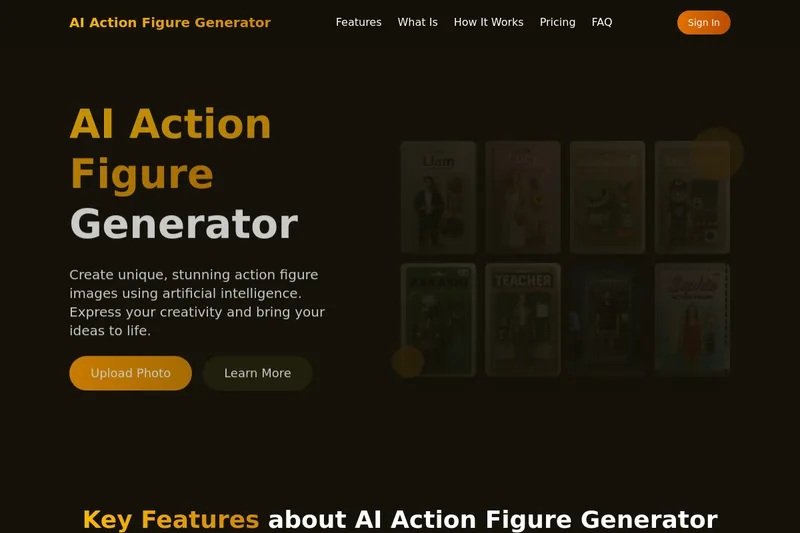
AI Action Figure Generator is a web tool that uses artificial intelligence (explicitly referencing GPT-4o) to create personalized high-resolution action figure images from photos or text prompts, with customization of facial features, outfits, poses, and multiple artistic styles.
Premium Alternatives
Aiportraitgen
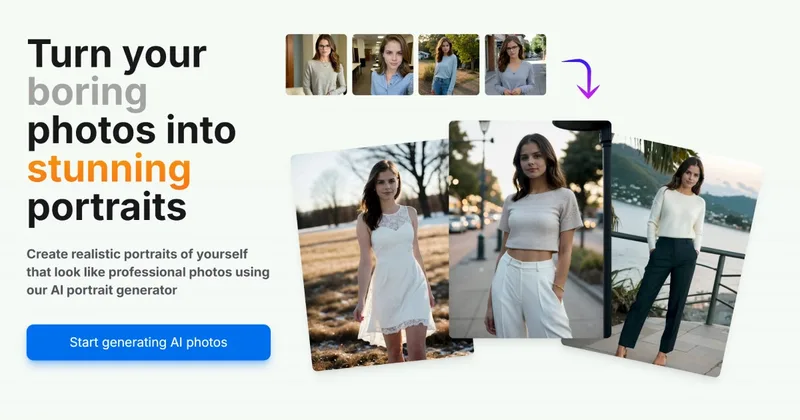
AI Portrait Gen is an online AI portrait generator that creates realistic, high-quality portrait photos from a few user-supplied photos. It offers customizable locations, outfits and styles, pay-as-you-go credits (no subscription), and privacy protections for uploaded images.
Themultiverse
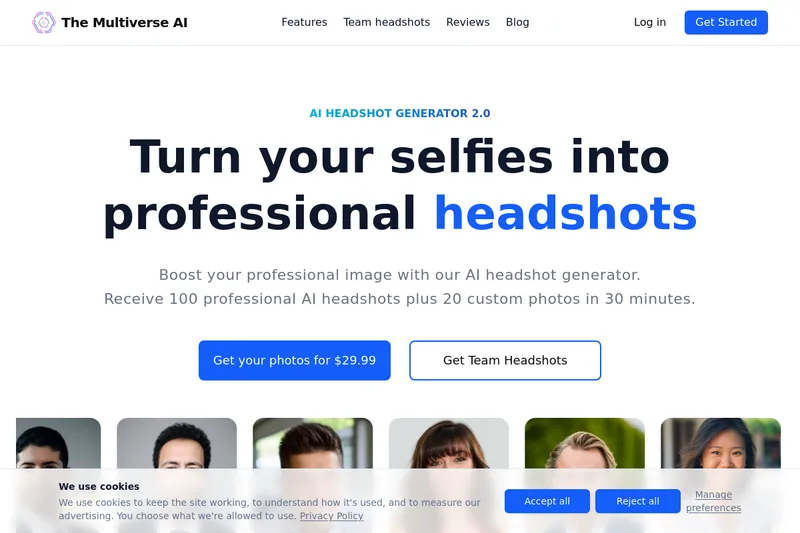
The Multiverse AI is a commercial AI headshot generator that turns user selfies into professional-quality headshots and team portraits, offering a 30-minute turnaround and an editable set of generated images for individual professionals and corporate teams.

Aux Machina
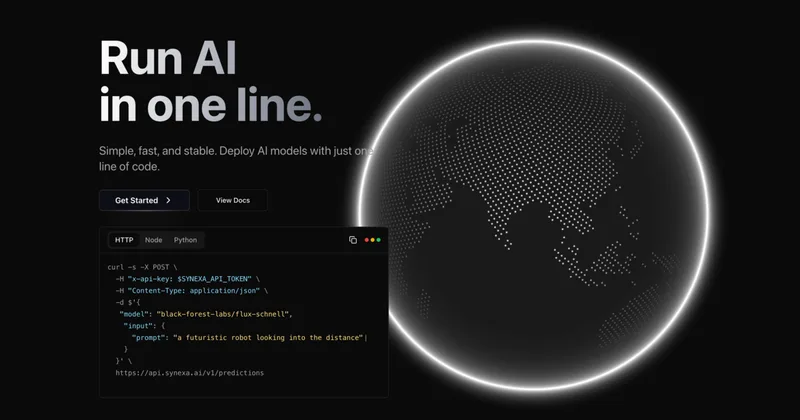
Aux Machina is an AI-powered image creation platform that generates custom, royalty-free visuals and offers upcoming AI-assisted image-editing tools, aimed at creators, marketers, and teams who need quick, high-quality images.
Hairstyleai
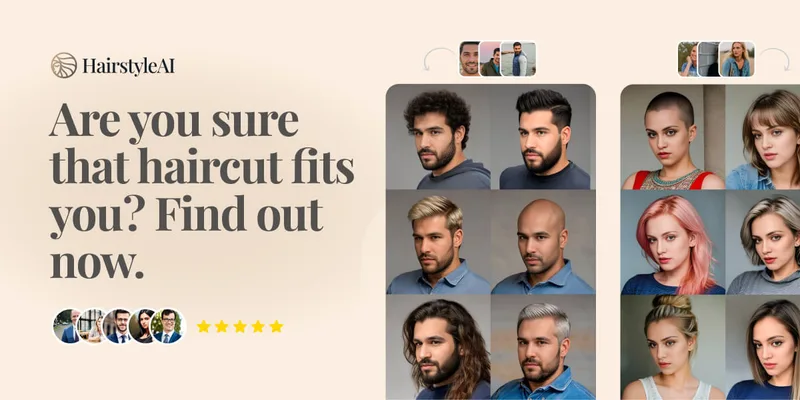
HairstyleAI is a virtual AI hairstyle try-on service (powered by HeadshotPro.com) that lets users preview new haircuts on their photos before committing to a real cut, offering dozens of generated looks and downloadable HD images.

PreCheck
PreCheck is an AI-powered facial recognition and face-search platform that lets users upload a single photo to find where that face appears across the web, and also provides reverse phone and email lookups for identity, reputation management, and fraud prevention.