
dreamer
SlashDreamer is an AI image generator that integrates directly with Notion via a /dream slash command, letting users write prompts in Notion and receive generated images (via models like Stable Diffusion or DALL·E) inserted beneath the prompt.
dreamer is image & design software teams evaluate for image & design. Use this page to review pricing, integration signals, and the best alternatives before you commit.
Profile facts come from the vendor source. AiMatch labels unknown pricing or API details instead of estimating them.
Review official source →Used in These Packs
Quick Overview
Best for: Image & Design
What it does
Image & Design software for decision-makers comparing workflow fit and alternatives.
Best fit
Image & Design
Pricing snapshot
Paid from $0.99 /mo
Next step
Compare dreamer with similar tools before you shortlist it.
Compare this tool before you shortlist it
Review alternatives, pricing posture, and workflow fit side by side.
SlashDreamer is an AI-powered image generator designed as a Notion integration. It provides a /dream slash command inside Notion: you type /dream followed by a description (the prompt) and end the prompt with a dot, and SlashDreamer generates an image and places it directly beneath your prompt. The service uses machine learning models such as Stable Diffusion and DALL·E to create images and positions itself as a frictionless way to add visuals to Notion pages.
The product is targeted at Notion users who want to quickly generate visuals inside their documents. The site describes monthly subscription plans with image quotas and trial periods, and clarifies ownership and permission needs (it requires Notion write permission to insert images and states generated images are owned by the user under the terms of the underlying generative model).
AI image generator for Notion using Stable Diffusion.
Own this listing?
Claim this page for a one-time $29 to add pricing, features, screenshots, verified owner details, and a clearly labeled 30-day category position after the profile is live.
Claim this listing for $29Key Features
/dream slash command
A Notion slash command (/dream) that accepts a prompt typed directly in a Notion page to trigger image generation.
Prompt termination with dot
Everything after /dream is considered the prompt until a dot (.) — the dot signals the end of the prompt and starts image generation.
Direct insertion into Notion
Generated images are replaced directly below the user's prompt in the Notion page.
Multiple generative models
The site states it uses machine learning models like Stable Diffusion and DALL·E to generate images.
Subscription plans with image quotas
Paid plans define monthly image allowances and varying response times/support priorities.
Requires Notion write permission
SlashDreamer requests write permission so it can read the prompt and add the generated image to the Notion page.
Pricing
AI Artist Beginner
$0.99 /mo- 7 days trial
- 15 images / month
- 48h response time
AI Artist
$4.99 /mo- 7 days trial
- 100 images / month
- 48h response time
AI Artist Pro
$9.99 /mo- 7 days trial
- 300 images / month
- 24h priority response time
Use Cases
Add visuals to Notion pages
Create and insert AI-generated images directly into Notion documents to enhance notes, documentation, or pages.
Rapid image prototyping
Quickly generate multiple images from text prompts for design brainstorming or content creation within Notion.
Improve prompt-writing skills
The site promotes a PromptMonthly service to receive example prompts for inspiration and improving prompt writing.
Integrations
Notion
Direct in-Notion integration via the /dream slash command; requires write permission to insert images into pages.
Stable Diffusion
Listed as one of the machine learning models used to generate images.
DALL·E
Listed as another generative model option used to create images.
Benefits
Limitations
Frequently Asked Questions
Why is SlashDreamer not free?
When can I cancel my subscription?
Do you offer refund?
Why do I need to give write permission to Notion?
Who owns the generated images?
How do you generate images using artificial intelligence?
Getting Started
- 1 Open a Notion page and type the slash command: /dream followed by your image description.
- 2 Write your prompt; everything after /dream is part of the prompt until you type a dot (.) to end it.
- 3 Grant SlashDreamer write permission to your Notion workspace so it can insert the generated image beneath your prompt.
- 4 Choose a subscription plan (or start the 7-day trial) to begin generating images according to the plan's monthly quota.
Support
feedback
Feedback link on the website (site includes a 'Feedback' item).
blog
A blog is listed on the site for additional information and updates.
terms
Terms page is linked from the site for legal and usage details.
response time
Support/response time is indicated per plan (e.g., 48h or 24h priority).
API
Compare dreamer with similar tools
See how it stacks up against alternatives
Related Tools
View all 386 →
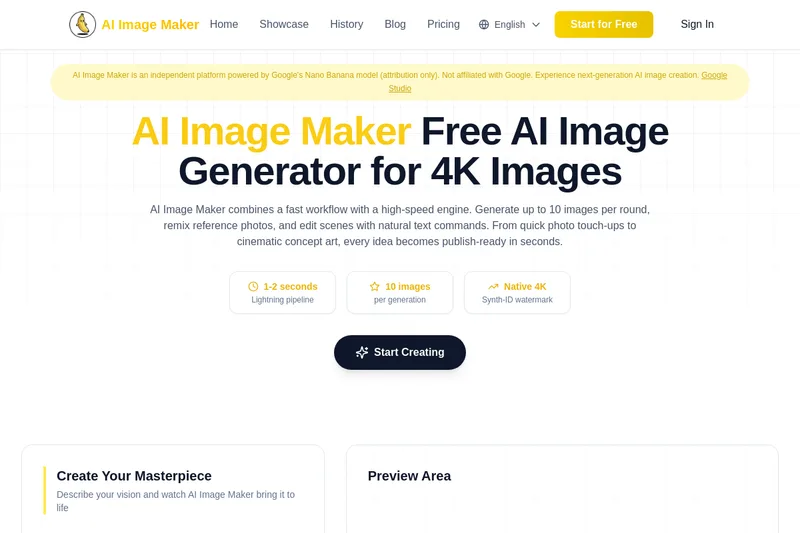
Nano-banana-pro
AI Image Maker (Nano-banana-pro) is an independent, web-based AI image generation platform powered by Google’s Nano Banana model (attribution only). It produces up to native 4K images in 1–2 seconds, supports batch generation of up to 10 images, reference-image remixing, and natural-text guided edits for both photoreal and stylized outputs.

FluxAI.art
FluxAI.art is a web-based AI image generation and editing platform offering free, fast creation with multiple models (Nano Banana, Flux Kontext, ChatGPT-4o image) for text-to-image, image-to-image, and advanced edits aimed at creators, designers, and developers.

Vectorizer
Vectorizer.AI is a browser-based, AI-powered raster-to-vector conversion service that turns PNG/JPG/GIF/BMP/WebP images into editable vector formats (SVG, EPS, DXF, PDF) for logos, illustrations, print, web, CAD, CNC, and other design workflows.

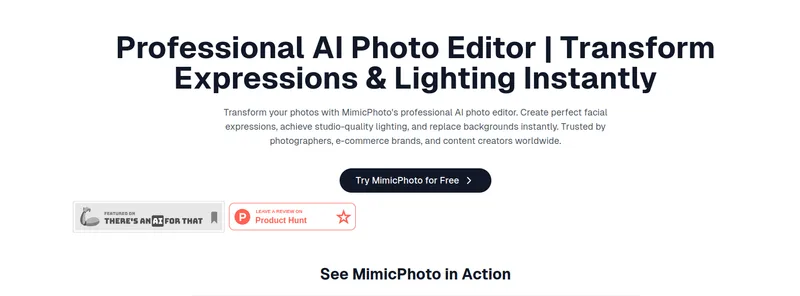
mimicphoto
MimicPhoto is an AI-powered photo and video editing platform offering 30+ specialized tools—from facial expression editing and virtual try-on to video generation—designed for creators and professional workflows with real-time, studio-quality results.

Budget-Friendly Alternatives



ImageUpscalerAI
ImageUpscalerAI is a web-based AI image upscaler that enlarges photos, cartoons and other images (up to 400%/200%) using an AI engine; it offers a free limited tier and a PRO subscription with no conversion limits and a commercial usage license.

Uwear.ai
Uwear.ai is an enterprise AI visual production platform for fashion that converts product assets into studio-quality on-model photos and videos at scale, with locked art direction, automated QA, and delivery to PIM/DAM or storefronts via Studio, API, or MCP integrations.
BatchRemover
BatchRemover is an AI-powered online tool for removing image backgrounds, replacing them with a color or custom image, and resizing the canvas. Single-image processing is free, with full-resolution downloads and paid plans for batch processing.