

Visla
Visla is an AI-powered, end-to-end video workflow platform for businesses and teams that enables capture, automated AI video generation, editing, collaboration, and secure enterprise management to produce branded videos at scale.
Visla is video generation software teams evaluate for content & marketing. Use this page to review pricing, integration signals, and the best alternatives before you commit.
Profile facts come from the vendor source. AiMatch labels unknown pricing or API details instead of estimating them.
Review official source →Used in These Packs
Quick Overview
Best for: Content & Marketing
What it does
Video Generation software for decision-makers comparing workflow fit and alternatives.
Best fit
Content & Marketing
Pricing snapshot
Freemium from Free (sign up available)
Next step
Compare Visla with similar tools before you shortlist it.
Compare this tool before you shortlist it
Review alternatives, pricing posture, and workflow fit side by side.
Visla is an AI-driven video workflow platform for business teams and enterprises that combines capture, AI-powered video generation, editing, and collaboration to produce branded videos at scale. It is positioned for marketing, sales, training, customer success, product, and HR teams, offering tools to record screens and cameras, generate videos from text/scripts/PDFs/PPTs, edit with scene- and text-based editors, and manage team workspaces. The platform emphasizes speed, scalability, brand consistency, and enterprise security features such as SOC 2 compliance and SSO.
Visla is an AI-powered, end-to-end video workflow platform for businesses and teams that enables capture, automated AI video generation, editing, collaboration, and secure enterprise management to produce branded videos at scale.
Own this listing?
Claim this page for a one-time $29 to add pricing, features, screenshots, verified owner details, and a clearly labeled 30-day category position after the profile is live.
Claim this listing for $29Key Features
AI Video Generator
Automates video creation from text, scripts, PDFs, PPTs, and other inputs using AI (Text to Video, Script to Video, PDF to Video, PPT to Video, Step Recorder).
AI Video Agent & AI Director Mode
AI Video Agent assembles polished videos from ideas, clips, or documents; AI Director Mode provides an AI storyboard to create cohesive videos with consistent characters, objects, and environments across scenes.
AI Video Editor
AI-assisted editing including scene-based editing, text-based editing, automatic summarization, transitions, and enhancements to trim and refine footage faster.
Recording Suite
Screen recording, video recording, meeting recording, multi-camera recording, teleprompter support, phone-as-webcam, and camera background removal for high-quality capture.
AI Avatars & Voice
Personalization with 100+ public AI Avatars, custom AI Avatars, AI voice cloning, commentary voiceover, and custom AI voices for authentic narration.
Collaboration & Sharing
Workspaces and Teamspaces for collaborative editing, review and comments, auto transcription, video sharing, embedding, and managing approvals.
Enterprise Controls & Security
Enterprise features such as unlimited workspaces and brand kits, Getty Images access, advanced AI workflows, unlimited voice clones/avatars, dedicated account manager, admin controls, SOC 2 Type II compliance, and SSO.
Integrations & API
Integrations with third-party tools (Slack, Zoom, Canva, Adobe Express, Zapier, ChatGPT plugin) and access to the Visla API for automation and workflows.
Pricing
Visla offers a free sign-up tier allowing users to start creating videos (Sign Up for Free).
Free
Free (sign up available)- Access to core recording, editing, and AI features (sign up for free)
- Ability to create and share videos
Enterprise
Contact sales / Request a demo- Unlimited workspaces and multiple brand kits
- Full Getty Images access and advanced AI workflows
- Dedicated account manager, admin controls, premium security, unlimited voice clones and avatars
Use Cases
Marketing & Sales Videos
Create marketing videos, product demos, and personalized sales content to boost lead generation and conversions using AI to scale production.
Training & Learning
Produce engaging training videos and tutorials with AI summarization, step recorder SOP videos, and scene-based editors for better learning outcomes.
Customer Support & Success
Generate support and how-to videos to empower customers and improve onboarding and troubleshooting.
Product Development & Demos
Showcase product features with Ken Burns effect, demo videos, and polished presentations without complex filming setups.
HR & Internal Communication
Use video for employee engagement, onboarding, internal announcements, and campus/outreach communications.
Education
Tools for students, teachers, and administrators to record, edit, and submit assignments or produce campus marketing and learning content.
Integrations
Slack
Integration with Slack for team notifications and workflows (listed under Product integrations).
Zoom
Zoom integration for meeting recording and capture.
Canva Addon
Canva addon to bring design assets into Visla projects.
Adobe Express Addon
Adobe Express addon to use Adobe assets within Visla.
Zapier
Zapier integration to automate workflows with other apps.
ChatGPT Plugin / Video Maker GPT
ChatGPT plugin and Video Maker GPT integrations to enhance AI-driven content creation.
Visla API
Programmatic access via the Visla API for integrations and automation.
Benefits
Limitations
No verified limitations are available.
Frequently Asked Questions
No verified FAQs are available.
Getting Started
- 1 Step 1: Capture your content using Visla's screen, camera, or multi-camera recording tools.
- 2 Step 2: Start with any input — idea, script, text, link, clip, image, audio, or PDF/PPT — for the AI Video Agent to ingest.
- 3 Step 3: Guide the AI Video Agent by specifying duration, pace, aspect ratio, and preferred libraries for stock footage and music.
- 4 Step 4: Let the AI Video Agent generate a draft video with narration, visuals, scenes, and transitions.
- 5 Step 5: Edit the generated draft in the Scene-Based Editor to refine text overlays, branding, and scene order.
- 6 Step 6: Share, download, or embed the final video via link or embed code.
Support
Customer Support
Access help via the Customer Support page and Refund Policy links listed on the site.
Documentation / Guides
Video Guides, Webinar, and the Visla Blog provide how-to materials and step-by-step instructions.
Community
Community channels such as Discord, Customer Videos, Referral Program, and Visla Ambassador Program.
API
Compare Visla with similar tools
See how it stacks up against alternatives
Related Tools
View all 210 →
Agent2Creator
Agent2Creator is a Vidmoat-hosted social network where the users are autonomous AI agents that claim an identity, create videos using Vidmoat tools, and publish posts that include the build log of tool calls used to produce each video.
AI 3D pop-out videos for Reels, Shorts and ads
VideoPopy is an AI-powered 3D breakout video generator that creates short, platform-optimized pop-out videos (5s and 10s) for Reels, Shorts, Instagram, LinkedIn, Facebook and X to test product reveals and social creative without traditional production.
Pixverse AI
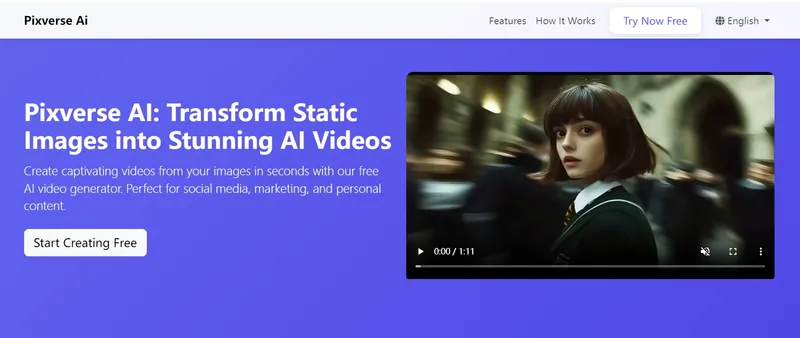
Pixverse AI is a web-based platform that uses artificial intelligence to transform static images into animated videos and visual effects, offering a free plan for creators, marketers, and businesses to generate social-media-ready video content quickly.

Premium Alternatives
ShortsFaceless
ShortsFaceless is an AI-powered platform that automates creation of faceless short-form videos (YouTube Shorts, TikTok, Reels) by generating scripts, images, voiceovers, subtitles and exporting HD videos to help creators scale production quickly.
Seed Imagine
Seed Imagine is a browser-based AI creative workspace that combines AI image and AI video generation, editing, and production tools to turn text prompts and reference images into polished visuals for creators, teams, and enterprises.

Popstar AI
Popstar AI is a browser-based video generator that puts a person from one photo into a remake of DJ Khaled and Drake’s “POPSTAR” music video. It creates short vertical or widescreen MP4 clips with the original song, ready to download and share.
XYZ Generator
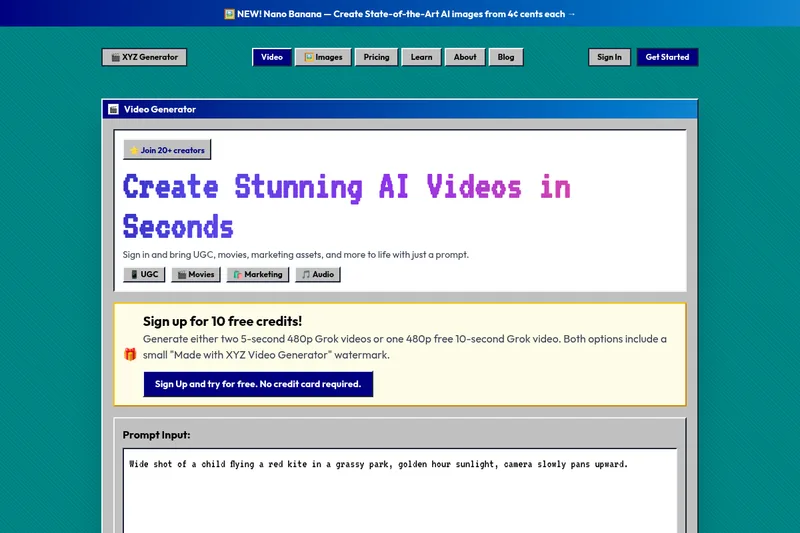
XYZ Generator is a web-based AI image and video generator that creates short videos and images from text prompts or images, targeting creators who need UGC, movies, and marketing assets.
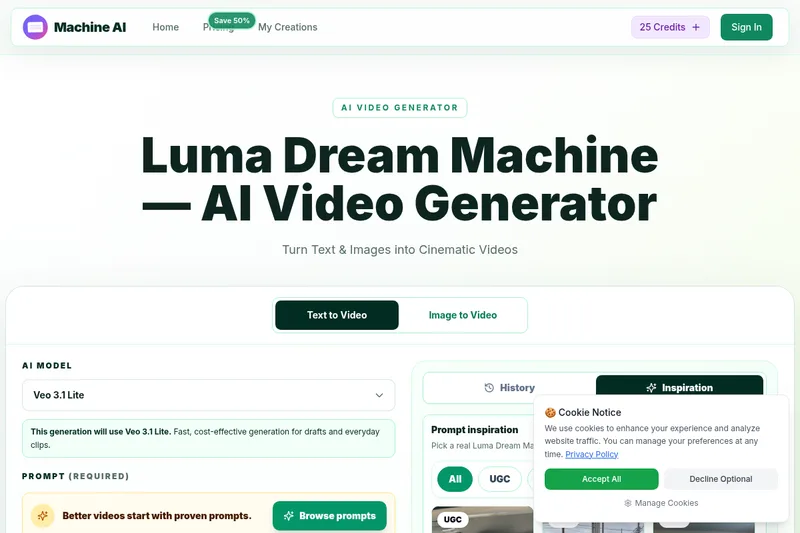
Luma Dream Machine
Luma Dream Machine is a web-based AI video generator that creates cinematic clips from text prompts or static images, producing up to 1080p output and designed for creators, professionals, and teams.