
Zapier
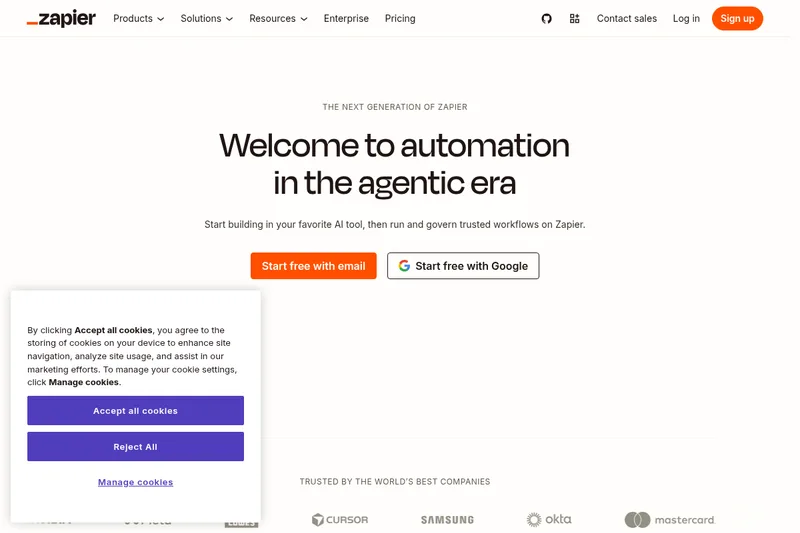
Zapier connects more than 9,000 apps so operations, IT, sales, and marketing teams can automate workflows and put AI assistants or agents to work across business tools. MCP and the SDK also let AI clients and custom applications use those connections.
One of 148 tools in Automation
Who it's for
- Operations and RevOps teams that need to automate handoffs and work across their existing business apps.
- IT and security teams that need app access controls, action restrictions, managed connections, and visibility into workflow activity.
- Developers and AI teams connecting assistants or custom applications to business tools through MCP or the Zapier SDK.
How it fits your workflow
Build a workflow by connecting apps and defining triggers and actions, or start from a template. The page describes use cases including lead routing, ticket handling, campaign reporting, and document processing.
For AI use, connect an assistant through Zapier MCP or use the SDK for a custom app. Configure the connection for the chosen client and sign in to the Zapier account when prompted.
Apply organizational controls and review activity through logs and analytics. The page describes a shared audit trail and controls that can govern app and action access.
Pricing
Free: A free plan is available with usage and feature limits.
Free plan
$0
- · Free and paid plans are documented. Feature and usage limits depend on the selected plan.
Paid plans
Price not published
- · See the provider pricing page for current rates, billing periods, and usage limits.
Prices checked on Sep 7, 2026 from the vendor's site. They can change; confirm before you buy.
Key features
- AI orchestration (MCP + SDK)
- MCP (Model Connector Platform) and Zapier SDK let you plug AI assistants and developer coding agents into Zapier so AI can call workflows and app actions with a single governed connection.
- 9,000+ App Integrations
- Pre-built integrations and triggers/actions across more than 9,000 apps so automations and AI agents can interact with common business systems.
- Governance & Policy Controls
- Endpoint-level action restrictions, domain restrictions, app access controls, and the ability to define which apps and actions are available to teams.
- Managed Connections & One Auth Layer
- Company-owned app connections managed by IT to ensure consistent credentials and avoid hardcoded API keys or broken OAuth flows.
- Auditability & Observability
- A centralized audit trail and admin logs for every AI action, plus asset history, log streaming to monitoring tools, and automatically generated Canvas documentation for workflows.
- Workspaces & Role-Based Access
- Dedicated environments (workspaces) and role-based permissions so teams can build while IT retains oversight.
Works with
- ChatGPT (OpenAI)
- Salesforce
- Slack
- HubSpot
- Microsoft Teams
- Zendesk
- Jira
- Gmail
- 9,000+ Apps
Limitations to know
- Certain governance features and enterprise controls (for example, automatic AI model opt-out) are described as available on Enterprise plans, indicating some capabilities may require higher-tier plans.
Alternatives to consider
-
Activepieces
Choose it if you need a managed cloud or self-hosted no-code automation platform and its 700+ integrations fit your app requirements.
-
Pipedream
Choose it if you want a developer-focused platform for connecting APIs and databases and building production workflows and AI agents.
Getting started
claude mcp add --transport http "Zapier-MCP" https://mcp.zapier.com/api/v1/connect- Choose an AI client or coding environment supported by the page's setup instructions.
- For Claude Code, run the provided MCP add command; for other clients, follow that client's listed connection steps.
- Sign in to your Zapier account or complete the authentication steps requested by the client.
- Use the client-specific onboarding prompt or skill to finish setup.