
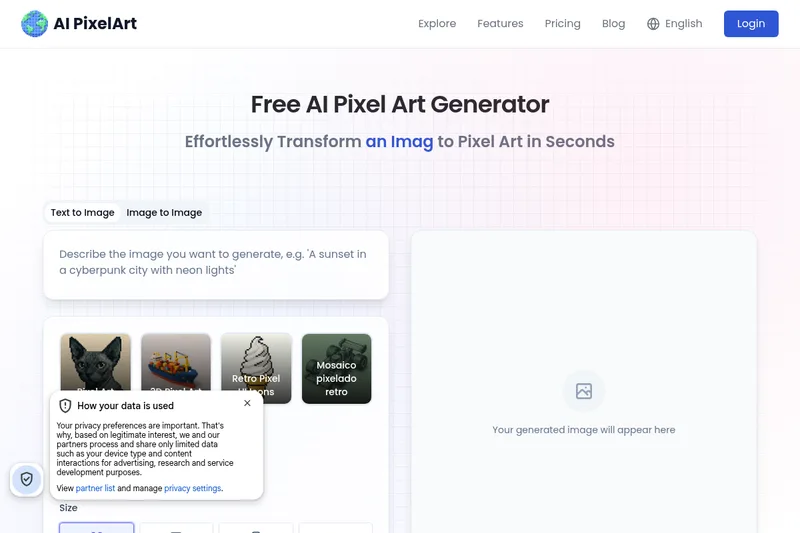
Aipixelart
AI PixelArt is a free web-based AI pixel art generator that converts images, text, sketches, PDFs or uploads into pixel-art assets (sprites, avatars, icons, print-ready art) with presets, style controls, and an editor for refinement.
Aipixelart is design generators software teams evaluate for design generators. Use this page to review pricing, integration signals, and the best alternatives before you commit.
Profile facts come from the vendor source. AiMatch labels unknown pricing or API details instead of estimating them.
Review official source →Used in These Packs
Quick Overview
Best for: Design Generators
What it does
Design Generators software for decision-makers comparing workflow fit and alternatives.
Best fit
Design Generators
Pricing snapshot
Free from Free
Next step
Compare Aipixelart with similar tools before you shortlist it.
Compare this tool before you shortlist it
Review alternatives, pricing posture, and workflow fit side by side.
AI PixelArt is a browser-based AI pixel-art generator that converts text prompts, uploaded images, sketches, PDFs or other inputs into pixel art, sprite sheets, avatars, icons and print-ready assets. The product targets creators, social media users, streamers, designers and game developers seeking retro-style or custom pixel visuals, offering preset palettes, style-transfer options, and an editor to fine-tune results. The site emphasizes speed, accessibility (free-to-use), and professional output such as consistent sprite sheets and high-resolution downloadable files.
AI PixelArt is a free web-based AI pixel art generator that converts images, text, sketches, PDFs or uploads into pixel-art assets (sprites, avatars, icons, print-ready art) with presets, style controls, and an editor for refinement.
Own this listing?
Claim this page for a one-time $29 to add pricing, features, screenshots, verified owner details, and a clearly labeled 30-day category position after the profile is live.
Claim this listing for $29Key Features
Image to Pixel Art
Upload JPG/PNG/WebP (max 10MB) images or other files and instantly convert them into pixel-art renditions with configurable sizes and styles.
Text to Pixel Art / Prompt-based generation
Generate pixel art from text prompts (e.g., 'cyberpunk samurai') using a neural engine that interprets semantics while maintaining 8/16-bit aesthetics.
Dynamic Style Matrix
Choose from 23 preset configurations (NES, GameBoy, Neo Geo, modern hybrids) and adjust parametric controls like dither patterns, color bleed, and sprite rotation.
Intelligent Sprite Engineering
Automatic sprite-sheet generation with consistent lighting and perspective, plus built-in collision masks, hitbox prediction and palette optimization for game assets.
Real-Time Pixel Forge (fast generation)
High-speed generation and iteration with rapid side-by-side comparisons, version branching and sub-second generation claims for fast creative workflows.
Editor & Export (print-ready)
Post-generation editor to fine-tune colors, fonts and styles, and export options for JPG/PNG and high-resolution print-ready files.
Pricing
All pixel art creation features are 100% free to use with no hidden credits or subscriptions according to the site.
Free
Free- All pixel art creation features are 100% free to use (site claim)
Use Cases
Social Avatars
Create retro-styled profile pictures and avatars in configurable pixel dimensions (32x32 to 128x128) for LinkedIn, Twitch, Discord and other platforms.
Emoji / Sticker Design
Design pixel-based emojis and stickers optimized for platform-specific formats (e.g., iMessage dynamic stickers vs WhatsApp static format) with auto-conversion.
Social Content & Campaigns
Generate shareable pixel-art social content, viral templates, and branded campaign assets (for example, pixel-art contests or educational pixel infographics).
Game Development Asset Creation
Accelerate game asset creation by producing consistent sprites, sprite sheets, palettes and hitboxes, enabling developers to iterate faster on visual elements.
Print & Merchandise
Convert pixel art into high-resolution, print-ready files for posters, merchandise and professional-grade assets.
Integrations
Platform-specific sticker packages
Automatic conversion and packaging for platform formats such as iMessage (dynamic stickers) and WhatsApp (static format) as described on the site.
Standard image export
Exports to standard image formats (JPG, PNG) for use in other tools and platforms.
Benefits
Limitations
Frequently Asked Questions
Is image generation free?
What kind of images work best for AI Pixel Art?
Can I convert my Pixel Art vision to print-ready files automatically?
How can I turn a PDF into Pixel Art?
How fast is the process?
Can I modify AI-generated Pixel Art?
Can I refine the pixel art results?
Is technical expertise required?
Getting Started
- 1 Step 1: Craft your prompt describing the pixel-art vision (more detail improves results).
- 2 Step 2: Input data or upload reference images (supports JPG, PNG, WebP; max 10MB).
- 3 Step 3: Generate Pixel Art with the AI-powered generator.
- 4 Step 4: Fine-tune specific areas using the built-in editor (adjust colors, styles, fonts).
- 5 Step 5: Save and download as JPG or PNG for future edits or production use.
Support
No verified support channels are available.
API
Compare Aipixelart with similar tools
See how it stacks up against alternatives
Related Tools
View all 158 →
Koboyo Icons
Koboyo Icons is a large library of 71,262 free hand-drawn SVG icons, organized into many thematic groups and categories and accessible via website browsing and an MCP/API integration for AI and editor workflows.
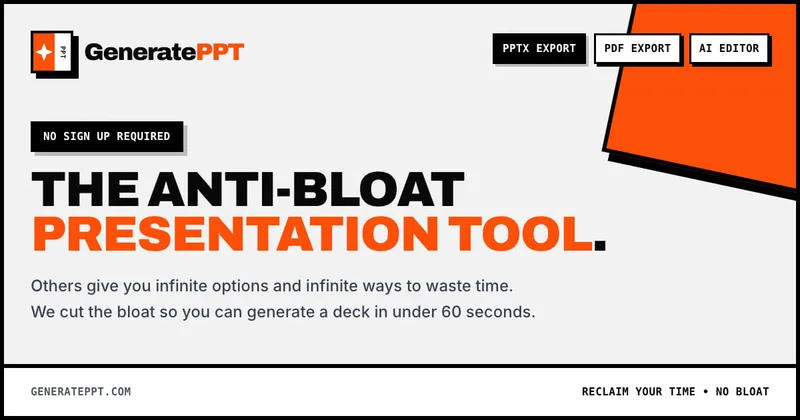
GeneratePPT
GeneratePPT is an AI-first presentation tool that converts topics, notes, URLs, PDFs, DOCX, and other inputs into clean, professional PowerPoint decks in under 60 seconds, with one-click styling, auto-sourced images, and an AI slide editor called AI Director.
colorifyai
Colorify AI is an online AI-powered coloring page generator that transforms text, photos, sketches, or line art into high-quality printable coloring pages and colored artwork, with tools for manual digital coloring and a library of free templates.

free-ai-qr-code-generator-by-myqrcode
A free web-based generator from MyQRCode that embeds scannable QR codes into AI-generated artwork (using Stable Diffusion), letting users create visually rich QR codes for personal and business use.
Premium Alternatives
AI App Icon Generator
AI App Icon Generator is an AI-powered web tool that creates high-quality app icons from text prompts, producing multiple variations per prompt and allowing downloads of generated images.
Stringartgenerator
String Art Generator is a web tool that transforms photos into printable string art patterns using an advanced algorithm, offering customizable complexity, high-resolution exports, and material calculations for hobbyists and professional artists.

Overscene
OverScene is a lightweight Windows desktop app that overlays a floating AI frame over any application to apply generative and vision-based AI transforms (image-to-image, text-to-image, image-to-text, code generation, 3D rendering, etc.). It is designed for artists, designers, and developers to prototype, generate moodboards, transform sketches, and augment 3D models without plugins or subscriptions.
Sticker Magic
Sticker Magic is an AI-powered sticker generation platform that creates digital stickers from simple text descriptions, aimed at hobbyists, creators, and small businesses for personal, social, and commercial use. Free to get started with a 5-credit trial.
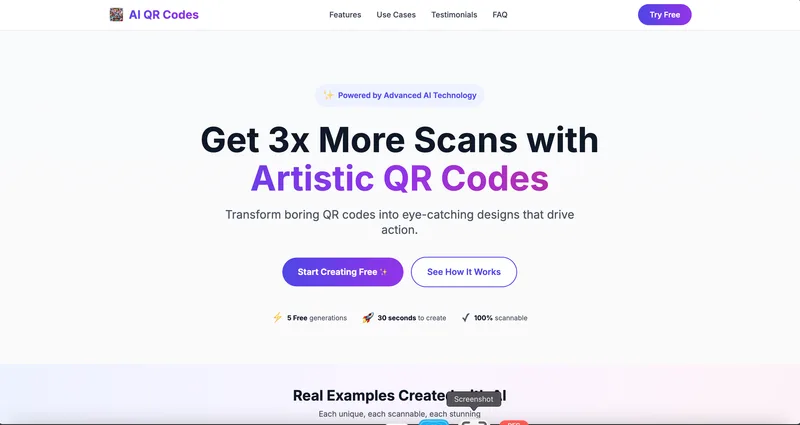
AI QR Codes
AI QR Codes is a web service that uses AI to generate artistic, brandable, and fully scannable QR codes for marketing, packaging, menus, business cards, events, education, and more.
Ai-architectures
AI-Architectures is a web-based platform that converts sketches, photos, or text descriptions into photorealistic architectural renders, labeled floor plans, and staged listing photos in about 30–40 seconds, with exports suitable for professional CAD/BIM workflows.