
airadio-host
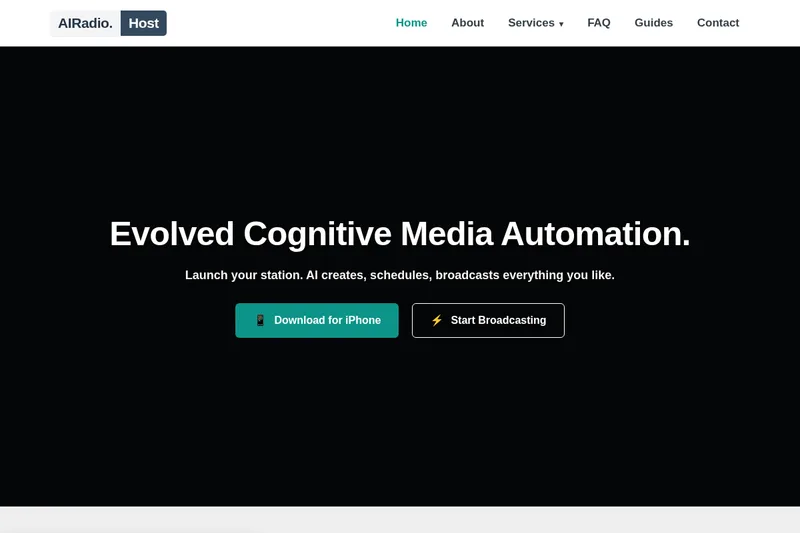
AIRadio.Host uses AI to generate and schedule audio broadcasts from live data sources. Radio station teams can distribute the resulting audio to existing broadcast systems or stream it directly.
One of 12 tools in Audio
Who it's for
- Radio station programming teams that want to automate scheduled news, weather, traffic, or music content.
- Broadcast operations teams connecting generated audio to existing systems through URL, FTP, or cloud storage.
- Organizations with strict security requirements that want an on-premise deployment option.
How it fits your workflow
Connect real-time sources such as RSS feeds, JSON, XML, or other data streams. The page names news, weather, traffic, and social media as possible content sources.
Configure AI host tasks and set when the content should be generated and go live. Tasks can include reading news, announcing weather, playing music, and delivering traffic updates.
Receive generated audio via URL, FTP, or cloud storage, then integrate it with existing broadcast systems or stream directly.
Pricing
The vendor doesn't publish prices. Check with airadio-host directly.
Prices checked on Oct 19, 2026 from the vendor's site. They can change; confirm before you buy.
Key features
- Data source connections
- Pulls real-time content from RSS feeds, JSON, XML, or other data streams, including sources for news, weather, traffic, and social media.
- Configurable AI tasks
- Lets users define tasks for an AI host, such as reading news, announcing weather, playing music, and delivering traffic updates.
- Scheduled automation
- Sets when content is generated and goes live, with examples including daily and hourly schedules.
- Audio distribution
- Delivers generated audio via URL, FTP, or cloud storage for use with existing broadcast systems or direct streaming.
- On-premise deployment
- Can run on an organization's own infrastructure; the page describes this option as providing data control and avoiding external dependencies.
- Custom voice solutions
- Supports custom AI voices, multiple profiles, and emotion control for text-to-speech.
Works with
- RSS feeds, JSON, and XML
- FTP and cloud storage
- Existing broadcast systems
Getting started
- Connect an RSS feed, JSON, XML, or another data stream.
- Define the AI host tasks for the content you want produced.
- Set the generation and broadcast schedule.
- Choose an audio delivery method and connect the output to a broadcast system or stream.