

Cleanvoice AI
Cleanvoice AI is an AI-powered audio and video editing service that automates podcast and voice cleanup—removing background noise, filler words, mouth sounds, long silences, and more—and offers transcription, summaries, multitrack editing, and an API for scale.
Cleanvoice AI is audio software teams evaluate for audio. Use this page to review pricing, integration signals, and the best alternatives before you commit.
Profile facts come from the vendor source. AiMatch labels unknown pricing or API details instead of estimating them.
Review official source →Quick Overview
Best for: Audio
What it does
Audio software for decision-makers comparing workflow fit and alternatives.
Best fit
Audio
Pricing snapshot
Free
Next step
Compare Cleanvoice AI with similar tools before you shortlist it.
Compare this tool before you shortlist it
Review alternatives, pricing posture, and workflow fit side by side.
Cleanvoice AI is an AI-first audio and video editor built for podcasters, voiceover artists, media teams and businesses to automatically clean recordings and speed up post-production. The product removes background noise, filler words, mouth sounds and long silences, applies audio enhancement (studio sound), transcribes and summarizes episodes, and supports multitrack editing and timeline export. It is aimed at both individual creators and teams — offering an online editor, batch uploads, and an API for integration and scaling.
AI platform to clean audio recordings and podcasts, removing filler sounds and noise.
Own this listing?
Claim this page for a one-time $29 to add pricing, features, screenshots, verified owner details, and a clearly labeled 30-day category position after the profile is live.
Claim this listing for $29Key Features
Background Noise Remover
Automatically removes heavy background noise including vehicles, wind, ambient noise, static, buzz, hiss, hum, puffs, and more.
Filler Words Remover
Detects and removes filler words in 20+ languages to tighten spoken audio.
Audio Enhancer (Studio Sound)
Enhances tone and voice level, reduces echo and distortion to achieve a studio-quality sound.
Deadair / Long Pause Removal
Automatically removes long silences and dead air from recordings.
Mouth Sounds & Breath Remover
Detects and removes mouth sounds, breaths and stutters to improve clarity and listener experience.
Transcription & Summarization
Automatic, accurate transcription (supports multiple accents) and autogenerated episode summaries, show notes and chapter markers.
Multitrack Editing & Sync
Simultaneously edit multiple guest tracks and sync them into a single mixed podcast.
Timeline Export
Export timelines or timestamps of removed parts for reference or manual editing in external editors (Audacity, Audition, Reaper).
Batch Uploading & Format Support
Supports many audio and video formats (.wav, .mp3, .m4a, .flac, .mp4 and more) and batch uploads multiple episodes.
API for Automation & Scale
API to automate audio/video editing, enhancement, transcription and summarization; claimed to be simple to set up and used by brands.
Pricing
Free trial available: try editing without sign-up. Site advertises ‘Clean 30 minutes of audio and video for free’ and additional 30 minutes of free credits are provided upon signup.
Use Cases
Podcast editing
Automatic removal of noise, fillers, mouth sounds and pauses plus transcription, summaries and show notes to speed up episode production.
Audiobooks & Voiceover cleanup
Enhance and clean voiceover or audiobook recordings recorded outside studio environments to achieve consistent, studio-like quality.
Interviews & Zoom call cleanup
Improve audio captured on calls or phone recordings by removing echo, reverb, background noise and balancing levels.
Batch and scale workflows for teams
Use the API and batch upload features to integrate Cleanvoice into production pipelines for agencies, media companies and product teams.
Integrations
Export to DAWs (Audacity, Audition, Reaper)
Export timestamps/markers and cleaned audio to popular editors for manual fine-tuning.
Make + Cleanvoice Integration
Integration listing on site indicating third-party automation via Make (formerly Integromat).
API integration
API to programmatically integrate editing, enhancement, transcription and summarization into other systems; site references ‘30+ brands use Cleanvoice’s API’.
Benefits
Limitations
Frequently Asked Questions
Who can use Cleanvoice?
Can I try Cleanvoice for free?
What formats do you support?
Can I upload batch files?
How long do you save my files?
What can I use the Cleanvoice API for?
Getting Started
- 1 Drag and drop your audio or video files into the editor (no signup required to try).
- 2 Let Cleanvoice’s AI process and clean the files automatically (select presets or custom templates).
- 3 Download or export cleaned files or timeline exports; or set up the API (advertised as ‘setup in 5 clicks’) to automate at scale.
Support
Docs
API Docs and developer resources are linked from the site (menu item: API Docs / API Playground).
Contact
Contact link listed on the site for direct inquiries and support.
Status & Press
Platform Status page and Press Kit are available from site navigation for announcements and media resources.
API
API Docs (linked from the site navigation)
Site states no hours-limit and no file-size restriction for API usage; pricing is usage- or subscription-based.
Compare Cleanvoice AI with similar tools
See how it stacks up against alternatives
Related Tools
View all 12 →
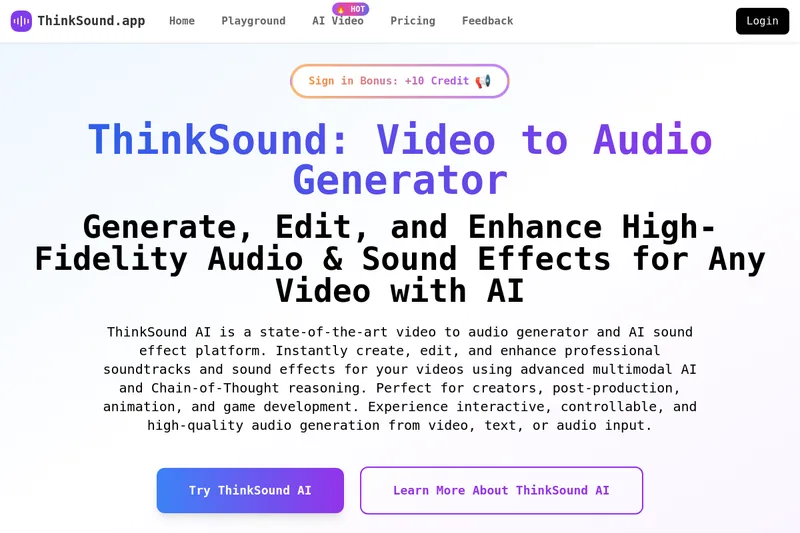
Thinksound
ThinkSound is an AI-powered video-to-audio generator and sound effects platform that uses multimodal models and Chain-of-Thought reasoning to generate, edit, and enhance high-fidelity, context-aware soundtracks and effects from video, text, or audio inputs.

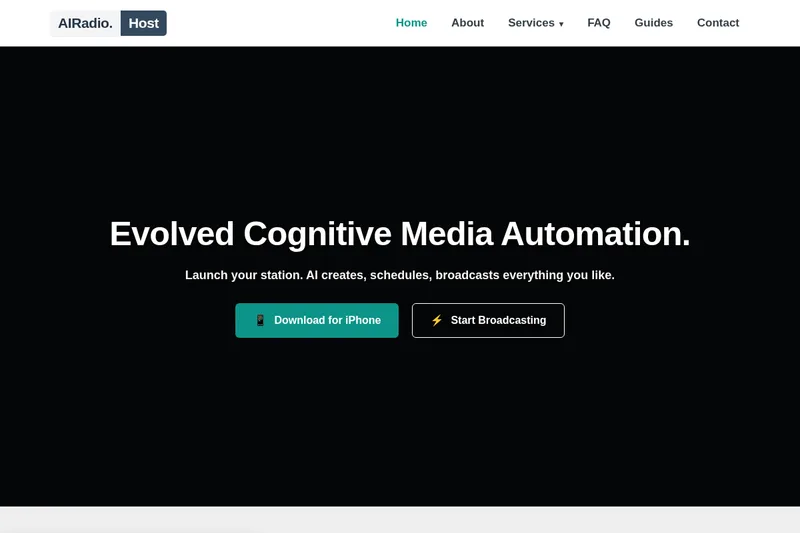
airadio-host
AIRadio.Host automates radio content production and broadcasting with AI. It connects to live data sources, generates scheduled audio for tasks such as news and weather updates, and distributes the audio to broadcast systems or streams.
CleanAudio AI
CleanAudio is a browser-based AI background noise remover that automatically cleans audio and video files (MP4, MOV, MP3, WAV, etc.) to deliver studio-quality voice clarity with a one-click workflow and a free 30-second preview.


Voicecleaner
VoiceCleaner is a browser-based AI voice cleaner that automatically removes background noise, breaths, mouth clicks, reverb, and other audio artifacts from audio and video files, offering one-click enhancement and export in multiple formats.