
Thinksound
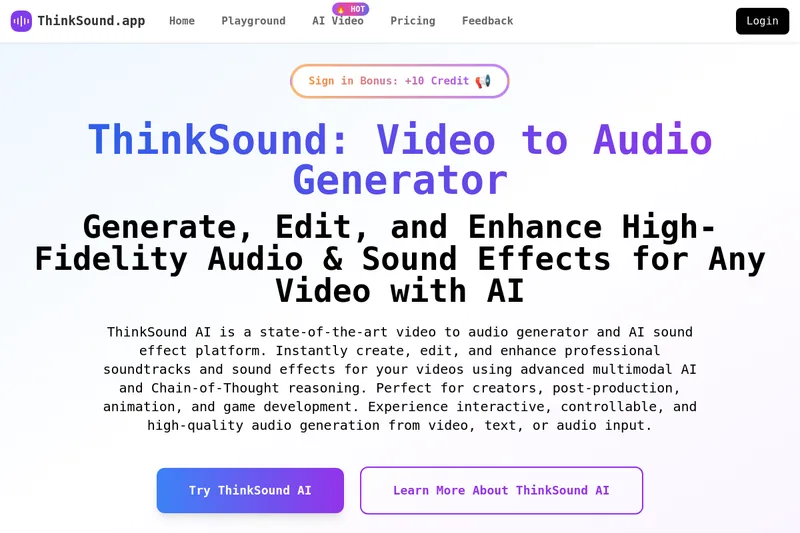
ThinkSound is an AI-powered video-to-audio generator and sound effects platform that uses multimodal models and Chain-of-Thought reasoning to generate, edit, and enhance high-fidelity, context-aware soundtracks and effects from video, text, or audio inputs.
Thinksound is audio software teams evaluate for creative & design. Use this page to review pricing, integration signals, and the best alternatives before you commit.
Profile facts come from the vendor source. AiMatch labels unknown pricing or API details instead of estimating them.
Review official source →Quick Overview
Best for: Creative & Design
What it does
Audio software for decision-makers comparing workflow fit and alternatives.
Best fit
Creative & Design
Pricing snapshot
Contact for pricing
Next step
Compare Thinksound with similar tools before you shortlist it.
Compare this tool before you shortlist it
Review alternatives, pricing posture, and workflow fit side by side.
ThinkSound is an online Any2Audio generation platform that converts video, text, or audio into high-fidelity soundtracks and sound effects using multimodal AI and Chain-of-Thought (CoT) reasoning. It focuses on producing temporally aligned, context-aware audio for creators, filmmakers, animators, game developers, marketers, educators, and researchers. The product is available as an instant online demo and supports integration via API and scripts for workflows that require professional audio generation and interactive, object-centric editing.
ThinkSound is an AI-powered video-to-audio generator and sound effects platform that uses multimodal models and Chain-of-Thought reasoning to generate, edit, and enhance high-fidelity, context-aware soundtracks and effects from video, text, or audio inputs.
Own this listing?
Claim this page for a one-time $29 to add pricing, features, screenshots, verified owner details, and a clearly labeled 30-day category position after the profile is live.
Claim this listing for $29Key Features
Unified Any2Audio Generation
Generate high-fidelity audio and sound effects from multiple input modalities (video, text, audio, or combinations) using a unified multimodal framework.
State-of-the-Art Video-to-Audio Synthesis
Produces context-aware, temporally consistent soundtracks and effects for videos, claiming SOTA performance on multiple video-to-audio benchmarks.
Chain-of-Thought (CoT) Reasoning
Uses CoT-driven reasoning with multimodal large language models to enable compositional and controllable audio generation and editing.
Interactive Object-Centric Editing
Allows refining or editing specific sound events by clicking on visual objects or issuing text instructions for object-centric sound design.
Customizable Prompts & Negative Prompts
Supports detailed prompts and negative prompts to guide cinematic, realistic, or creative sound effects and to fine-tune audio output.
Instant Online Demo & API Integration
Provides an online demo (Hugging Face Spaces noted) and mentions API and scripts for integration into production workflows.
High-Fidelity, Professional Results
Targets professional-quality output suitable for post-production, animation, games, social media, and commercial projects.
Pricing
Current pricing details are not available from the vendor source.
Use Cases
Video Creators & Filmmakers
Add high-fidelity soundtracks and AI-generated sound effects to silent, raw, or AI-generated footage for YouTube, short films, vlogs, and cinematic projects.
Animators & Game Developers
Automatically generate immersive, context-aware audio for animation sequences, cutscenes, and gameplay to enhance storytelling and player experience.
Content Marketers & Social Media
Create more engaging social content by converting silent or low-quality videos into polished pieces with professional soundtracks and effects.
Educators & Online Instructors
Enhance tutorials and e-learning materials with automatically generated background audio and relevant sound effects.
Visual Artists & Designers
Synchronize soundtracks and effects with motion graphics, storyboards, and digital art to match visual styles and moods.
Businesses & Entrepreneurs
Produce product demos, explainer videos, and promotional content with AI-powered sound design instead of expensive audio production.
Researchers & Developers
Use ThinkSound’s Any2Audio framework and API for multimodal audio generation, dataset creation, and AI research in audio, vision, and language.
Integrations
Hugging Face Spaces (demo)
The site references an official demo available on Hugging Face Spaces for instant online testing.
API & Scripts (GitHub)
The site states ThinkSound can be integrated via a provided API and scripts and references an official GitHub repository for details.
Playground.AI
The page suggests visiting Playground.AI for more features and improved user experience.
Benefits
Limitations
Frequently Asked Questions
What is ThinkSound AI?
How does ThinkSound generate audio from video or other modalities?
What types of sound can ThinkSound AI create?
Do I need audio editing experience to use ThinkSound?
Can I customize the generated audio?
Is ThinkSound AI suitable for commercial projects?
How can I try ThinkSound AI?
Getting Started
- 1 Upload or select your input: upload a video, audio file, or enter a text description.
- 2 Set audio preferences: provide prompts, CoT descriptions, negative prompts, and any timing/mood details.
- 3 Generate audio: click Generate to let the multimodal model create context-aware audio and effects.
- 4 Preview and edit: listen to the generated audio and refine sound events interactively or via text instructions.
- 5 Download and integrate: download the produced audio files and integrate them into your projects or workflows.
Support
Contact support or ask questions via the listed contact email: [email protected].
demo/interactive
Use the instant online demo (Hugging Face Spaces) and Playground links for hands-on testing and feedback.
docs / repository
Refer to the official GitHub repository (referenced on the site) for API scripts and integration guidance.
API
The site states an API and scripts are provided and references an official GitHub repository and demo pages for integration details.
Compare Thinksound with similar tools
See how it stacks up against alternatives
Related Tools
View all 12 →



hance-ai-audio-enhancement
HANCE was a deep‑tech AI company from Oslo that built realtime, low‑latency, privacy‑first machine learning models and a cross‑platform audio engine to enhance audio for product and app developers; the company announced it is closing and assisting customers through the transition.
Vocal Remover Online
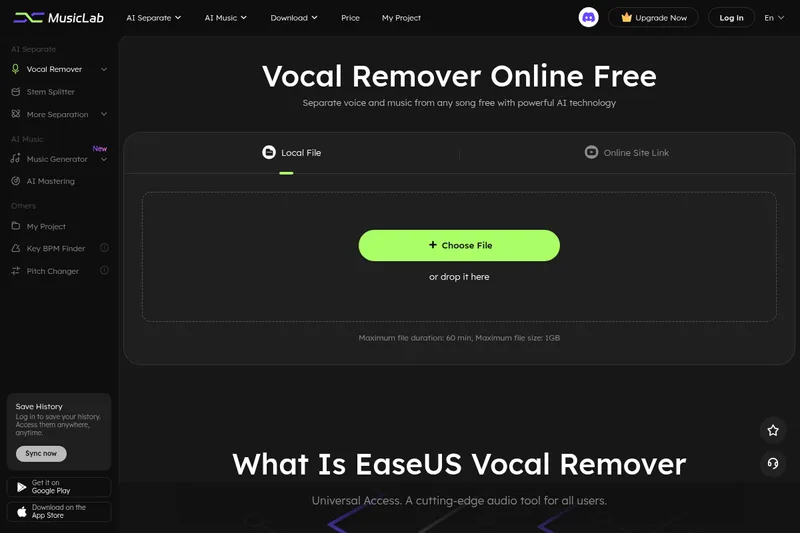
EaseUS Vocal Remover is a browser-based AI audio tool for removing or extracting vocals and separating music into stems. Users can upload audio or video files, or provide supported YouTube and SoundCloud links, then preview and download the processed audio.

Voicecleaner
VoiceCleaner is a browser-based AI voice cleaner that automatically removes background noise, breaths, mouth clicks, reverb, and other audio artifacts from audio and video files, offering one-click enhancement and export in multiple formats.
airadio-host
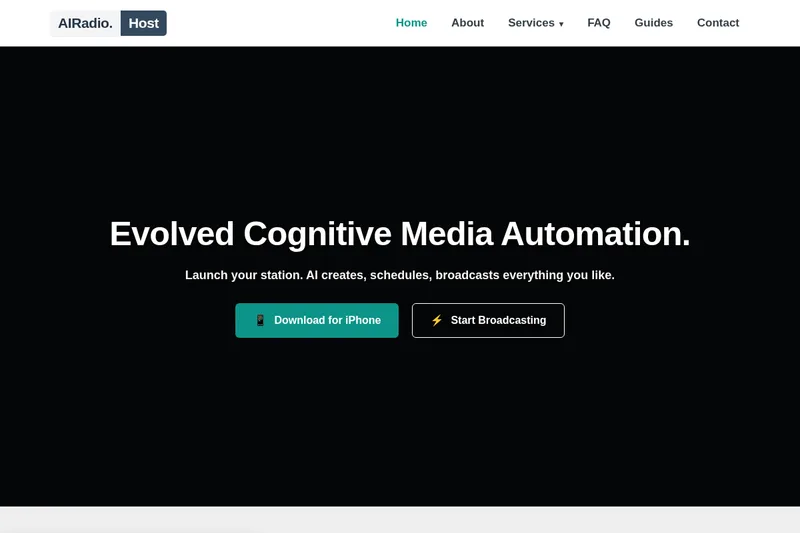
AIRadio.Host automates radio content production and broadcasting with AI. It connects to live data sources, generates scheduled audio for tasks such as news and weather updates, and distributes the audio to broadcast systems or streams.

CleanAudio AI
CleanAudio is a browser-based AI background noise remover that automatically cleans audio and video files (MP4, MOV, MP3, WAV, etc.) to deliver studio-quality voice clarity with a one-click workflow and a free 30-second preview.