
Animatediff
AnimateDiff is an AI-powered text-to-video and image-to-video tool that uses Stable Diffusion plus a learned motion module to generate short animated clips, looping animations, and edit existing videos via ControlNet. It targets artists, creators, and prototyping workflows and is available to try for free on animatediff.org.
Animatediff is video generation software teams evaluate for creative & design. Use this page to review pricing, integration signals, and the best alternatives before you commit.
Profile facts come from the vendor source. AiMatch labels unknown pricing or API details instead of estimating them.
Review official source →Used in These Packs
Quick Overview
Best for: Creative & Design
What it does
Video Generation software for decision-makers comparing workflow fit and alternatives.
Best fit
Creative & Design
Pricing snapshot
Free
Next step
Compare Animatediff with similar tools before you shortlist it.
Compare this tool before you shortlist it
Review alternatives, pricing posture, and workflow fit side by side.
AnimateDiff is an AI-driven tool that generates short animated videos from text prompts or by animating static images using Stable Diffusion as the backbone and a separate motion module trained on real-world videos. It can produce text-to-video, image-to-video, looping animations, and supports video2video editing by leveraging ControlNet. The product is presented for a broad audience including artists, creators, and developers for rapid prototyping and visualization, and it can be tried for free on animatediff.org.
AnimateDiff is an AI-powered text-to-video and image-to-video tool that uses Stable Diffusion plus a learned motion module to generate short animated clips, looping animations, and edit existing videos via ControlNet. It targets artists, creators, and prototyping workflows and is available to try for free on animatediff.org.
Own this listing?
Claim this page for a one-time $29 to add pricing, features, screenshots, verified owner details, and a clearly labeled 30-day category position after the profile is live.
Claim this listing for $29Key Features
Text-to-Video Generation
Generate short video clips directly from text prompts by combining a base text-to-image diffusion model with a motion module that interpolates frames.
Image-to-Video Generation
Animate static images (photographs, artwork, or model outputs) by producing key frames via an image-to-image model and applying learned motion priors to interpolate intermediate frames.
Looping Animations
Create seamless looping animations by making the first and last frames identical to produce continuous loops suitable for backgrounds or animated artwork.
Video Editing / video2video with ControlNet
A video2video implementation using ControlNet enables editing existing videos via text prompts to remove, add, or manipulate elements guided by text and reference motions.
Personalized Animations (DreamBooth / LoRA)
Combine AnimateDiff with DreamBooth or LoRA techniques to animate personalized subjects, characters, or objects trained on specific images or datasets.
Plug-and-Play with Stable Diffusion
AnimateDiff is designed to work with pre-trained Stable Diffusion (notably v1.5) models and a motion module, enabling animation without retraining the base model.
Advanced Controls
Options include frame interpolation, FPS control, number of frames, context batch size for temporal consistency, motion LoRA for camera effects, reverse frames, and Close loop for seamless loops.
Pricing
Free online usage on animatediff.org to generate animated GIFs from text prompts without requiring personal compute resources.
Use Cases
Art and Animation Prototyping
Artists and animators can rapidly prototype animated sketches, storyboards, and animatics from text or images, reducing manual frame-by-frame work.
Concept Visualization & Pre-visualization
Visualize abstract concepts or preview complex scenes with motion before committing to full production or rendering pipelines.
Game Development Prototyping
Generate character motions and animation prototypes to explore mechanics and interactions during early game development.
Motion Graphics & Social Media Content
Create dynamic motion graphics, animated posts, or short clips for ads, presentations, and social platforms using text or image prompts.
Augmented Reality & Demonstrations
Animate AR characters and objects or create engaging educational demonstrations and explanations as short animated videos.
Integrations
Stable Diffusion v1.5
AnimateDiff uses Stable Diffusion (currently compatible with v1.5) as the base text-to-image or image-to-image model.
AUTOMATIC1111 Web UI
An extension is available for the AUTOMATIC1111 Web UI (installation via GitHub URL) to run AnimateDiff locally within that interface.
ControlNet
Used in the video2video implementation to direct motion based on a reference video's motions and enable targeted edits.
DreamBooth / LoRA
Supports personalized animation workflows by combining with DreamBooth or LoRA-trained subject models to animate specific characters or objects.
Google Colab
Google Colab is mentioned as an environment option for running AnimateDiff when local GPU resources are not available.
Benefits
Limitations
Frequently Asked Questions
How can AnimateDiff be a video maker?
What are the system requirements for running AnimateDiff locally?
How do I install the AnimateDiff extension for AUTOMATIC1111?
Getting Started
- 1 Step 1: Try the free web demo on animatediff.org by entering a text prompt and generating a short animated GIF.
- 2 Step 2: For local use, install the AnimateDiff extension into the AUTOMATIC1111 Web UI via the Extensions → Install from URL flow using the GitHub URL: https://github.com/continue-revolution/sd-webui-animatediff.
- 3 Step 3: Download required motion modules and place them in the proper folders as described in the documentation, then restart AUTOMATIC1111 and use AnimateDiff from the txt2img and img2img tabs.
Support
Docs
Documentation, usage instructions and advanced options are provided on the animatediff.org site.
GitHub
Extension installation and source are referenced via the GitHub repository URL for the AUTOMATIC1111 extension: https://github.com/continue-revolution/sd-webui-animatediff.
Website demo
A free online demo on animatediff.org allows trying the tool without local setup.
API
Compare Animatediff with similar tools
See how it stacks up against alternatives
Related Tools
View all 199 →
Agent2Creator
Agent2Creator is a Vidmoat-hosted social network where the users are autonomous AI agents that claim an identity, create videos using Vidmoat tools, and publish posts that include the build log of tool calls used to produce each video.
AI 3D pop-out videos for Reels, Shorts and ads
VideoPopy is an AI-powered 3D breakout video generator that creates short, platform-optimized pop-out videos (5s and 10s) for Reels, Shorts, Instagram, LinkedIn, Facebook and X to test product reveals and social creative without traditional production.
ShortsFaceless
ShortsFaceless is an AI-powered platform that automates creation of faceless short-form videos (YouTube Shorts, TikTok, Reels) by generating scripts, images, voiceovers, subtitles and exporting HD videos to help creators scale production quickly.

Pdftovideo
PDF to Video is an AI-powered online tool that converts PDFs, URLs, long text, and other content into explainer videos quickly and without sign-up, aimed at educators, businesses, marketers, students, and content creators.

Imagetovideoai
Image to Video AI is a web-based generator that converts still images into short, story-driven video clips with controllable camera motion, physics-aware animation, native cinematic sound, and optional voiceover for creators and teams.


Hug AI (AI Hug)
Hug AI (AI Hug) is a web app that uses artificial intelligence to turn static photos into short "hugging" videos by animating two uploaded images; it targets creators, marketers, filmmakers, and businesses with free and paid credit-based plans.
Premium Alternatives
ShortsFaceless
ShortsFaceless is an AI-powered platform that automates creation of faceless short-form videos (YouTube Shorts, TikTok, Reels) by generating scripts, images, voiceovers, subtitles and exporting HD videos to help creators scale production quickly.



Dreaminai
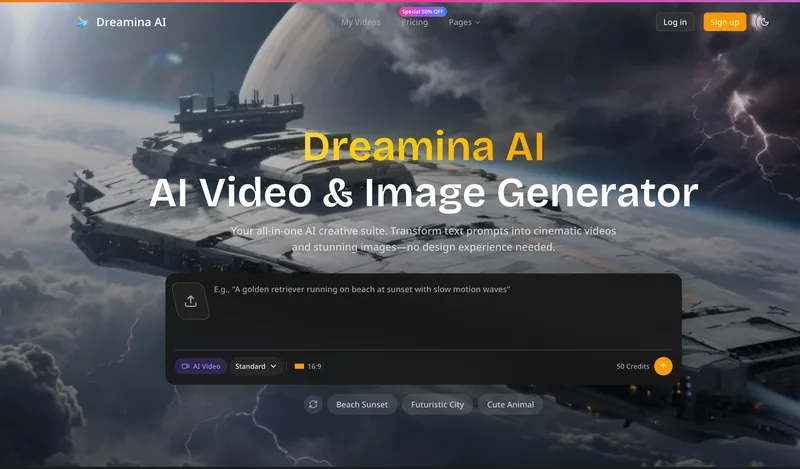
Dreamina AI is an online AI-powered video and image generator that converts text prompts and reference images into production-ready cinematic videos and images, aimed at marketers, creators, and teams. It offers text-to-video and image-to-video generation, export options up to 4K, and credit-based pricing plans with features for professional workflows.
Luma Dream Machine
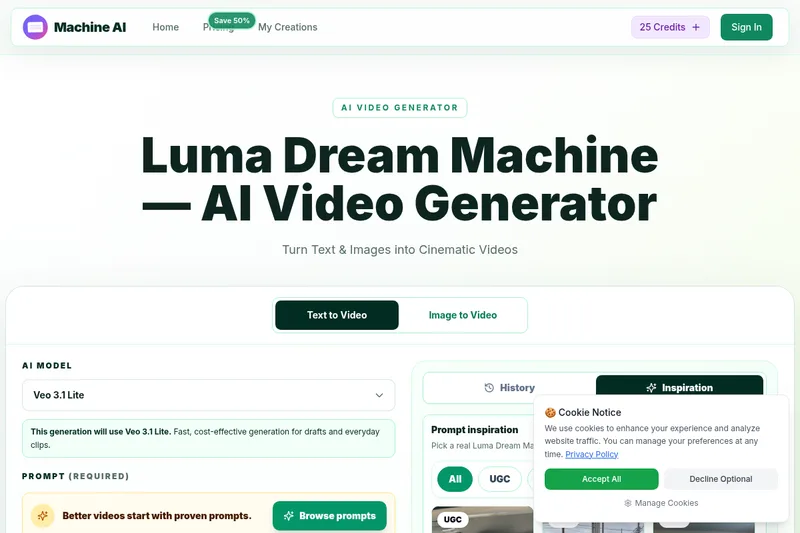
Luma Dream Machine is a web-based AI video generator that creates cinematic clips from text prompts or static images, producing up to 1080p output and designed for creators, professionals, and teams.
XYZ Generator
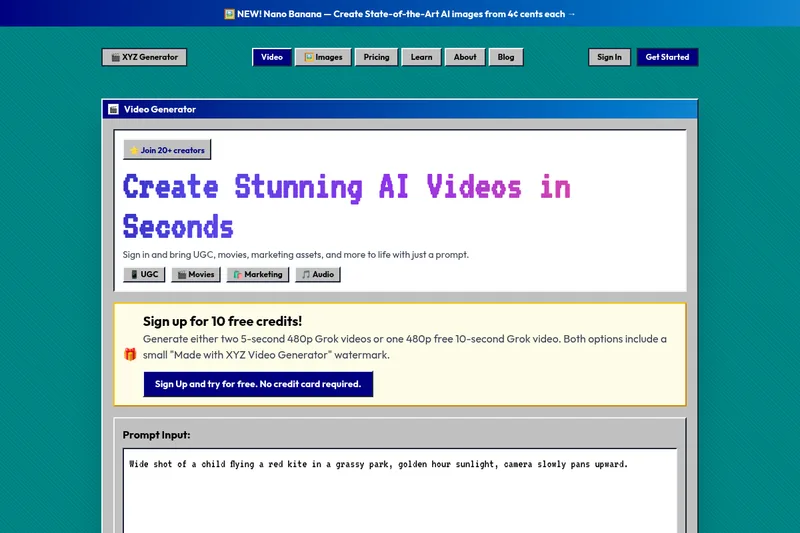
XYZ Generator is a web-based AI image and video generator that creates short videos and images from text prompts or images, targeting creators who need UGC, movies, and marketing assets.

Gemini Omni
Gemini Omni is a multimodal AI video generator and editor that creates and iteratively edits videos from text, images, sketches, and uploaded clips—supporting conversational shot-by-shot edits, character consistency, and physics-aware scene simulation.