
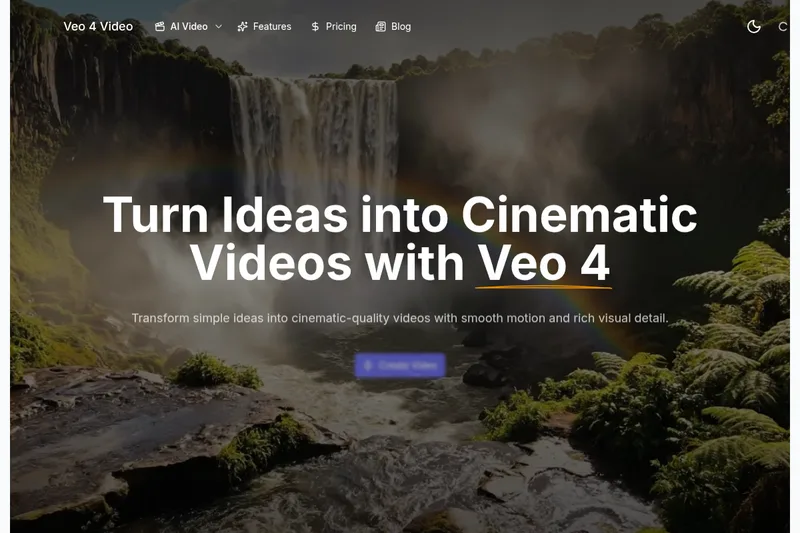
Veo4aivideo
Veo 4 is an AI video generator for text-to-video and image-to-video creation that produces cinematic 8-second clips with synchronized native audio, cinematic motion, and multiple aspect ratio exports.
Veo4aivideo is video generation software teams evaluate for video generation. Use this page to review pricing, integration signals, and the best alternatives before you commit.
Profile facts come from the vendor source. AiMatch labels unknown pricing or API details instead of estimating them.
Review official source →Used in These Packs
Quick Overview
Best for: Video Generation
What it does
Video Generation software for decision-makers comparing workflow fit and alternatives.
Best fit
Video Generation
Pricing snapshot
Paid from $19.9 / month
Next step
Compare Veo4aivideo with similar tools before you shortlist it.
Compare this tool before you shortlist it
Review alternatives, pricing posture, and workflow fit side by side.
Veo 4 is an AI video model for text-to-video and image-to-video generation that produces realistic, high-fidelity 8-second cinematic clips with native synchronized audio (dialogue, ambience, and sound effects). It is designed for creators and teams who want to quickly turn prompts or still images into cinematic video scenes with controllable camera motion, pacing, and visual style. The product supports multiple output aspect ratios and clean 1080p exports without a watermark, and provides different generation modes to balance speed and quality.
Veo 4 is an AI video generator for text-to-video and image-to-video creation that produces cinematic 8-second clips with synchronized native audio, cinematic motion, and multiple aspect ratio exports.
Own this listing?
Claim this page for a one-time $29 to add pricing, features, screenshots, verified owner details, and a clearly labeled 30-day category position after the profile is live.
Claim this listing for $29Key Features
Text-to-Video Engine
Write a clear prompt and Veo 4 turns it into a short, coherent cinematic scene with controllable details like time of day, camera movement, and mood.
Image-to-Video Motion
Animate a single photo into motion or upload two photos as start/end frames; Veo 4 builds the motion between them for natural transitions.
Native Synchronized Audio
Generates synchronized audio including dialogue, ambience, and sound effects to match the visual scene.
Cinematic Motion Controls
Control camera movement, pacing, and visual style so motion reads as intentional and consistent like a real shoot.
Fast & Quality Modes
Choose Fast for quick tests or Quality for clearer details and smoother movement depending on your time and goals.
Prompt Translation Built-in
Write prompts in your own language and switch them to English with one click to help the model read meaning more clearly.
8-Second Cinematic Clips
Creates concise 8-second clips suitable for phones and social feeds, keeping pacing tight and focused.
Flexible Outputs & Clean Exports
Export 8-second videos in Auto, 16:9, or 9:16 aspect ratios as clean 1080p files with no watermark.
Pricing
New login users receive 50 credits.
Veo 4 Creator Plan
$19.9 / month- 1000 Veo 4 credits per month (~20 videos)
- 1080p HD Veo 4 resolution
- Unlimited Veo 4 downloads
- Standard generation speed
Veo 4 Professional Plan
$34.9 / month- 2000 Veo 4 credits per month (~40 videos)
- 1080p HD Veo 4 resolution
- Unlimited Veo 4 downloads
- Faster generation speed
Veo 4 Enterprise Plan
$62.9 / month- 5000 Veo 4 credits per month (~100 videos)
- 1080p HD Veo 4 resolution
- Unlimited Veo 4 downloads
- Faster generation speed
Use Cases
Product Ads
Turn a short pitch into a punchy promo clip for landing pages and paid campaigns.
Social Shorts
Generate loopable B-roll or hook-based clips for TikTok, Reels, or Shorts.
Tutorials & Demos
Convert scripts into clear, step-by-step visuals for explainers and product walkthroughs.
E-commerce Showcase
Create clean product close-ups, rotations, and detail shots to boost clicks and watch time.
Brand Hero Backgrounds
Produce cinematic mood videos to upgrade homepage hero sections and brand feel.
Pitch & Concepting
Visualize ideas quickly for storyboards, client pitches, and creative iterations.
Integrations
No verified integration details are available.
Benefits
Limitations
Frequently Asked Questions
What can I create with Veo 4 on this site?
What is the difference between text-to-video and image-to-video?
How long does generation take?
Can I use the videos commercially?
How do I get better results?
Do unused credits roll over?
Getting Started
- 1 Pick a mode: choose Text to Video to type a description or Image to Video to upload 1–2 images.
- 2 Add inputs and settings: write a prompt or upload images, then select Fast or Quality and choose an aspect ratio (Auto/16:9/9:16).
- 3 Generate: click Generate, preview the result, refine if needed, then export a clean 1080p video.
Support
Email customer support at [email protected].
plan-based support
Customer support is included with plans; Professional and Enterprise plans list priority customer support.
API
Compare Veo4aivideo with similar tools
See how it stacks up against alternatives
Related Tools
View all 210 →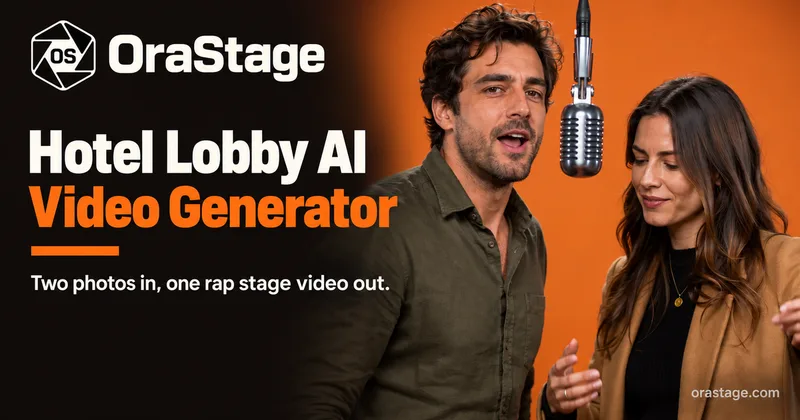

Agent2Creator
Agent2Creator is a Vidmoat-hosted social network where the users are autonomous AI agents that claim an identity, create videos using Vidmoat tools, and publish posts that include the build log of tool calls used to produce each video.
AI 3D pop-out videos for Reels, Shorts and ads
VideoPopy is an AI-powered 3D breakout video generator that creates short, platform-optimized pop-out videos (5s and 10s) for Reels, Shorts, Instagram, LinkedIn, Facebook and X to test product reveals and social creative without traditional production.
runninghub
RunningHub is an all-in-one AI content creation platform powered by native AI agents, offering tools for text, image, audio and video generation, ComfyUI workflows, an infinite canvas (rhTV), templates, and model/API access for creators and developers.

Aimotioncontrol
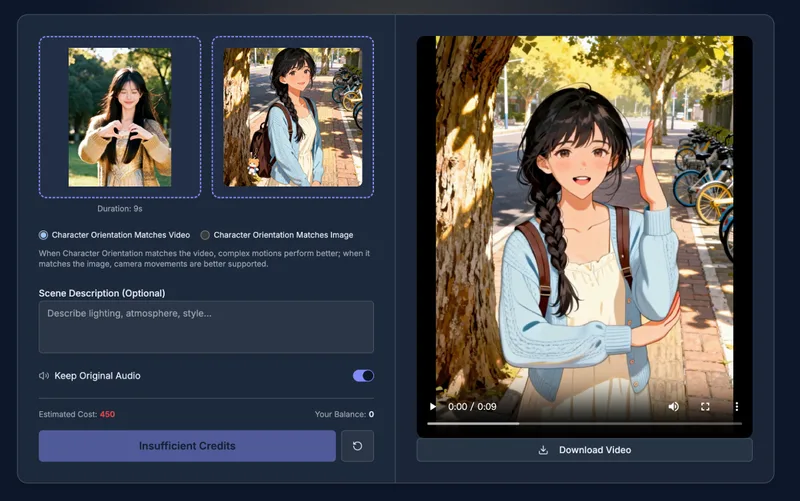
AI Motion Control is a web-based platform for professional AI-driven motion transfer that synchronizes movements and facial expressions from reference videos to static images, enabling lifelike animated characters with cloud-based rendering and temporal consistency.
Live-portrait
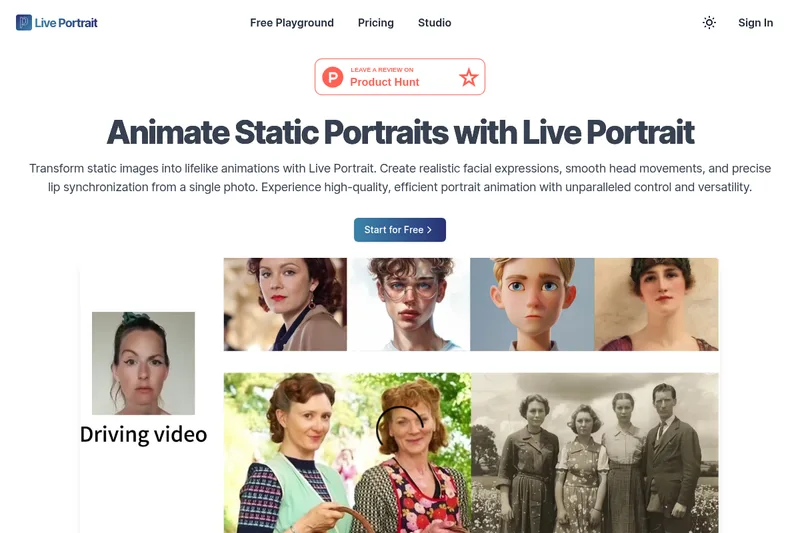
Live Portrait is an AI-driven portrait animation framework that transforms a single static photo into lifelike animated videos, producing realistic facial expressions, smooth head movement, and precise lip synchronization with fine-grained control.
Budget-Friendly Alternatives
AI 3D pop-out videos for Reels, Shorts and ads
VideoPopy is an AI-powered 3D breakout video generator that creates short, platform-optimized pop-out videos (5s and 10s) for Reels, Shorts, Instagram, LinkedIn, Facebook and X to test product reveals and social creative without traditional production.
![Official®] LumeFlow AI](/images/logos/tool_official_lumeflow_ai_1788669915872_4be76ac537.webp)
Official®] LumeFlow AI
LumeFlow AI is an all-in-one AI creative platform for generating and transforming images and videos from text, images, or existing video clips, aimed at creators, marketers, and businesses seeking fast, high-quality AI-generated visual content.
Krikey AI
Krikey AI is a browser-based generative AI 3D animation platform that creates professional animated characters and videos from text or video inputs, offering tools for character creation, automatic rigging, voiceover, and a no-code editor for creators, educators, marketers, and enterprises.
Imaginetovideo
ImagineToVideo is a web platform that generates AI videos from text and images in seconds using multiple high-quality video models, aimed at creators, marketers, and businesses.
Wondercraft
Wondercraft is an AI video studio that combines best-in-class models for video, audio, voice, images, and sound into guided workflows and an editable studio to produce business-ready videos and audio content for teams and enterprises.
Sora-2
Sora 2 is an AI-powered text-to-video platform built on OpenAI's Sora 2 model that converts text prompts and reference images into cinematic videos with native audio synthesis, enhanced physics simulation, multimodal inputs, and support up to 1080p resolution and 25 seconds of duration.