
Animatephoto
Animate Photo is an AI-powered web tool that turns still images into short, shareable animated videos by adding natural facial, object, and environmental motion using prompt-guided controls.
Animatephoto is video generation software teams evaluate for video generation. Use this page to review pricing, integration signals, and the best alternatives before you commit.
Used in These Packs
Quick Overview
Best for: Video Generation
What it does
Video Generation software for decision-makers comparing workflow fit and alternatives.
Best fit
Video Generation
Pricing snapshot
Freemium from Free credits to test quality and workflow
Next step
Compare Animatephoto with similar tools before you shortlist it.
Compare this tool before you shortlist it
Review alternatives, pricing posture, and workflow fit side by side.
Animatephoto
Animate Photo is an AI image animation platform that converts still pictures into short videos with controllable motion and style. It is designed for creators, marketers, teams, and anyone who wants to quickly transform portraits, vintage photos, landscapes, products, or artwork into dynamic, social-ready clips. The interface focuses on a simple workflow—upload an image, describe desired motion and style, then generate a publishable MP4—so users can produce cinematic or subtle animations without manual timeline editing or keyframe work.
Animate Photo is an AI-powered web tool that turns still images into short, shareable animated videos by adding natural facial, object, and environmental motion using prompt-guided controls.
Own this listing?
Claim this page to add pricing, features, screenshots, and verified owner details.
Claim this listingKey Features
Instant Photo Animation
Convert a static image into a dynamic clip in a single workflow without complex timeline editing or manual keyframing.
Prompt-Guided Movement
Describe camera direction, subject actions, and mood in plain language to guide motion that matches creative intent.
Natural Expression and Motion
Generate believable facial changes (blinks, smiles, lip movement), subtle head motion, object movement, and environmental animation for more vivid results.
Social-Ready Video Output
Export clean MP4 clips optimized for reels, shorts, and campaign creatives with minimal post-processing required.
Fast Iteration for Creative Teams
Test multiple prompt variations quickly, compare outcomes, and select the best direction for approvals and delivery.
Consistent Results Across Batches
Maintain subject identity and style alignment across repeated runs to support series content and branded assets.
Pricing
Free credits are available to test quality and workflow before upgrading to higher usage plans.
Free / Trial Credits
Free credits to test quality and workflow- Starter credits
- Access to core animation workflow
Paid Plans
Varies (subscription or credit-based; details on site)- Higher usage limits
- History and account-level settings
- Commercial usage on eligible plans
Use Cases
Portrait Animation
Turn portrait photos into realistic animated videos with natural facial movements such as smiling, blinking, and subtle head motion for social content or personal projects.
Old Photo Restoration & Animation
Animate vintage photographs and historical portraits with subtle motion while preserving the original look and atmosphere to bring memories to life.
Landscape & Nature Animation
Add moving clouds, flowing water, drifting mist, or other environmental motion to landscape photos to create immersive, cinematic scenes.
Product & Fashion Promotion
Create dynamic promotional clips from product or fashion photos by adding gentle pose shifts, hair movement, or product motion for ecommerce and advertising.
Animate Artwork & Illustrations
Apply cinematic motion to digital art or illustrations—subtle skies, lighting, and environmental effects—while preserving artistic style.
Social and Memory Projects
Produce short, emotional videos for social posts, family memory projects, ads, and campaign creatives where fast, shareable output is important.
Integrations
AI Model Backends (Nano Banana, Seedream, GPT Image, Grok Imagine, etc.)
Access to multiple image and video model variants listed on the platform to power generation and different style outputs.
Social Platforms (Twitter/X, Discord)
Platform lists social links for community and sharing; export-ready MP4s are suitable for posting to social channels.
Benefits
Limitations
Frequently Asked Questions
What is Animate Photo?
Can I try Animate Photo for free?
Do I need an account for full features?
How long does video generation usually take?
Can I use generated videos for commercial projects?
What prompts produce better animation results?
Does Animate Photo support reference-based animation?
What happens if a generation fails?
Getting Started
- 1 Step 1: Upload an image — choose a clear photo or illustration; stronger source images yield cleaner motion.
- 2 Step 2: Describe motion and style — write prompts for camera movement, subject action, pacing, and mood.
- 3 Step 3: Generate, review, and export — render clips, compare variations, and download MP4s for sharing or publishing.
Support
Website / Contact Page
Primary contact and product information available at https://animatephoto.app
Twitter/X
Social channel listed on the site for announcements and contact.
Discord
Community and support through the platform's Discord (link available on site).
Email contact is listed on the site (specific address not provided in the source content).
Documentation / Policies
Terms of Service, Privacy Policy, and Refund Policy are available from the site footer.
API
Compare Animatephoto with similar tools
See how it stacks up against alternatives
Related Tools
View all 129 →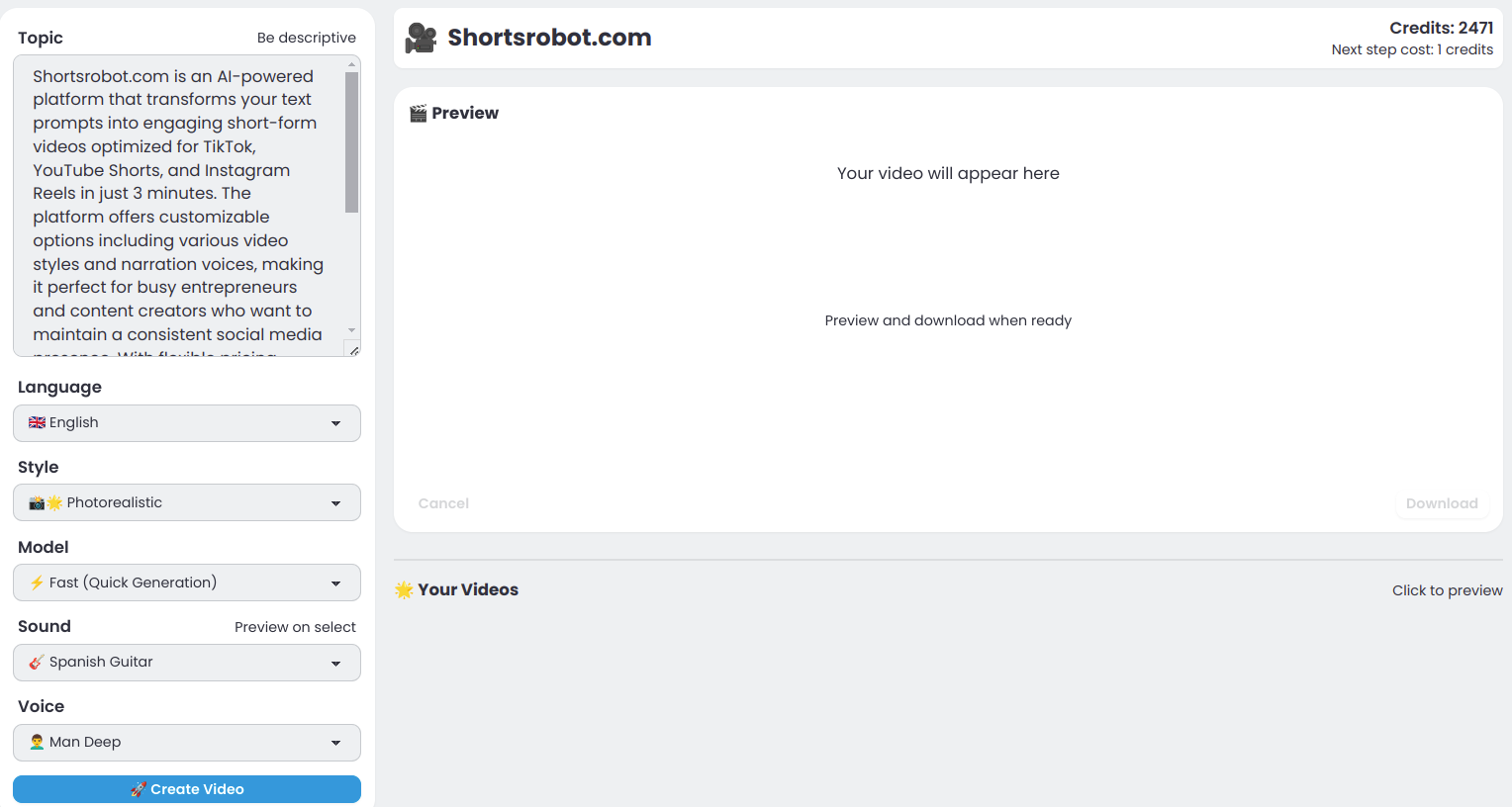
Shortsrobot.com
ShortsRobot is an AI-powered video generator that turns a single text prompt into a polished, ready-to-post vertical short (9:16) for TikTok, YouTube Shorts, and Instagram Reels, automating script, voiceover, images, captions and more in about 90 seconds.

Grok-imagine
Grok Imagine is an AI-powered video generator on LuminaMind that converts text and image prompts into cinematic videos with synchronized native audio, powered by xAI's Aurora autoregressive mixture-of-experts model.
Picxstudio
PicX Studio is an AI-powered video and image generation tool aimed at creators, offering templates and moodboards to speed up visual content creation. The site currently shows services temporarily down but allows exploration of templates and moodboards and provides a contact for support.

Pixverseai
Pixverse AI (Pixverse 5.5) is an AI video-generation model that supports high-resolution clip creation and is included as part of the Sea Imagine AI multi-model stack for generating video content.

automateclips
AutomateClips is an AI-powered video generator that transforms app walkthroughs into viral-ready content featuring virtual influencers, designed to showcase app features and drive downloads on platforms like TikTok, Instagram, and YouTube.

Mochi-1
Mochi 1 is an open-source AI video generation model from Genmo AI that creates smooth, physics-aware 30fps videos with strong prompt adherence using the AsymmDiT architecture. It targets creators, developers, researchers, and production teams seeking controllable, high-motion-quality video generation.
Premium Alternatives


human-echo
HumanEcho provides knowledge‑grounded bilingual AI support assistants for websites, delivering answers from your own files in Arabic and English with controls for where the assistant can appear.



Finetunefast
FinetuneFast is an ML boilerplate toolkit that accelerates fine-tuning, inference and deployment for text-to-image, LLMs and multimodal models, providing pre-built training scripts, production-ready inference templates and one-click deployment to help developers and makers ship AI apps quickly.


contentmaps-ai
Contentmaps AI turns domains, SERPs, Reddit conversations, and keyword sets into prioritized strategy dashboards and exportable briefs so SEO, content, and growth teams can plan, brief, and ship content faster.
