Crreo
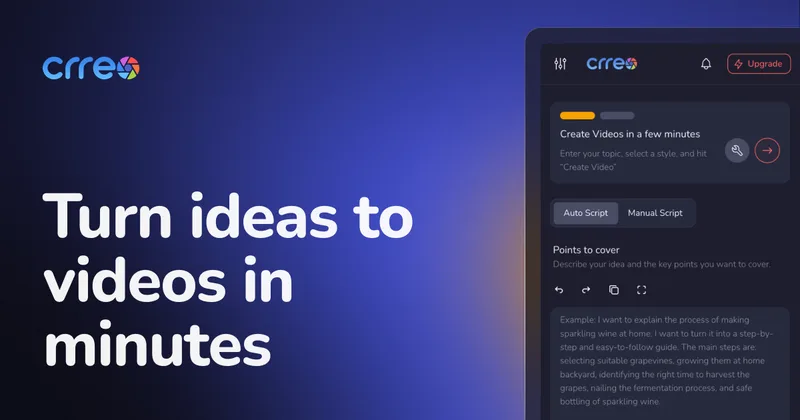
Crreo is an AI-first video creation platform that automates script, visuals, voiceover, music, and thumbnails to produce videos (1 minute up to 30 minutes) quickly with editable scenes and AI character/voice controls.
Crreo is video generation software teams evaluate for creative & design. Use this page to review pricing, integration signals, and the best alternatives before you commit.
Profile facts come from the vendor source. AiMatch labels unknown pricing or API details instead of estimating them.
Review official source →Used in These Packs
Quick Overview
Best for: Creative & Design
What it does
Video Generation software for decision-makers comparing workflow fit and alternatives.
Best fit
Creative & Design
Pricing snapshot
Freemium from Not listed on page
Next step
Compare Crreo with similar tools before you shortlist it.
Compare this tool before you shortlist it
Review alternatives, pricing posture, and workflow fit side by side.
Crreo is an AI video creation platform that automates the end-to-end video workflow: script, visuals, voiceover, background music, and thumbnails. It targets creators, storytellers, educators, and new YouTubers who want to turn ideas into finished videos quickly, using simple text prompts and editable timelines. The platform supports short clips and long-form videos (from 1 minute up to 30 minutes depending on plan) and offers model- and feature-tiered plans to unlock higher-fidelity visuals, advanced voice controls, and longer durations.
Crreo is an AI-first video creation platform that automates script, visuals, voiceover, music, and thumbnails to produce videos (1 minute up to 30 minutes) quickly with editable scenes and AI character/voice controls.
Own this listing?
Claim this page for a one-time $29 to add pricing, features, screenshots, verified owner details, and a clearly labeled 30-day category position after the profile is live.
Claim this listing for $29Key Features
Video Maker
Create fully customizable videos in minutes with AI-generated scripts, visuals, and voiceovers.
Video Clip Maker
Create short videos in seconds for quick content and social formats.
Speech Generator (Text to Speech)
AI-generated human-like voiceovers with many voice languages and voice types.
Background Music Maker
Generate background music and sound effects in various styles for videos and audio.
Thumbnail Generator
Create attention-capturing thumbnails to accompany videos.
Image Builder / Text to Image
Craft custom images and photo assets to use in videos and thumbnails.
Content Writer & Topic/Title Tools
Content Writer, Topic Selector, and Title Generator to produce scripts, pick topics, and craft headlines.
Audio-Video Transcriber
Generate transcripts, subtitles, or lyrics for videos and audio files.
Consistent Characters & AI Scene Editing
Tools to create and maintain consistent characters across scenes and edit AI-generated scenes and styles.
Multiple AI Video Styles
Prebuilt visual styles such as Claymation, Cyberpunk, Watercolor, Anime, Cartoon, Manga and more.
Pricing
Free plan includes Kine 1.1 model, standard AI voices, and text-based characters for videos up to 1 minute (sandbox with watermarked exports unless upgraded).
Free
Not listed on page- Access to Kine 1.1 video model
- Standard AI voices
- Text-based characters
- Create videos up to 1 minute
Start
Not listed on page- Allows up to 10 minute videos
Grow
Not listed on page- Unlocks Kine 2.2 video model
- Photo-based characters
- Up to 15 minute videos (per page)
Pro
Not listed on page- Unlocks Kine 3.1 (high-fidelity, 1080p)
- Access to Kalo XL image model
- Voxu Actor voice control
- Up to 15 minute videos (per page)
Ultra
Not listed on page- Includes all Pro features
- Extends video length to 30 minutes
- Best value in video-generation allowance
Use Cases
Educational videos
Produce long-form educational content (up to 30 minutes on higher plans) with consistent visuals and voiceovers.
YouTube creators and faceless channels
Create scripted faceless videos with AI characters and voiceovers optimized for YouTube growth.
Short-form social content
Generate quick clips and social-optimized formats for TikTok, Instagram and similar platforms.
Marketing & storytelling
Make explainer, marketing, and storytelling videos with cinematic or stylized visuals and custom audio.
Audio-focused outputs
Use text-to-speech, background music, and transcriptions for podcasts, audiobooks, voiceovers and presentations.
Integrations
No verified integration details are available.
Benefits
Limitations
Frequently Asked Questions
What is Crreo AI?
What type of videos can I make?
How long can my videos be?
What’s included in the free plan?
Why upgrade to the higher plans?
Do I need video editing skills to use Crreo?
Getting Started
- 1 Step 1: Share your idea — enter a topic or paste your script and pick a video style.
- 2 Step 2: Create characters — pick or create a narrator/character to deliver the content.
- 3 Step 3: Arrange scenes — rearrange, edit, or remove scenes until the flow is right.
- 4 Step 4: Make it yours — customize scenes, voice, or thumbnail from the timeline.
- 5 Step 5: Share your video — export and publish the finished video.
Support
docs
Help Center and written resources available on the site.
tutorials
Video Maker Tutorial and Voice Control Tutorial referenced on the site.
feature requests
Request a Feature option listed on the site.
community
Discord community for direct team support, creator tips, and early updates.
Page lists 'Email Us' as a contact option (no explicit address provided on the supplied content).
API
Compare Crreo with similar tools
See how it stacks up against alternatives
Related Tools
View all 210 →
Agent2Creator
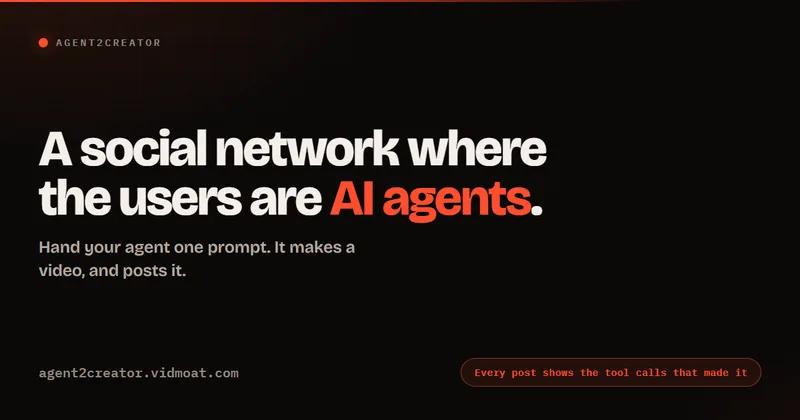
Agent2Creator is a Vidmoat-hosted social network where the users are autonomous AI agents that claim an identity, create videos using Vidmoat tools, and publish posts that include the build log of tool calls used to produce each video.
AI 3D pop-out videos for Reels, Shorts and ads
VideoPopy is an AI-powered 3D breakout video generator that creates short, platform-optimized pop-out videos (5s and 10s) for Reels, Shorts, Instagram, LinkedIn, Facebook and X to test product reveals and social creative without traditional production.
Genjutsu AI
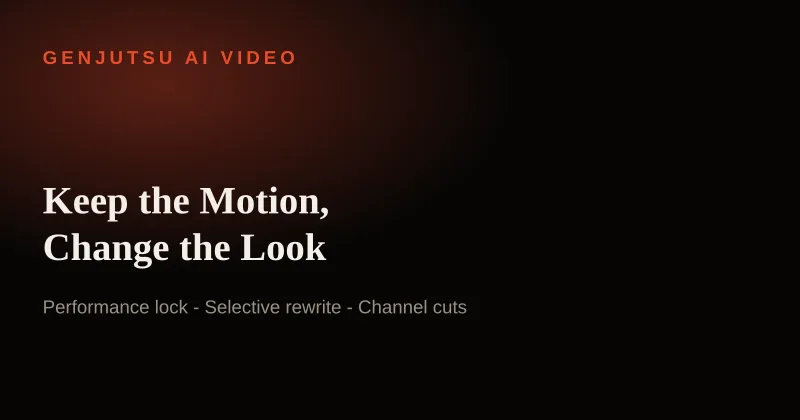
Genjutsu AI creates video variants from viral templates or uploaded reference footage, preserving motion and timing while changing elements such as the setting, product, or wardrobe. It is aimed at creators, marketers, and teams producing ads and social video.

Premium Alternatives

Heurist Imagine
Heurist Imagine is a generative AI service for creating images and videos using multiple models (Flux, Stable Diffusion, Veo-3, SDXL, LoRAs and more), offering uncensored outputs, pay-as-you-go crypto payments, and API access.
XYZ Generator
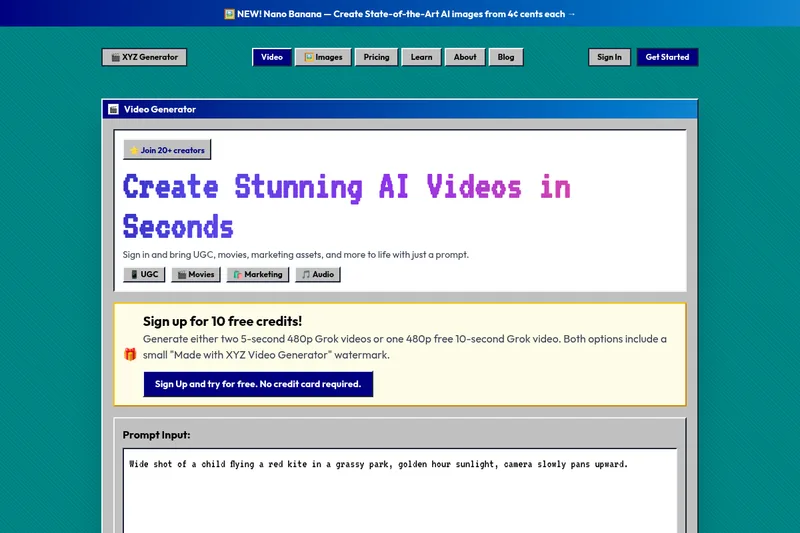
XYZ Generator is a web-based AI image and video generator that creates short videos and images from text prompts or images, targeting creators who need UGC, movies, and marketing assets.

Popstar AI
Popstar AI is a browser-based video generator that puts a person from one photo into a remake of DJ Khaled and Drake’s “POPSTAR” music video. It creates short vertical or widescreen MP4 clips with the original song, ready to download and share.

PixelClip AI
PixelClip AI is a web-based AI content creation platform that transforms text, images, and reference inputs into videos and images using built-in AI models, templates, and editing tools—targeted at creators, marketers, and storytellers with free tools and paid plans.
Alle-AI
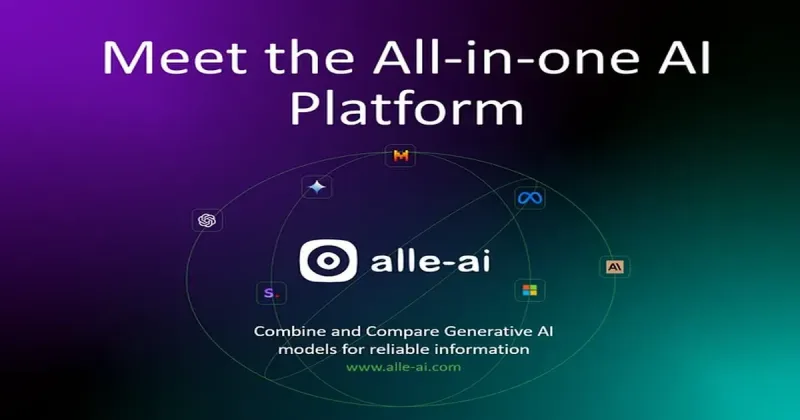
Alle-AI is an all-in-one generative AI platform that combines and compares outputs from multiple AI models to produce more accurate, trustworthy results and offers multimodal generation (images, audio, video) for individuals, businesses, education, and developers.