
Univideo
UniVideo is an AI-driven platform for unified video understanding, generation, and editing that uses Multimodal LLMs and Diffusion Transformers to create cinematic, consistent, and editable video content for creators and studios.
Univideo is video generation software teams evaluate for video generation. Use this page to review pricing, integration signals, and the best alternatives before you commit.
Profile facts come from the vendor source. AiMatch labels unknown pricing or API details instead of estimating them.
Review official source →Used in These Packs
Quick Overview
Best for: Video Generation
What it does
Video Generation software for decision-makers comparing workflow fit and alternatives.
Best fit
Video Generation
Pricing snapshot
Free from $20/month (Subscribe) or $17.00/month billed annually — 700 credits/month (8400 credits/year)
Next step
Compare Univideo with similar tools before you shortlist it.
Compare this tool before you shortlist it
Review alternatives, pricing posture, and workflow fit side by side.
UniVideo is an integrated AI platform that unifies video understanding, generation, and editing into a single workflow. Built on Multimodal Large Language Models (MLLM) and Diffusion Transformers, it targets creators ranging from solo producers to major studios and aims to translate creative direction into cinematic-quality videos. The platform emphasizes in-context generation, visual prompt understanding, and advanced consistency features (such as character and reference-image consistency) to maintain continuity across scenes while enabling free-form editing and natural-language control.
UniVideo is an AI-driven platform for unified video understanding, generation, and editing that uses Multimodal LLMs and Diffusion Transformers to create cinematic, consistent, and editable video content for creators and studios.
Own this listing?
Claim this page for a one-time $29 to add pricing, features, screenshots, verified owner details, and a clearly labeled 30-day category position after the profile is live.
Claim this listing for $29Key Features
Unified Framework
Integrates understanding, generation, and editing into a single seamless workflow so users do not need to switch between multiple tools.
Dual-Stream Architecture
A dual-stream architecture processes visual data for fast, accurate merging of generation and editing capabilities.
In-Context Generation & Editing
Supports in-context generation and in-context editing to intelligently replace or modify specific video segments without rendering the entire clip again.
Character Consistency
Maintains perfect character and object consistency across scenes to solve 'identity shifting' for episodic content.
Reference Image Processing
Allows uploading reference images to guide the AI, ensuring specific objects and environments are replicated with pixel-level fidelity.
Hy-motion Technology
Delivers fluid, realistic motion via physics-based simulation to create grounded, believable movement and avoid uncanny effects.
Visual Prompt Understanding
Advanced MLLM architecture interprets complex visual cues, mood, lighting, and composition to translate mood boards or sketches into video sequences.
Natural Language Control & Free-form Editing
Modify video content using natural language or visual instructions without complex setups, enabling flexible creative control.
Pricing
UniVideo Starter
$20/month (Subscribe) or $17.00/month billed annually — 700 credits/month (8400 credits/year)- High-quality generation
- Access to major AI models
- Ultra-fast response speed
- No watermark
UniVideo Pro
$50/month (Subscribe) or $42.00/month billed annually — 2000 credits/month (24000 credits/year)- High-quality generation
- Access to major AI models
- Ultra-fast response speed
- No watermark
UniVideo Ultimate
$100/month (Subscribe) or $84.00/month billed annually — 4000 credits/month (48000 credits/year)- High-quality generation
- Access to major AI models
- Ultra-fast response speed
- No watermark
Use Cases
Professional filmmaking and episodic content
Create cinematic sequences and maintain character identity across scenes—useful for films, animated series, and commercials where continuity matters.
Dynamic object replacement and post-production updates
Swap or add objects in existing footage using a reference photo to integrate product placements or update props without reshoots.
AI cinematography and pre-visualization
Generate high-quality trailers, cutscenes, and storyboard visualizations to preview scripts and directorial intent before production.
Pre-visualization from mood boards or sketches
Turn conceptual sketches or mood boards into realized video sequences, accelerating creative iteration and communication.
Social media and short-form content
Support creators producing content for social platforms with fast, high-quality generation and editing tools.
Integrations
No verified integration details are available.
Benefits
Limitations
No verified limitations are available.
Frequently Asked Questions
No verified FAQs are available.
Getting Started
- 1 Step 1: Visit the UniVideo site and sign up or sign in (site shows 'Sign In' and 'Start Creating').
- 2 Step 2: Choose a subscription plan to obtain credits (Starter, Pro, or Ultimate) or explore available billing options.
- 3 Step 3: Login to generate, upload reference images or prompts, then create or edit videos using text/image-to-video or in-context editing tools.
Support
docs
Research paper and technical resources linked on the site via 'View Paper' and 'Code' buttons.
contact
Contact and support are accessible through the site (nav includes 'Support' and 'Contact Us').
API
Compare Univideo with similar tools
See how it stacks up against alternatives
Related Tools
View all 202 →
Agent2Creator
Agent2Creator is a Vidmoat-hosted social network where the users are autonomous AI agents that claim an identity, create videos using Vidmoat tools, and publish posts that include the build log of tool calls used to produce each video.
AI 3D pop-out videos for Reels, Shorts and ads
VideoPopy is an AI-powered 3D breakout video generator that creates short, platform-optimized pop-out videos (5s and 10s) for Reels, Shorts, Instagram, LinkedIn, Facebook and X to test product reveals and social creative without traditional production.
Animatediff
AnimateDiff is an AI-powered text-to-video and image-to-video tool that uses Stable Diffusion plus a learned motion module to generate short animated clips, looping animations, and edit existing videos via ControlNet. It targets artists, creators, and prototyping workflows and is available to try for free on animatediff.org.

Pixverse AI
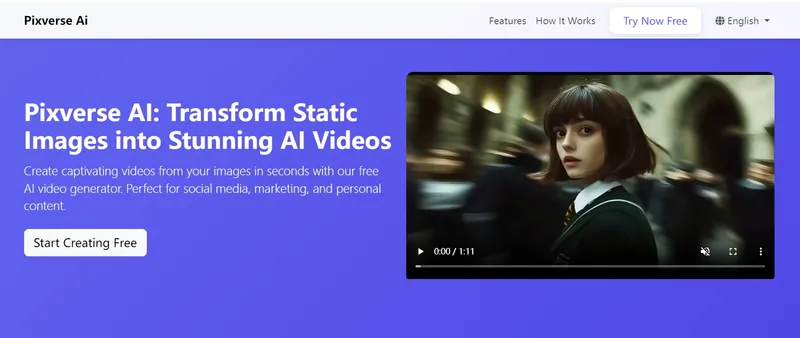
Pixverse AI is a web-based platform that uses artificial intelligence to transform static images into animated videos and visual effects, offering a free plan for creators, marketers, and businesses to generate social-media-ready video content quickly.
Premium Alternatives
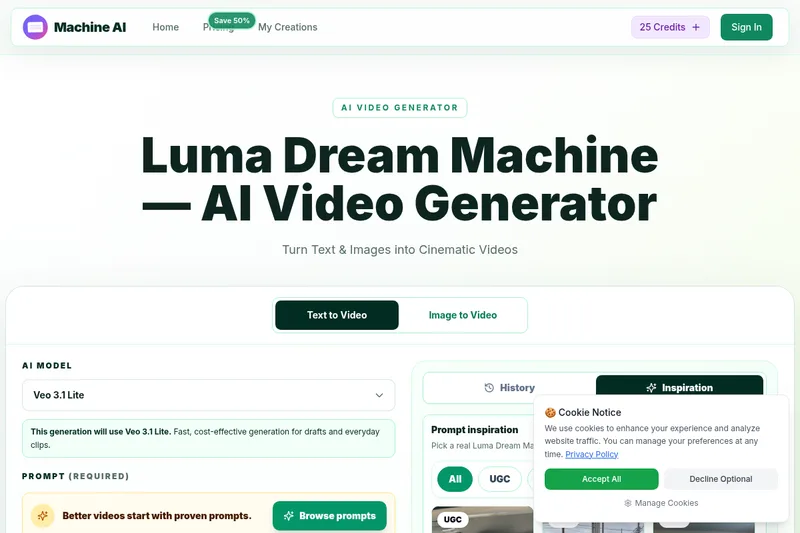
Luma Dream Machine
Luma Dream Machine is a web-based AI video generator that creates cinematic clips from text prompts or static images, producing up to 1080p output and designed for creators, professionals, and teams.
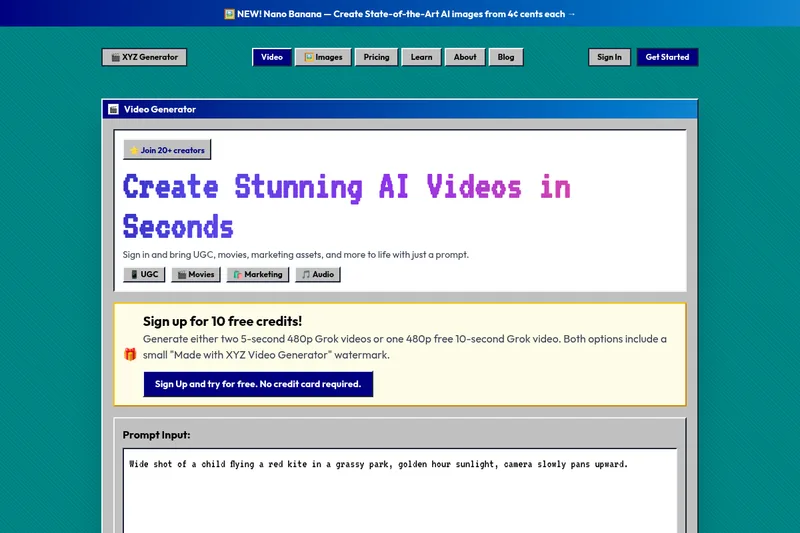
XYZ Generator
XYZ Generator is a web-based AI image and video generator that creates short videos and images from text prompts or images, targeting creators who need UGC, movies, and marketing assets.

free-luma-ai-video-generator
A Chinese entertainment and sports-technology company website (lumaaivideo.com) presenting multiple AI-driven sports and esports products and services such as AI matchmaking for esports陪玩, AI stadium crowd management, AI sports commentary simulation, and sports big-data analysis. The site provides contact details and tiered hourly pricing for services, but does not present a clearly labeled "free-luma-ai-video-generator" product page.

ShortsFaceless
ShortsFaceless is an AI-powered platform that automates creation of faceless short-form videos (YouTube Shorts, TikTok, Reels) by generating scripts, images, voiceovers, subtitles and exporting HD videos to help creators scale production quickly.

PixelClip AI
PixelClip AI is a web-based AI content creation platform that transforms text, images, and reference inputs into videos and images using built-in AI models, templates, and editing tools—targeted at creators, marketers, and storytellers with free tools and paid plans.