

Pixverseai
Pixverse AI (Pixverse 5.5) is an AI video-generation model that supports high-resolution clip creation and is included as part of the Sea Imagine AI multi-model stack for generating video content.
Pixverseai is video generation software teams evaluate for creative & design. Use this page to review pricing, integration signals, and the best alternatives before you commit.
Used in These Packs
Quick Overview
Best for: Creative & Design
What it does
Video Generation software for decision-makers comparing workflow fit and alternatives.
Best fit
Creative & Design
Pricing snapshot
Contact for pricing
Next step
Compare Pixverseai with similar tools before you shortlist it.
Compare this tool before you shortlist it
Review alternatives, pricing posture, and workflow fit side by side.
Pixverseai
Pixverse AI (listed as Pixverse 5.5) is an AI-powered video generation model optimized to produce high-resolution video clips. It is one of several world-class models available inside the Sea Imagine AI platform, and is intended to be selected by users who need higher-resolution outputs or specific visual characteristics offered by the Pixverse model. Pixverse AI is typically accessed via Sea Imagine's unified interface where users can choose among multiple models depending on their creative goals.
Pixverse AI (Pixverse 5.5) is an AI video-generation model that supports high-resolution clip creation and is included as part of the Sea Imagine AI multi-model stack for generating video content.
Own this listing?
Claim this page to add pricing, features, screenshots, and verified owner details.
Claim this listingKey Features
High-resolution video support
Pixverse 5.5 is described as supporting high-resolution clips, making it suitable for outputs that require greater detail and clarity.
AI-driven video generation
A dedicated AI video model used within a multi-model platform to generate video content from provided inputs (text or images) as part of Sea Imagine AI's workflows.
Included in multi-model stack
Available alongside other models (VEO, Seedance, Kling, etc.) within Sea Imagine AI, enabling users to compare and select the model that best fits their style and requirements.
Pricing
Pricing specific to Pixverse AI is not provided separately; model access is included as part of Sea Imagine AI's credit-based plans. For model usage costs consult Sea Imagine AI pricing and credit details.
Use Cases
High-resolution short video production
Create high-resolution short clips for marketing, presentations, demos, or creative projects where image quality is a priority.
Model comparison and experimentation
Test Pixverse 5.5 outputs against other models in Sea Imagine AI to determine which model best matches a desired visual style or fidelity requirement.
Integration within Sea Imagine workflows
Use Pixverse as the chosen generation model inside Sea Imagine's unified interface for end-to-end video creation, editing, and reuse.
Integrations
Sea Imagine AI
Pixverse 5.5 is integrated into the Sea Imagine AI platform and available as one of the selectable models for text-to-video and image-to-video generation workflows.
Benefits
Limitations
Frequently Asked Questions
What is Pixverse AI?
How do I use Pixverse 5.5?
Can I access Pixverse directly via an API?
Is Pixverse suitable for commercial projects?
Getting Started
- 1 Create an account on Sea Imagine AI (seaimagine.com) or sign in to an existing account.
- 2 Open the video-generation interface and choose Pixverse 5.5 from the available model options.
- 3 Provide your input (text prompt or source image), adjust generation settings, and run the job to produce high-resolution video clips.
Support
Docs
General guidance and tutorials are available through Sea Imagine AI's documentation and blog resources.
Contact
Support and account inquiries are handled via Sea Imagine AI's Contact Us/support pages (see SeaImagine.com).
Community/Blog
Sea Imagine AI maintains articles, guides, and model reviews that discuss usage patterns and tips relevant to Pixverse when used inside the platform.
API
Compare Pixverseai with similar tools
See how it stacks up against alternatives
Related Tools
View all 129 →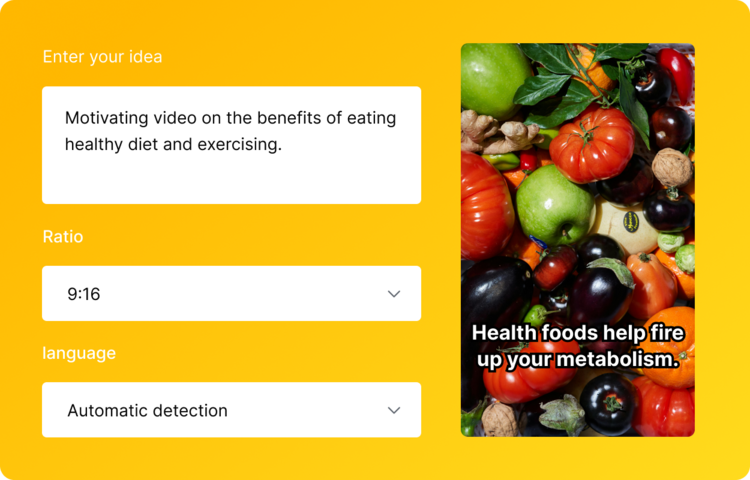

Videopromptai
VideoPromptAI is an AI-powered 3D animation maker that helps users create stunning 3D animated videos, offering a free web-based tool to generate animated content quickly.
Animateoldphotos
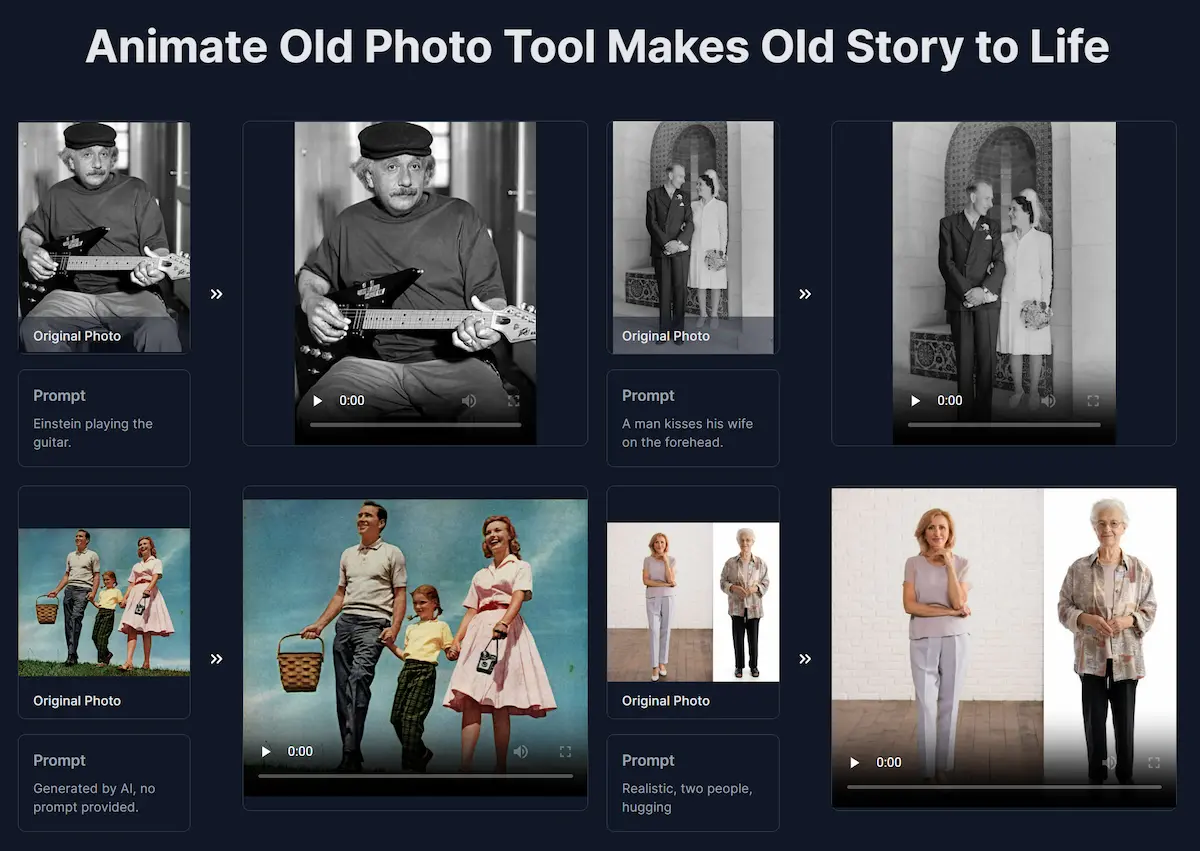
Animate Old Photos is a web tool that uses AI to turn old photos into short animated videos (default 5s) with speech, singing, background music and motion, and also offers restoration, colorization and tools to add a deceased loved one or create hug videos.

story-boards-ai
Story-boards.ai is an AI-powered storyboard generator that transforms scripts into vivid visual storyboards, designed for filmmakers, ad creators, and visual storytellers to streamline and enhance their creative process.

Wan 2.2
Wan 2.2 is an advanced open-source AI video generation model featuring a Mixture-of-Experts architecture, enhanced data scaling, and cinematic aesthetics control, enabling high-quality text-to-video and image-to-video generation at 720P resolution with 24fps on consumer-grade GPUs.
Animatephoto
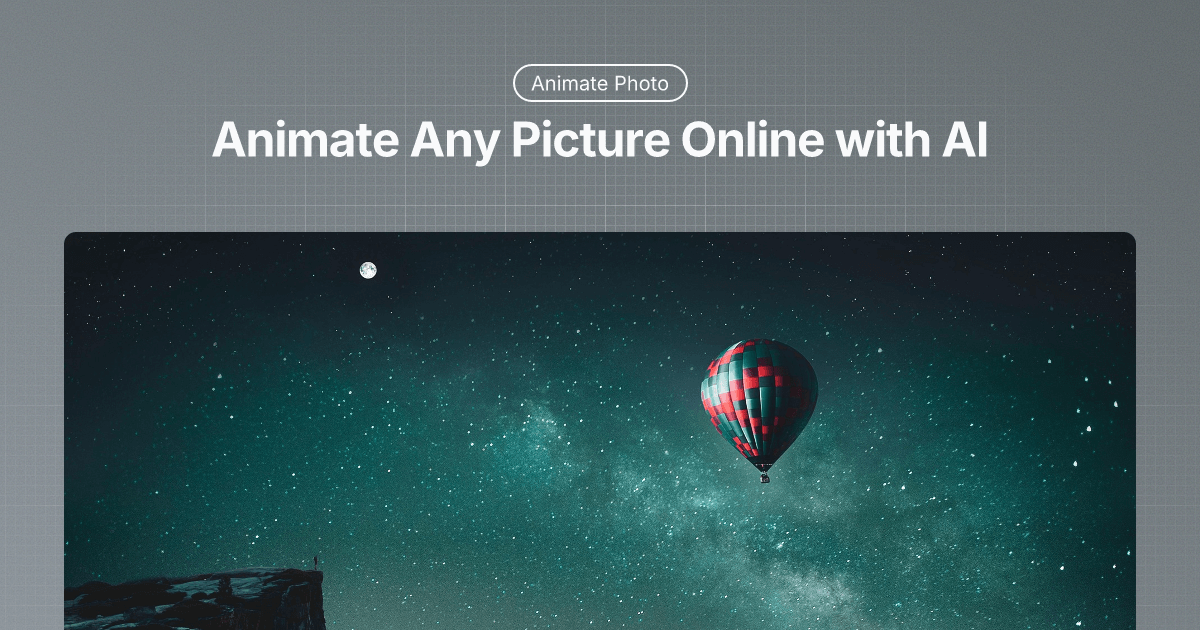
Animate Photo is an AI-powered web tool that turns still images into short, shareable animated videos by adding natural facial, object, and environmental motion using prompt-guided controls.

Sora2 – Create AI videos with sound
Sora2 is an AI-powered video generator that creates professional-quality videos with perfectly synced audio, including sound effects, dialogue, and ambient noise. It supports text-to-video and image-to-video generation with HD output and fine-grained creative control.
Premium Alternatives



Vectormagic
Vector Magic is an automatic full-color bitmap-to-vector conversion tool (online and desktop) that converts JPG, PNG, BMP, and GIF files into true vector formats (SVG, EPS, PDF, and desktop-only AI/DXF) for printing, cutting, embroidery, and design workflows.

Ultrafaceswap
The available site content describes Pixora, a text-to-image AI generator that creates original images from text prompts and explicitly states it does not support face-swapping or file uploads. No specific product details for "Ultrafaceswap" are provided on the page.



PromptPack 100
PromptPack 100 offers 100 ready-to-use ChatGPT prompts designed specifically for entrepreneurs, startup founders, and small-business owners to save time, think bigger, and build faster by leveraging AI.