
Another AI App
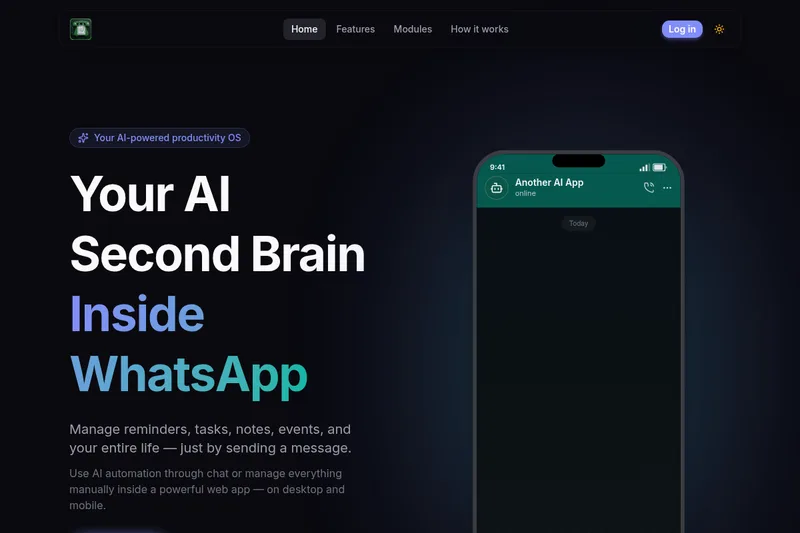
Another AI App turns WhatsApp messages into reminders, tasks, and events, with a web dashboard for manual management. It is presented for professionals, founders, students, and creatives who want to organize everyday work and plans.
One of 132 tools in Productivity
Who it's for
- Professionals who want to capture meeting action items and set follow-up reminders.
- Founders who want to record tasks and investor follow-ups through WhatsApp while on the go.
- Creatives who want to capture project ideas in natural conversation and organize them in a productivity system.
How it fits your workflow
Send a natural-language request through WhatsApp, such as a reminder or task. The AI interprets the message and creates the corresponding item; the page also shows event and finance-entry examples.
For manual control, use the web app dashboard on desktop or mobile to manage reminders, tasks, events, habits, finance, and notes.
Pricing
Free: Free to start; no credit card required. Further plan and pricing details are not provided.
The vendor doesn't publish prices. Check with Another AI App directly.
Prices checked on Oct 15, 2026 from the vendor's site. They can change; confirm before you buy.
Key features
- Natural-language AI chat
- Send a message describing a task, reminder, or event; the AI interprets the request and creates the item.
- WhatsApp productivity assistant
- Use WhatsApp messages to capture information and turn them into structured productivity items rather than leaving them buried in chats.
- Manual web dashboard
- Manage productivity information manually in a web app available on desktop and mobile.
- Multiple productivity modules
- The page lists reminders, tasks, events, habits, finance, and notes among the dashboard modules.
- Reminder notifications
- Set reminders and receive notifications at the requested time, as illustrated by the page's reminder examples.
Works with
Alternatives to consider
-
Grimo AI
Choose it if you want an iOS productivity app with voice mode and integrated chat for managing tasks, calendar events, and notes rather than a WhatsApp-based assistant with a manual web dashboard.
Getting started
- Select Get Started on the product page.
- Use WhatsApp chat to describe a reminder, task, or event you want to create.
- Use the web app on desktop or mobile to manage items manually if preferred.