
CardGo
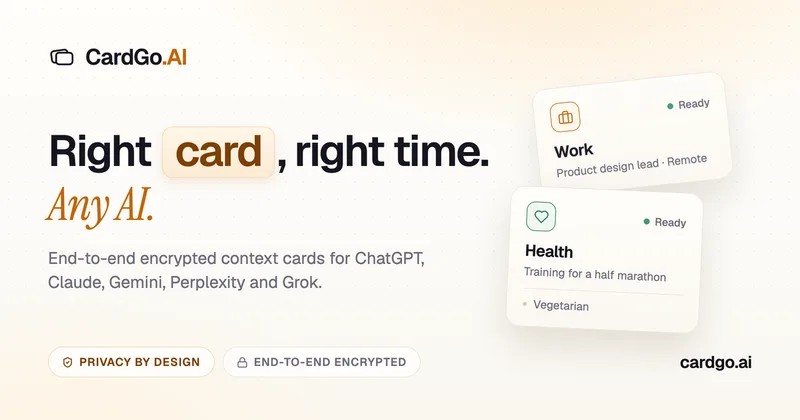
CardGo is a Chrome extension and context-management product that stores small, reusable, end-to-end encrypted AI context “cards” you attach to chats (ChatGPT, Claude, Gemini, Perplexity, Grok) so multiple AI tools can access the right user context without sharing your full profile.
CardGo is productivity software teams evaluate for productivity. Use this page to review pricing, integration signals, and the best alternatives before you commit.
Profile facts come from the vendor source. AiMatch labels unknown pricing or API details instead of estimating them.
Review official source →Used in These Packs
Quick Overview
Best for: Productivity
What it does
Productivity software for decision-makers comparing workflow fit and alternatives.
Best fit
Productivity
Pricing snapshot
Free from Free
Next step
Compare CardGo with similar tools before you shortlist it.
Compare this tool before you shortlist it
Review alternatives, pricing posture, and workflow fit side by side.
CardGo is a context-management tool for AI conversations that uses small, reusable "context cards" you create once and attach to AI chats when relevant. It is delivered as a Chrome extension (desktop Chromium browsers) and is designed to work with multiple chat providers (ChatGPT, Claude, Gemini, Perplexity, Grok) so the same context travels between different AIs without re-explaining yourself. Cards are end-to-end encrypted in the browser before being uploaded; CardGo stores only ciphertext and operational metadata, and keys are generated and held on the user’s device. CardGo targets workflows where users want separate context for different parts of life (work, health, family) and features structured card sections (Profile, Now, Goals, Guidance, Memory, Timeline, Skills), on-device suggestions, and previewing/filtering of sensitive values before attaching.
Save your context once as encrypted cards, then attach the right one in ChatGPT, Claude, Gemini, Perplexity or Grok with the CardGo Chrome extension. Free to start.
Own this listing?
Claim this page for a one-time $29 to add pricing, features, screenshots, verified owner details, and a clearly labeled 30-day category position after the profile is live.
Claim this listing for $29Key Features
End-to-end encryption
Cards are encrypted in the browser with AES-256-GCM; each card gets its own content key and the vault key is generated on the device and never sent to CardGo.
Cross-AI portability
Attach the same card to conversations in ChatGPT, Claude, Gemini, Perplexity and Grok to reuse context across providers instead of relying on a single provider’s memory.
Chrome extension integration
A Chrome extension injects CardGo controls beside supported AI chats in desktop Chromium browsers such as Chrome, Edge, Brave and Arc.
Structured context cards
Cards are organized into seven sections — Profile, Now, Goals, Guidance, Memory, Timeline, Skills — so you can store stable facts, current state, goals, guidance for how the AI should respond, append-only memory and named skills.
On-device suggestions & drafting
CardGo can draft card suggestions and surface the right card as you type using a small model that runs in your browser; nothing is attached or saved until you tap.
Preview & filter sensitive details
Before attaching a card you review an exact snapshot of what will be shared; sensitive values are filtered on your device so you see exactly what the AI will receive.
Per-card sharing controls
Attach only the card a conversation needs and send Skills only when you explicitly invoke them; you control what each chat sees.
Syncs ciphertext only
CardGo’s servers store opaque ciphertext blobs, sizes and timestamps but do not hold decryption keys, so CardGo cannot read card contents.
Pricing
Free to start with up to 7 end-to-end encrypted cards that sync across devices; no credit card required.
Free
Free- Free to start, no credit card required
- Includes up to 7 end-to-end encrypted cards that sync across devices
Use Cases
Keep separate contexts for different life areas
Maintain distinct cards for work, health, family, etc., and attach only the relevant card when asking an AI — avoids combining unrelated instructions in one custom instruction set.
Bring consistent context across multiple AI providers
Use the same card when switching between ChatGPT, Claude, Gemini, Perplexity and Grok so you don't need to re-explain background or preferences.
Save repeating details you’re tired of retyping
Store durable facts in Memory (e.g., allergies, preferences) so they are appended to conversations only when you attach the card.
Invoke named Skills
Define and invoke named moves like 'Weekly review' or 'Summarize for my manager' so the prompt runs while the rest of the card stays out of the conversation unless needed.
Draft and update cards quickly
Use CardGo’s 'dream cards' and suggestion features to describe your life once and get proposed cards that you can refine and approve.
Integrations
ChatGPT
Attach cards into ChatGPT conversations via the CardGo Chrome extension.
Claude
Attach cards into Claude conversations via the CardGo Chrome extension.
Gemini
Attach cards into Gemini conversations via the CardGo Chrome extension.
Perplexity
Attach cards into Perplexity conversations via the CardGo Chrome extension.
Grok
Attach cards into Grok conversations via the CardGo Chrome extension.
Chromium browsers
Runs as a Chrome extension in desktop Chromium-based browsers such as Chrome, Edge, Brave and Arc.
Benefits
Limitations
Frequently Asked Questions
What is an AI context card?
Which AI chats does CardGo work with?
Does CardGo read my AI conversations?
What is shared when I attach a card?
Can CardGo read my encrypted cards?
Is CardGo a prompt manager or an AI memory tool?
Is CardGo free?
Getting Started
- 1 Step 1: Install the CardGo Chrome extension in a desktop Chromium browser (Chrome, Edge, Brave, Arc).
- 2 Step 2: Create one or more cards and fill useful sections (Profile, Now, Goals, Guidance, Memory, Timeline, Skills).
- 3 Step 3: In a supported AI chat (ChatGPT, Claude, Gemini, Perplexity, Grok) choose and attach the card you want before sending your message.
Support
Contact via the site 'Get in touch' email: [email protected]
docs
On-site pages including FAQ, Privacy, Terms and 'How it works' provide product guidance and legal information.
API
Compare CardGo with similar tools
See how it stacks up against alternatives
Related Tools
View all 132 →
Windrunner
Windrunner is an AI-powered project collaboration and work management platform that combines work items, decisions, blockers, evidence, and progress into a single shared workspace to help teams coordinate work and review AI-proposed updates.


threadfork
threadfork is a macOS native, on-device AI notetaker that records, transcribes, and organizes meetings locally on Apple Silicon — generating summaries, threads (commitments/decisions), entities, and semantic search without sending audio to the cloud.

Afterlid, guarded lid closed work for macOS
Afterlid is a native macOS menu‑bar app that keeps downloads, renders, backups, dev servers, remote access, and local AI agents running after you close the lid by offering guarded modes (Sleepy, Awake, Always On) with built‑in battery, thermal, heartbeat, and time limits.
Habit Pocket
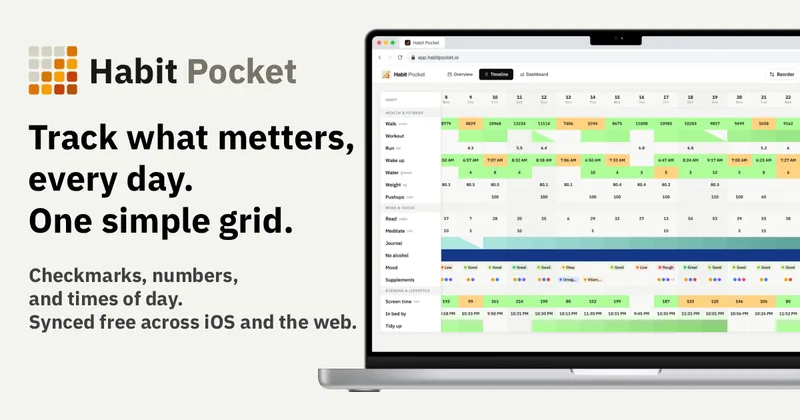
Habit Pocket is a multi-platform habit tracker that logs yes/no checks, numeric values, times, and categorical selections in a single grid, plus charts and AI integrations to reveal correlations between habits, sleep, mood, and energy.
Premium Alternatives

AI Summarizer (summarizer.org)
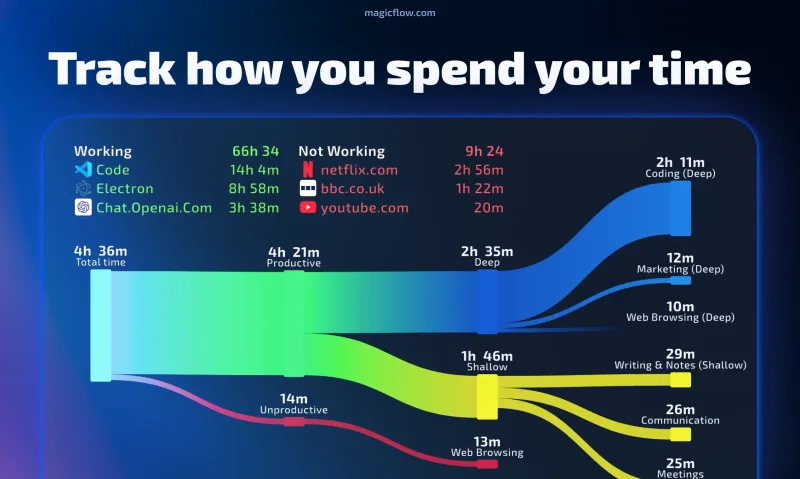
AI Summarizer (summarizer.org) is a web-based AI-powered text summarization tool that shortens text while preserving main points, supporting text, DOCX, images and URLs, multiple output styles (paragraphs, bullet points), multiple languages, and optional premium features.
Writingmate
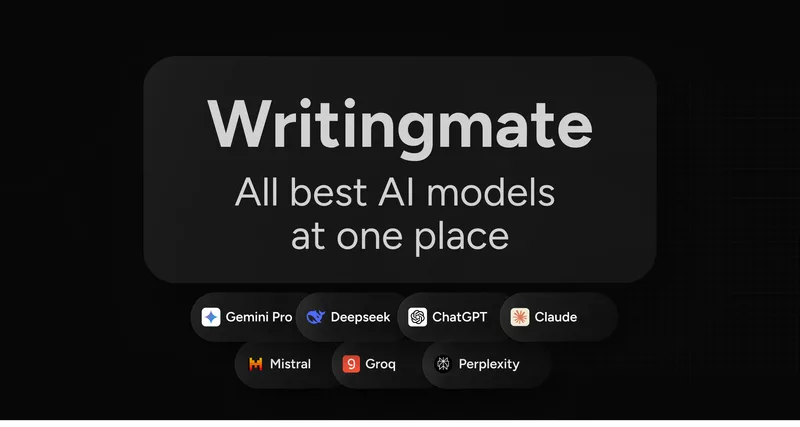
Writingmate is an all-in-one AI workspace that brings chat, files, web search, image and video generation, and 350+ third-party models (GPT, Claude, Gemini, Grok, Sora, Veo, etc.) into a single app designed for productivity, content, and team work.

Inbox Zero
Inbox Zero is an AI email assistant that organizes and labels inbox messages, drafts replies in the user's voice, and helps manage email from web, mobile, Slack, or Telegram. It works alongside Gmail or Outlook rather than replacing the email client.
gistreader
GistReader is a web-based read-it-later app that uses AI to summarize articles and remove distractions, supporting individual pages and RSS feeds while syncing content across devices.

HigLabo Mail Agent
HigLabo Mail Agent is part of HigLabo, an AI-powered integrated workspace that organizes inboxes and automatically converts actionable emails into tasks to help teams and individuals reduce context switching and work more efficiently.