bloomnote
BloomNote is an AI-powered study tool that converts files, videos, lectures, and websites into organized study materials such as notes, flashcards, quizzes, podcasts, and whiteboards to help learners save time and retain knowledge.
bloomnote is education software teams evaluate for education. Use this page to review pricing, integration signals, and the best alternatives before you commit.
Profile facts come from the vendor source. AiMatch labels unknown pricing or API details instead of estimating them.
Review official source →Used in These Packs
Quick Overview
Best for: Education
What it does
Education software for decision-makers comparing workflow fit and alternatives.
Best fit
Education
Pricing snapshot
Free
Next step
Compare bloomnote with similar tools before you shortlist it.
Compare this tool before you shortlist it
Review alternatives, pricing posture, and workflow fit side by side.
BloomNote is presented as an AI study tool that transforms a variety of source materials—files, videos, lectures, and websites—into structured learning artifacts like notes, flashcards, quizzes, podcasts, and whiteboards. It offers an upload-and-process workflow where users provide sources, receive instant summaries, ask questions in chat for tutor-like answers, and then generate personalized study materials in a Studio environment. The product is aimed at students and professionals, with claims of saving time, improving understanding, and organizing learning with notebooks and libraries.
AI study tool for notes, flashcards, quizzes, and podcasts from various learning materials.
Own this listing?
Claim this page for a one-time $29 to add pricing, features, screenshots, verified owner details, and a clearly labeled 30-day category position after the profile is live.
Claim this listing for $29Key Features
Automatic Summarization
Instantly summarizes uploaded resources so learners get concise overviews and key points from files, videos, lectures, and websites.
Chat Q&A (Tutor-like Responses)
Ask questions in chat and receive curated, tutor-like answers based on the uploaded sources.
Studio: Create Study Materials
Create notes, flashcards, quizzes, podcasts, and whiteboards from summarized content using the Studio feature.
Organized Notebooks & Libraries
Keep sources and generated study materials organized with notebooks and libraries for a streamlined learning experience.
Source-referenced Practice Materials
Create practice material that references your sources, helping ensure study content links back to original materials.
Multi-source Uploads
Support for uploading varied content types including lectures, videos, files, and websites as learning sources.
Pricing
Start Learning - It's Free
Use Cases
Summarizing Lectures and Courses
Upload lecture recordings or course materials to get concise summaries and study guides to prepare for classes and exams.
Creating Flashcards and Quizzes
Automatically generate flashcards and quizzes from source content to facilitate spaced repetition and active recall practice.
Converting Podcasts, Articles, and Videos
Summarize podcasts, articles, and YouTube videos to stay informed or learn new topics without watching/listening in full.
Centralizing Learning Resources
Aggregate scattered resources (videos, notes, web pages) into a single organized workspace for easier review and study.
Integrations
No verified integration details are available.
Benefits
Limitations
No verified limitations are available.
Frequently Asked Questions
No verified FAQs are available.
Getting Started
- 1 Step 1: Upload your sources (files, videos, lectures, or websites).
- 2 Step 2: Receive instant summaries and use the chat to ask questions about the material.
- 3 Step 3: Use Studio to create notes, flashcards, quizzes, podcasts, or whiteboards from summarized content.
Support
website
Main site and account access via https://www.bloomnote.me/ (Sign in, Pricing, Creator Program links on the site).
social
Social channels listed on the site: Instagram, TikTok, YouTube.
API
Compare bloomnote with similar tools
See how it stacks up against alternatives
Related Tools
View all 124 →
Academa Studio
Academa Studio is an AI-native web editor for authoring Manim (mathematical animation) content, providing an integrated Python runtime, renderer preview, and AI-assisted chat prompts to generate and refine animations.

Language Model Builder
Language Model Builder is a free macOS app and interactive textbook that teaches how language models are built and lets you train small GPT-style models locally on Apple Silicon Macs.
Teacher Planner
Teacher Planner is an online planning tool for teachers to organize lessons by day, week, month, unit, or outline, import a timetable from a photo or PDF, and prepare classroom materials with AI tools. It includes free and paid plans with different planbook and printing features.
LongTerMemory
LongTerMemory is an AI study web application that turns learners’ documents, images, and web pages into quizzes, a personalized study plan, and spaced-repetition reviews. It also lets users chat with their imported study materials.
Mindmapai
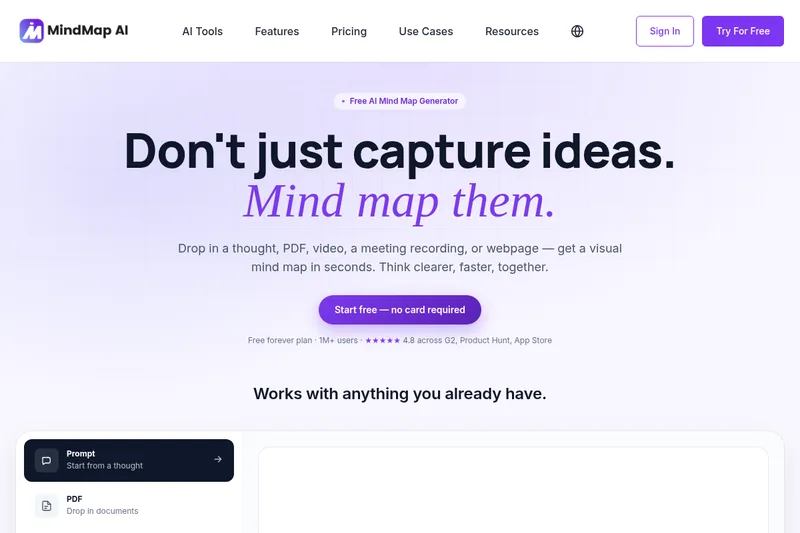
MindMap AI is a cloud-based AI-powered mind map generator that turns prompts, documents, audio/video, webpages and other inputs into editable visual mind maps for individuals and teams. It offers real-time AI chat with maps, multi-structure views (mind map, logic chart, org chart, outline), multi-device apps, and team workspaces.

timelygrader
TimelyGrader is an AI-assisted grading platform for instructors and educational institutions. It analyzes student work against instructor-defined rubrics, drafts grades and personalized feedback, and requires an instructor or TA to review and finalize results.


Edubrain AI Homework Helper
Edubrain AI Homework Helper is a web-based, privacy-first AI tutor that provides step-by-step solutions across many school and university subjects, accepts PDF/scan/image/audio inputs, and offers free access with optional paid upgrade tiers.
Premium Alternatives
eSkilled AI Course Creator
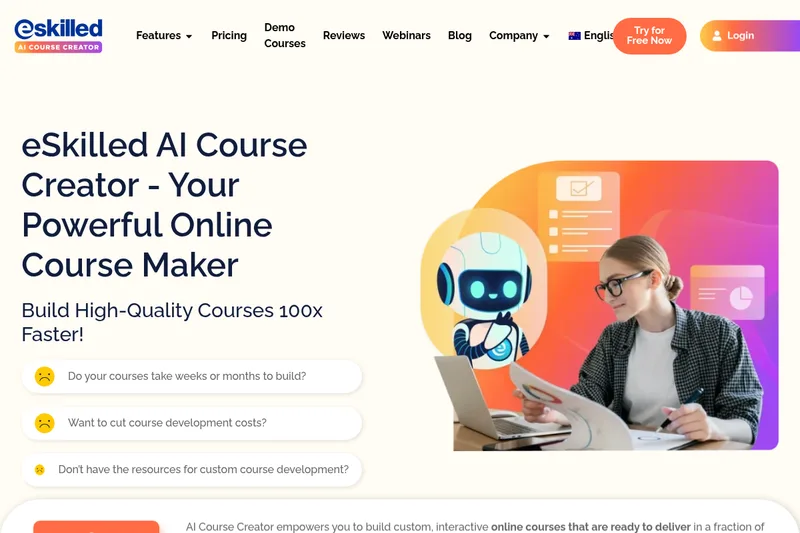
eSkilled AI Course Creator is a cloud-based course authoring platform that uses AI to turn ideas and existing training materials into editable online courses with lessons, quizzes, imagery, and interactive activities. Courses can be shared by URL, embedded, connected through LTI, or exported as SCORM.